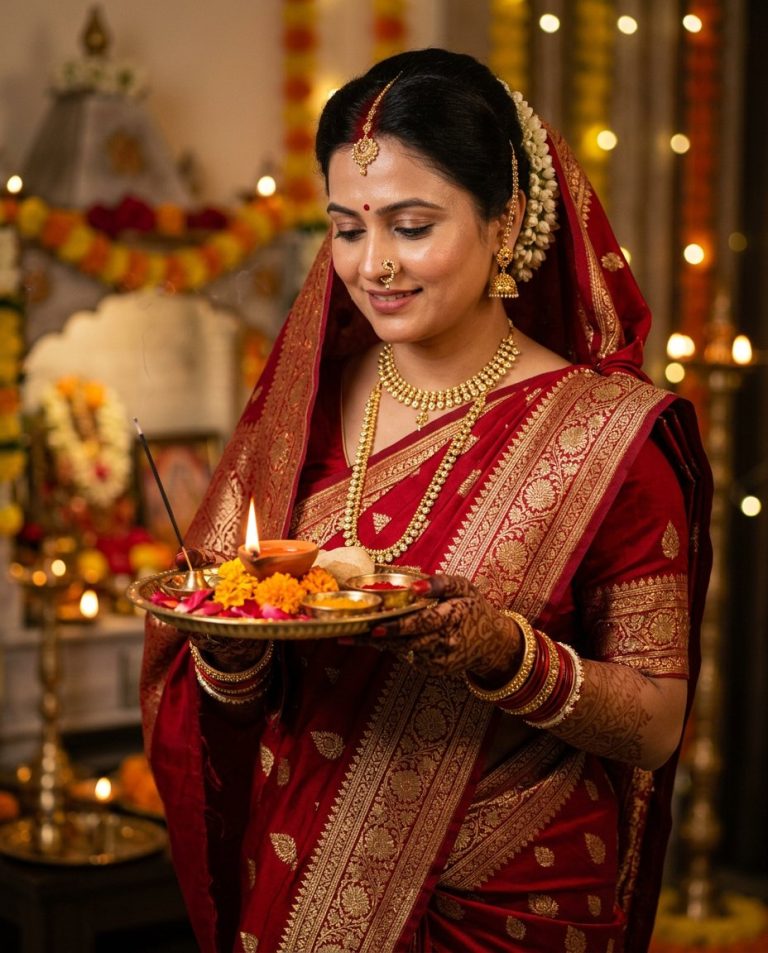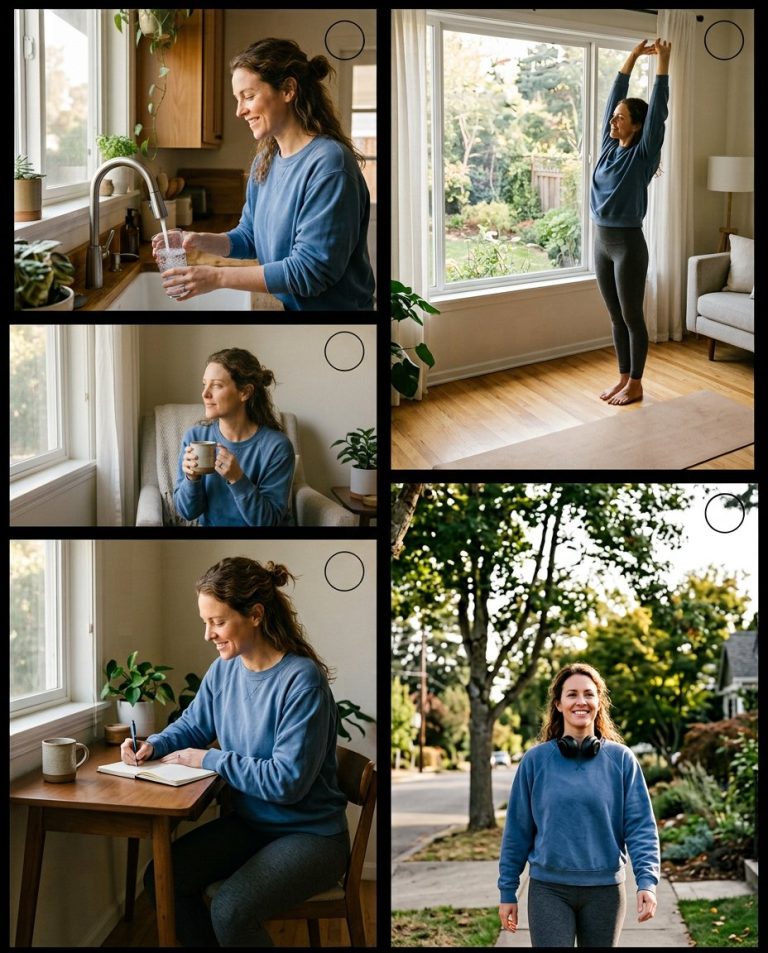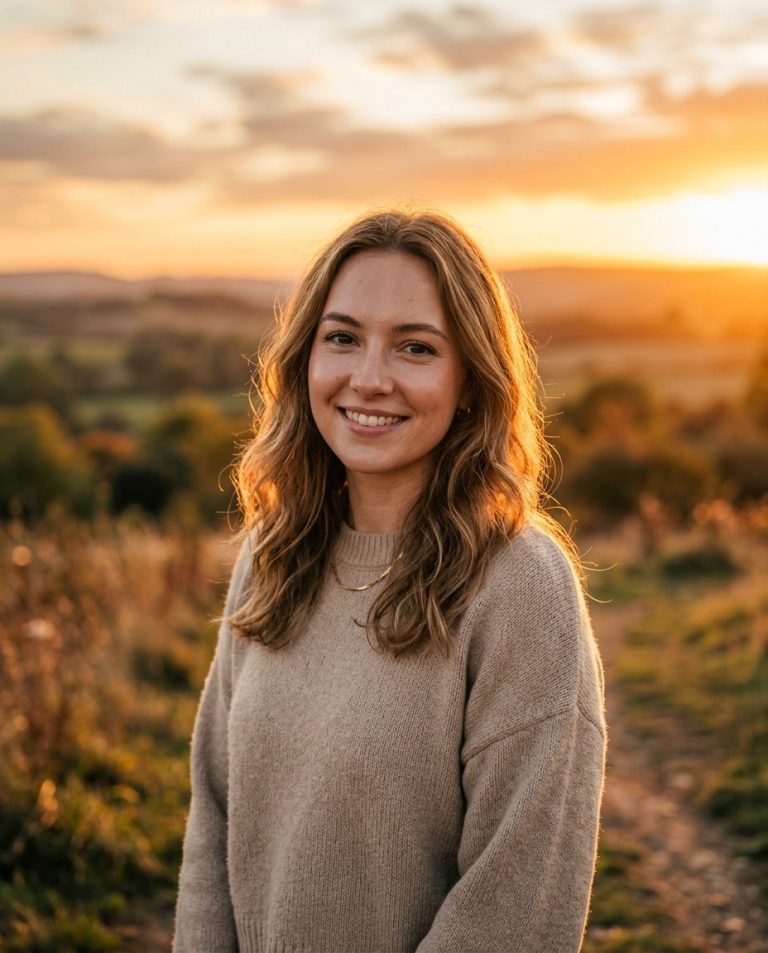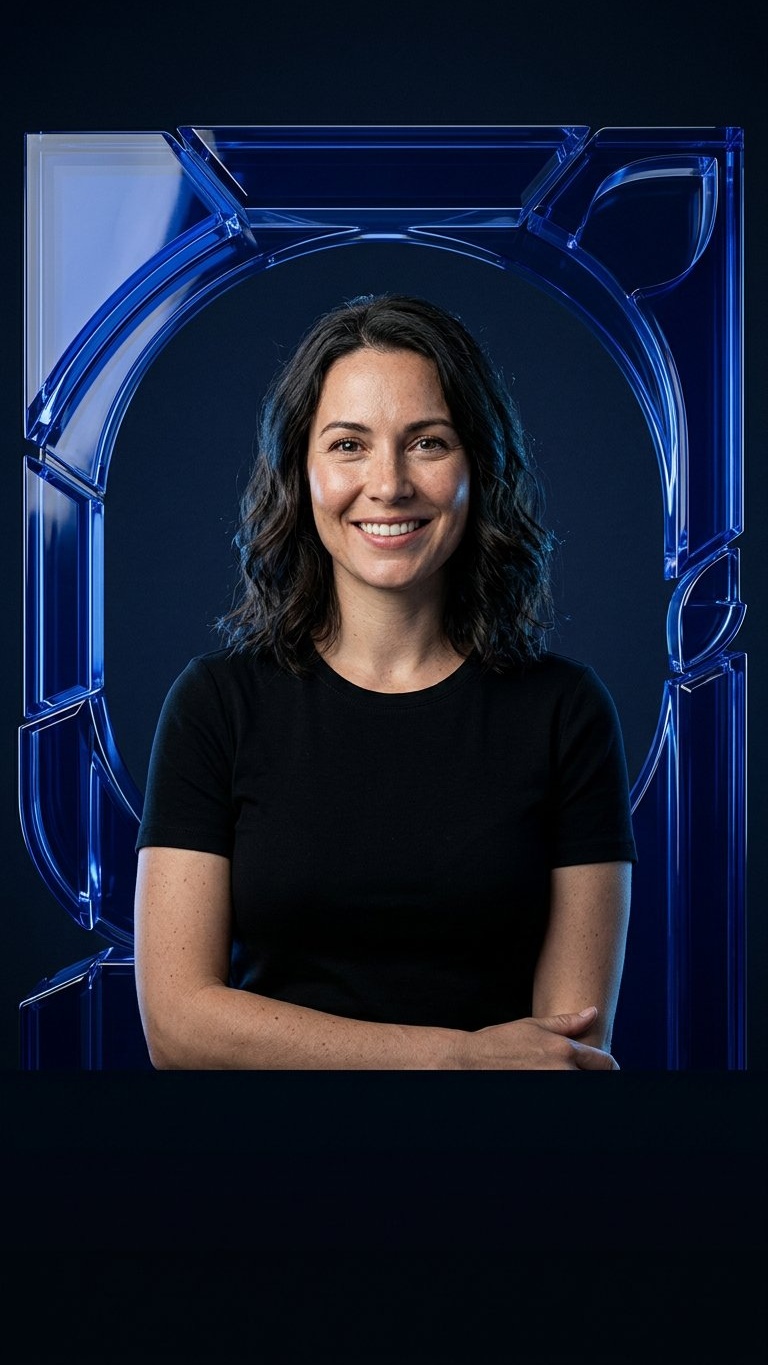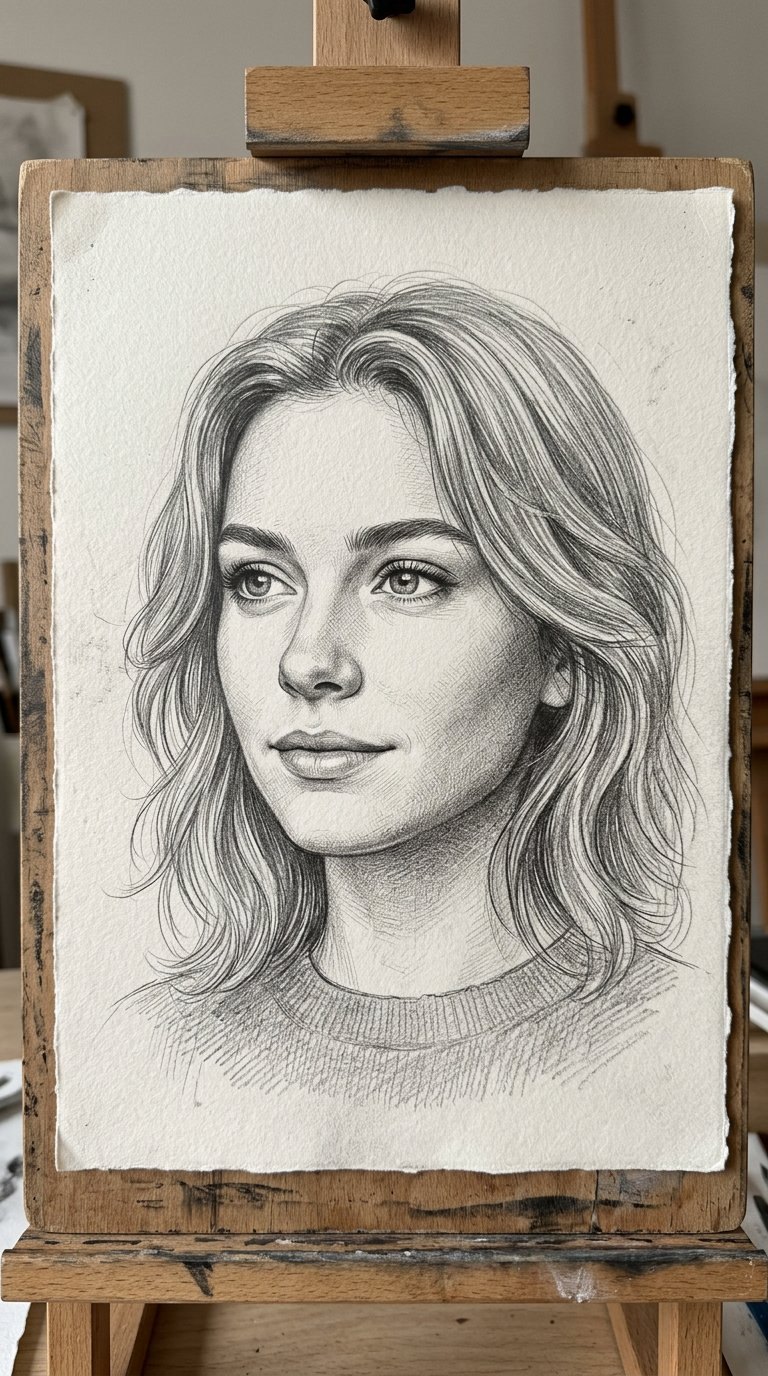
This prompt converts a photo into a detailed graphite pencil sketch while keeping the subject’s likeness and composition. Use it for portraits, profile art, gifts and creative social media posts.
AI Photo Editing Prompt
PromptEdit the uploaded photo by converting it into a realistic hand-drawn graphite pencil sketch. Keep the subject's likeness, pose and composition unchanged while replacing the photographic look with detailed pencil shading, cross-hatching and fine linework on textured drawing paper. Preserve facial features and proportions accurately, with soft gradients, realistic shadowing and subtle paper grain. Use monochrome graphite tones only, with no color. The final image should look like a skilled artist's pencil portrait, natural and detailed, aspect ratio 3:4
Negative Prompt
Negative Promptcolor, photorealistic skin, blurry lines, distorted face, smudged mess, digital painting, anime style, watermark
Prompt Details
| Prompt Type | Photo Editing |
|---|---|
| AI Tool | Leonardo AI |
| Style | Illustration |
| Category | Photo Editing |
| Use Case | Poster, Social Media |
| Tags | black and white, fine art, identity preservation, illustration, pencil sketch, photo editing, portrait |
| Aspect Ratio | 3:4 |
| Lighting | Soft |
| Camera | — |
| Lens | — |
| Mood | Artistic |
| Difficulty | Beginner |
How to Use This Prompt
- Copy the prompt using the button above.
- Open your preferred AI image-generation or editing tool.
- Upload the photo you want to edit.
- Paste the prompt into the text field.
- Adjust parameters (aspect ratio, quality, steps) if necessary.
- Generate or edit the image, then refine until you like the result.