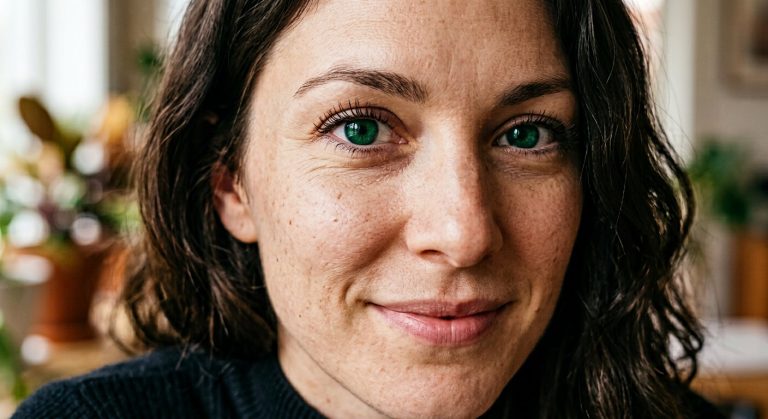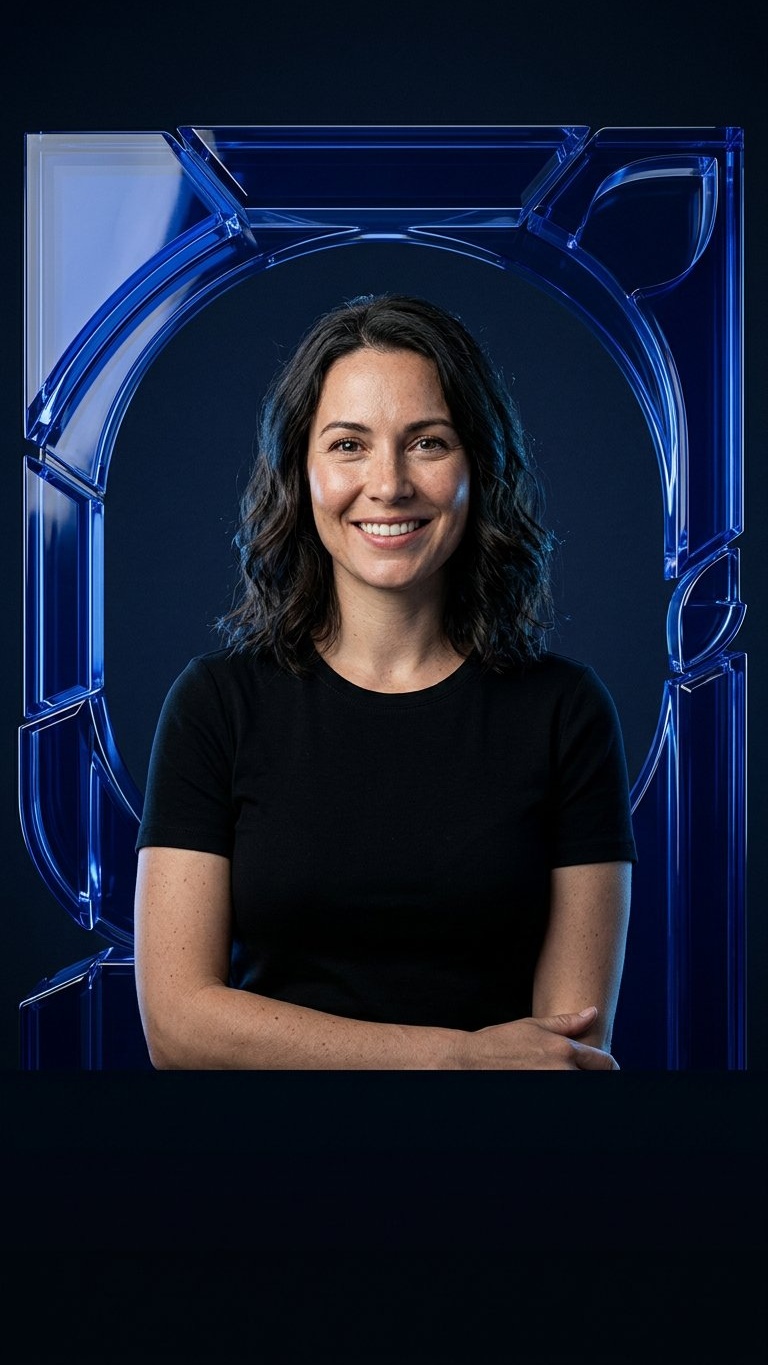
A strong Reel cover needs a recognizable face, a repeatable visual device and space that survives interface overlays. This prompt places an adult woman selfie inside a glossy cobalt acrylic architectural frame and keeps the lower quarter dark for a manually added title.
Rights and accuracy note: Use a rights-cleared, licensed, public-domain or user-owned source photo. Each featured sample is an original fictional portrait example and does not depict a real public figure or documentary event. Add real names and copy outside the generated image, and label a materially AI-edited result when appropriate.
What This Prompt Changes
- Preserves the woman’s identity, face, expression, clothing and natural skin texture
- Adds one coherent translucent cobalt-blue acrylic frame around the portrait
- Creates crisp glass-like reflections without turning the skin blue
- Uses a vertical 9:16 Reel composition with the subject above the safe zone
- Leaves the bottom quarter clean and dark for manual copy
How to Use It
Upload an authorized adult woman selfie or portrait with the face and shoulders visible. Use the prompt to build the cobalt frame and studio lighting while preserving the person. Add the Reel hook, handle or series label manually in the empty lower band.
Customize the Result
- Use cobalt and navy, electric blue and charcoal, or sapphire and cream
- Make the acrylic frame circular, squared or softly asymmetrical
- Increase or reduce reflections while keeping the face natural
- Keep the lower quarter empty for Reel interface safety
AI Photo Editing Prompt
Negative Prompt
Prompt Details
| Prompt Type | Photo Editing |
|---|---|
| AI Tool | ChatGPT |
| Style | Photorealistic |
| Category | Photo Editing |
| Use Case | Girls, Instagram, Social Media |
| Tags | acrylic portrait frame, blue reel cover, cobalt acrylic frame, Female Selfie Edit, instagram reel cover, Reel Cover Photo |
| Aspect Ratio | 9:16 |
| Lighting | Neutral key light with cool cobalt rim reflections |
| Camera | Vertical social-cover portrait camera |
| Lens | 50mm |
| Mood | Polished and high-contrast |
| Difficulty | Intermediate |
How to Use This Prompt
- Copy the prompt using the button above.
- Open your preferred AI image-generation or editing tool.
- Upload the photo you want to edit.
- Paste the prompt into the text field.
- Adjust parameters (aspect ratio, quality, steps) if necessary.
- Generate or edit the image, then refine until you like the result.