Create a Two-Color Halftone Screen-Print Portrait Background From One Photo AI Prompt
Turn one portrait into a halftone screen-print with two ink colors, visible dot pattern, paper grain, and blank copy area.
Turn one portrait into a halftone screen-print with two ink colors, visible dot pattern, paper grain, and blank copy area.
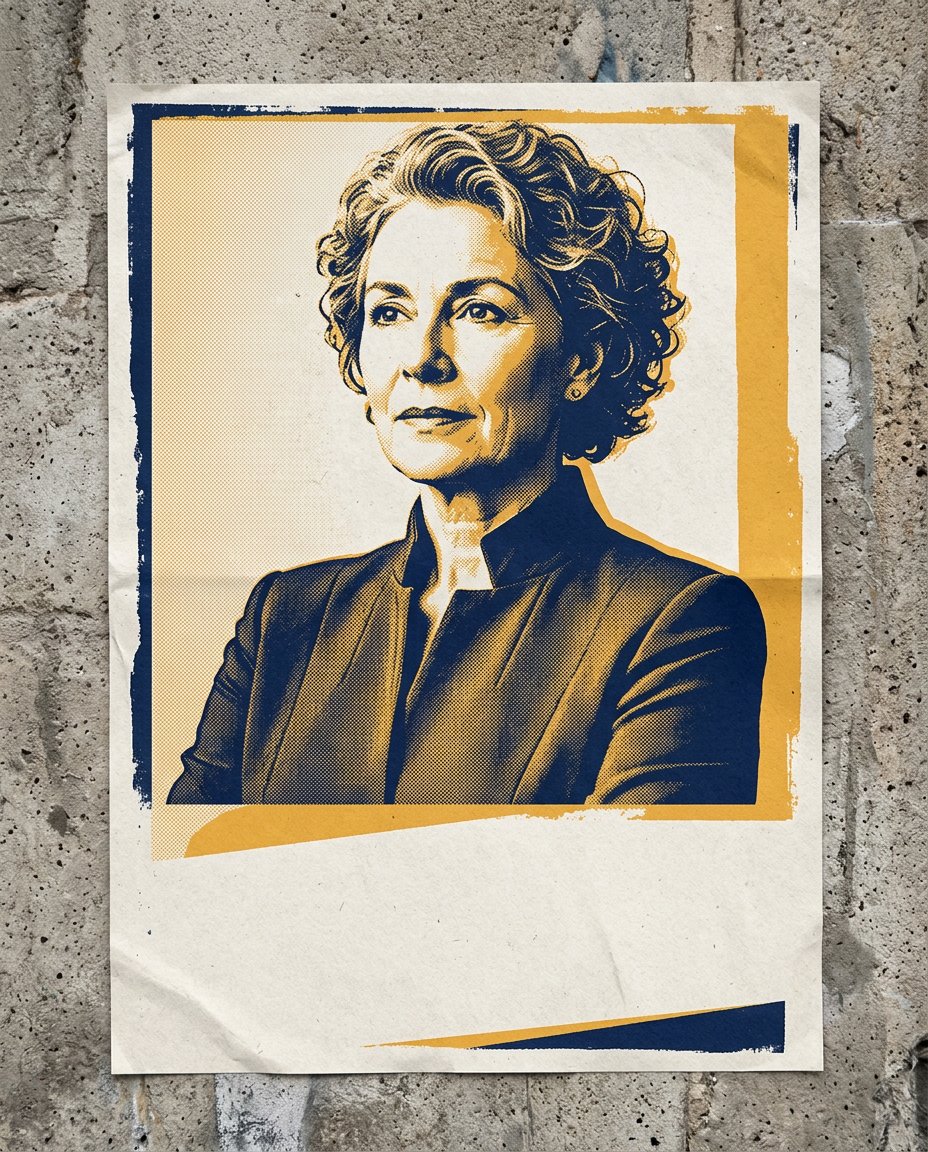
Convert one authorized portrait into a bold two-color screen-print background with blank space for a verified hook, while avoiding slogans, campaign marks and copied posters.
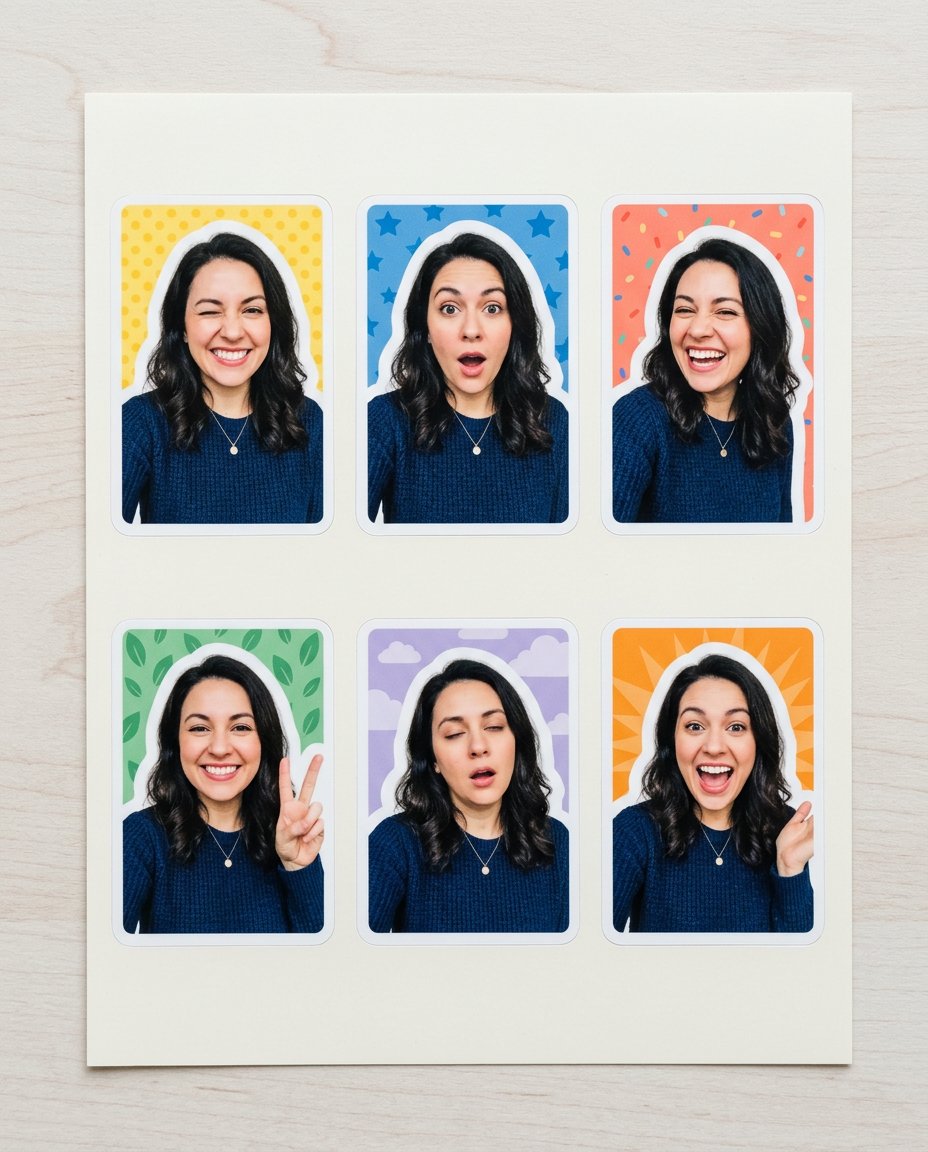
Create six consistent reaction stickers from one selfie with the same face, outfit and hairstyle, thick die-cut borders and playful poses without adding words or fake captions.
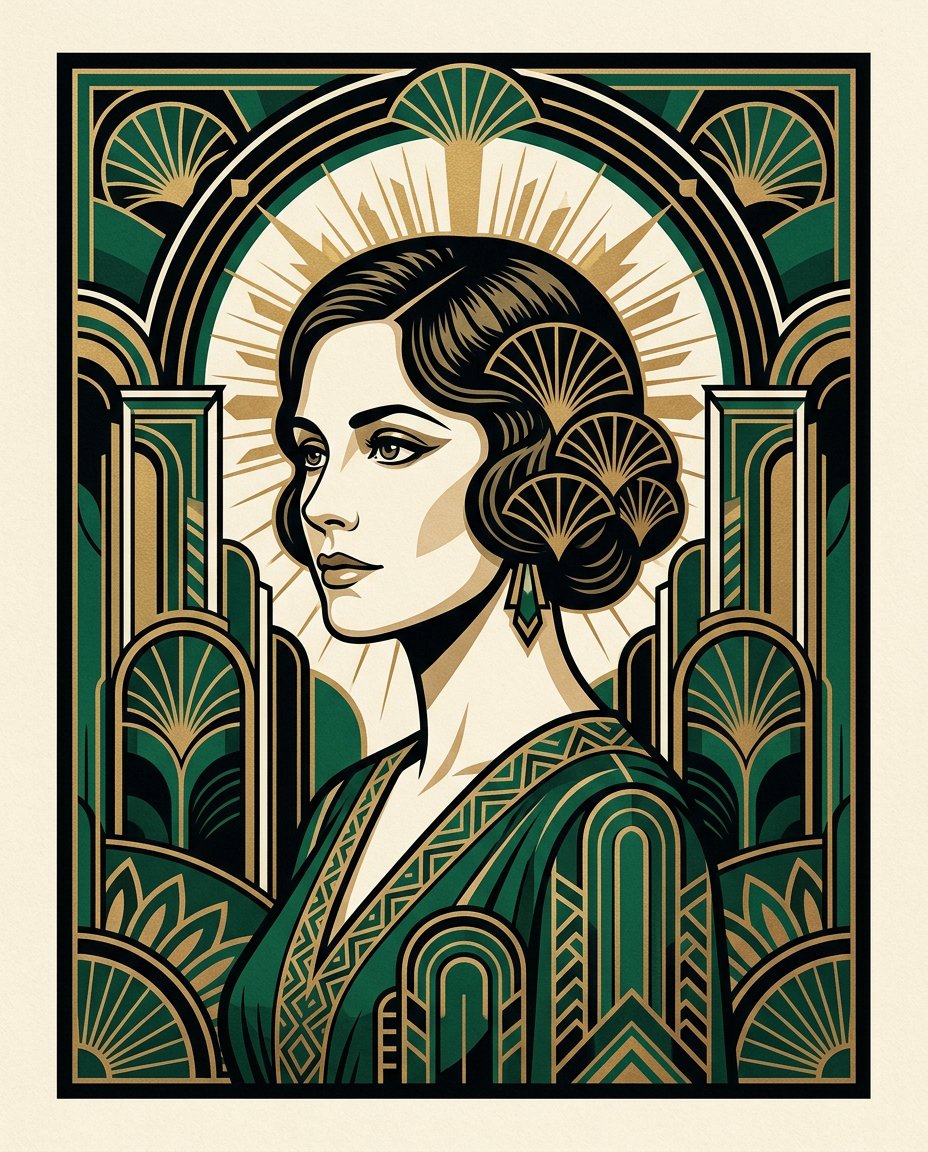
Recast a portrait as a polished Art Deco poster with symmetrical fan shapes, stepped arches, metallic ink, limited color and preserved facial structure.
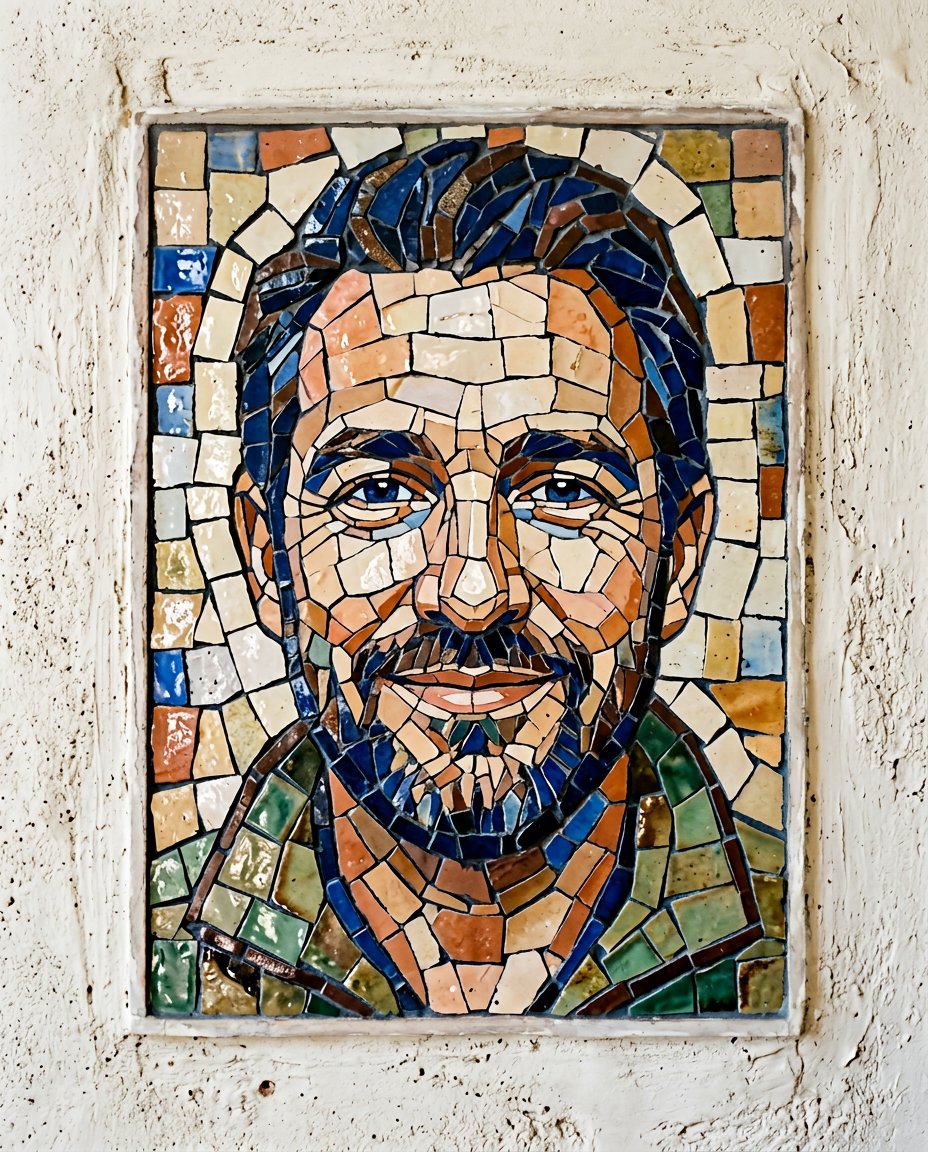
Transform a portrait into a hand-assembled glazed ceramic mosaic with irregular tile shapes, real grout lines, reflective glaze and preserved facial structure.
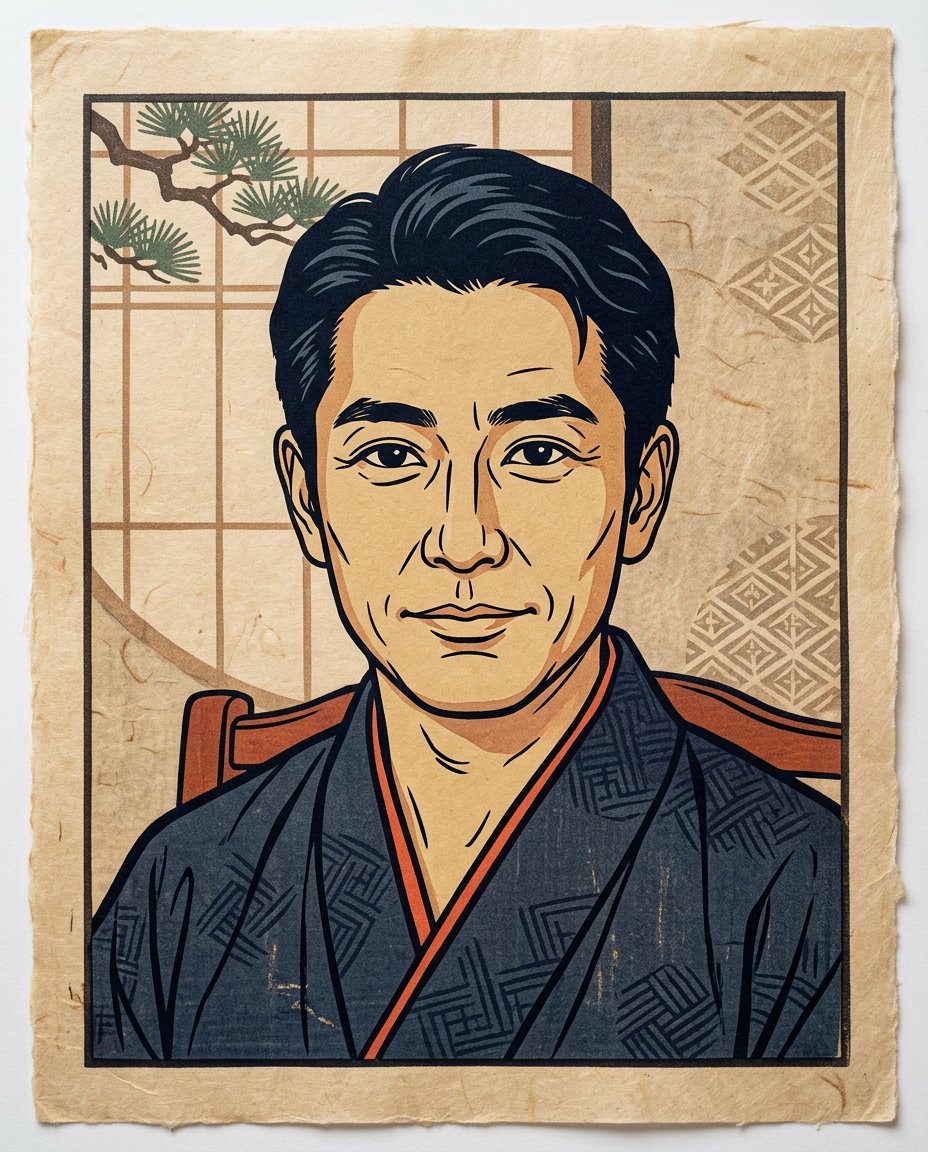
Reinterpret a portrait as a refined Japanese woodblock print with carved contour lines, flat layered color, washi texture and preserved facial proportions.
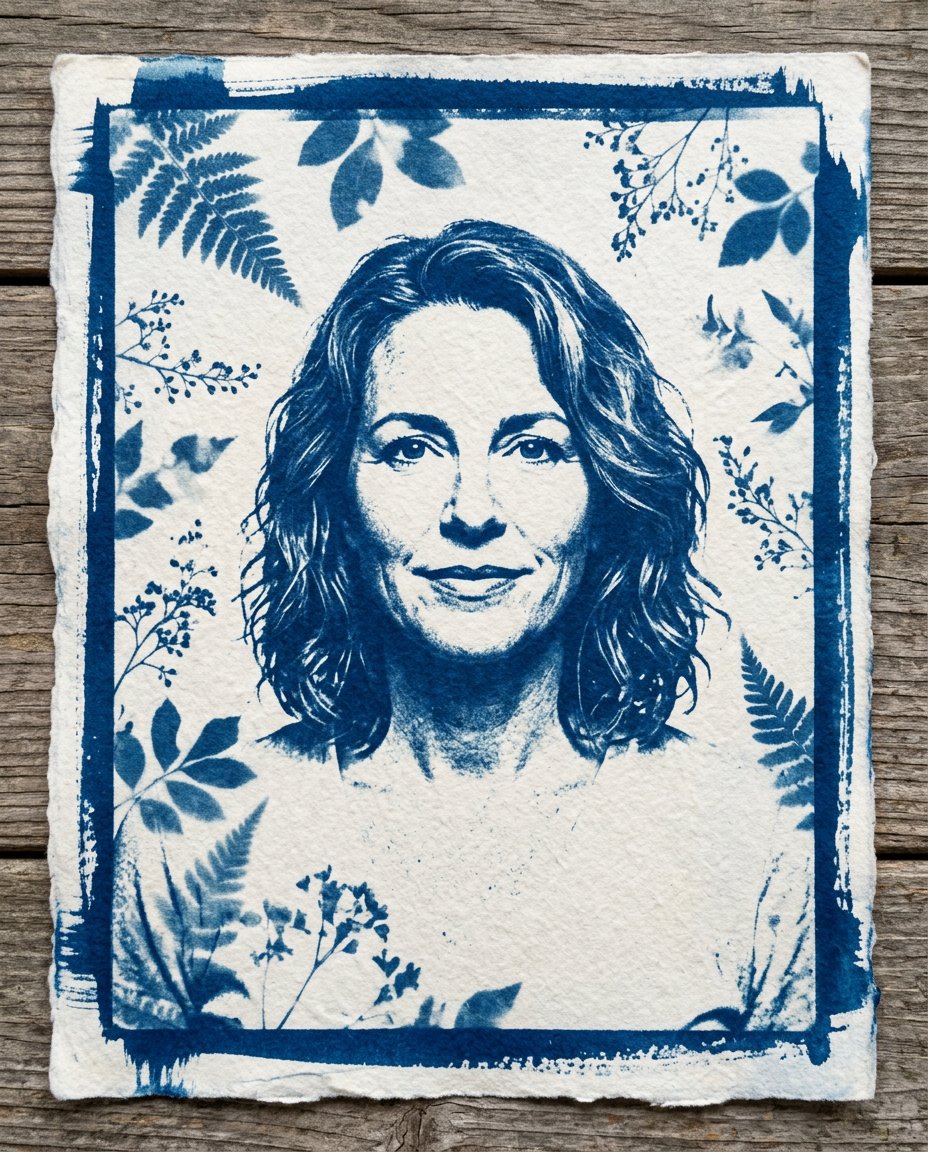
Transform a portrait into a handmade cyanotype sun print with Prussian-blue tonal shapes, botanical photograms, cotton-paper texture and preserved identity.
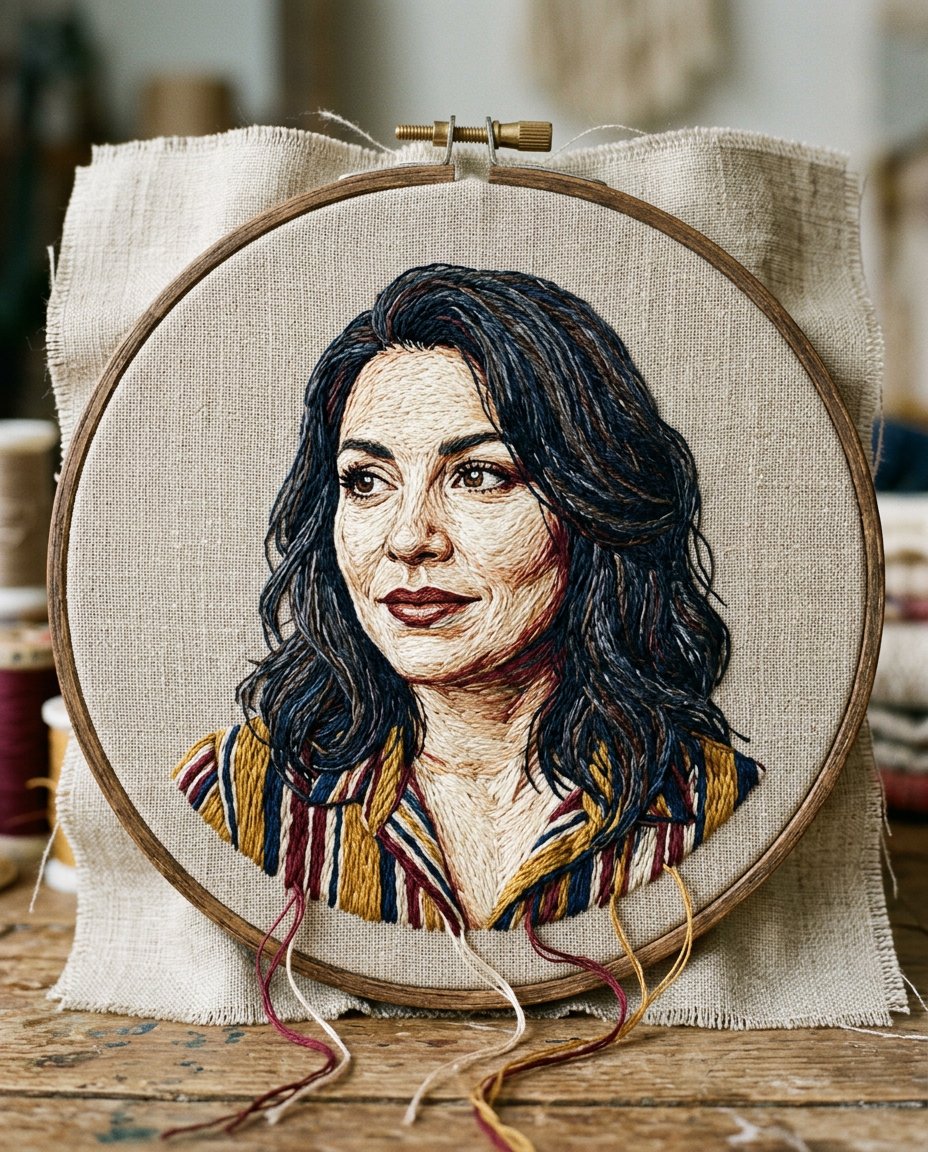
Transform a portrait into a tactile embroidered artwork with visible stitches, linen weave, loose threads and preserved facial expression inside a real hoop.
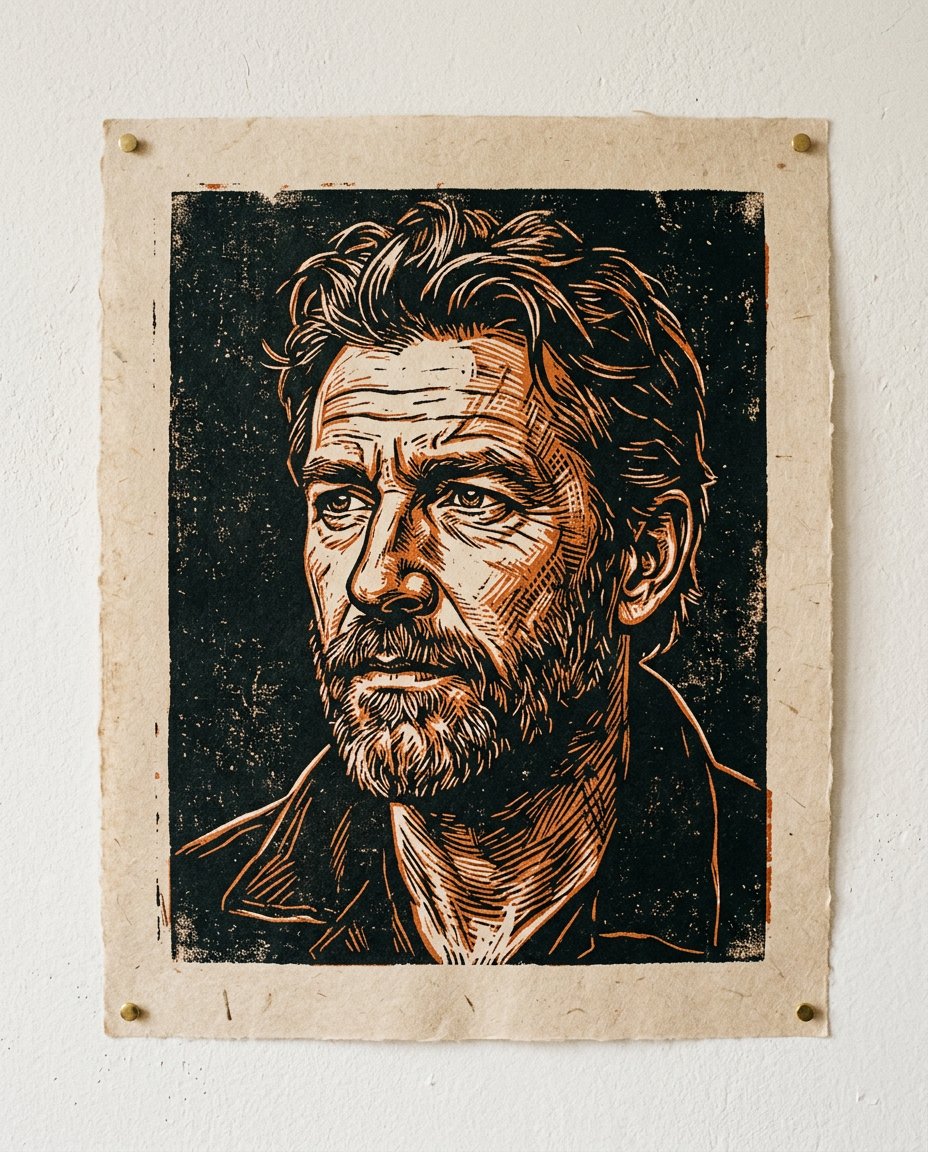
Convert a portrait into a bold relief print with carved contour lines, crosshatching, rough ink edges and a limited two-ink palette while keeping the face recognizable.
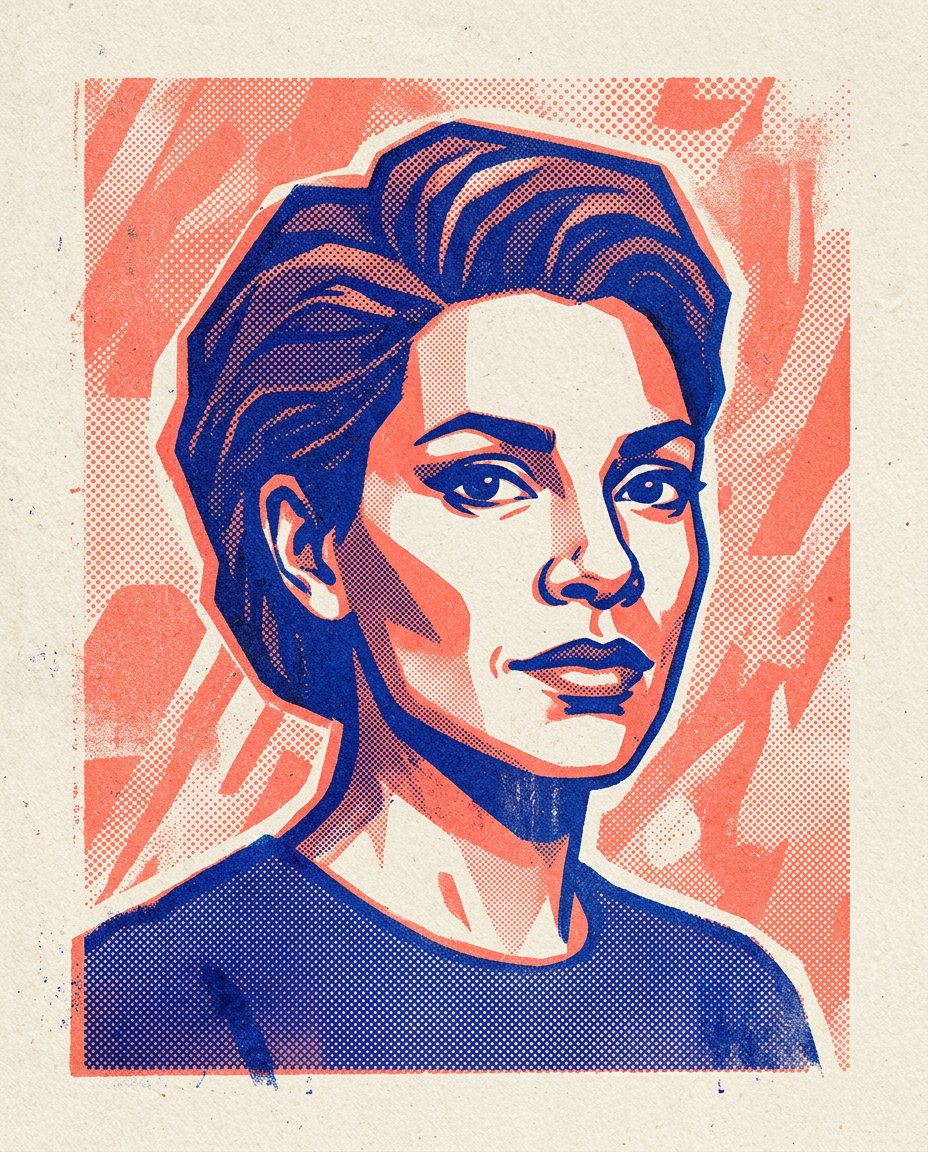
Transform a portrait into a bold two-ink risograph print with halftone dots, imperfect registration, tactile paper and a clean blank margin for later design.