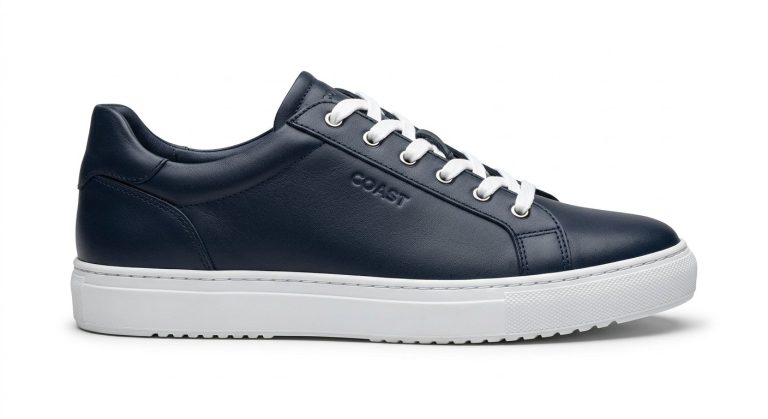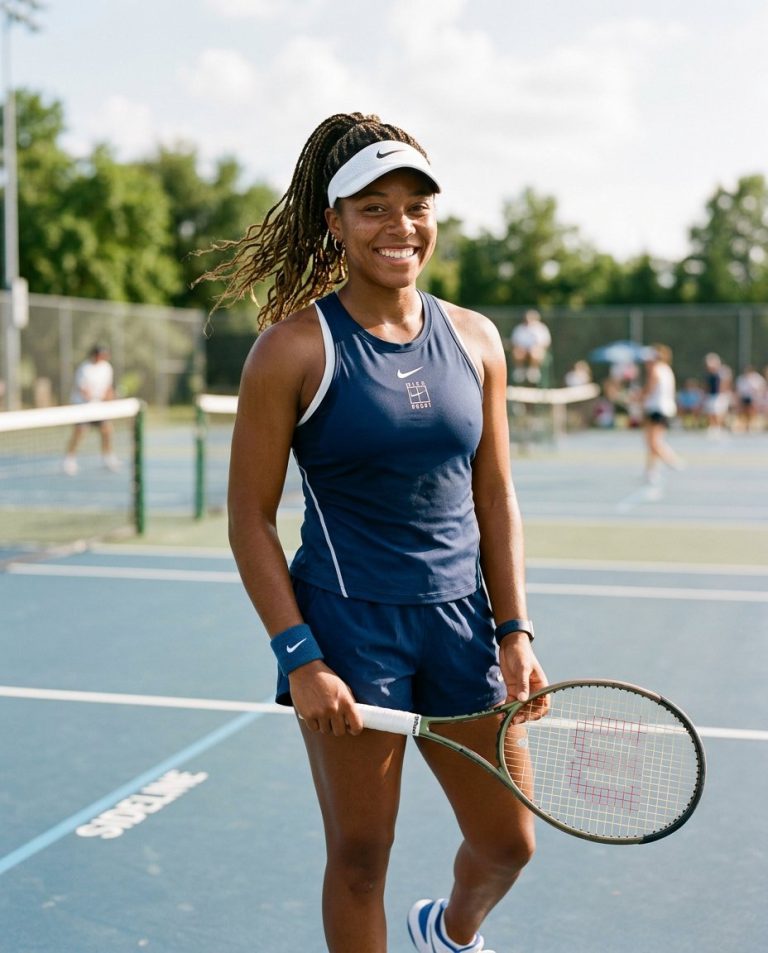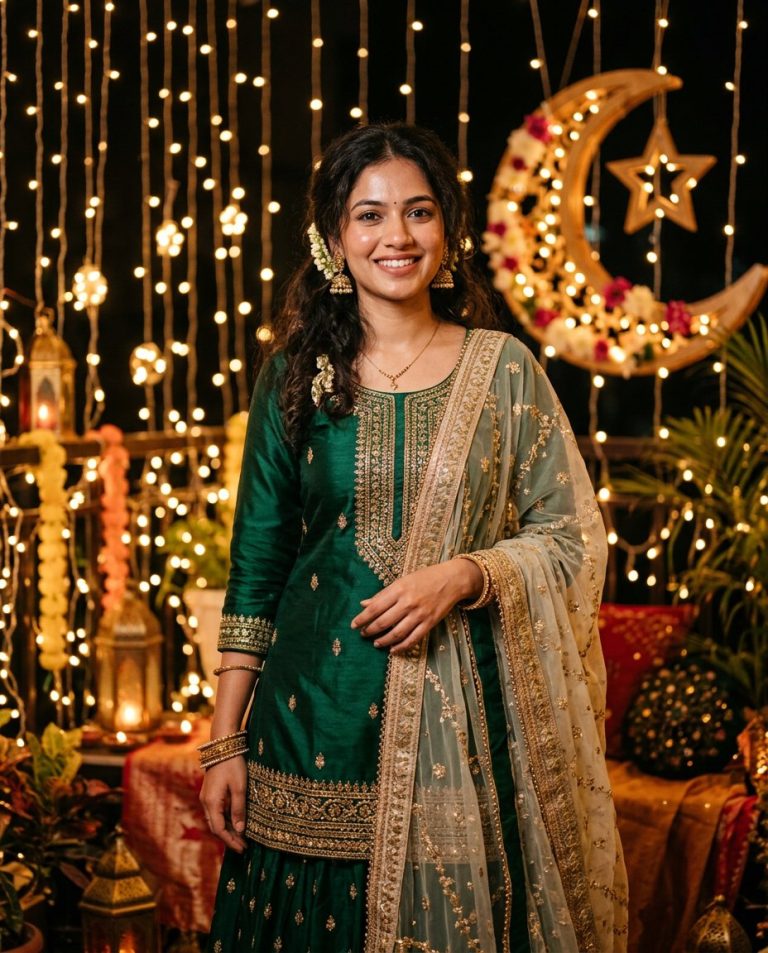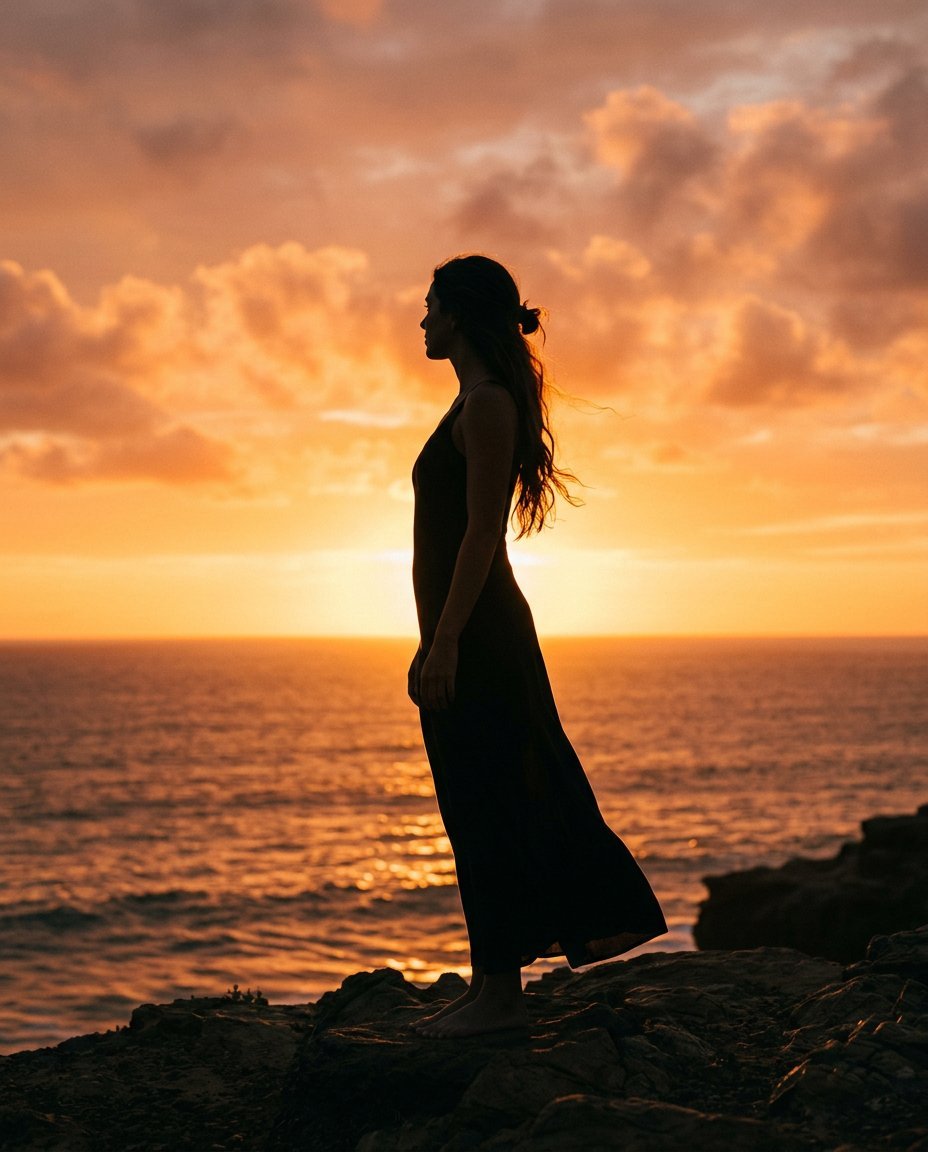
This photo editing prompt turns a photo into a dramatic golden-hour silhouette portrait. It converts the subject into an elegant dark silhouette against a glowing sunset sky. A bold, atmospheric look for artistic feeds, travel posts and creative profile pictures.
What This Prompt Changes
- Replaces the background with a glowing sunset sky
- Converts the subject into a dark silhouette with a golden rim
- Adds dramatic backlight and a warm gradient sky
- Keeps the pose and composition
Best Photo for This Prompt
Use a photo with a clear, recognizable outline of the person — a standing or profile pose works best. Simple backgrounds and good contrast produce the strongest silhouette.
Customize the Result
- Change the pose: walking, reaching or looking away
- Change the sky: deep orange, purple dusk or pastel sunset
- Add birds, clouds or a horizon
- Change the format: 9:16 for Stories or 1:1 for the grid
AI Photo Editing Prompt
PromptUse the uploaded photo as the reference for the subject's pose and composition. Transform the photo into a golden-hour silhouette portrait. Render the person as a dark, elegant silhouette against a glowing orange sunset sky, with a warm rim of golden light outlining the edges of the figure and a dramatic warm gradient sky with soft clouds behind. Keep the pose and composition recognizable. Lighting: strong backlight from the setting sun, deep silhouette tones with warm highlights and a clean horizon. Camera: vertical 4:5 Instagram framing, cinematic and atmospheric. The result should look like a dramatic golden-hour silhouette photograph.
Negative Prompt
Negative Promptvisible facial details, flat sky, cartoonish, bad anatomy, watermark, text, oversaturated, unnatural silhouette
Prompt Details
| Prompt Type | Photo Editing |
|---|---|
| AI Tool | Gemini |
| Style | Cinematic |
| Category | Photo Editing |
| Use Case | Instagram, Social Media |
| Tags | cinematic, golden hour, identity preservation, instagram, photo editing, portrait, silhouette, warm |
| Aspect Ratio | 4:5 |
| Lighting | Backlit sunset |
| Camera | DSLR |
| Lens | — |
| Mood | Dramatic |
| Difficulty | Beginner |
How to Use This Prompt
- Copy the prompt using the button above.
- Open your preferred AI image-generation or editing tool.
- Upload the photo you want to edit.
- Paste the prompt into the text field.
- Adjust parameters (aspect ratio, quality, steps) if necessary.
- Generate or edit the image, then refine until you like the result.