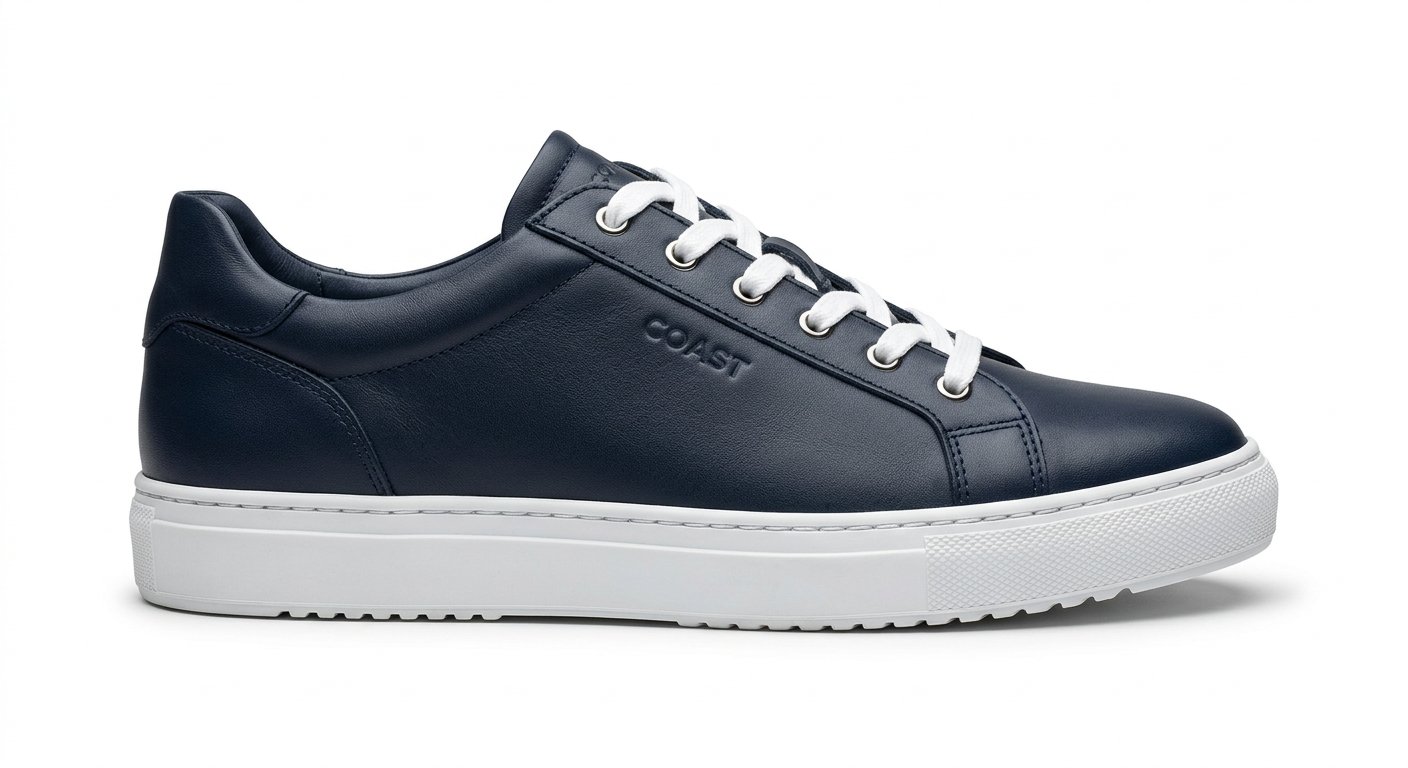
This pure white background editing prompt removes the backdrop and produces a clean, evenly lit white background for e-commerce and marketplace listings.
AI Photo Editing Prompt
PromptEdit the uploaded product photograph by removing the existing background and replacing it with a pure, clean white background. Keep the product itself fully intact and sharply defined with precise edges, especially around fine details, hair or transparent parts, and remove the original shadows and reflections cleanly. Add a soft, realistic contact shadow directly beneath the product and even, shadow-free lighting across the white background. Preserve the product's original colors, texture and proportions. The final image should look like a professional e-commerce product photo ready for online marketplaces, aspect ratio 1:1
Negative Prompt
Negative Promptuneven background, gray tint, halo around product, cut-off edges, lost detail, watermark, changed product colors
Prompt Details
| Prompt Type | Photo Editing |
|---|---|
| AI Tool | ChatGPT |
| Style | Minimalist, Photorealistic |
| Category | Photo Editing |
| Use Case | Advertisement, Product Advertisement |
| Tags | background removal, ecommerce, marketplace, photo editing, product photo, white background |
| Aspect Ratio | 1:1 |
| Lighting | Even white studio light |
| Camera | — |
| Lens | — |
| Mood | Clean |
| Difficulty | Beginner |
How to Use This Prompt
- Copy the prompt using the button above.
- Open your preferred AI image-generation or editing tool.
- Upload the photo you want to edit.
- Paste the prompt into the text field.
- Adjust parameters (aspect ratio, quality, steps) if necessary.
- Generate or edit the image, then refine until you like the result.