Create a Two-Color Halftone Screen-Print Portrait Background From One Photo AI Prompt
Turn one portrait into a halftone screen-print with two ink colors, visible dot pattern, paper grain, and blank copy area.
Turn one portrait into a halftone screen-print with two ink colors, visible dot pattern, paper grain, and blank copy area.
Apply warm window-light with projected shadow patterns to one portrait. Motivated key light, realistic shadows, preserved skin texture.
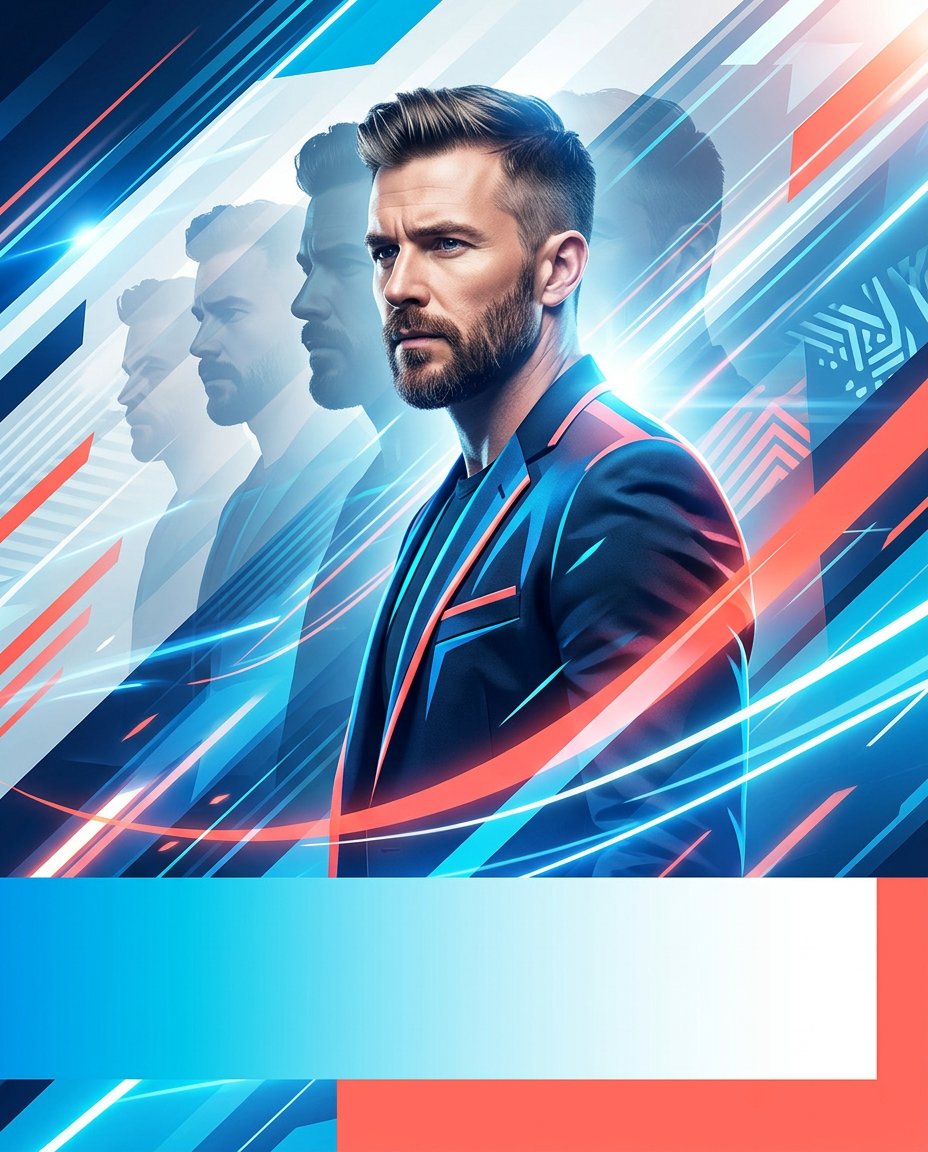
Turn one authorized portrait into a dynamic motion-poster background with layered silhouettes, speed lines and a blank copy band for a Reel or publicity cover.
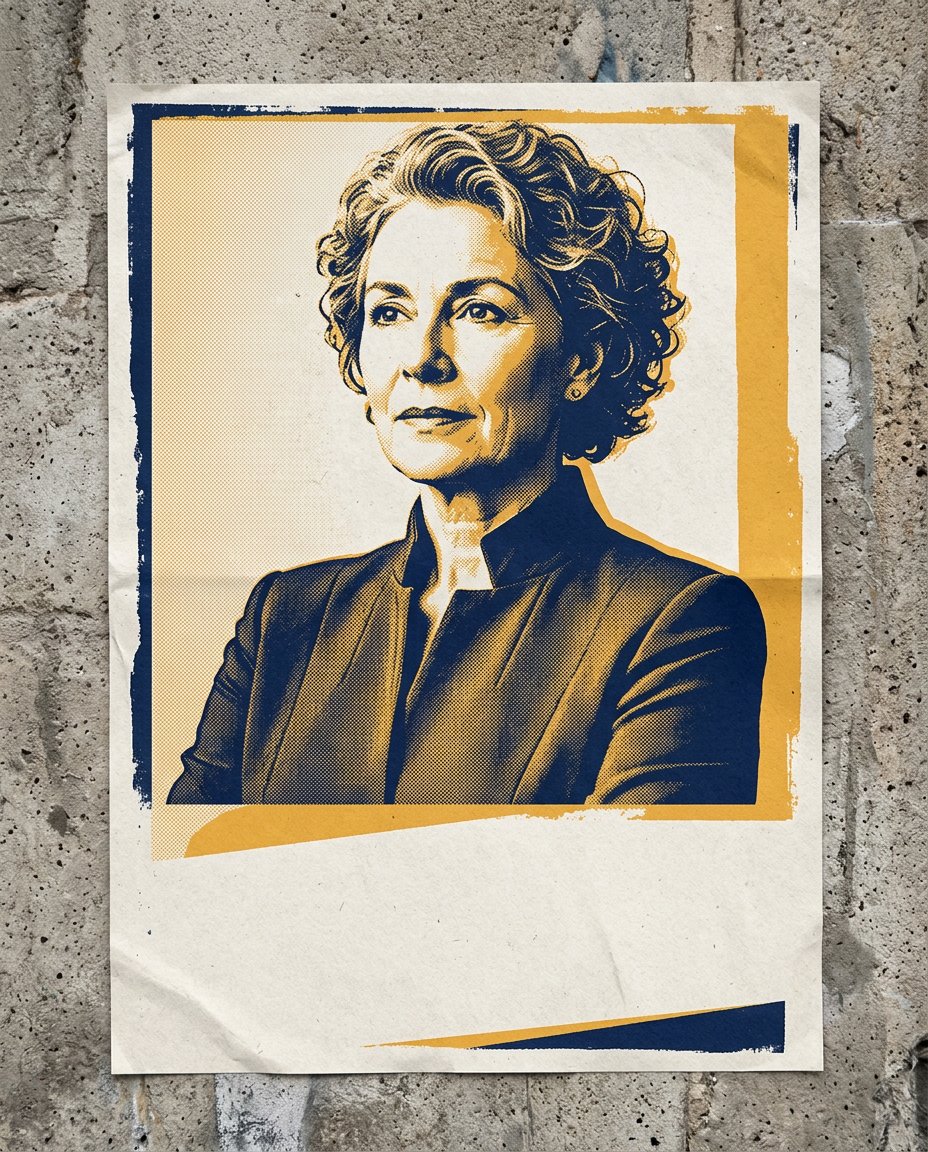
Convert one authorized portrait into a bold two-color screen-print background with blank space for a verified hook, while avoiding slogans, campaign marks and copied posters.
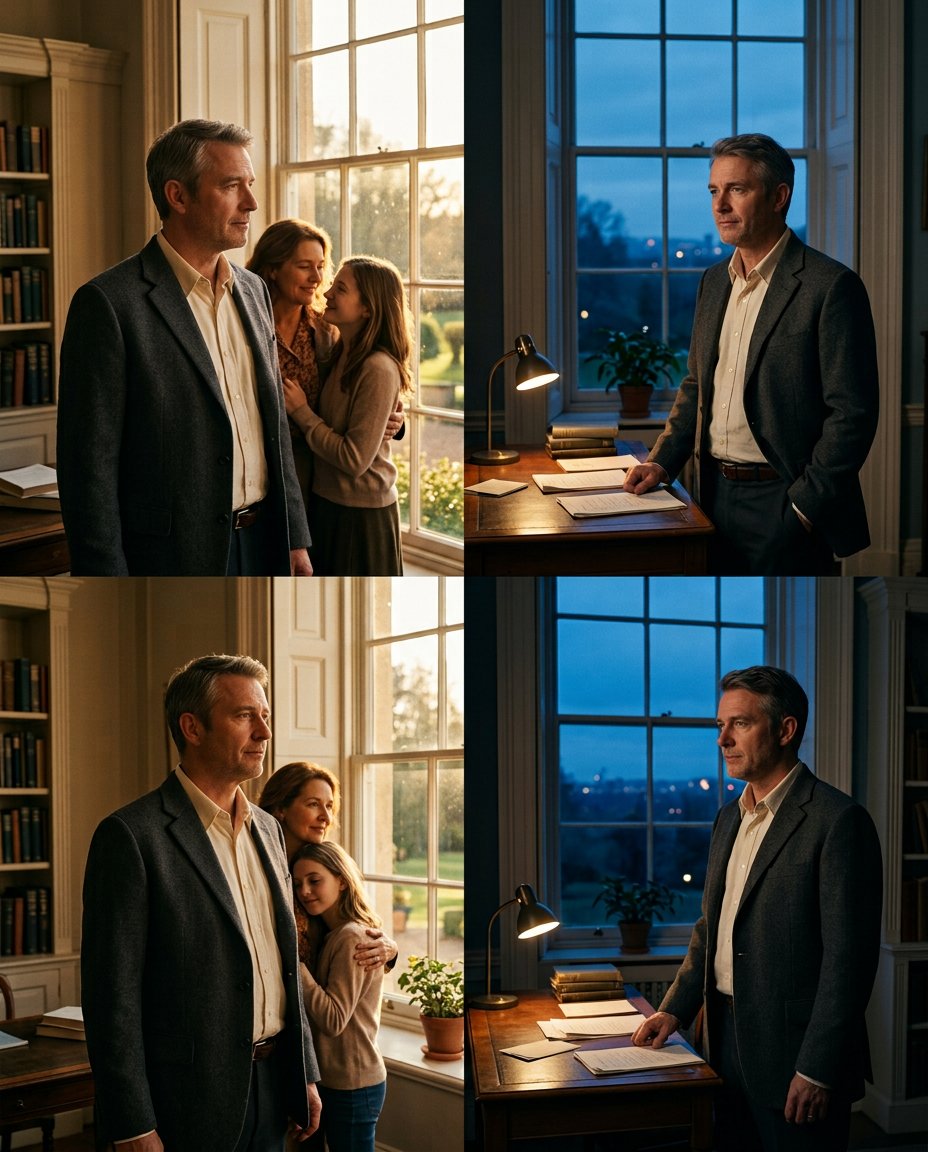
Turn one authorized portrait into a four-frame warm-to-cool cinematic moodboard with consistent identity, setting continuity and no invented film title or event.
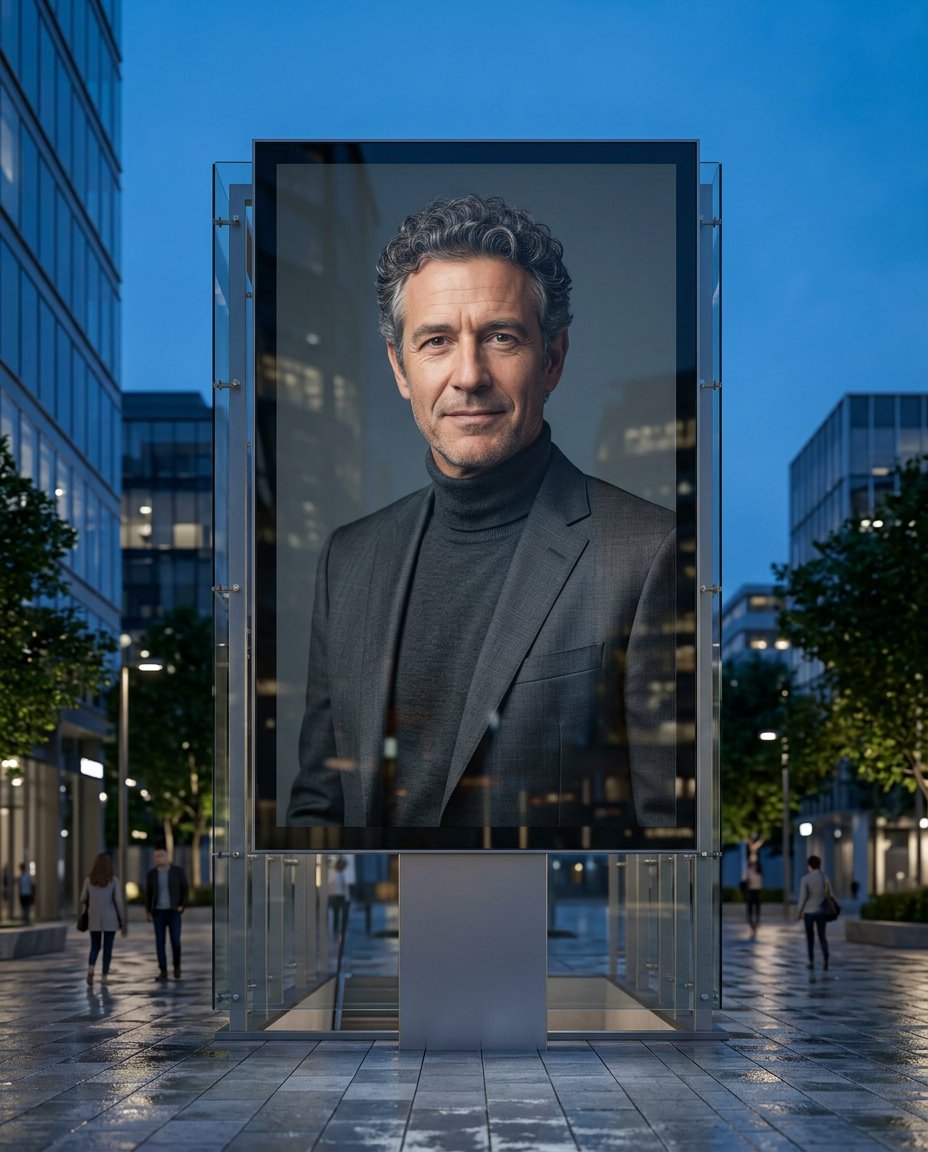
Place one authorized portrait inside a realistic urban digital-display mockup while keeping the screen free of slogans, brands, campaign claims and invented events.
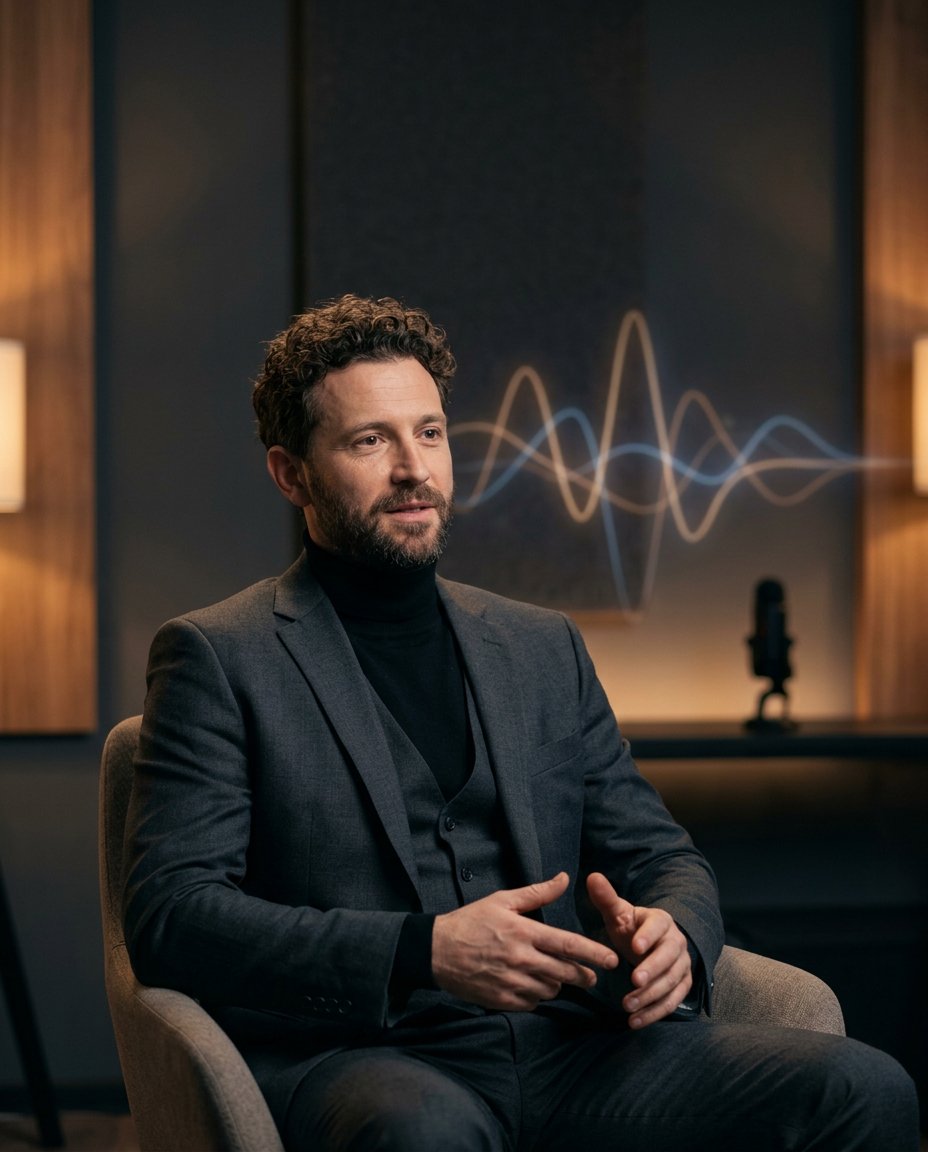
Turn one authorized portrait into a clean audio-wave cover visual with an abstract waveform, studio depth and blank space for verified title copy.
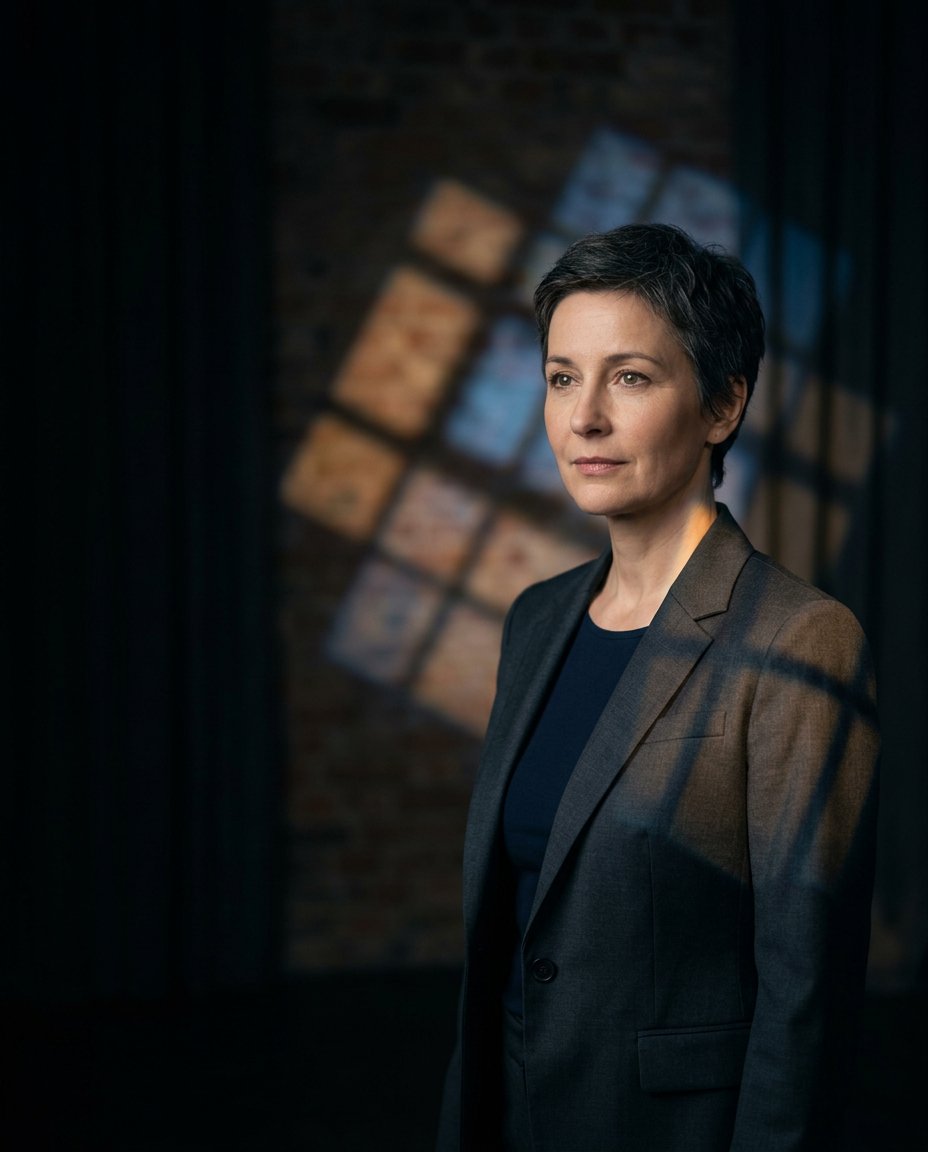
Place one portrait inside a cinematic projected-light composition with geometric shadows and a clean blank side for accurate copy added later.
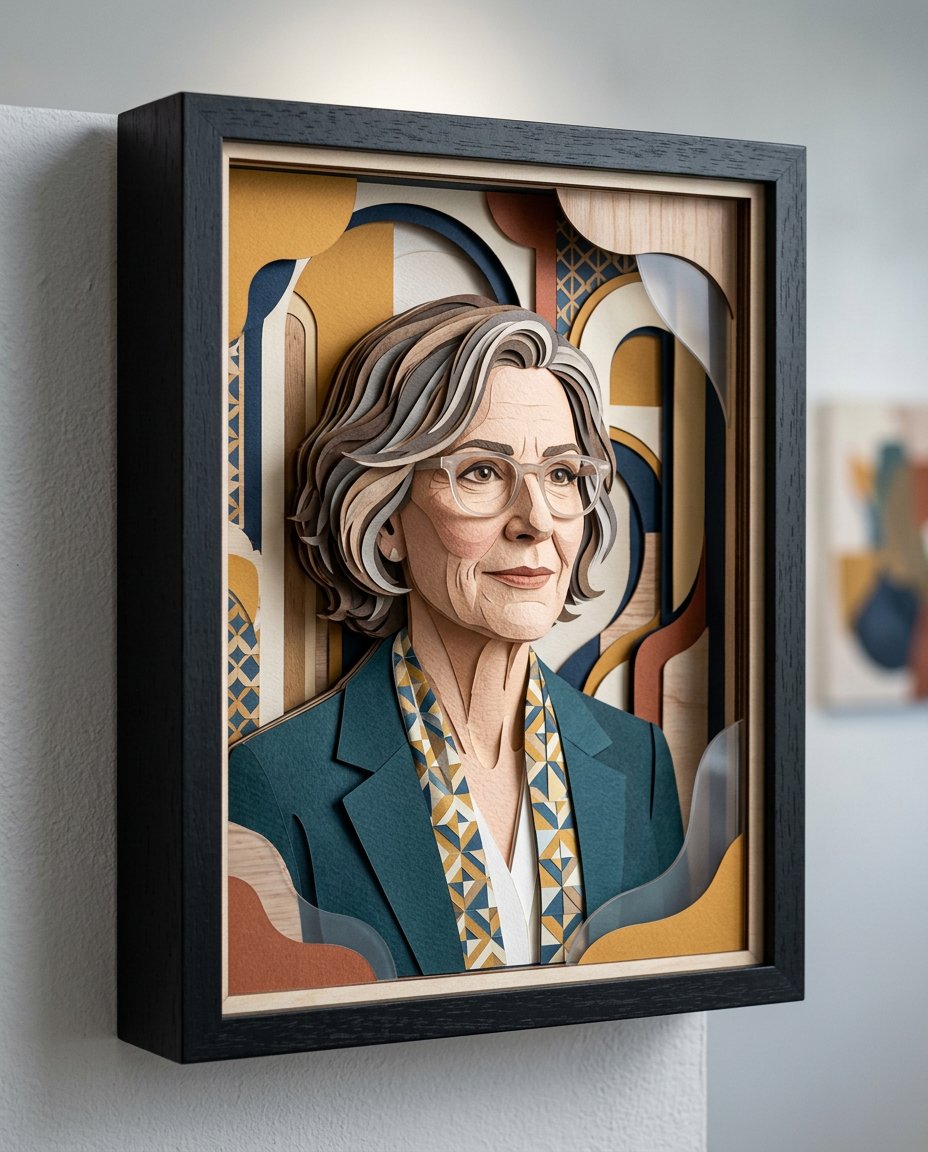
Transform one portrait into a layered paper, wood and acrylic shadowbox display with real depth, soft cast shadows and no invented product branding.
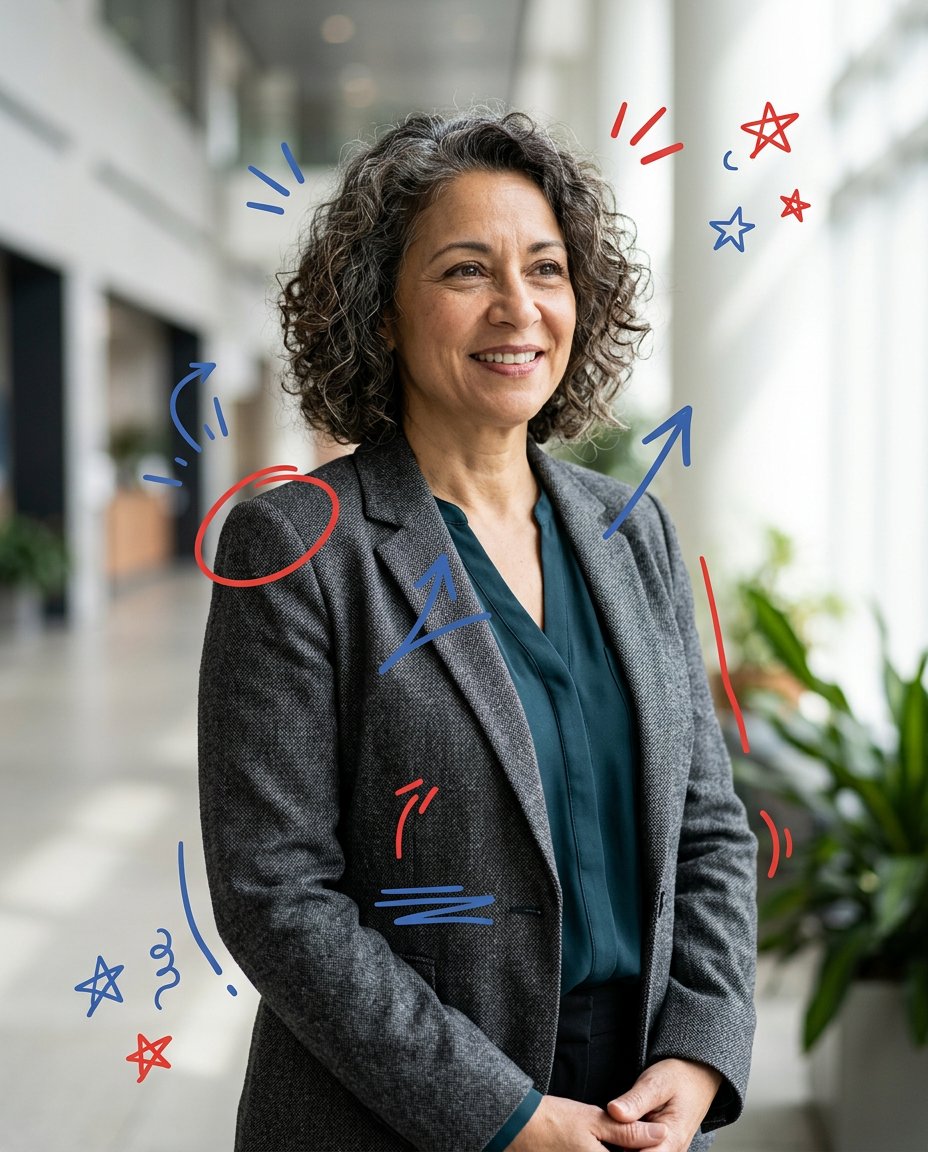
Add playful hand-drawn circles, arrows and accent marks around a portrait while protecting the face, keeping the subject recognizable and leaving all words for manual editing.