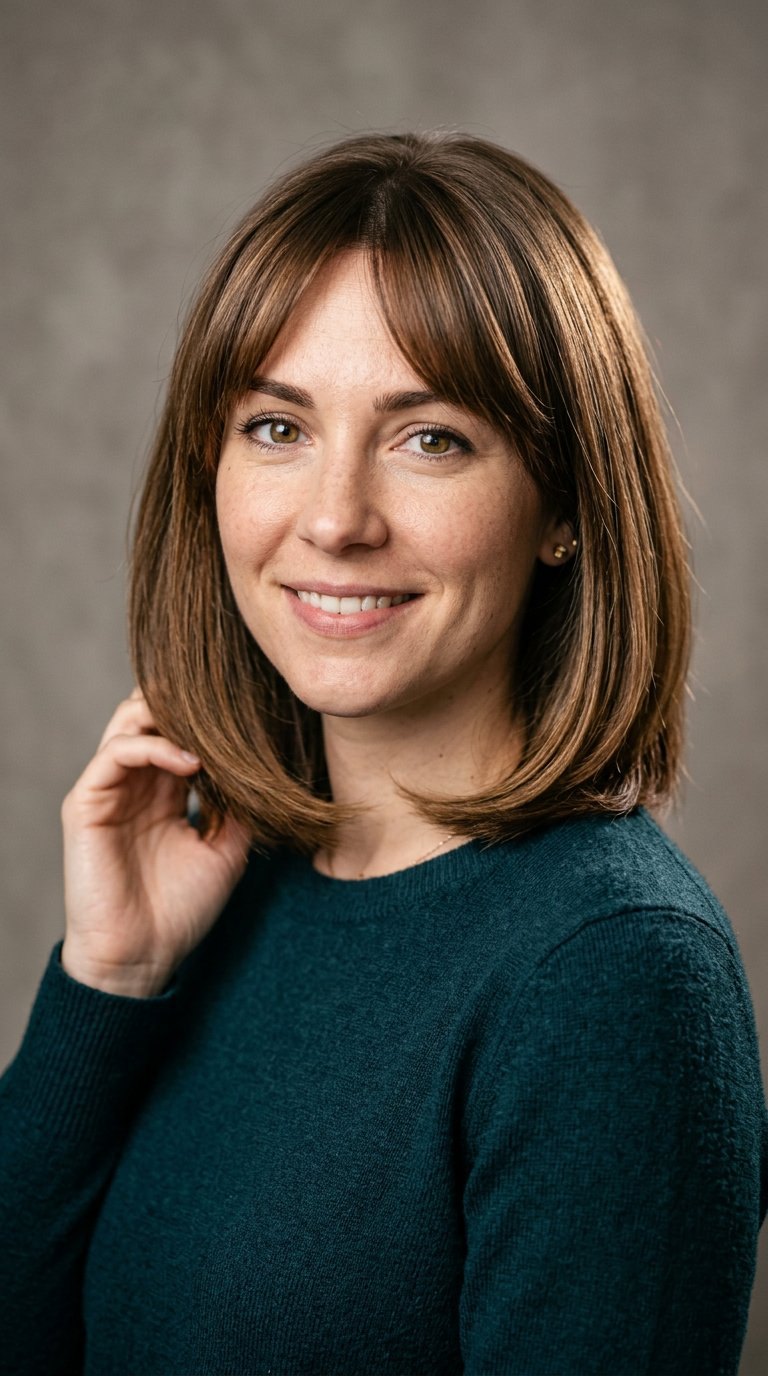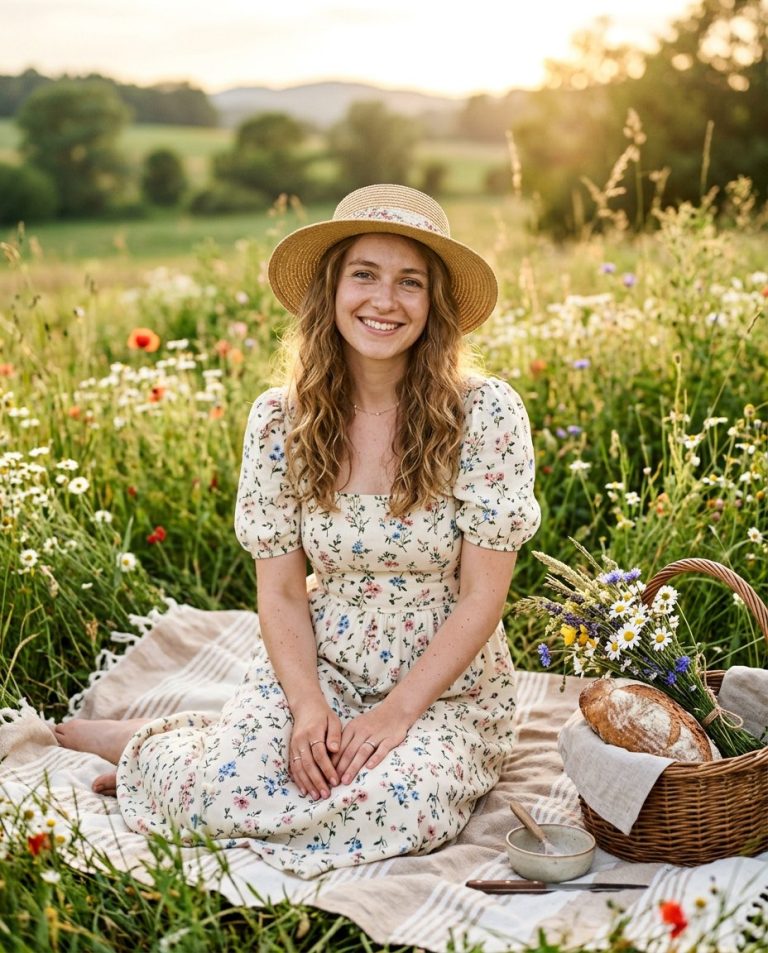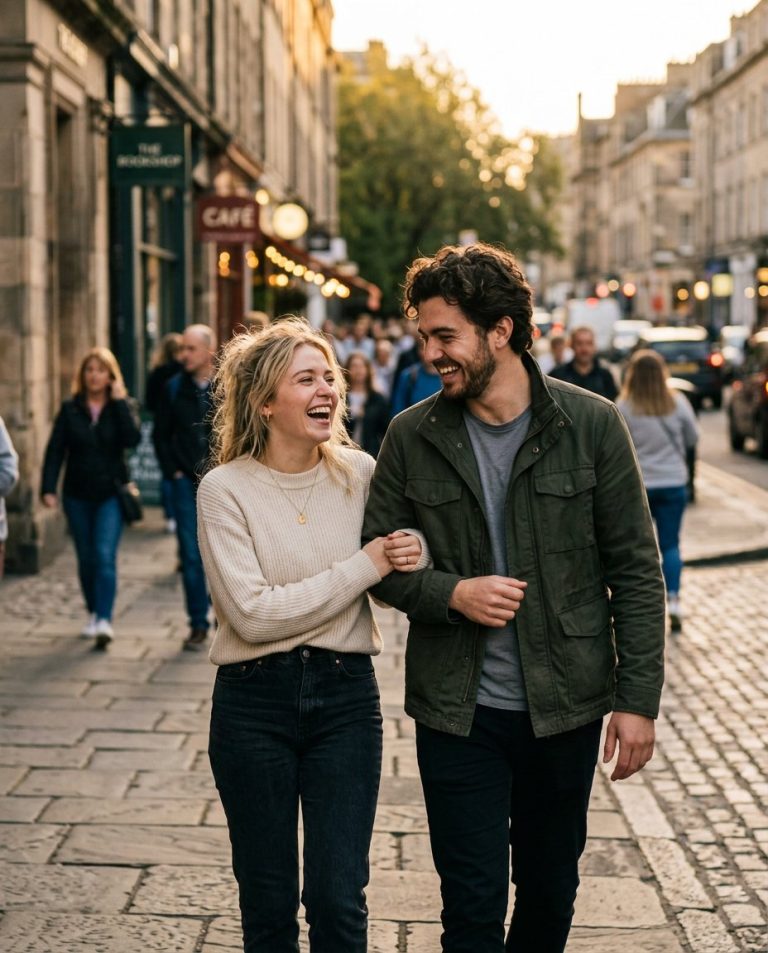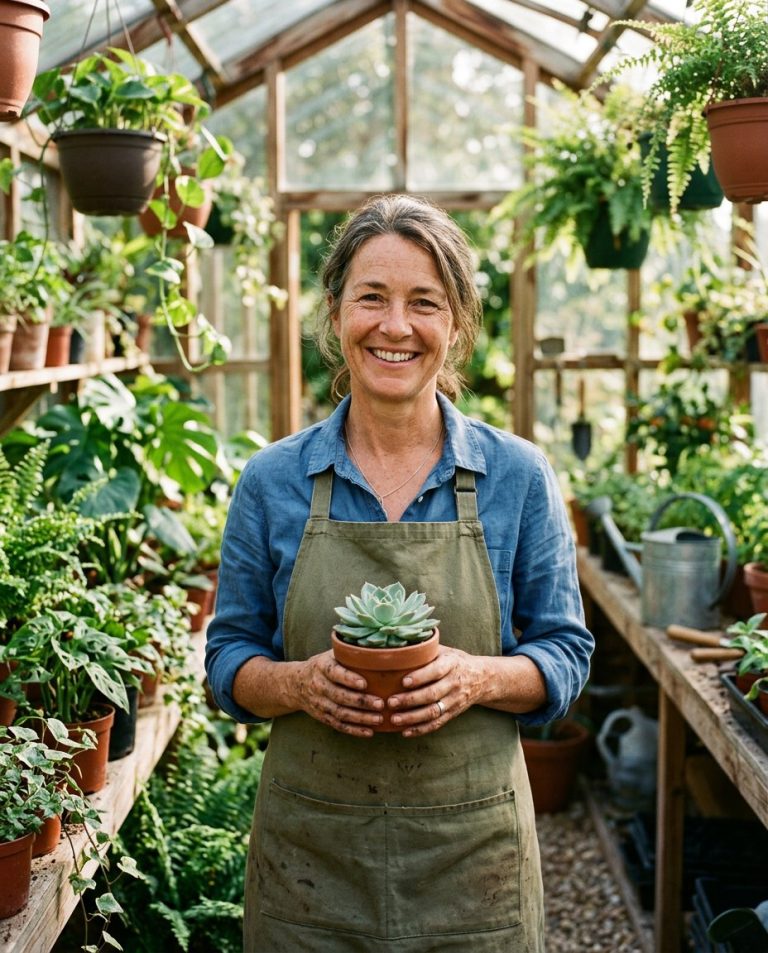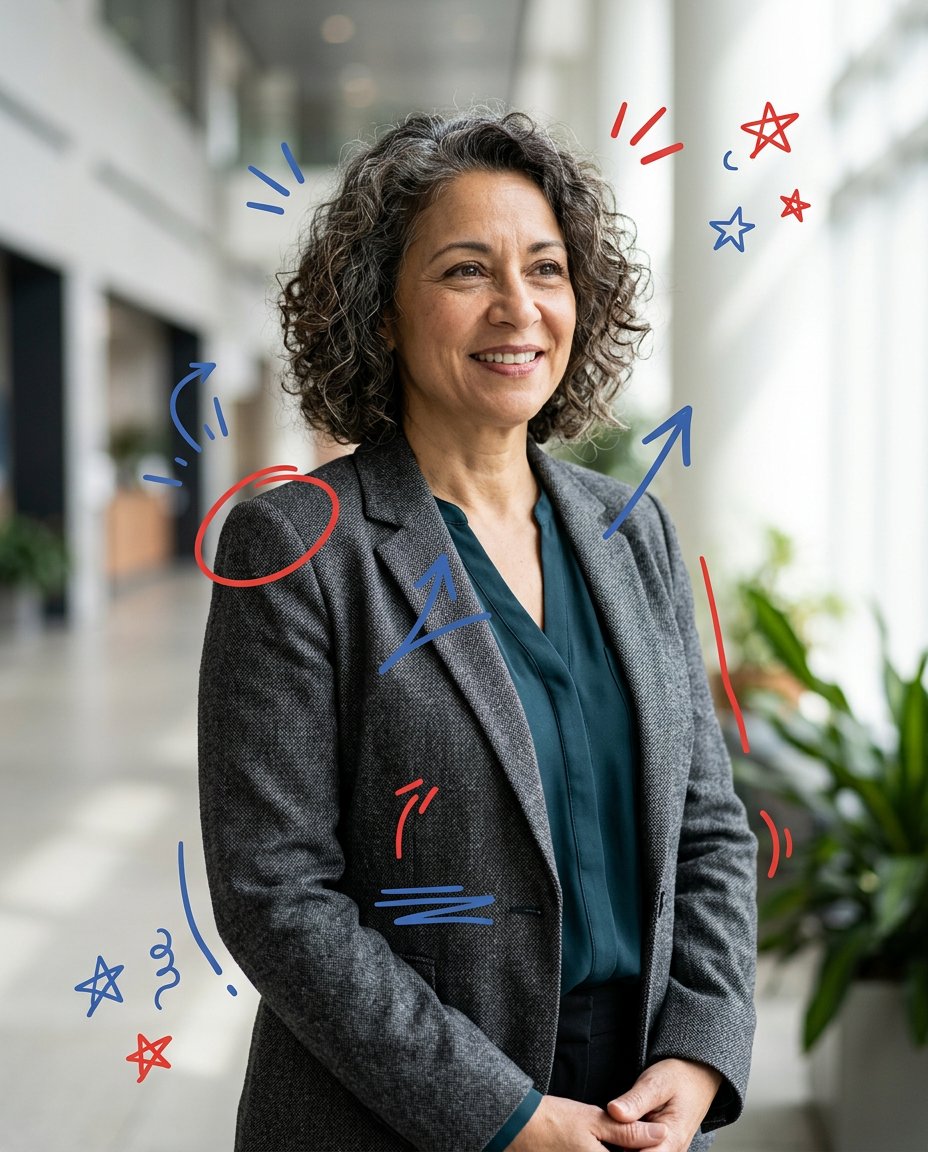
Hand-drawn overlays make a polished portrait feel more native to social feeds. This prompt adds expressive circles, arrows, stars and underlines around the subject without covering the eyes or mouth. The marks remain decorative, so creators can add their own verified hook or caption later instead of trusting generated lettering.
Rights and accuracy note: Use a rights-cleared, licensed, public-domain or user-owned source photo. A recognizable public-figure photo may be used only as an optional visual example, including a licensed photo of PM Narendra Modi or Rahul Gandhi; do not imply endorsement, sponsorship, a new event or a statement that the person never made. Add real names and copy outside the image, and label a materially AI-edited result. The featured sample is an original fictional public-figure example.
What This Prompt Changes
- Adds a controlled red-and-blue doodle language around the portrait
- Keeps the face, clothing, expression and natural photo texture intact
- Uses empty visual space for a later hook, caption or callout
- Avoids fake quotes, names, logos, claims, political symbols and copied brand graphics
How to Use It
Upload an authorized portrait and choose two accent colors. Place the hand-drawn marks around the silhouette, clothing or background rather than across important facial features. A permitted photo of a recognizable public figure may be used for attention, but the edit must not create a new statement or endorsement.
Customize the Result
- Use circles, stars, arrows, underline strokes, small bursts, loops or marker highlights
- Choose red-and-blue, black-and-yellow, pastel marker or a single-color doodle system
- Leave the top or side open for a manually added hook in Hindi, English or another language
AI Photo Editing Prompt
Negative Prompt
Prompt Details
| Prompt Type | Photo Editing |
|---|---|
| AI Tool | ChatGPT |
| Style | Photorealistic |
| Category | Photo Editing |
| Use Case | Instagram, Social Media |
| Tags | annotation portrait, doodle overlay, hand drawn overlay, shareable photo edit, social doodles, social editorial |
| Aspect Ratio | 4:5 |
| Lighting | Natural soft interior light |
| Camera | Mobile editorial portrait camera |
| Lens | 50mm phone portrait framing |
| Mood | Playful, social-native |
| Difficulty | Beginner |
How to Use This Prompt
- Copy the prompt using the button above.
- Open your preferred AI image-generation or editing tool.
- Upload the photo you want to edit.
- Paste the prompt into the text field.
- Adjust parameters (aspect ratio, quality, steps) if necessary.
- Generate or edit the image, then refine until you like the result.