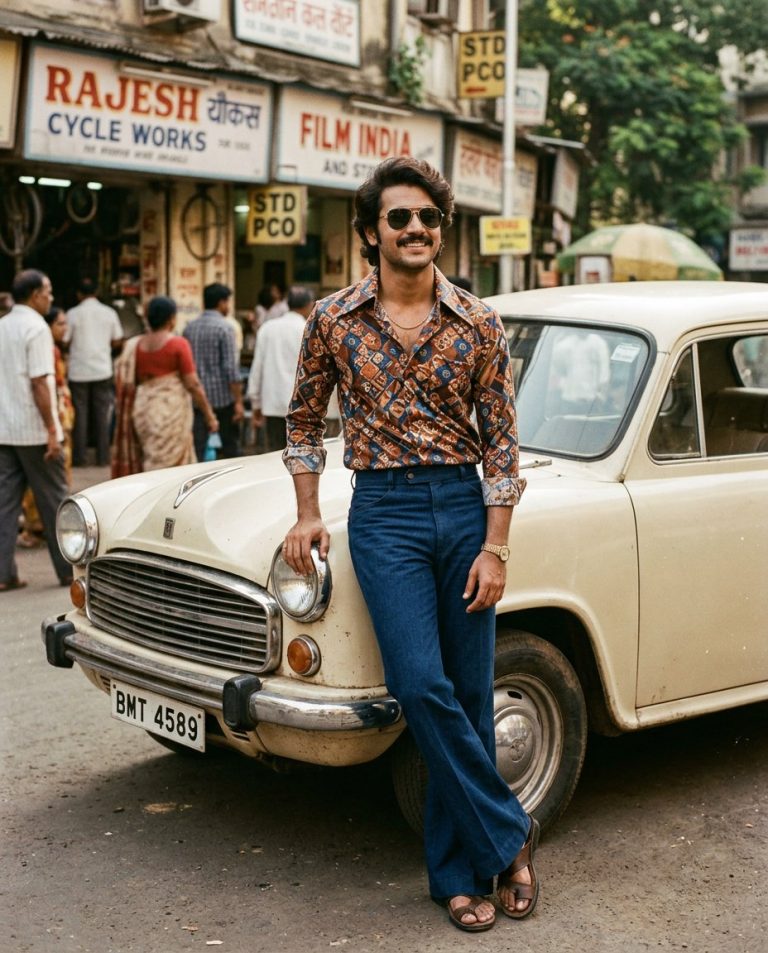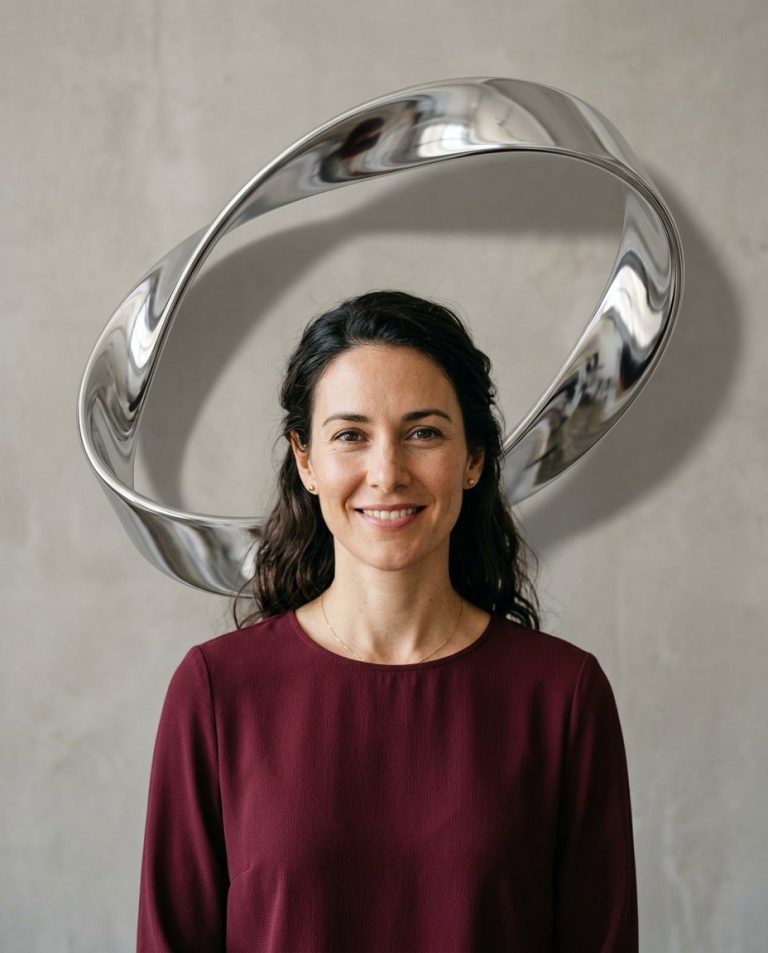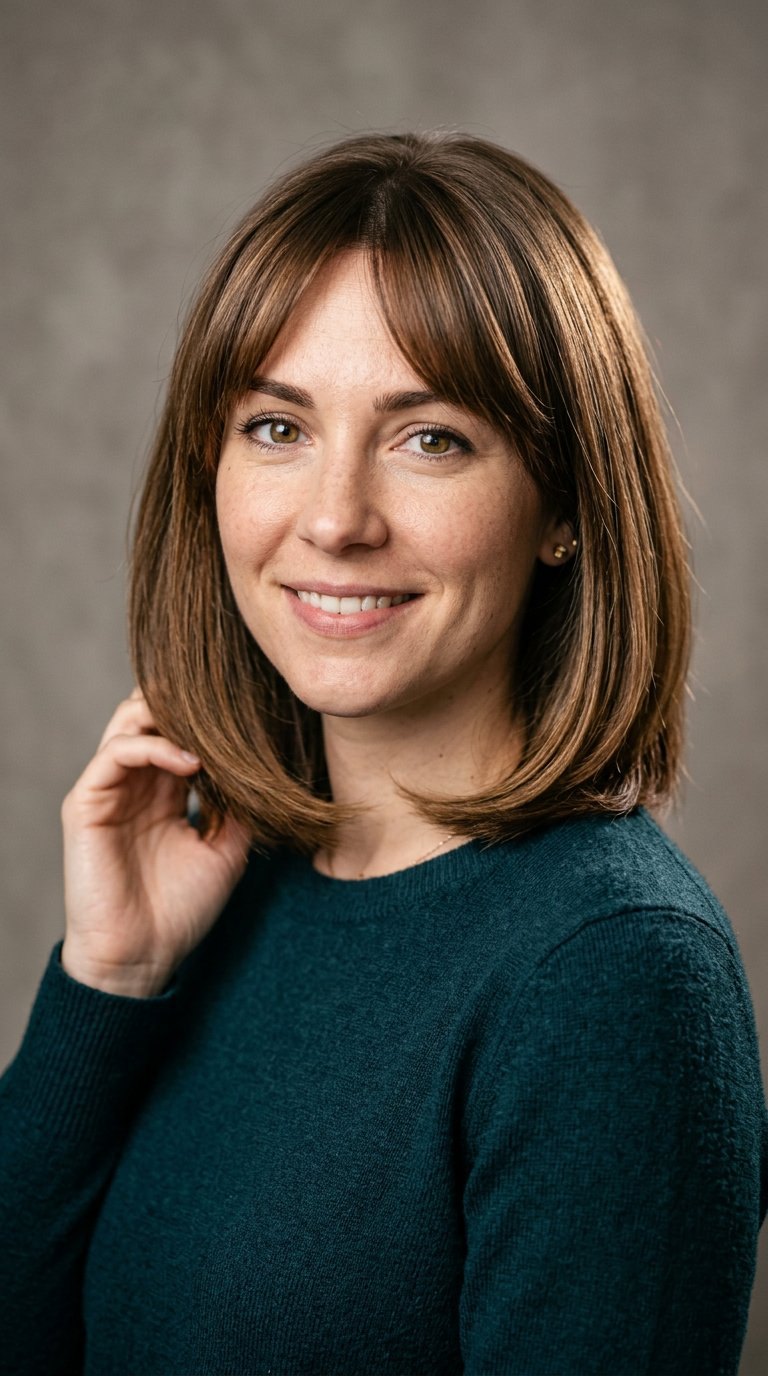
This hairstyle change prompt swaps the haircut in a portrait while keeping the person’s face, features and identity exactly the same. Use it to preview a new look before visiting the salon, or to try different styles for social media, profile photos and makeovers.
AI Photo Editing Prompt
PromptEdit the uploaded portrait by changing the subject's hairstyle to a sleek shoulder-length layered bob with soft curtain bangs. Keep the person's facial identity, features, face shape, skin tone, expression, pose and clothing completely unchanged. The new hairstyle should follow the natural hairline, match the subject's natural hair color and texture, and include realistic strands, volume, highlights and soft edges. Blend the new hair with the existing lighting and shadows so it sits naturally on the head. The final image should look like the same person with a natural, believable new hairstyle, realistic and understated, aspect ratio 3:4
Negative Prompt
Negative Promptchanged facial identity, different face, unnatural hairline, mismatched hair color, stringy or plastic hair, blurry edges, altered clothing, altered background, watermark
Prompt Details
| Prompt Type | Photo Editing |
|---|---|
| AI Tool | ChatGPT |
| Style | Photorealistic |
| Category | Photo Editing |
| Use Case | Instagram, Social Media |
| Tags | beauty, hair change, hairstyle, identity preservation, makeover, photo editing, portrait |
| Aspect Ratio | 3:4 |
| Lighting | Original |
| Camera | — |
| Lens | — |
| Mood | Natural |
| Difficulty | Beginner |
How to Use This Prompt
- Copy the prompt using the button above.
- Open your preferred AI image-generation or editing tool.
- Upload the photo you want to edit.
- Paste the prompt into the text field.
- Adjust parameters (aspect ratio, quality, steps) if necessary.
- Generate or edit the image, then refine until you like the result.