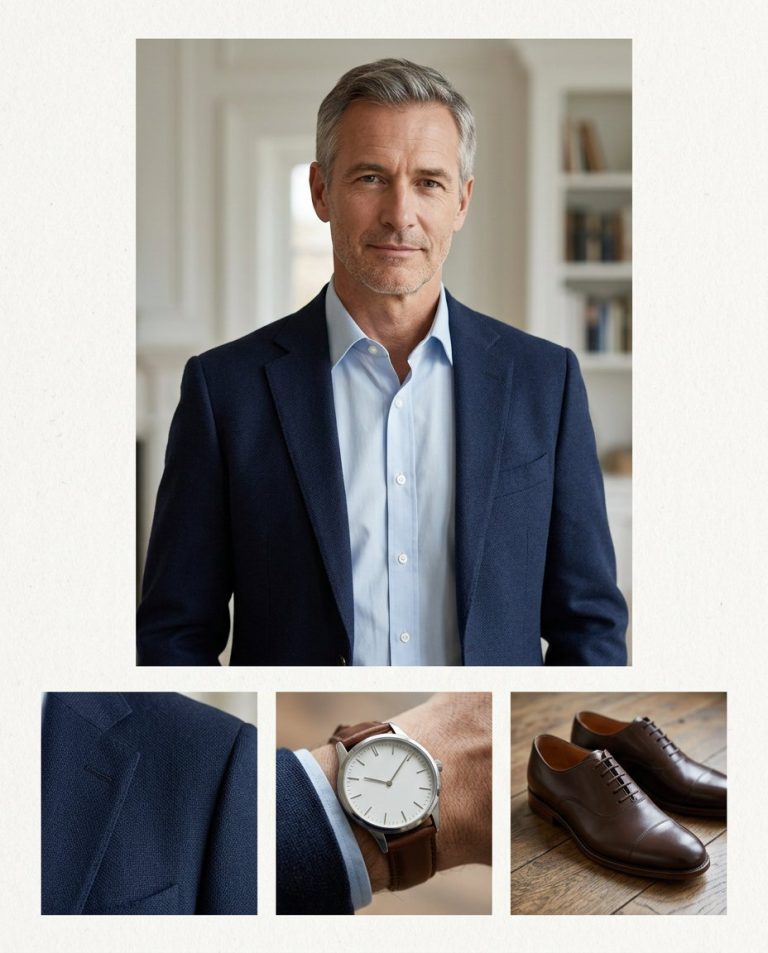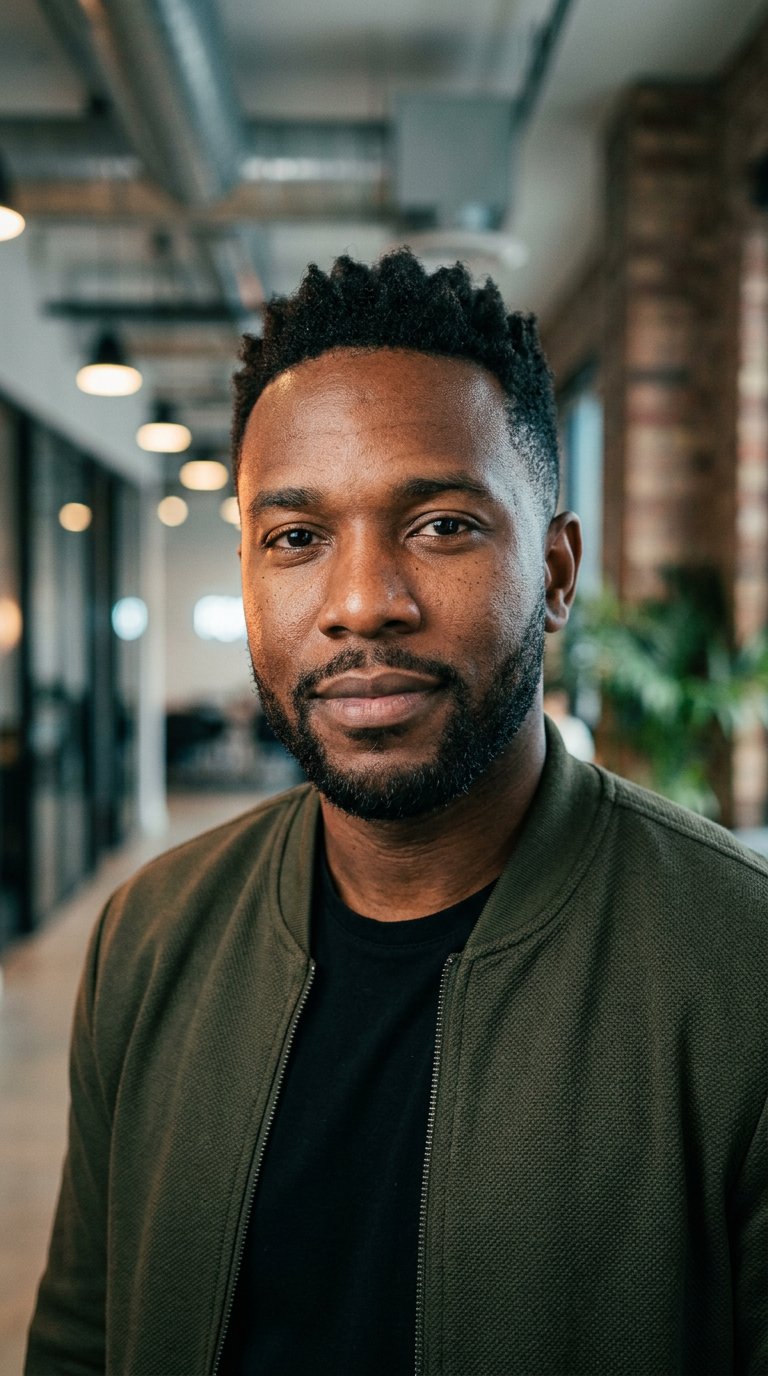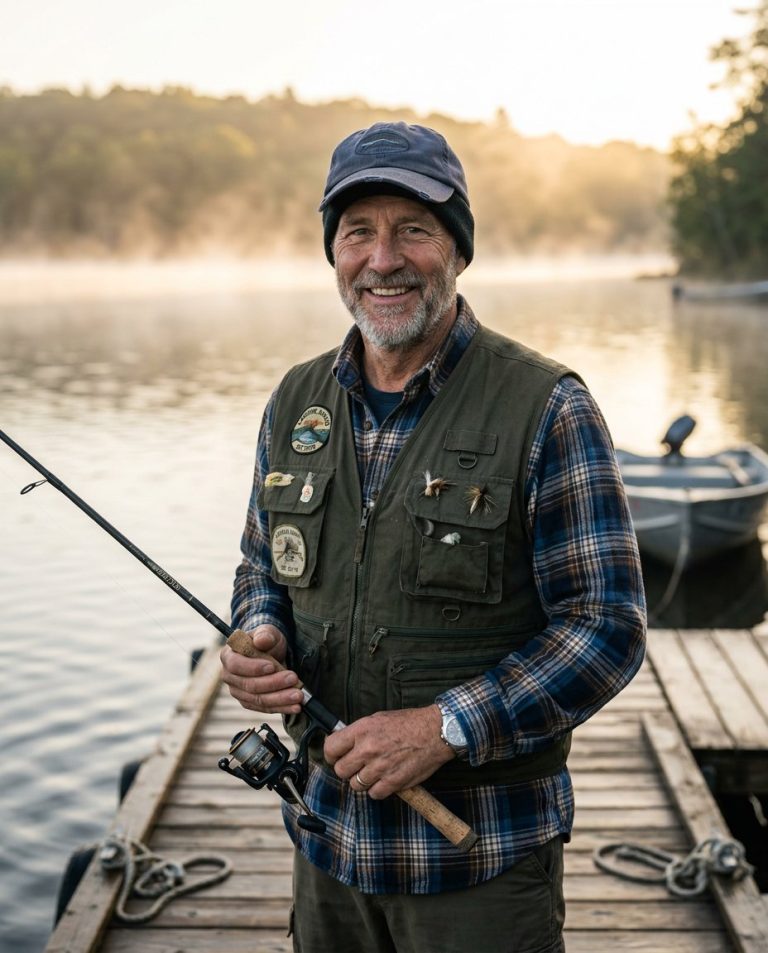
This teeth whitening editing prompt brightens a smile naturally without the artificial over-whitened look. Ideal for portrait and headshot photos.
AI Photo Editing Prompt
PromptEdit the uploaded portrait by gently whitening the subject's teeth to a natural, healthy shade. Keep the person's facial identity, features, expression, lips, skin tone and lighting completely unchanged. Preserve realistic tooth shape, subtle enamel texture and natural highlights, and blend the new shade gradually without creating a flat, glowing or over-whitened look. Maintain accurate lip and gum edges with no bleeding of color. The final image should look like the same person with a naturally bright, healthy smile, realistic and understated, aspect ratio 3:4
Negative Prompt
Negative Promptover-whitened glowing teeth, changed face, flat unnatural shade, blurry edges, watermark, altered skin, cartoonish
Prompt Details
| Prompt Type | Photo Editing |
|---|---|
| AI Tool | ChatGPT |
| Style | Photorealistic |
| Category | Photo Editing |
| Use Case | Instagram, Social Media |
| Tags | headshot, photo editing, portrait, retouch, smile, teeth whitening |
| Aspect Ratio | 3:4 |
| Lighting | Original |
| Camera | — |
| Lens | — |
| Mood | Natural |
| Difficulty | Beginner |
How to Use This Prompt
- Copy the prompt using the button above.
- Open your preferred AI image-generation or editing tool.
- Upload the photo you want to edit.
- Paste the prompt into the text field.
- Adjust parameters (aspect ratio, quality, steps) if necessary.
- Generate or edit the image, then refine until you like the result.