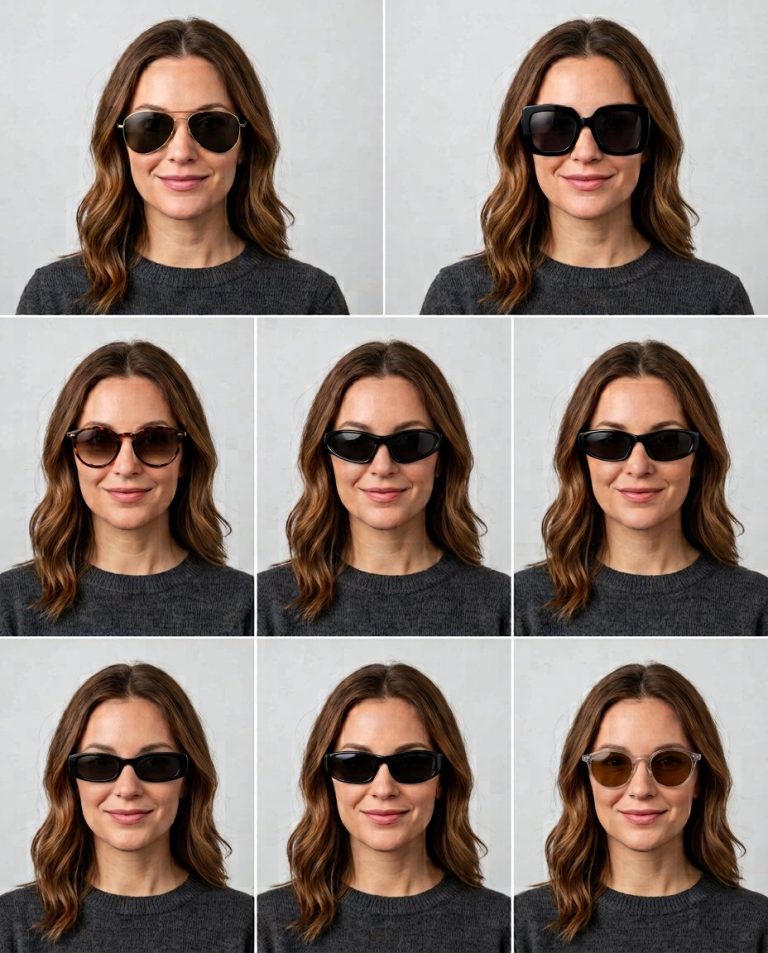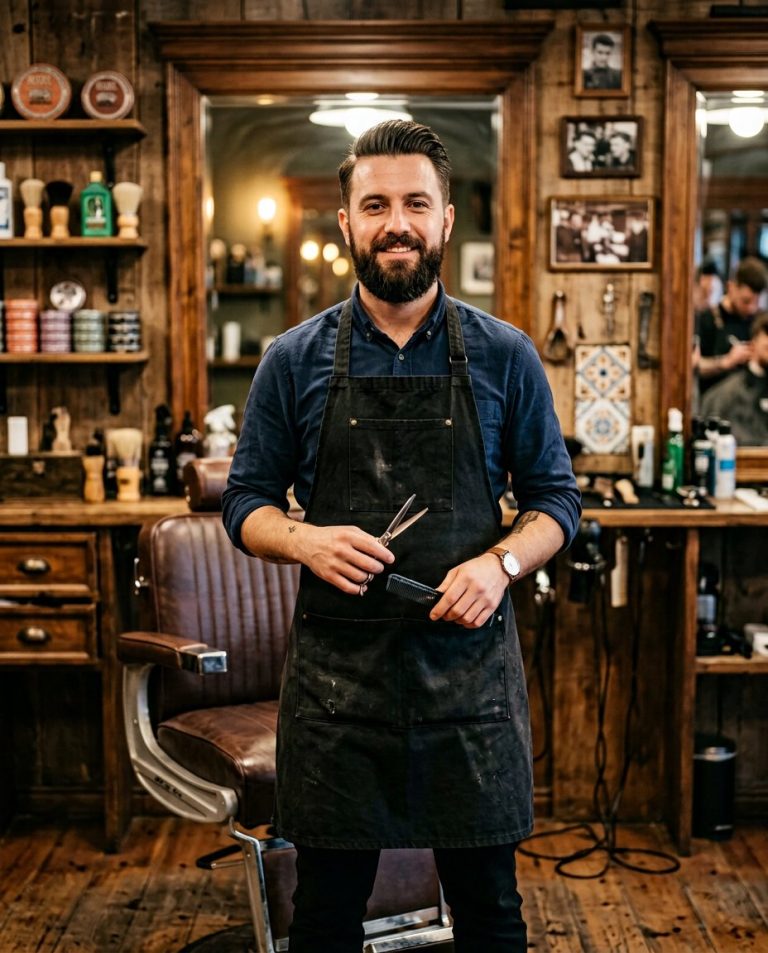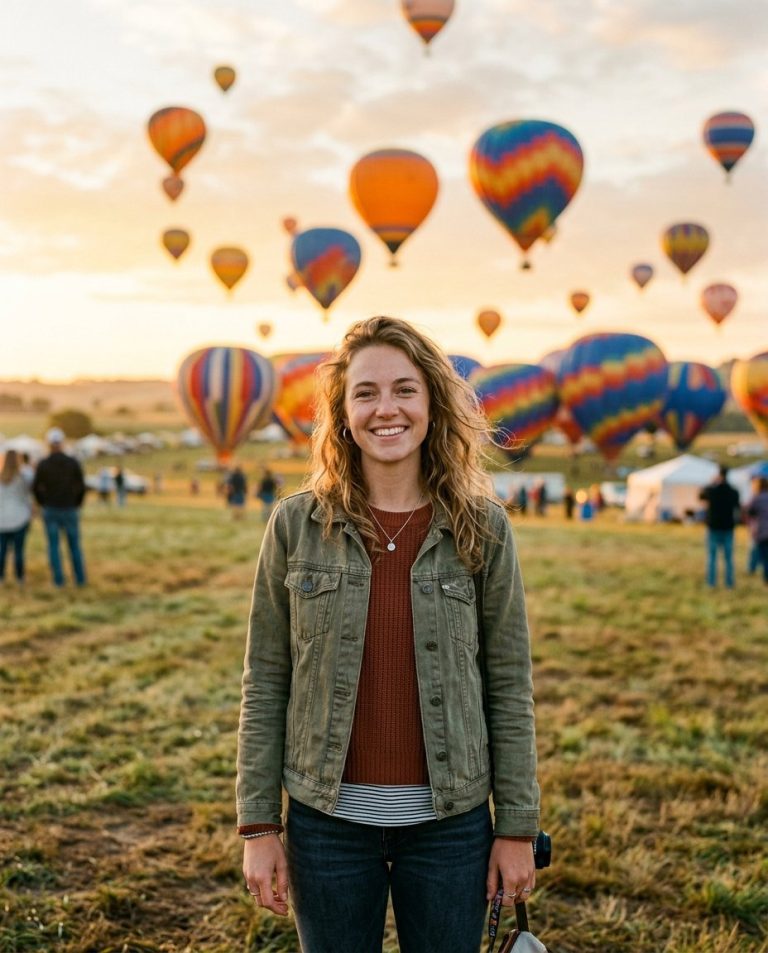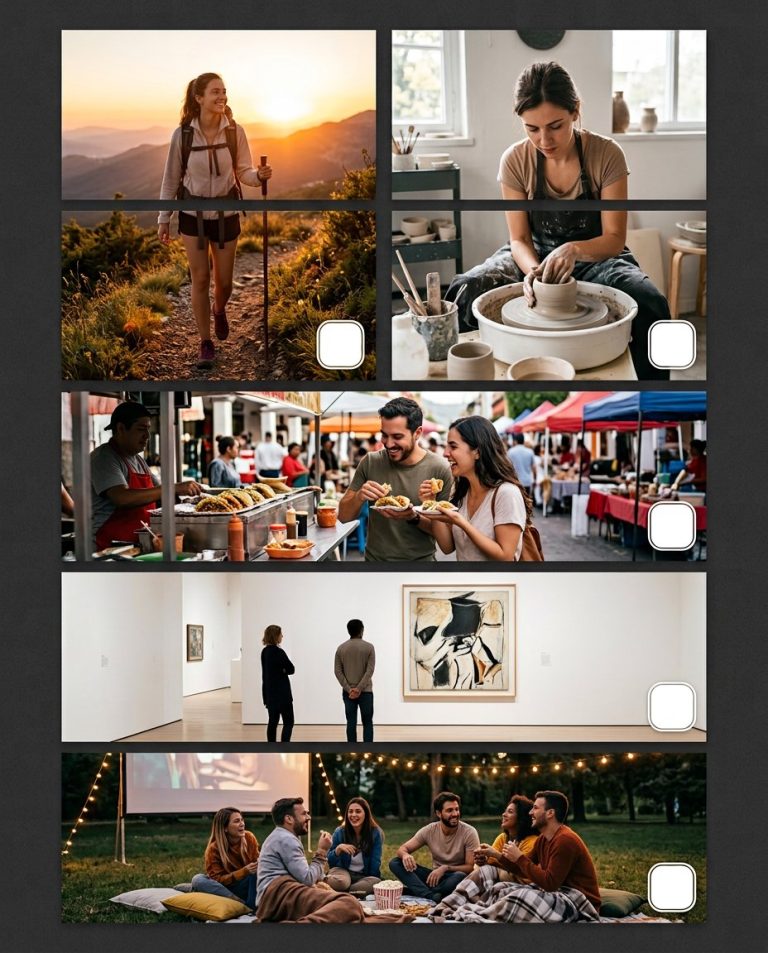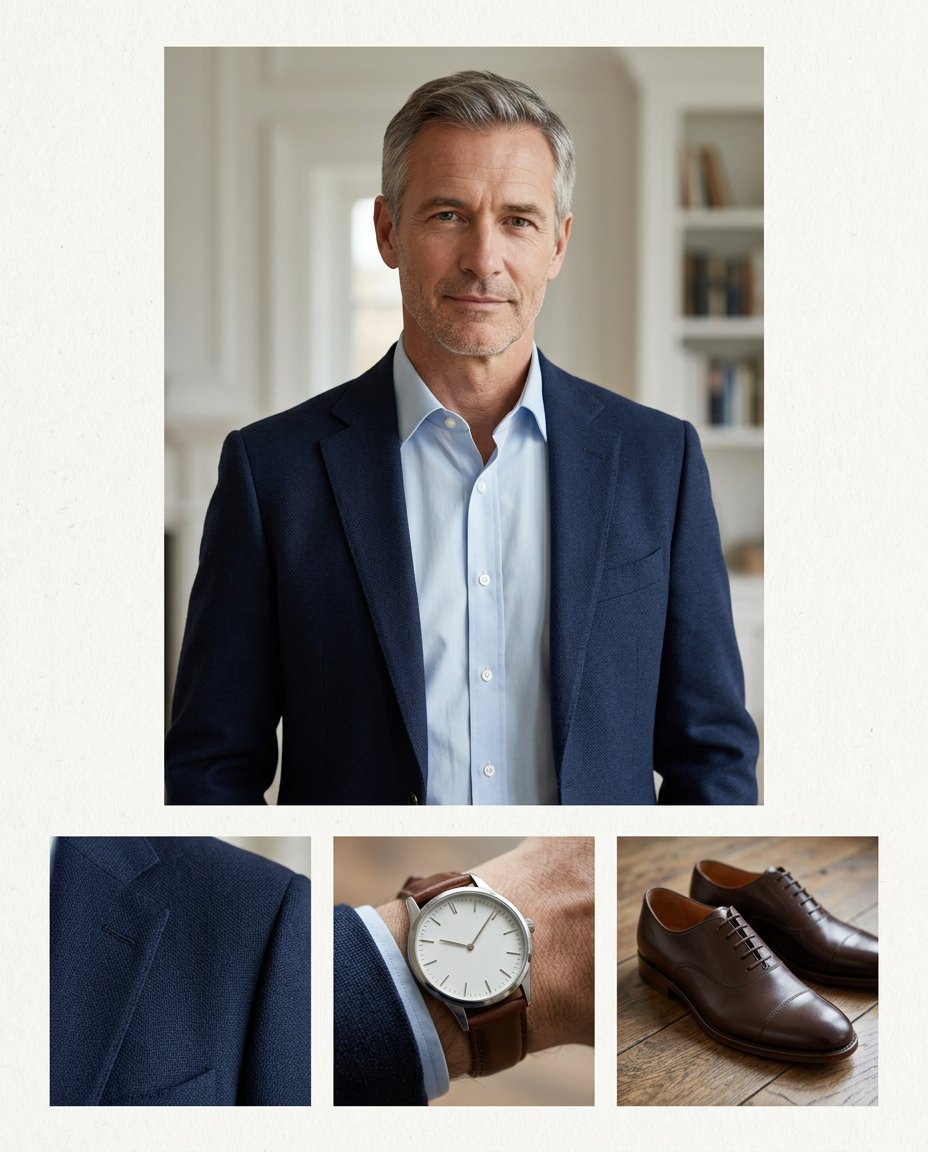
A portrait can communicate a complete visual identity when the important details are shown clearly. This prompt creates a wardrobe-and-accessory detail board from one photo: a main portrait plus close views of fabric, watch, shoes, eyewear or another visible detail. It is useful for fashion publicity, media kits and editorial planning while keeping the subject and styling coherent.
Rights and accuracy note: Use a rights-cleared, licensed, public-domain or user-owned source photo. A recognizable public-figure photo may be used as an optional example for engagement, including a rights-cleared photo of PM Narendra Modi, Rahul Gandhi or another popular public figure, but do not imply endorsement, sponsorship, a new event or a statement that the person never made. Add real names and copy outside the image, and label a materially AI-edited result. The featured sample is an original fictional public-figure example.
What This Prompt Changes
- Creates a main portrait with three coordinated close-detail windows
- Preserves clothing color, fit, material and accessory continuity across the board
- Makes small styling decisions visible without turning the image into a shopping advertisement
- Removes logos, brand claims, invented products and unrelated accessories
How to Use It
Upload a full or three-quarter portrait where the clothing and at least one accessory are visible. Choose the detail windows you want, then add any real brand or credit information manually. A licensed popular public-figure photo may be used as a recognizable example, but the result should not imply that the person promotes a product.
Customize the Result
- Show jacket texture, shirt collar, shoes, watch, glasses, jewelry, bag or fabric seam
- Use three equal insets, a large portrait with a bottom detail row or an editorial side column
- Choose formal, streetwear, minimal, vintage, luxury or documentary styling
AI Photo Editing Prompt
Negative Prompt
Prompt Details
| Prompt Type | Photo Editing |
|---|---|
| AI Tool | ChatGPT |
| Style | Photorealistic |
| Category | Photo Editing |
| Use Case | Instagram, Marketing, Social Media |
| Tags | accessory references, editorial photo kit, fashion details, material closeup, style reference, wardrobe detail board |
| Aspect Ratio | 4:5 |
| Lighting | Soft directional fashion light |
| Camera | Editorial fashion reference camera |
| Lens | 50mm portrait plus macro detail framing |
| Mood | Precise, polished |
| Difficulty | Intermediate |
How to Use This Prompt
- Copy the prompt using the button above.
- Open your preferred AI image-generation or editing tool.
- Upload the photo you want to edit.
- Paste the prompt into the text field.
- Adjust parameters (aspect ratio, quality, steps) if necessary.
- Generate or edit the image, then refine until you like the result.