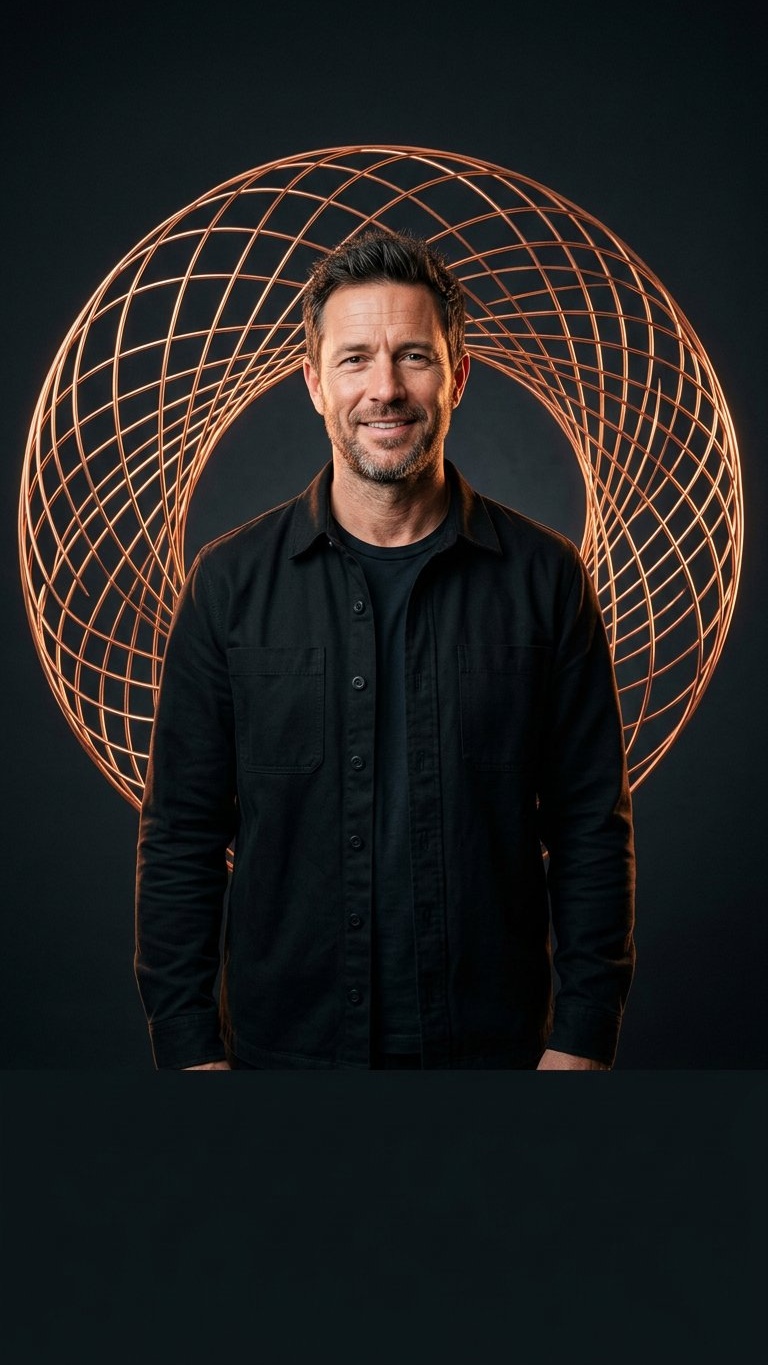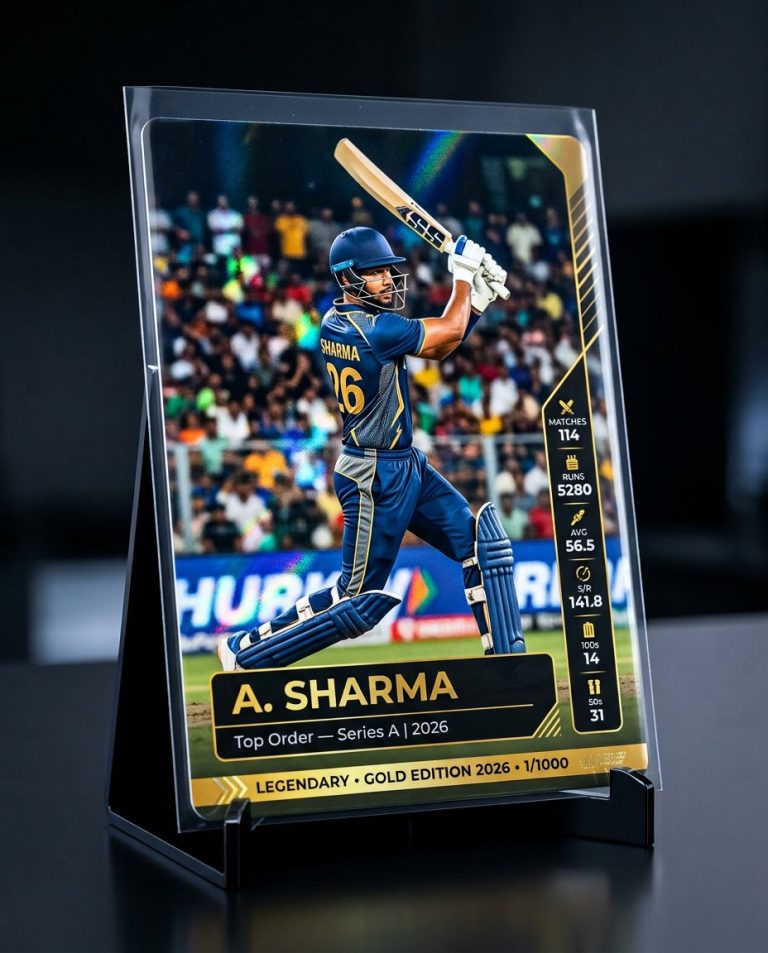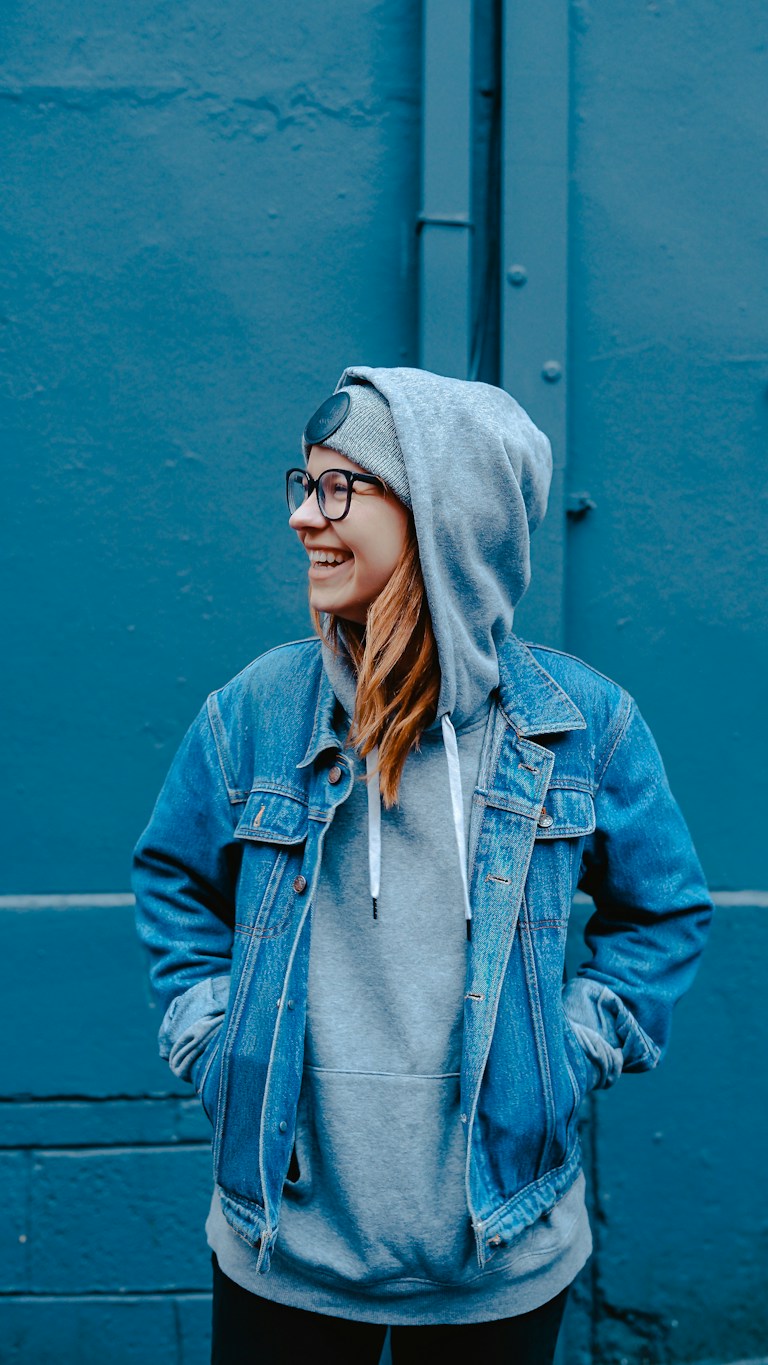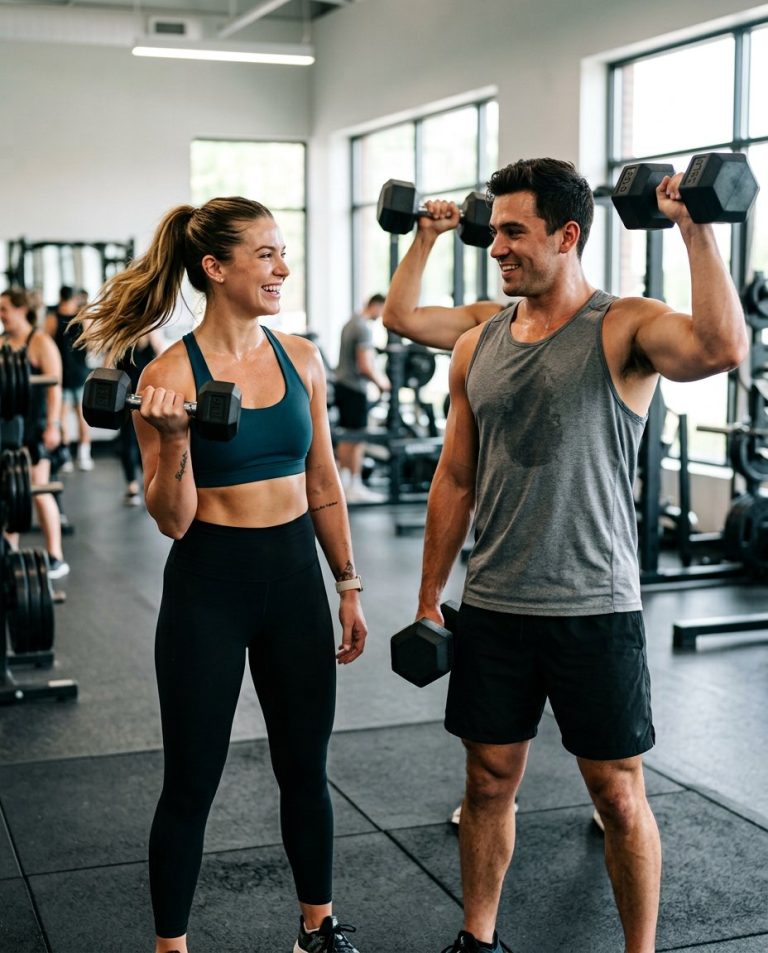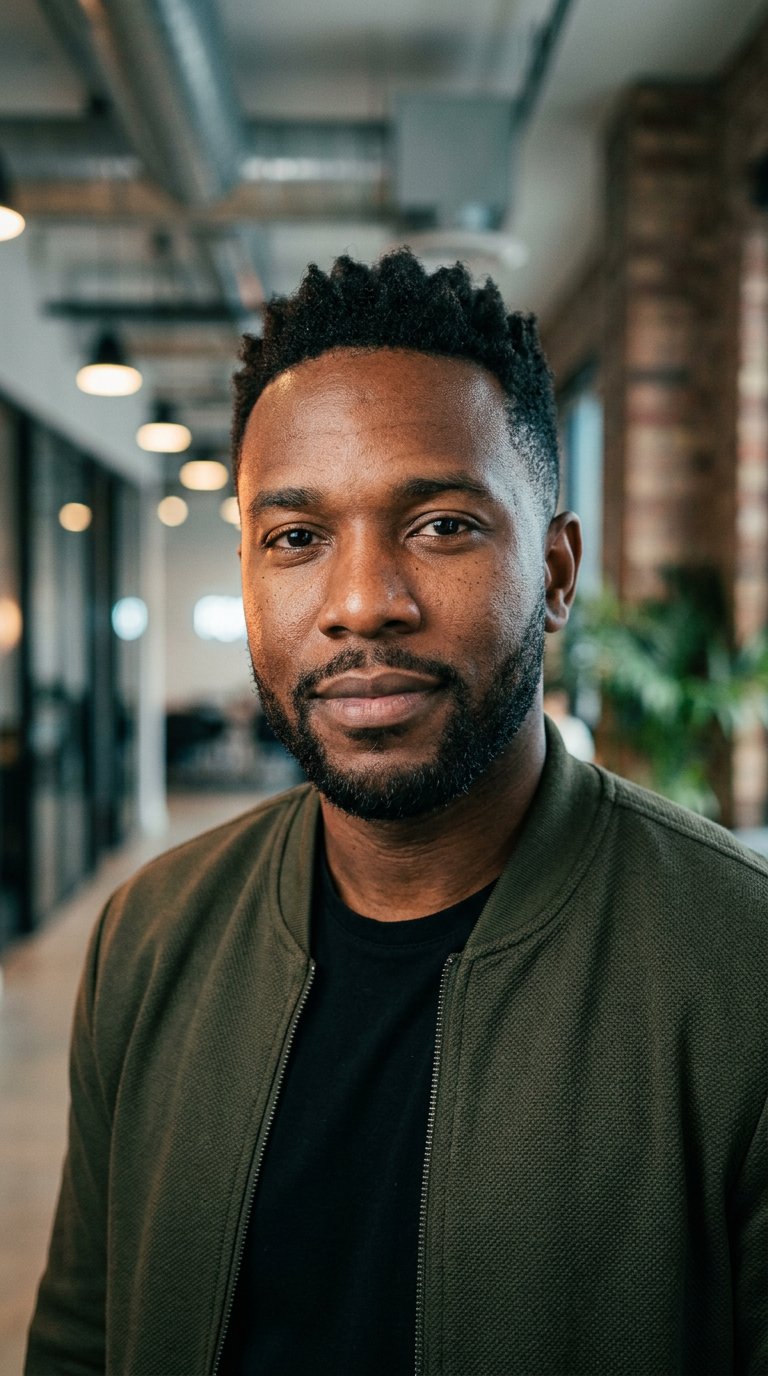
MK Edit is a trending style of social-media photo editing that upgrades a portrait with cinematic lighting and polished styling while keeping your identity fully recognizable. This prompt gives you a copy-paste instruction for that look.
AI Photo Editing Prompt
PromptEdit the uploaded portrait in a trending MK Edit style. Preserve the subject's facial identity, facial proportions, skin tone, hairstyle and body structure exactly as they are. Add cinematic studio lighting with a soft key light, a subtle rim light and a clean, modern social-media background with gentle depth of field. Enhance the styling with a tasteful, current outfit and refine the skin with realistic texture and natural detail. Apply a polished, modern color grade with soft contrast and slightly warm highlights. Keep the identity stable and recognizable, with no face morphing or distortion. The final result should look like a high-quality, trending Instagram or WhatsApp profile edit, sharp and realistic, aspect ratio 9:16
Negative Prompt
Negative Promptchanged identity, face morphing, plastic skin, extra limbs, distorted hands, flickering, watermark, logo, random text, overexposed
Prompt Details
| Prompt Type | Photo Editing |
|---|---|
| AI Tool | ChatGPT |
| Style | Cinematic, Photorealistic |
| Category | Photo Editing |
| Use Case | Instagram, Social Media |
| Tags | cinematic, mk edit, photo editing, portrait edit, social media, trending |
| Aspect Ratio | 9:16 |
| Lighting | Cinematic studio light |
| Camera | — |
| Lens | — |
| Mood | Modern |
| Difficulty | Beginner |
How to Use This Prompt
- Copy the prompt using the button above.
- Open your preferred AI image-generation or editing tool.
- Upload the photo you want to edit.
- Paste the prompt into the text field.
- Adjust parameters (aspect ratio, quality, steps) if necessary.
- Generate or edit the image, then refine until you like the result.