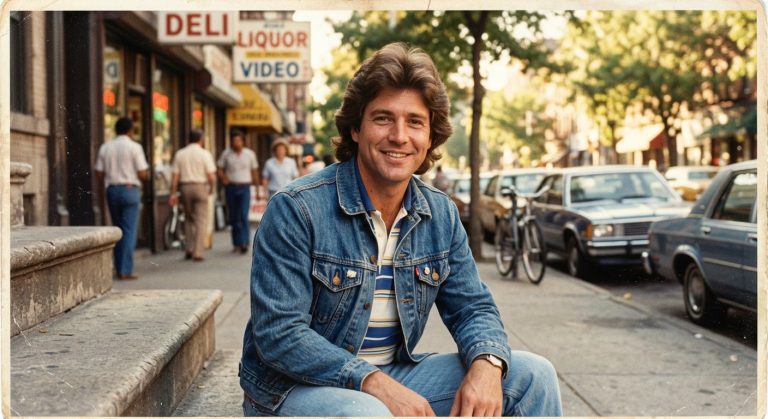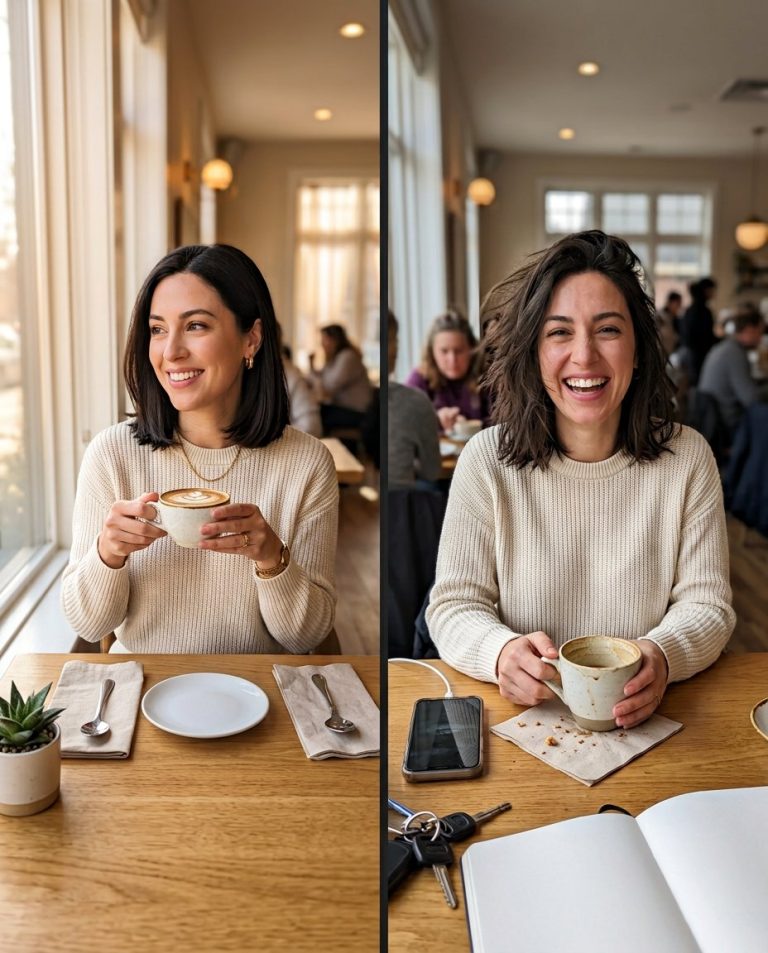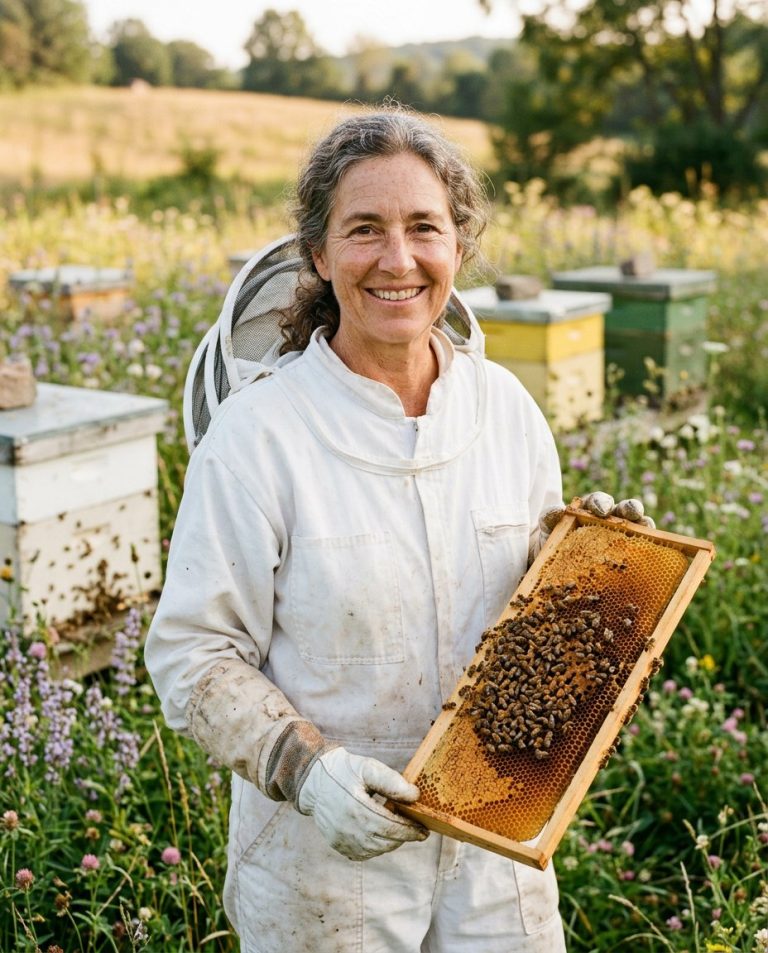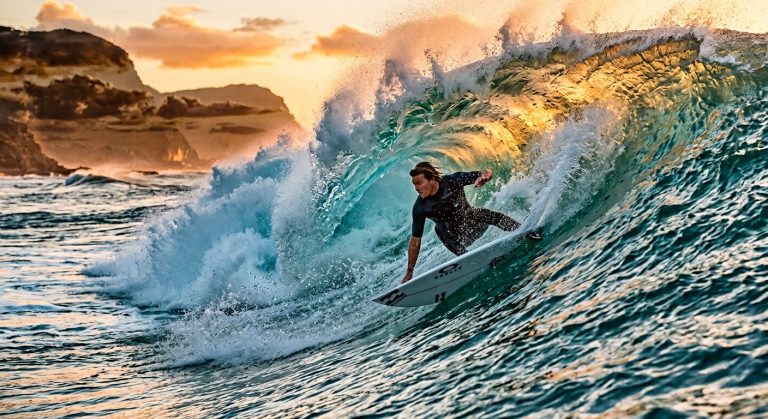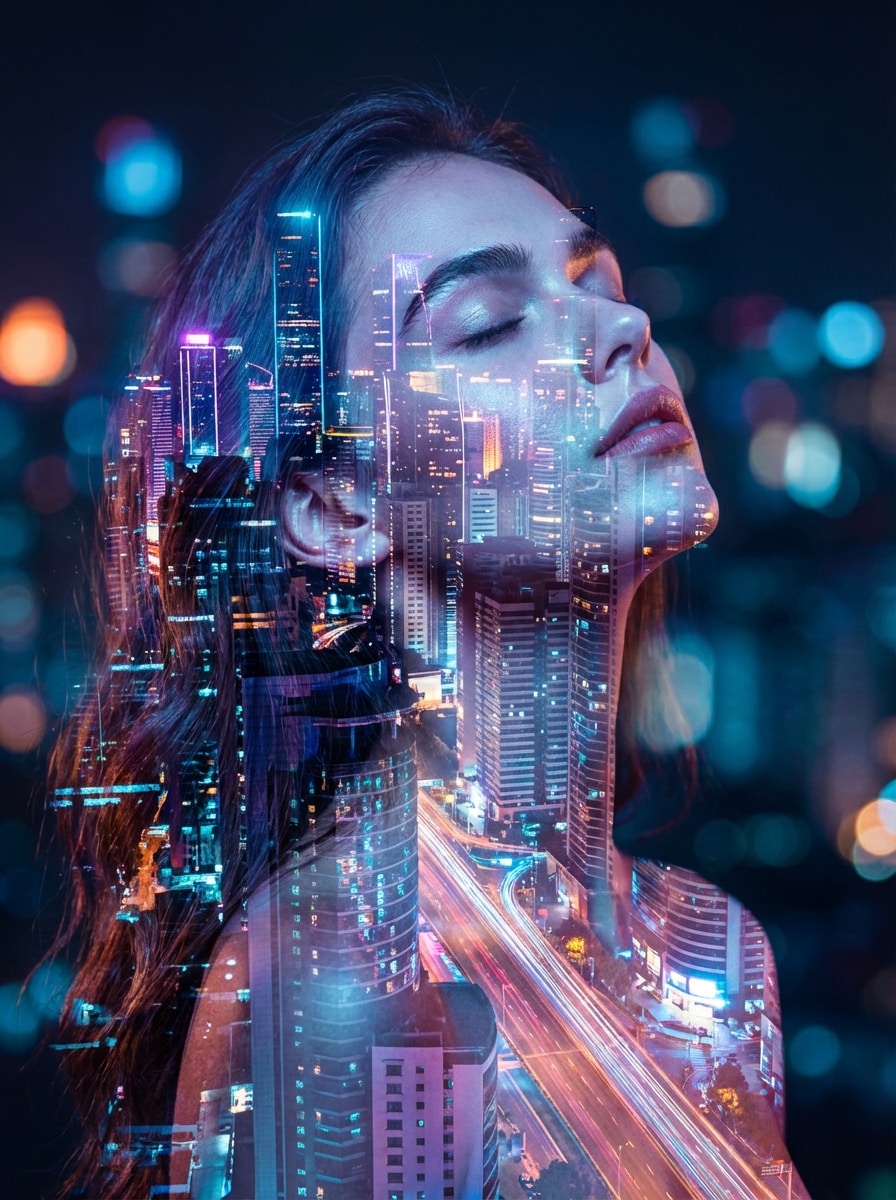
Turn one clear portrait into a cinematic editorial that feels like a still from an art-house film. This triple-exposure concept layers three carefully aligned moments of the same person with subtle motion, rich shadows and restrained color, rather than relying on an ordinary filter.
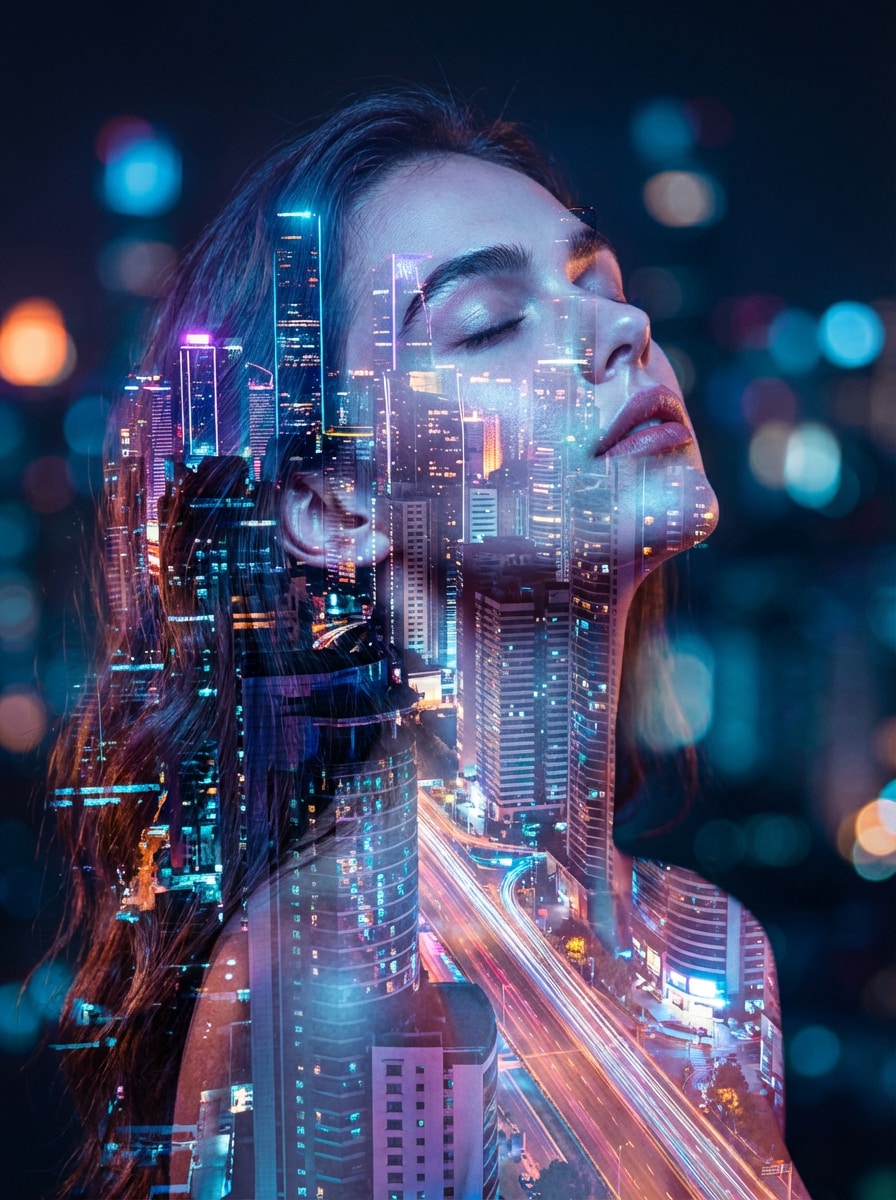
Sample image: View a visual reference for layered double-exposure portrait styling. This is an externally hosted illustrative reference, not an original PromptTai-generated sample.
What This Prompt Creates
- One crisp main portrait supported by two translucent, offset echoes of the same person.
- Subtle motion trails and cinematic depth without obscuring the face.
- A midnight-blue background with restrained cyan and amber highlights.
- Realistic skin texture and recognisable facial identity.
- A polished 4:5 editorial composition for social profiles and creative portfolios.
Main AI Prompt
Use the uploaded photo as the only identity reference. Preserve the adult subject’s recognisable face, facial structure, skin tone, age, hairstyle, natural skin texture and proportions. Create a photorealistic cinematic triple-exposure portrait: one sharp central portrait in the foreground, plus two subtle translucent duplicates offset behind the subject at different angles to suggest a split second of movement. Keep both background echoes recognisably the same person, softly blended and lower in contrast; do not create extra people. Use a deep midnight-blue studio background with controlled cyan edge light and a very small amount of warm amber rim light. Add natural shadows, a refined filmic contrast curve, delicate film grain and realistic lens depth. Keep the main eyes and facial features crisp and unobstructed. Art-directed, elegant, emotionally cinematic, premium portrait photography, clean composition, high detail, vertical 4:5 crop. No typography or interface elements.
Negative Prompt
different identity, face swap, extra people, extra heads, duplicated eyes, distorted face, plastic skin, excessive smoothing, blurred main eyes, confusing ghost images, chaotic motion trails, overexposure, oversaturated neon, text, logo, watermark, low resolution, artifacts.
How to Use
- Choose a clear, front-facing portrait.
- Upload it to ChatGPT, Gemini, or another image editor that supports reference photos.
- Paste the main prompt and generate the edit.
- If the echoes are too strong, request lower opacity and greater separation from the main face.
Rights and Accuracy
Use a photo you own or have permission to edit. This is a creative style prompt, not a guarantee of social-media reach. The linked sample is an external reference image, not a newly generated before-and-after.
AI Photo Editing Prompt
Prompt Details
| Prompt Type | Photo Editing |
|---|---|
| AI Tool | ChatGPT, Gemini |
| Style | Photorealistic |
| Category | Photo Editing |
| Use Case | Instagram, Social Media |
How to Use This Prompt
- Copy the prompt using the button above.
- Open your preferred AI image-generation or editing tool.
- Upload the photo you want to edit.
- Paste the prompt into the text field.
- Adjust parameters (aspect ratio, quality, steps) if necessary.
- Generate or edit the image, then refine until you like the result.