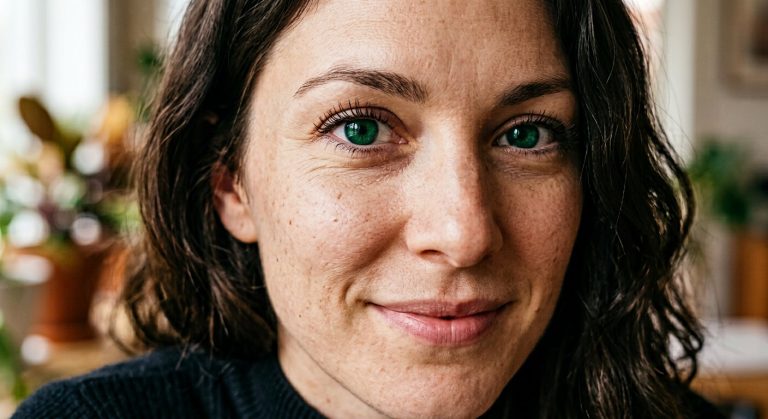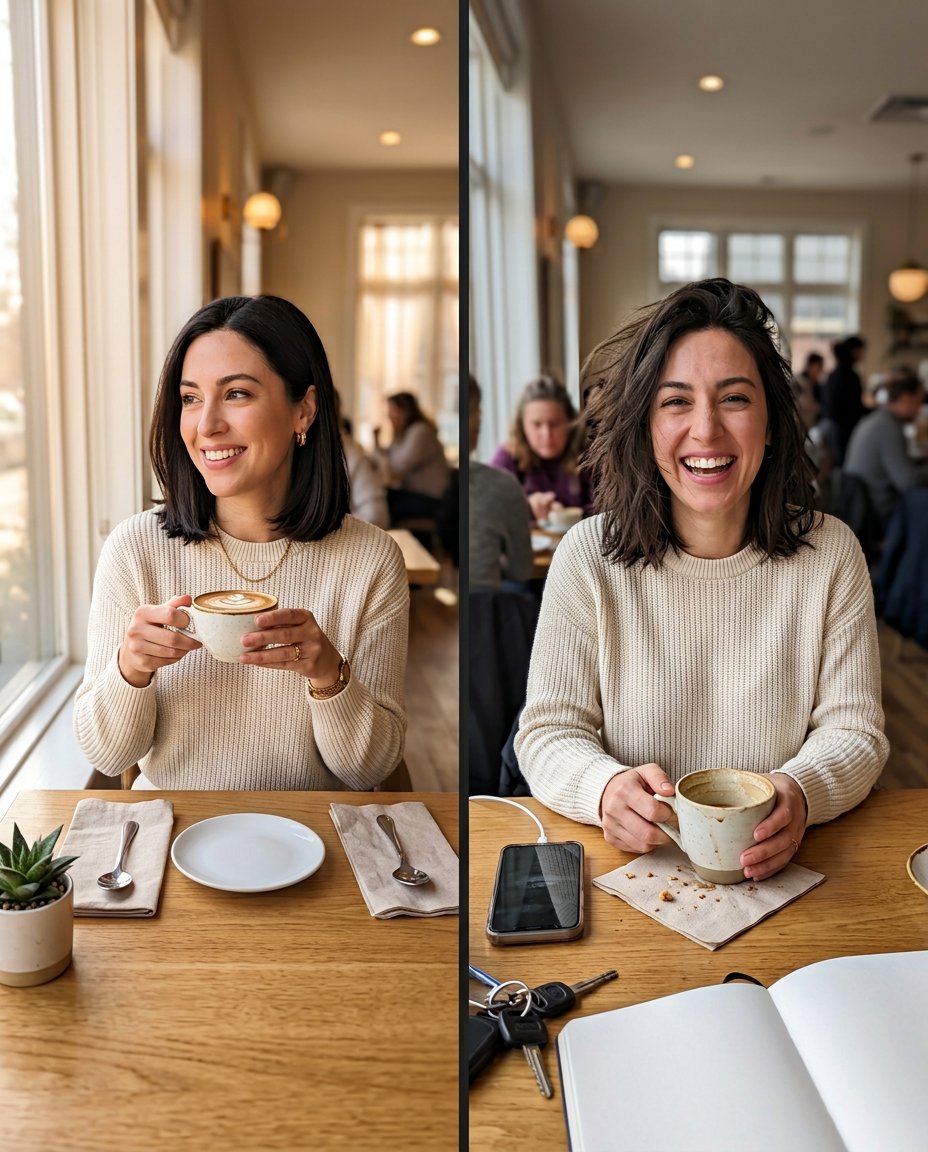
This prompt turns one selfie into a relatable real-versus-expectation carousel. It keeps the same person and outfit recognizable while contrasting a carefully planned version with a candid, slightly imperfect moment. The clean two-panel result can be split into slides or posted as a comparison visual without relying on AI-generated text.
What This Prompt Changes
- Creates a clear expectation-versus-reality contrast from one source selfie
- Preserves the same face, identity, outfit, body proportions and recognizable details
- Uses a polished planned scene on one side and a believable candid moment on the other
- Leaves the comparison unlabelled so the creator can add native captions or poll text later
How to Use It
Upload a clear selfie to ChatGPT or Gemini with the full outfit and surrounding context visible. Ask for the same person in both panels, then split the finished 4:5 comparison into two carousel slides if you want the reveal to happen on a swipe. Add the labels inside Instagram rather than asking the image model to render them.
Customize the Result
- Change the setting to a café, travel day, workout, cooking attempt, outfit plan or desk setup
- Make the expectation panel editorial and tidy, or keep it closer to a normal phone photo
- Choose a playful, gentle or fully neutral contrast without exaggerating the candid panel
AI Photo Editing Prompt
PromptUse the uploaded selfie as the exact reference for the same adult's identity, face, hairstyle, skin tone, outfit, body proportions and recognizable details. Create one clean vertical 4:5 two-panel comparison visual that can be split into two carousel slides. In the left panel, show the expectation: the person carefully posed at a bright café window with a neat coffee, tidy table and flattering soft daylight. In the right panel, show the real-life version: the same person in the same outfit at the same café, with wind-tossed hair, a relaxed candid smile, a half-finished drink, a phone and a few natural table details. Keep the face and outfit consistent while changing only the pose, tidiness and candid context. Make both panels believable phone photography rather than a caricature. Use a narrow clean divider, matching color treatment and clear mobile-readable framing. Render no words, letters, labels, numbers, emoji, app interface, logo or watermark so the creator can add the final caption later. Photorealistic social comparison, vertical 4:5. Midjourney / Flux.1 alternative: [SELFIE_IMAGE] real-versus-expectation two-panel social carousel, same exact person and outfit, polished tidy café expectation on the left, candid imperfect café reality on the right, consistent identity and believable phone photography, no text --ar 4:5 --style raw --iw 2.0
Negative Prompt
Negative Promptdifferent person, changed identity, changed outfit, beauty filter, plastic skin, exaggerated mess, caricature, extra fingers, fake words, labels, logo, watermark, split face, inconsistent lighting
Prompt Details
| Prompt Type | Photo Editing |
|---|---|
| AI Tool | ChatGPT |
| Style | Photorealistic |
| Category | Photo Editing |
| Use Case | Instagram, Social Media |
| Tags | comparison carousel, expectation vs reality, real vs expectation, reality check, relatable content, social carousel |
| Aspect Ratio | 4:5 |
| Lighting | Soft café daylight with natural mixed light |
| Camera | Creator phone camera |
| Lens | 35mm phone main camera |
| Mood | Relatable, playful |
| Difficulty | Intermediate |
How to Use This Prompt
- Copy the prompt using the button above.
- Open your preferred AI image-generation or editing tool.
- Upload the photo you want to edit.
- Paste the prompt into the text field.
- Adjust parameters (aspect ratio, quality, steps) if necessary.
- Generate or edit the image, then refine until you like the result.