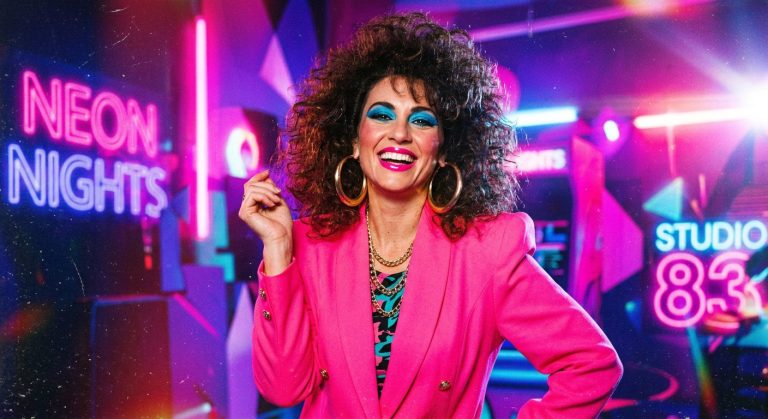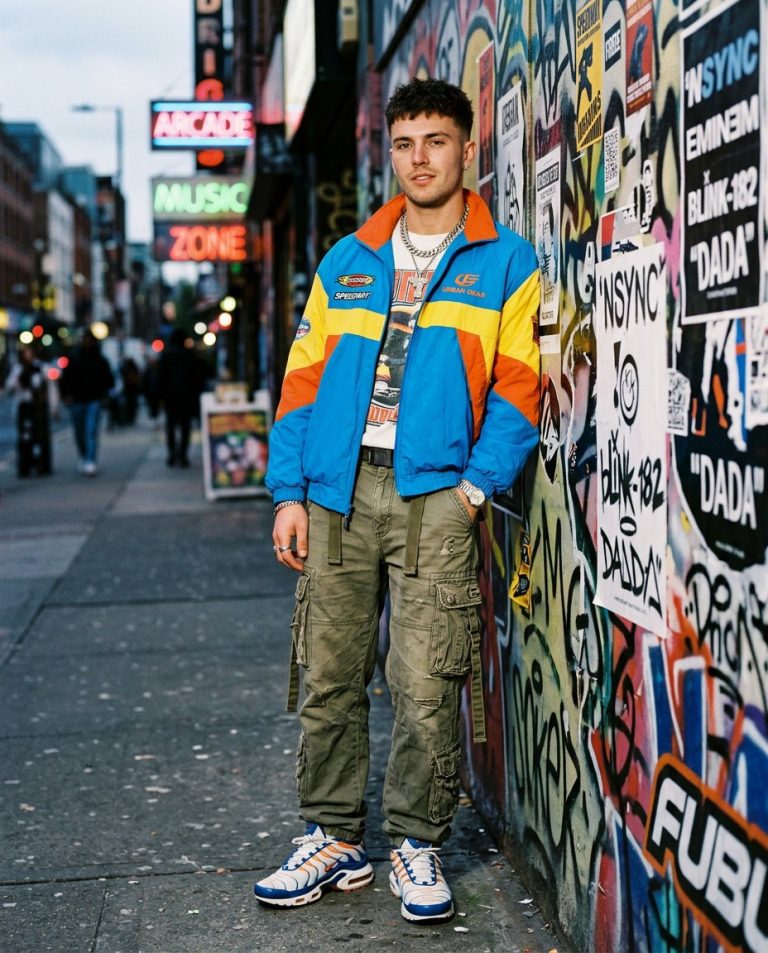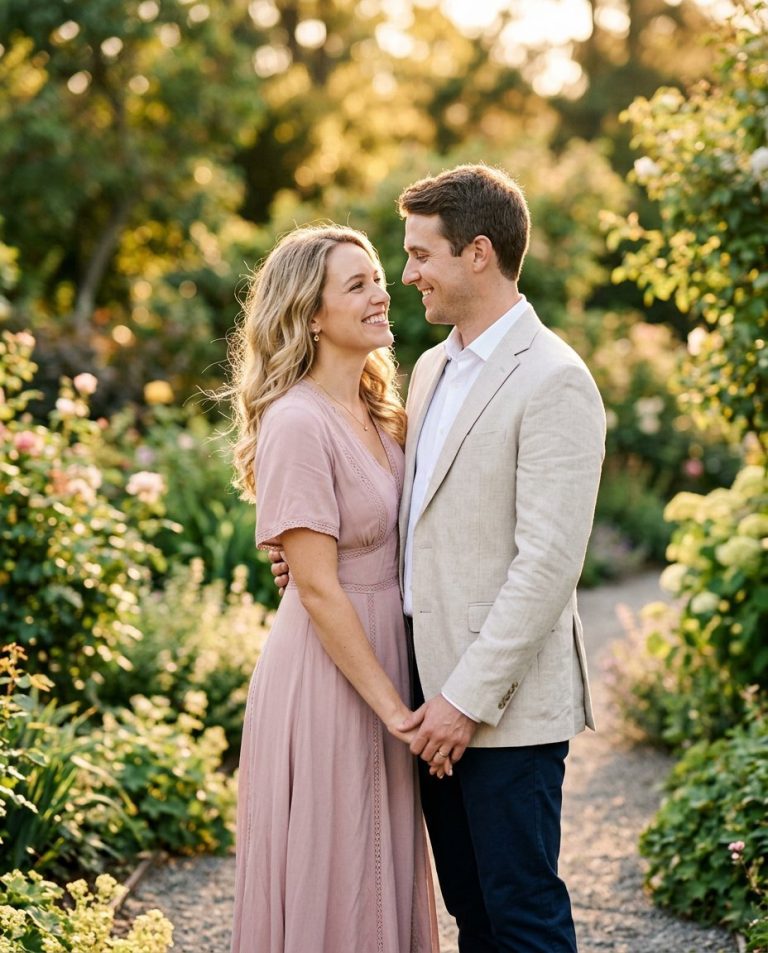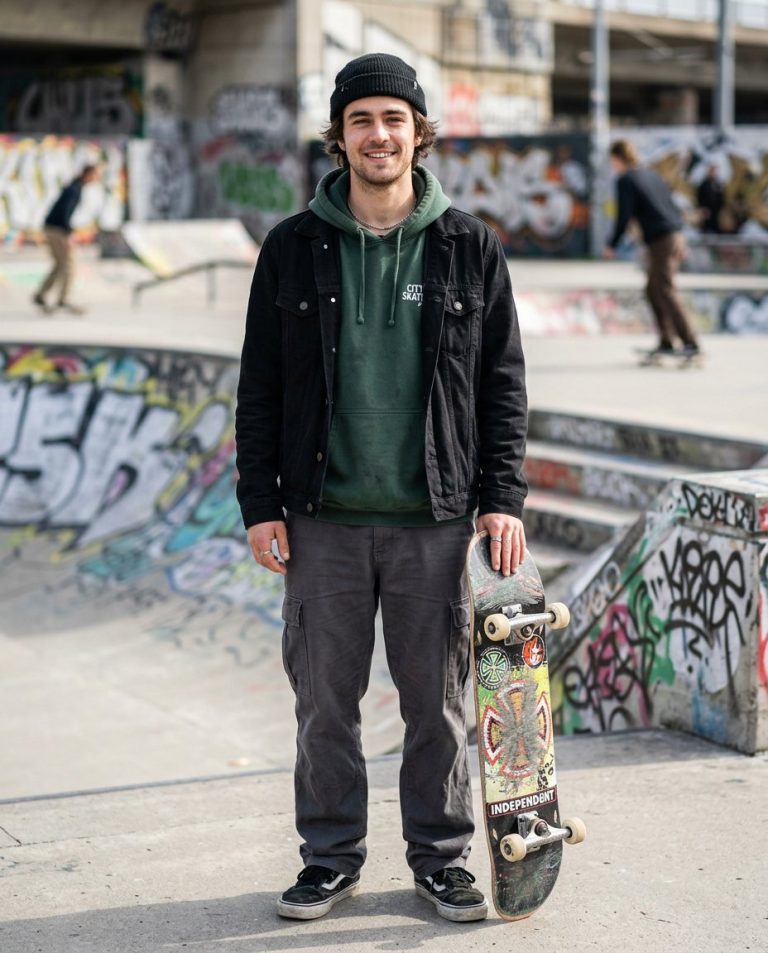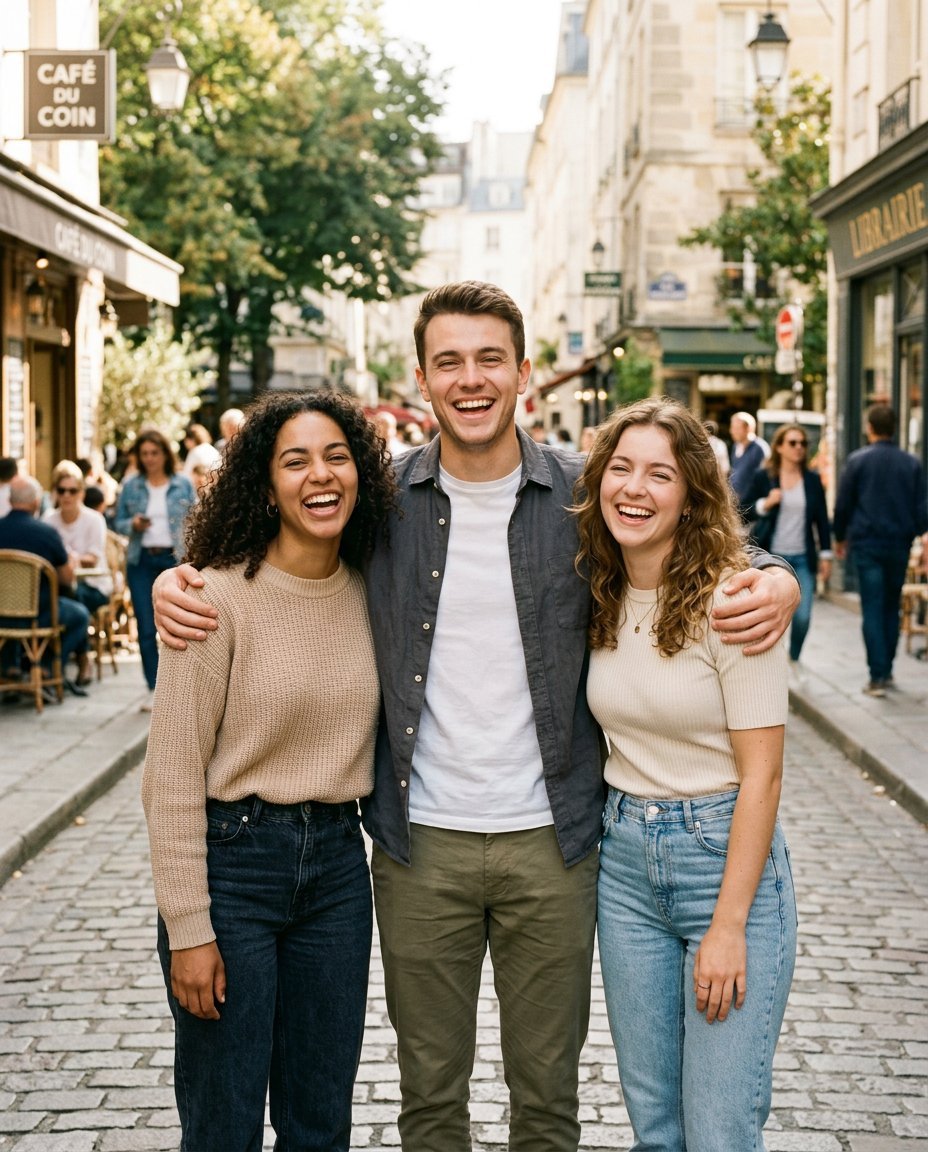
Give your favorite group photo a fresh Instagram Story look. This prompt turns an everyday friends picture into a polished but natural lifestyle shot, with coordinated outfits, warm city light and the relaxed energy of a great day together.
Sample image: The featured image is an illustrative friends-photoshoot reference, not a before-and-after result generated by this prompt.
What This Prompt Creates
- A vertical 9:16 composition designed for Instagram Stories.
- A relaxed group pose, natural smiles and authentic friendship energy.
- A photogenic city street, café terrace or rooftop setting.
- Coordinated casual outfits in complementary colors without making everyone look identical.
- Natural skin texture and distinct, recognizable faces for every person.
How to Use It
- Choose a clear group photo where everyone’s face is visible.
- Upload it to ChatGPT, Gemini or another editor that supports image references.
- Copy the main prompt below and generate your edit.
- Add music, a caption or stickers in Instagram after saving the image.
Main Friends Instagram Story Prompt
Use the uploaded group photograph as the exact identity reference for every person shown. Preserve each person’s recognizable face, facial features, skin tone, hairstyle, age and body proportions. Do not merge, swap, duplicate or replace identities. Transform the group into a lively, premium lifestyle photoshoot for an Instagram Story. Show the friends together on a stylish city street or café terrace in soft golden-hour light, standing naturally close, laughing or sharing a candid moment. Give them coordinated modern casual outfits in complementary tones such as denim blue, cream, white, olive and charcoal, keeping each person’s individual style. Use realistic background depth, gentle warm highlights, natural shadows and subtle film texture. Keep all faces clearly visible and in focus, with believable hands and anatomy. The overall mood should feel spontaneous, confident, fun and genuinely friendly, not stiff or overly posed. Compose as a vertical 9:16 image and leave clean negative space near the top or bottom for a caption that the user can add later. No text, logos, watermarks, extra people or fake Instagram interface.
Negative Prompt
blended faces, face swap, changed identity, duplicated person, missing person, altered skin tone, distorted body proportions, deformed hands, extra fingers, blurry faces, unnatural smiles, plastic skin, excessive smoothing, fake bokeh, oversaturated colors, cartoon, CGI, text, logos, watermark, fake Instagram UI, low resolution.
Try These Friends-Group Styles
- Golden-hour hangout: warm sunlight, denim-and-cream outfits and a relaxed outdoor pose.
- City-night squad: evening street lights, darker coordinated outfits and a cinematic look.
- Retro memory: subtle 35mm grain, gentle flash and candid photo-album energy.
Tips for Better Results
Use a source photo with enough space around the group for a vertical crop. If someone gets cropped out, ask the editor to preserve every person and expand the composition rather than removing anyone. Only upload or share photos you have permission to use. This prompt suggests a visual direction but cannot guarantee engagement or viral reach.
AI Photo Editing Prompt
Negative Prompt
Prompt Details
| Prompt Type | Photo Editing |
|---|---|
| AI Tool | ChatGPT, Gemini |
| Style | Editorial, Photorealistic |
| Category | Photo Editing, Photography, Portrait |
| Use Case | Friends, Instagram, Social Media |
| Tags | 9:16 group portrait, friends group photo edit, friends Instagram story prompt, friendship photoshoot |
| Aspect Ratio | 9:16 |
| Lighting | Soft golden-hour natural light |
| Camera | Lifestyle group photography |
| Lens | 35mm wide environmental portrait |
| Mood | Fun, candid, confident, friendly |
| Difficulty | Beginner |
How to Use This Prompt
- Copy the prompt using the button above.
- Open your preferred AI image-generation or editing tool.
- Upload the photo you want to edit.
- Paste the prompt into the text field.
- Adjust parameters (aspect ratio, quality, steps) if necessary.
- Generate or edit the image, then refine until you like the result.