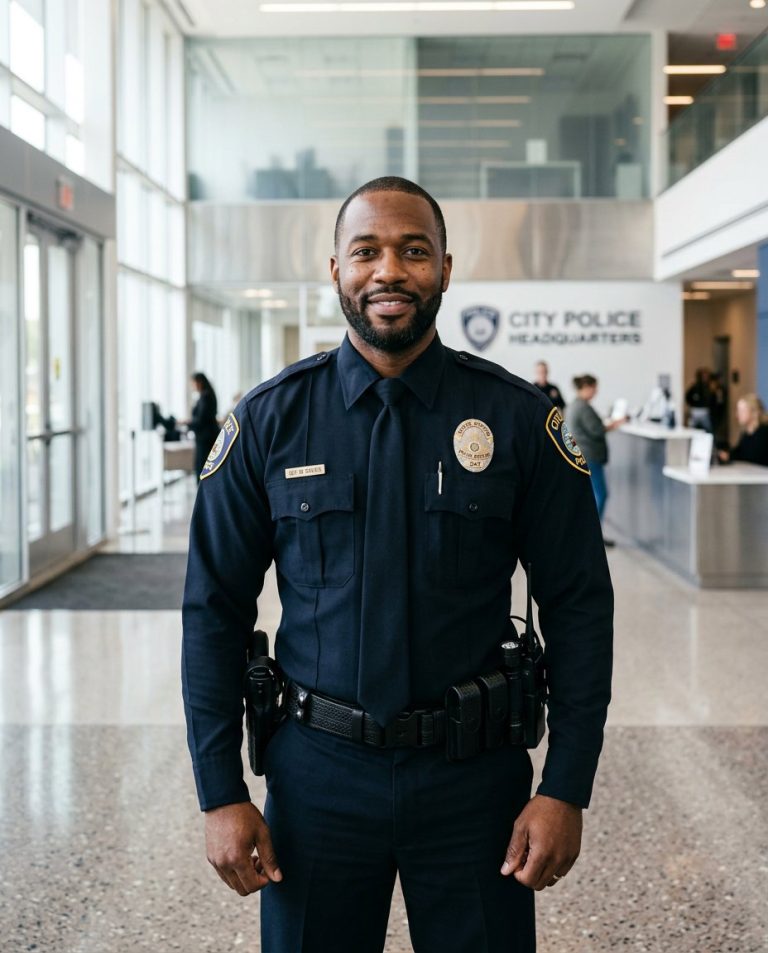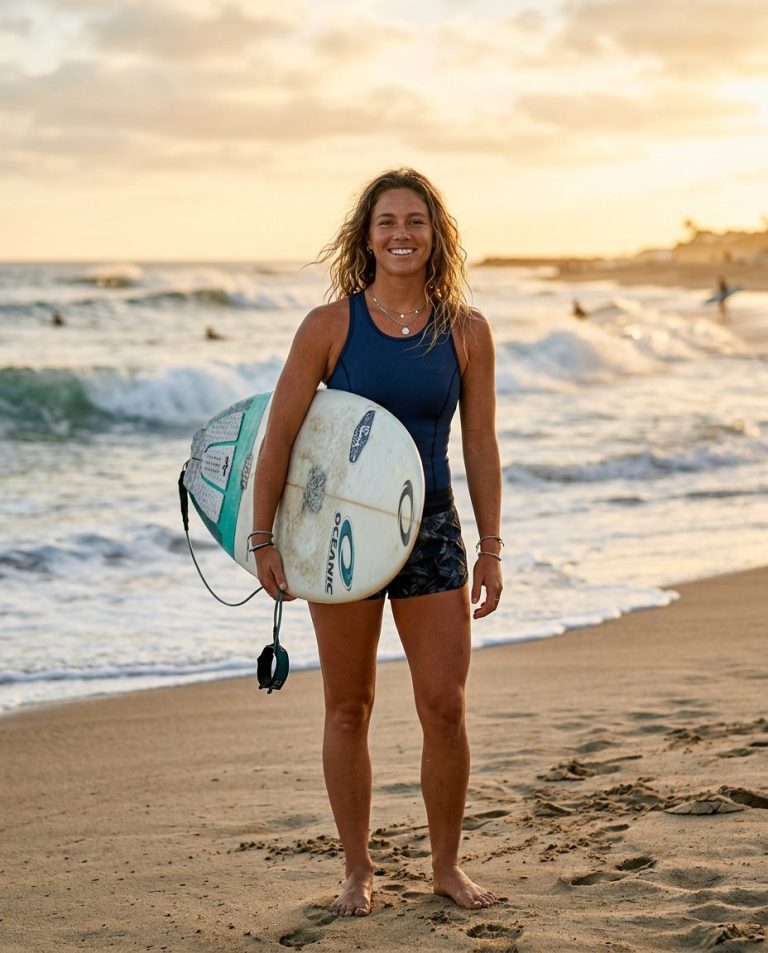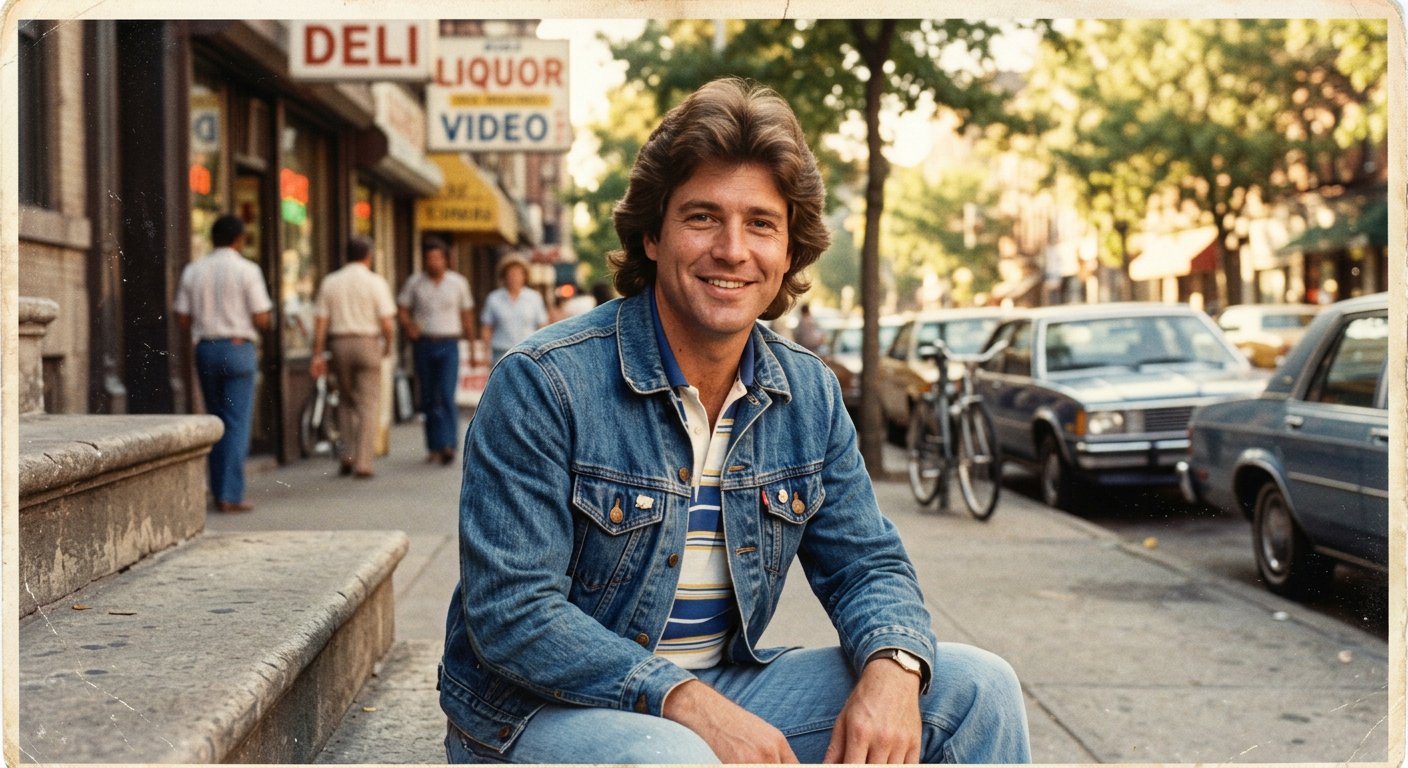
This 1980s photo editing prompt transforms an uploaded portrait into a believable 1980s photograph — changing styling and atmosphere while keeping the person’s identity completely intact.
AI Photo Editing Prompt
PromptEdit the provided photograph to give it an authentic 1980s look. Preserve the person's facial identity, facial proportions, skin tone, natural expression and body proportions exactly as they are. Change the styling: add a period-appropriate 1980s hairstyle, retro clothing and accessories such as aviator sunglasses or a denim jacket. Replace the background with a warm 1980s environment such as a sunlit street or a pastel studio backdrop. Add warm analog lighting, faded warm color tones, subtle film grain, soft focus and gentle highlight roll-off. Match the new lighting and shadows to the subject so the result looks like a single authentic photograph. Keep the final image realistic and unretouched, with natural skin texture, aspect ratio 4:5
Negative Prompt
Negative Promptmodern elements, smartphones, LED lights, plastic skin, distorted face, changed identity, oversaturated, cartoon, watermark, extra fingers
Prompt Details
| Prompt Type | Photo Editing |
|---|---|
| AI Tool | ChatGPT |
| Style | Vintage |
| Category | Photo Editing |
| Use Case | Instagram, Social Media |
| Tags | 1980s, 80s, film look, photo editing, retro, vintage |
| Aspect Ratio | 4:5 |
| Lighting | Warm analog light |
| Camera | — |
| Lens | — |
| Mood | Nostalgic |
| Difficulty | Beginner |
How to Use This Prompt
- Copy the prompt using the button above.
- Open your preferred AI image-generation or editing tool.
- Upload the photo you want to edit.
- Paste the prompt into the text field.
- Adjust parameters (aspect ratio, quality, steps) if necessary.
- Generate or edit the image, then refine until you like the result.