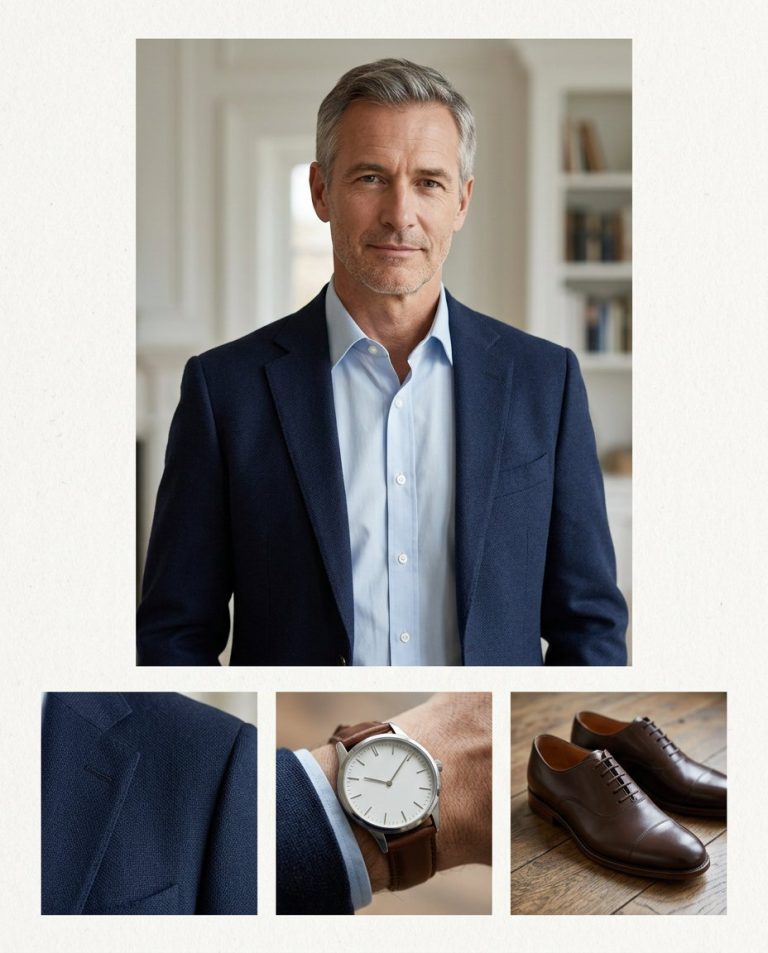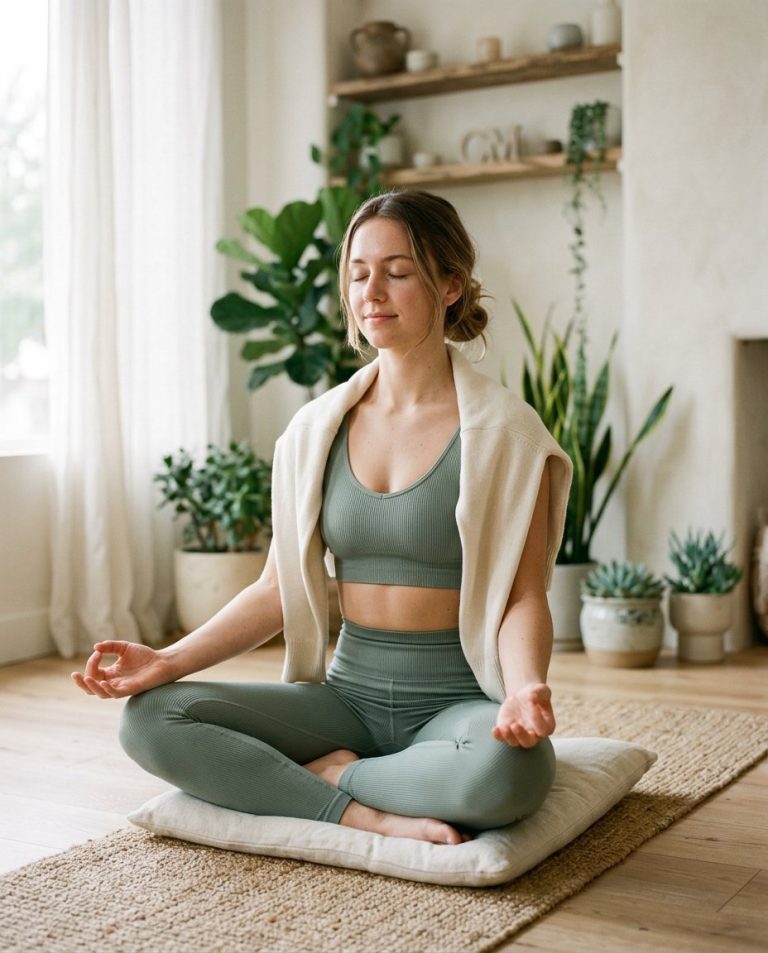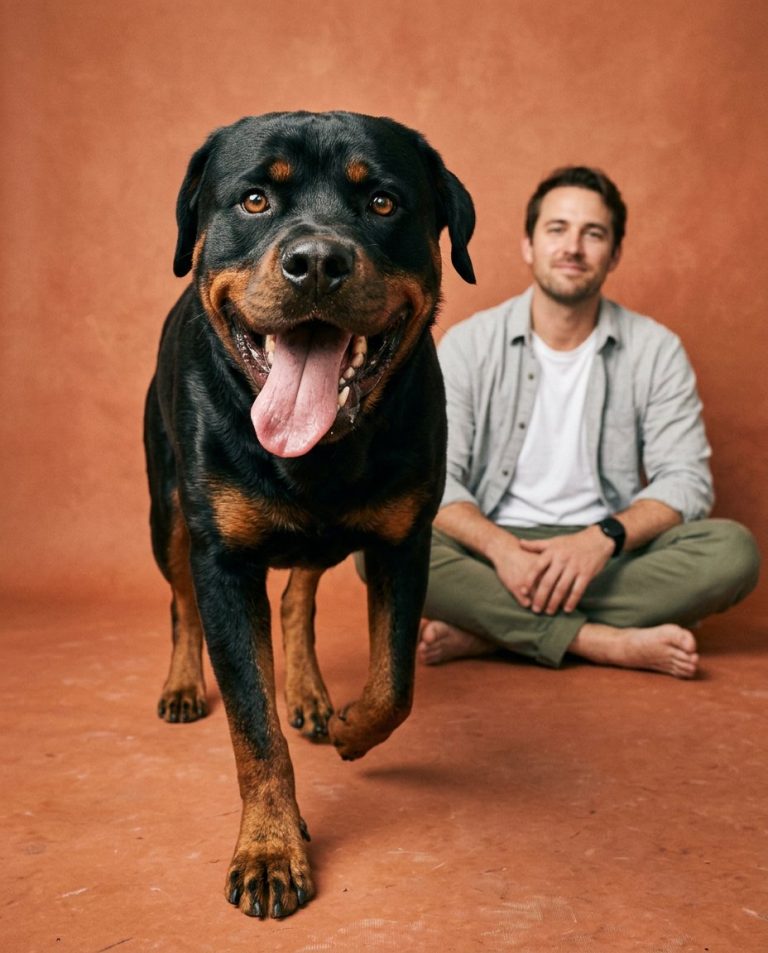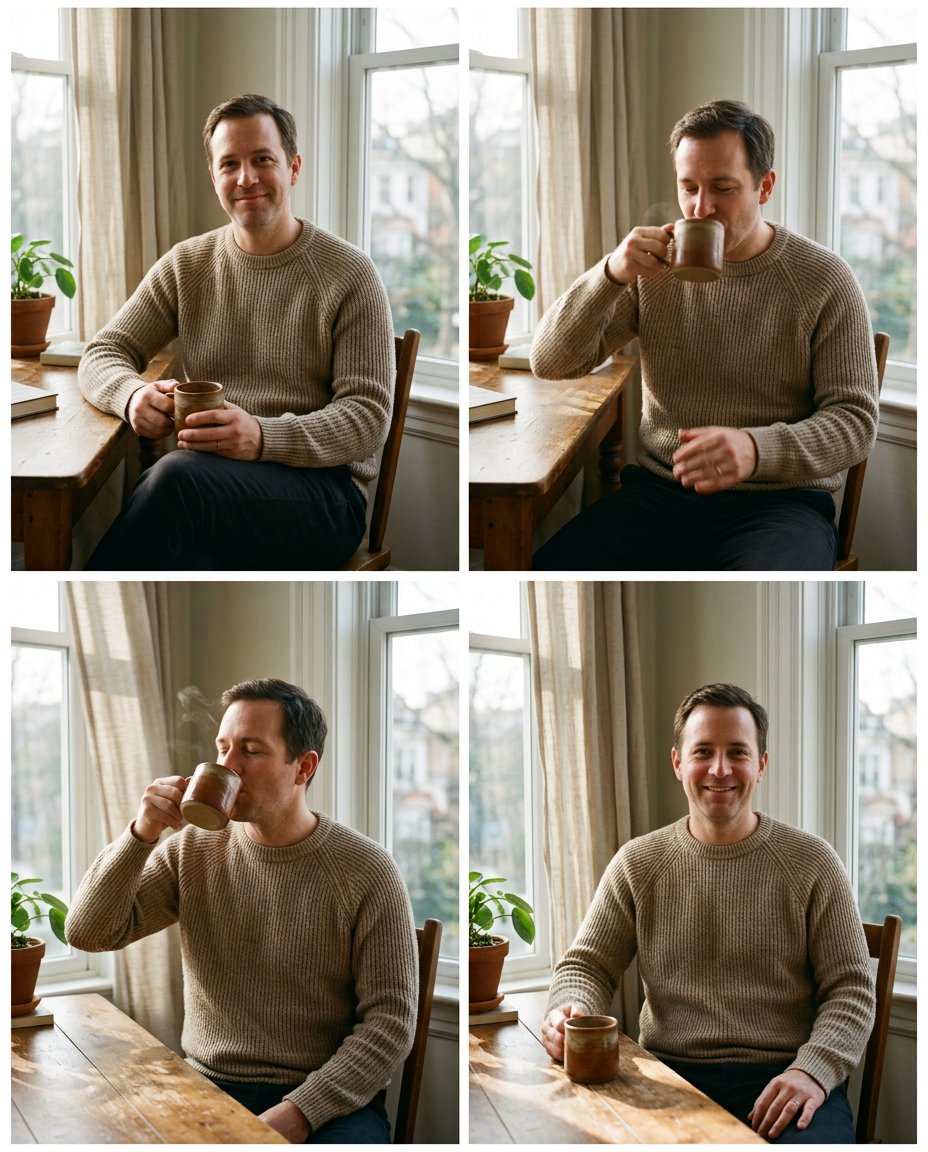
This prompt turns one portrait into a photo-to-video keyframe storyboard. Instead of changing locations or outfits, it keeps the subject in one scene and defines a small readable action from start to finish. The frames can guide an AI video tool, an Edits motion effect or a simple manual animation.
What This Prompt Changes
- Creates four keyframes for one small continuous action
- Preserves the same face, clothing, pose proportions and camera position
- Shows a clear starting pose, middle movement, peak action and relaxed end
- Uses subtle motion in fingers, steam, hair or curtains without distorting the subject
How to Use It
Upload a portrait with a clear subject and one prop. Describe the small movement you want—lifting a mug, opening a notebook, turning toward a window or adjusting an earring—then use the four frames as an animation reference. Keep the movement simple enough for the model to maintain identity.
Customize the Result
- Replace the mug with a notebook, flower, camera, product, sunglasses or a door handle
- Choose a calm loop, a reveal, a reaction or a gentle product demonstration
- Use three frames for a short motion cue or four to five frames for a smoother result
AI Photo Editing Prompt
PromptUse the uploaded portrait as the exact identity, face, hairstyle, skin tone, body proportions and warm beige sweater reference for the same adult man. Create a clean four-frame vertical 4:5 photo-to-video keyframe storyboard in one consistent window-side scene. Frame one is the still starting pose with both hands around a ceramic mug. Frame two shows his right hand beginning to lift the mug. Frame three catches a gentle sip with only subtle movement in the fingers, steam and nearby curtain. Frame four returns to a relaxed smile with the mug resting on the table as daylight shifts slightly. Keep camera position, background, sweater, face and body proportions consistent in every frame. Make the action readable from start to end and keep the face sharp. Render no words, numbers, arrows, timing marks, video interface, logo or watermark. Photorealistic animation keyframe plan, vertical 4:5 per panel. Midjourney / Flux.1 alternative: [PORTRAIT_IMAGE] four-frame photo-to-video keyframe storyboard, same man and beige sweater, mug lift and sip, clear start middle end, subtle steam and curtain movement, no text --ar 4:5 --style raw --iw 2.0
Negative Prompt
Negative Promptidentity drift, extra fingers, different mug, changing camera angle, impossible movement, excessive blur, duplicate limbs, text, arrows, timeline UI, logo, watermark, unrelated backgrounds
Prompt Details
| Prompt Type | Photo Editing |
|---|---|
| AI Tool | Gemini |
| Style | Photorealistic |
| Category | Photo Editing |
| Use Case | Instagram, Social Media |
| Tags | AI video prompt, animation keyframes, keyframe storyboard, motion study, movement sequence, photo to video |
| Aspect Ratio | 4:5 |
| Lighting | Soft consistent window light |
| Camera | Locked creator phone camera |
| Lens | 50mm portrait lens |
| Mood | Calm, controllable |
| Difficulty | Intermediate |
How to Use This Prompt
- Copy the prompt using the button above.
- Open your preferred AI image-generation or editing tool.
- Upload the photo you want to edit.
- Paste the prompt into the text field.
- Adjust parameters (aspect ratio, quality, steps) if necessary.
- Generate or edit the image, then refine until you like the result.