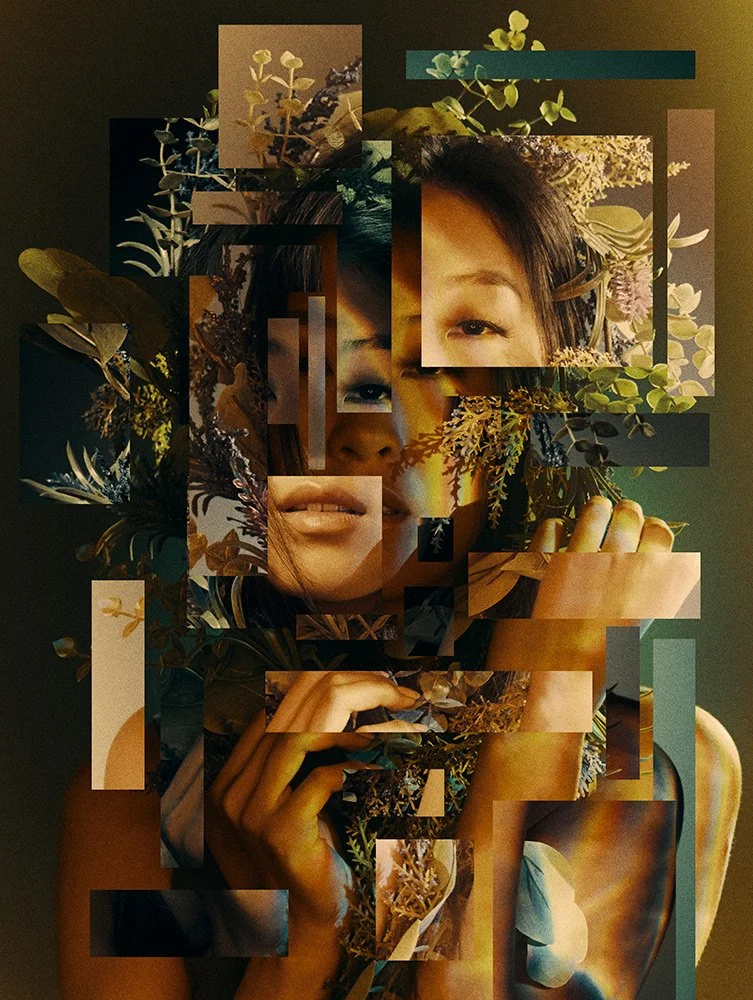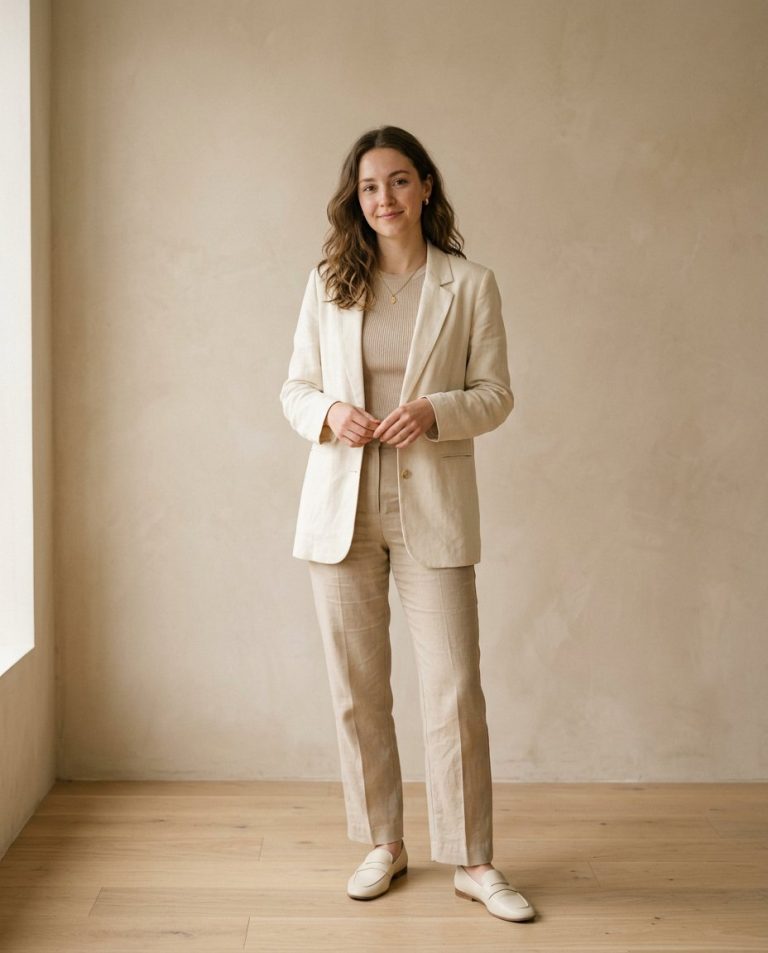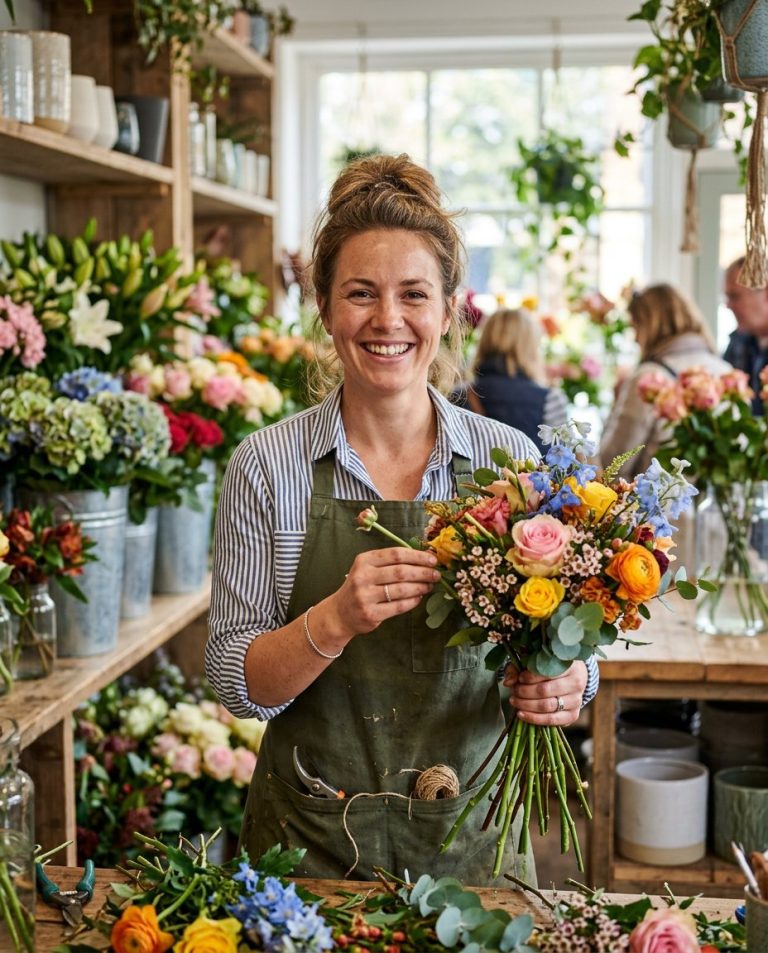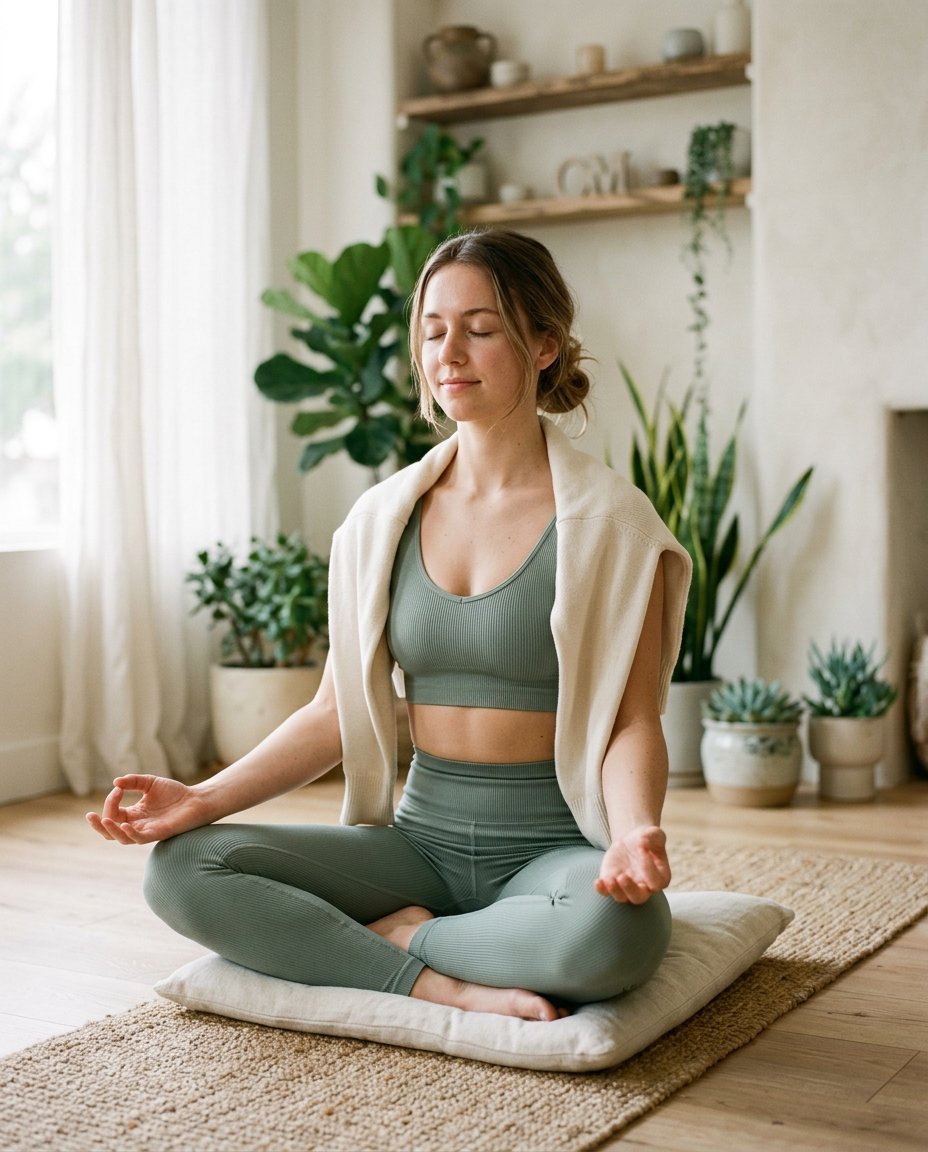
This photo editing prompt turns a casual photo into a serene yoga wellness portrait. It adds athleisure wear, a bright wellness studio and a calm meditation pose while keeping the person’s face and identity exactly the same. Perfect for wellness pages, yoga instructors and mindful lifestyle content.
What This Prompt Changes
- Replaces the outfit with comfortable athleisure yoga wear
- Swaps the background for a bright minimalist wellness studio
- Adds soft diffused morning light and a calm, airy atmosphere
- Keeps the face, body proportions and identity exactly the same
Best Photo for This Prompt
Use a clear, front-facing photo with the face visible in soft light. A seated or relaxed pose helps the meditation look. Avoid busy backgrounds and harsh shadows.
Customize the Result
- Change the pose: meditation, tree pose or gentle stretch
- Change the setting: beach, garden or home studio
- Add props: yoga mat, plants or candles
- Change the format: 9:16 for Stories or 1:1 for the grid
AI Photo Editing Prompt
PromptUse the uploaded photo as the exact face and identity reference. Keep the person's facial identity, skin tone, facial proportions, hairstyle and body proportions completely unchanged — do not alter the face or body. Transform the photo into a serene yoga wellness portrait. Dress them in comfortable athleisure yoga wear and place them in a bright minimalist wellness studio with soft natural light, green plants and soft neutral tones. Pose: seated cross-legged in a peaceful meditation pose with closed eyes and a calm expression. Lighting: soft diffused morning light with gentle shadows and a calm airy atmosphere. Camera: vertical 4:5 Instagram framing, 50mm lens look, shallow depth of field with sharp focus on the face. Keep realistic skin texture, natural fabric detail and a photorealistic finish. The result should look like a peaceful wellness photograph of the same person.
Negative Prompt
Negative Promptchanged face, different person, distorted body, bad anatomy, cartoonish, watermark, text, oversmoothed skin
Prompt Details
| Prompt Type | Photo Editing |
|---|---|
| AI Tool | Gemini |
| Style | Photorealistic |
| Category | Photo Editing |
| Use Case | Instagram, Social Media |
| Tags | identity preservation, instagram, lifestyle, natural, photo editing, portrait, wellness, yoga |
| Aspect Ratio | 4:5 |
| Lighting | Soft diffused |
| Camera | DSLR |
| Lens | 50mm |
| Mood | Serene |
| Difficulty | Beginner |
How to Use This Prompt
- Copy the prompt using the button above.
- Open your preferred AI image-generation or editing tool.
- Upload the photo you want to edit.
- Paste the prompt into the text field.
- Adjust parameters (aspect ratio, quality, steps) if necessary.
- Generate or edit the image, then refine until you like the result.