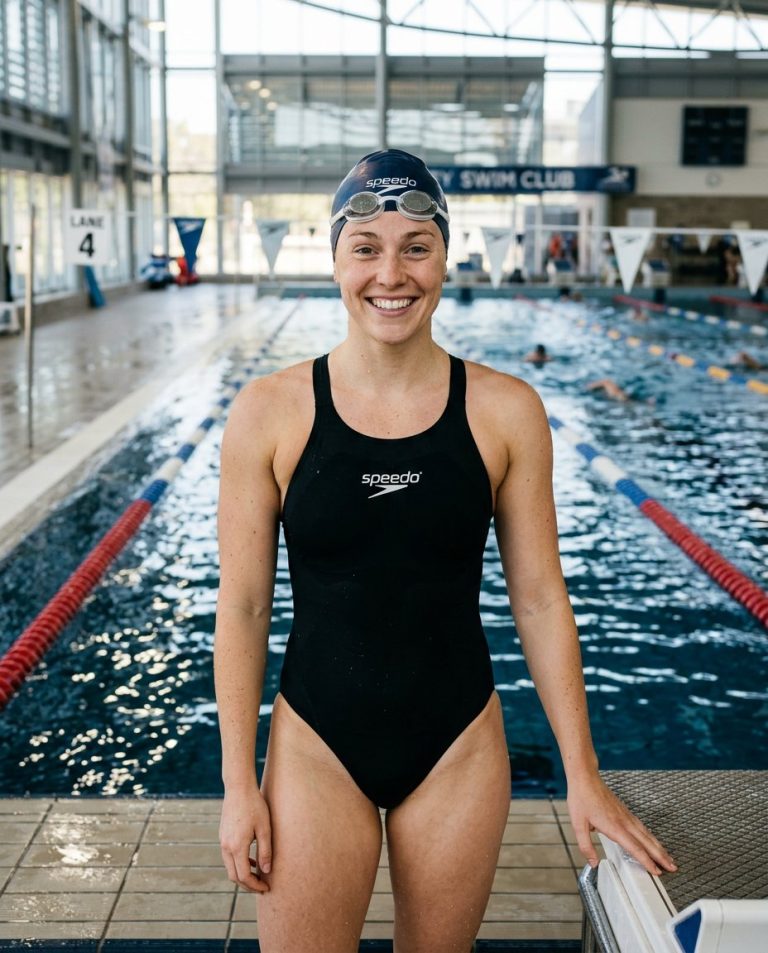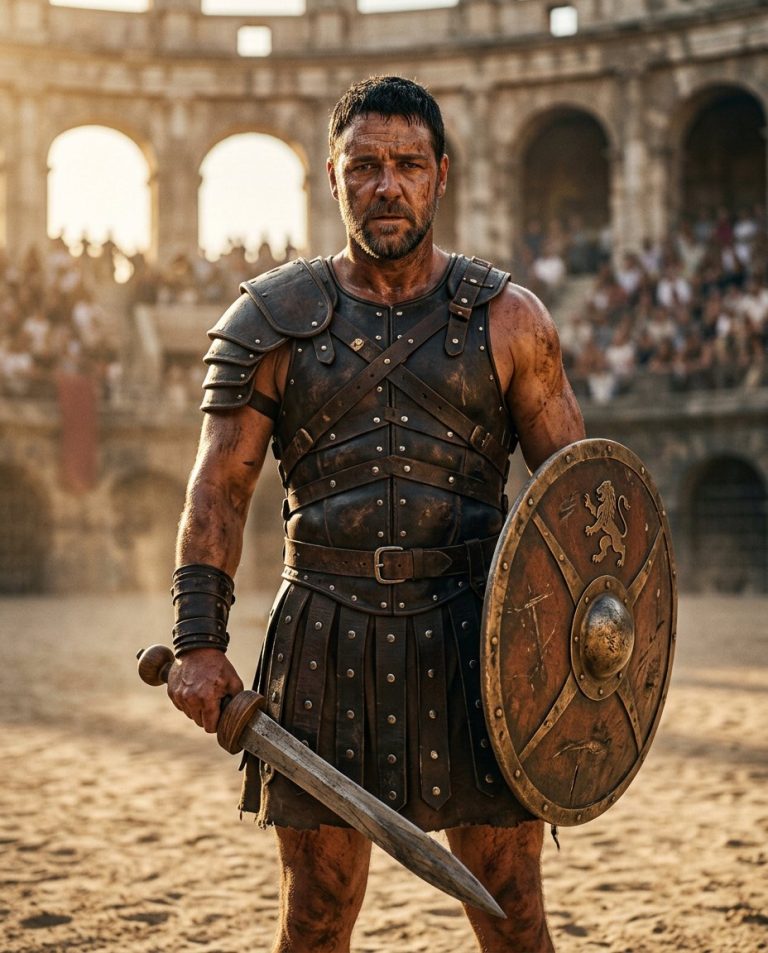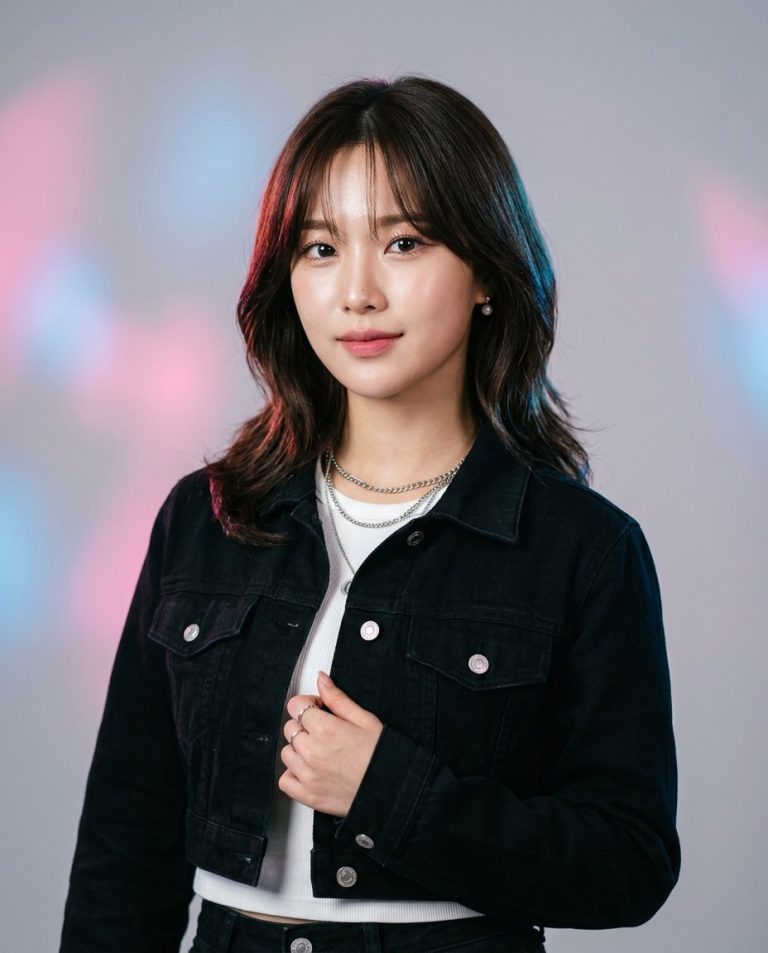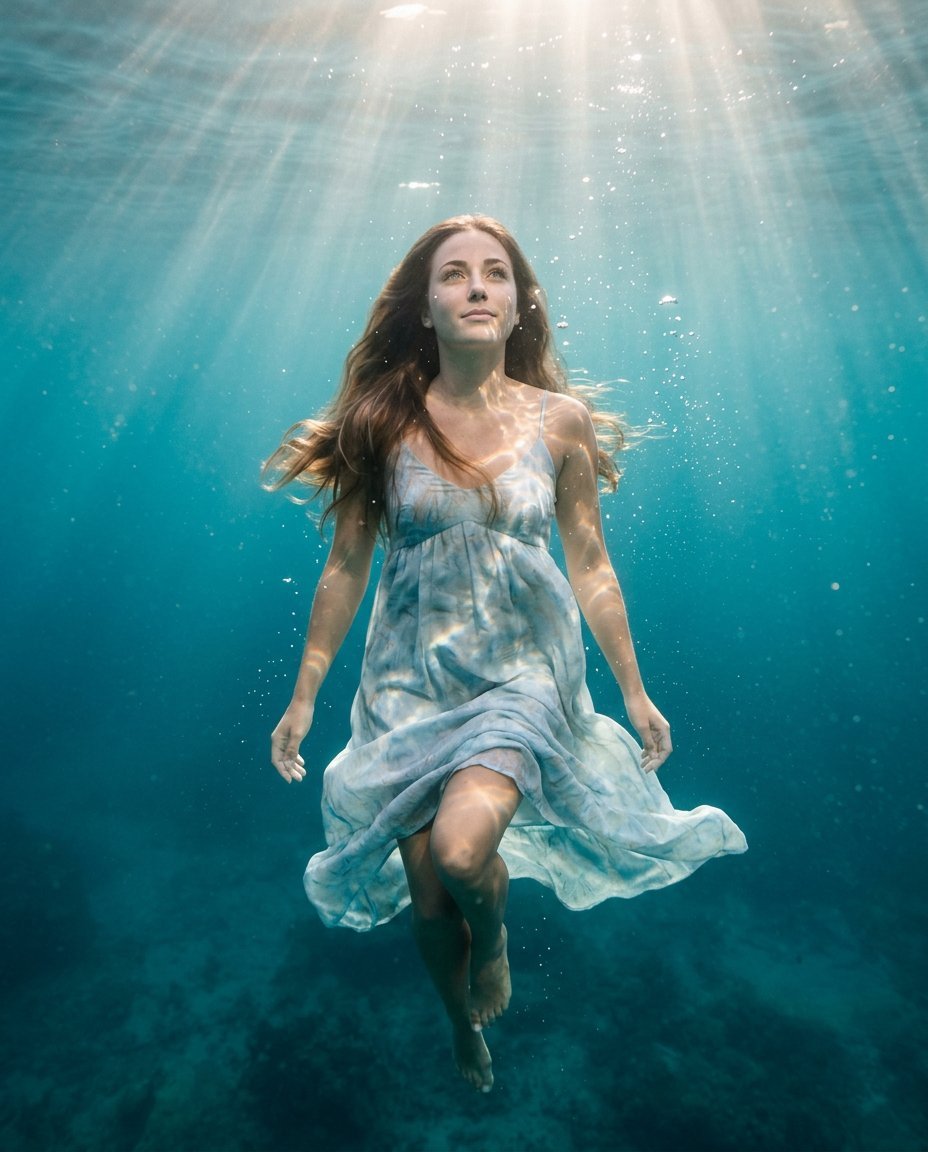
This photo editing prompt turns a photo into a dreamy underwater floating portrait. It adds flowing hair, drifting fabric and soft light beams while keeping the person’s face and identity exactly the same. A stunning, ethereal look for artistic feeds and creative posts.
What This Prompt Changes
- Replaces the background with a turquoise underwater scene
- Adds floating hair, drifting fabric and soft bubbles
- Applies soft sunbeams and dreamy underwater lighting
- Keeps the face, body proportions and identity exactly the same
Best Photo for This Prompt
Use a clear photo with the face visible and a relaxed expression. A head-and-shoulders or full-body pose works well. Avoid very dark photos and heavy clothing.
Customize the Result
- Change the water color: turquoise, deep blue or clear
- Add fish, bubbles or light rays
- Change the clothing to flowing fabric
- Change the format: 9:16 for Stories or 1:1 for the grid
AI Photo Editing Prompt
PromptUse the uploaded photo as the exact face and identity reference. Keep the person's facial identity, skin tone, facial proportions, hairstyle and body proportions completely unchanged. Transform the photo into a dreamy underwater floating portrait. Place them beneath the water surface with flowing hair and light clothing drifting softly, soft beams of sunlight penetrating from above and gentle bubbles rising around them, in a dreamy turquoise-blue underwater atmosphere. Pose: serene and relaxed with a calm expression. Lighting: soft diffused light with gentle caustics on the skin. Camera: vertical 4:5 Instagram framing, 35mm lens look, sharp focus on the face with realistic skin texture and fabric movement. The result should look like a beautiful underwater photograph of the same person.
Negative Prompt
Negative Promptchanged face, different person, distorted body, bad anatomy, cartoonish, watermark, text, oversmoothed skin, dry scene
Prompt Details
| Prompt Type | Photo Editing |
|---|---|
| AI Tool | Gemini |
| Style | Photorealistic |
| Category | Photo Editing |
| Use Case | Instagram, Social Media |
| Tags | dreamlike, ethereal, fine art, identity preservation, instagram, photo editing, portrait, underwater |
| Aspect Ratio | 4:5 |
| Lighting | Underwater |
| Camera | DSLR |
| Lens | 35mm |
| Mood | Dreamy |
| Difficulty | Beginner |
How to Use This Prompt
- Copy the prompt using the button above.
- Open your preferred AI image-generation or editing tool.
- Upload the photo you want to edit.
- Paste the prompt into the text field.
- Adjust parameters (aspect ratio, quality, steps) if necessary.
- Generate or edit the image, then refine until you like the result.