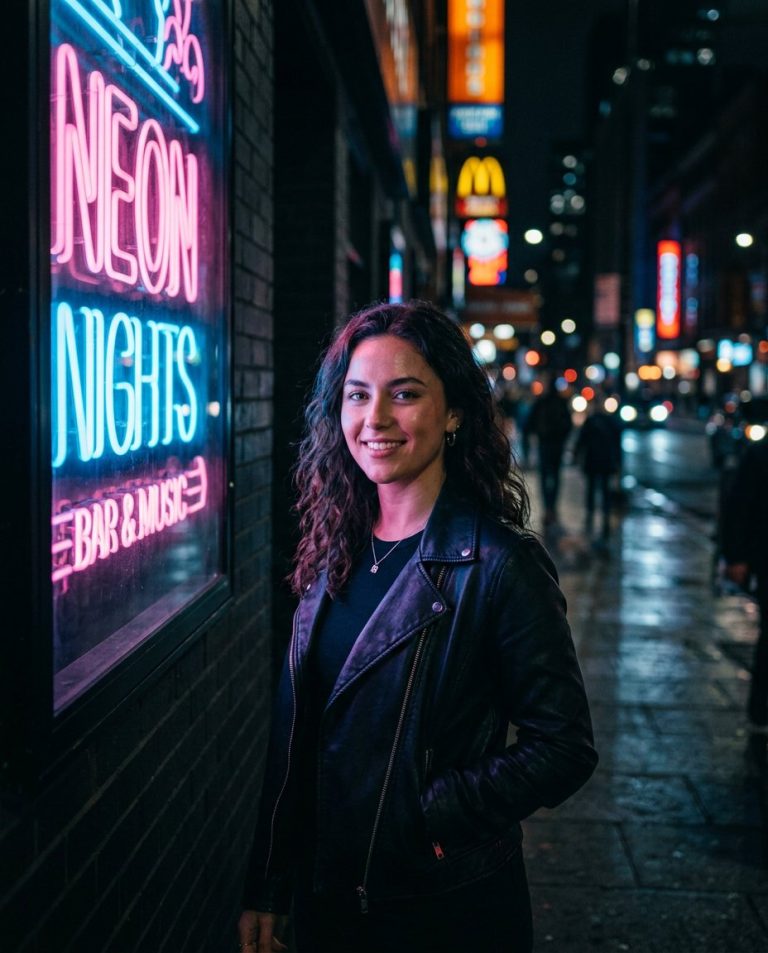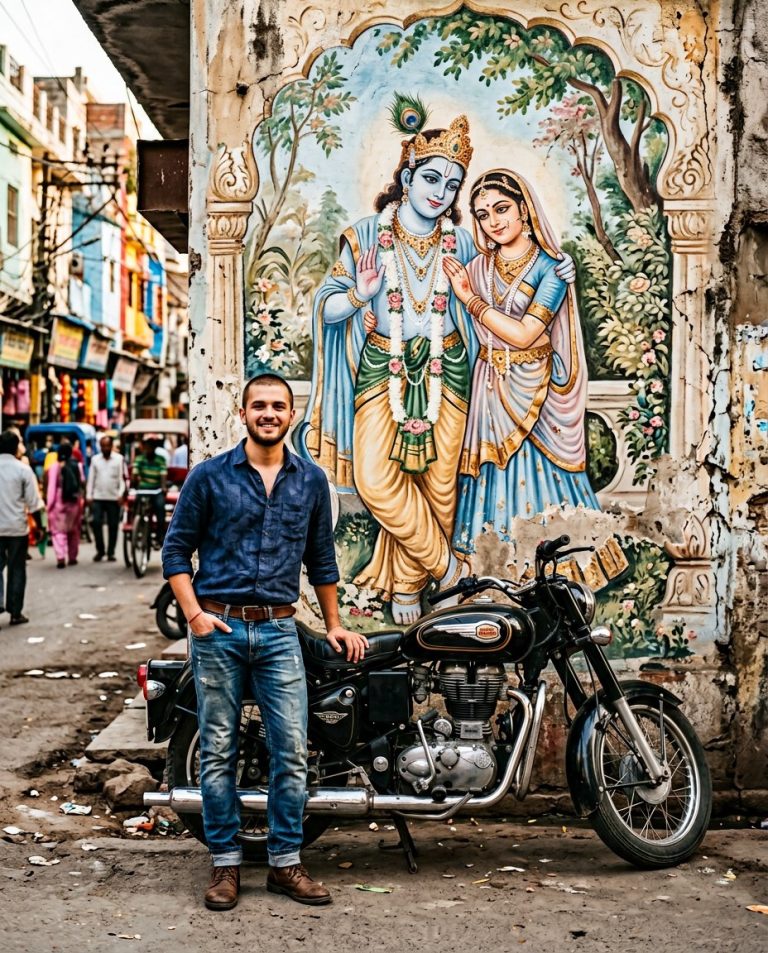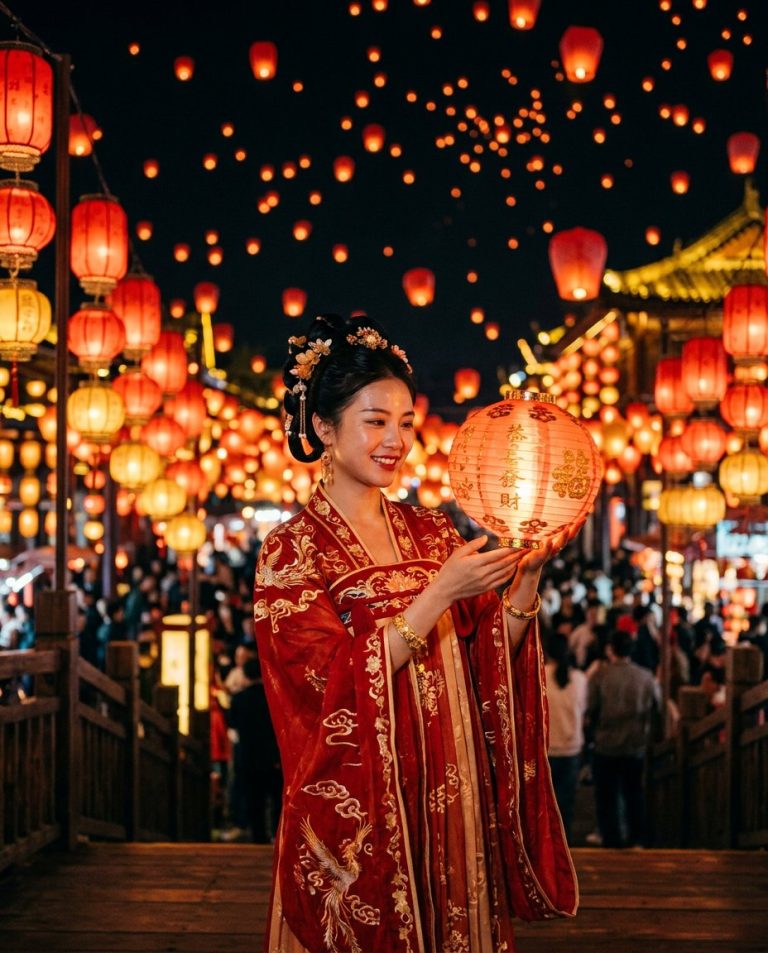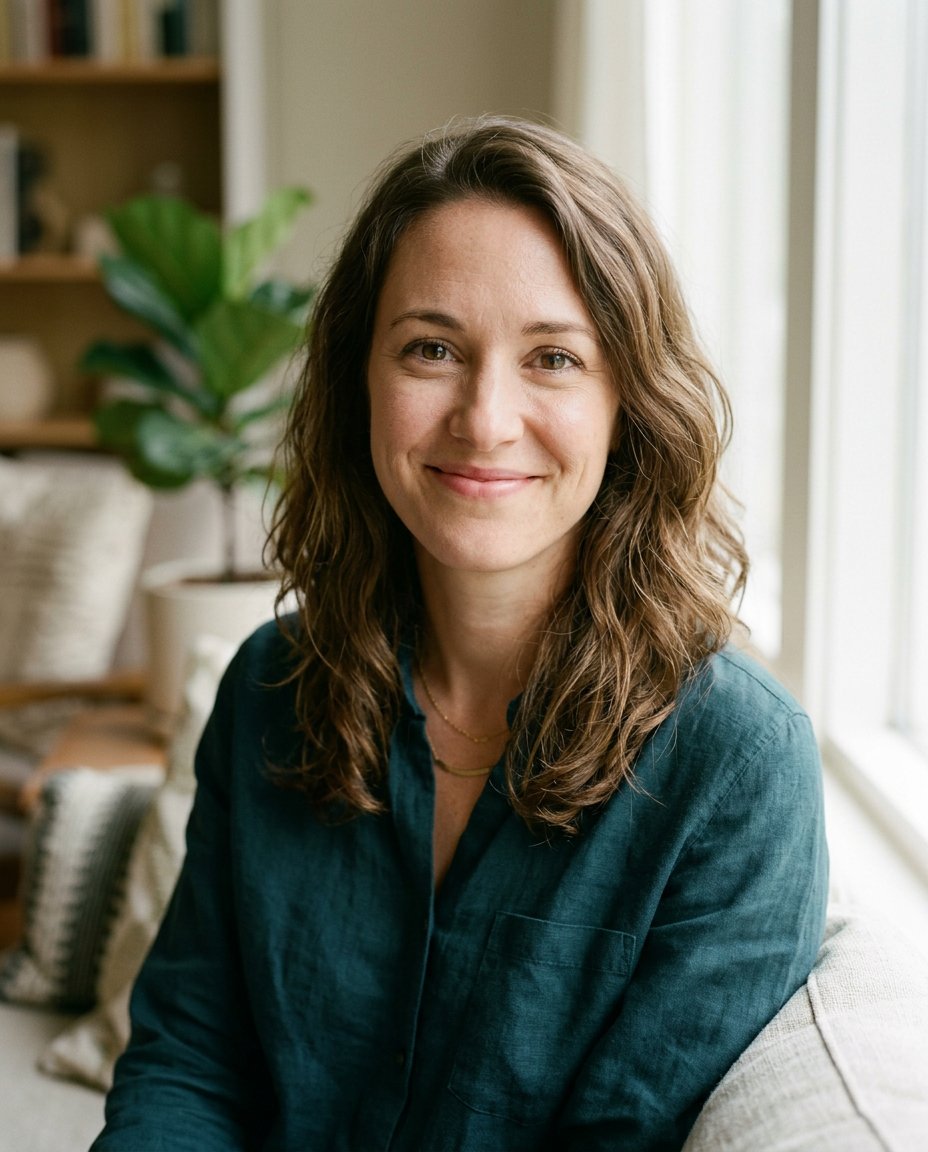
This prompt is designed for the near-miss selfie workflow now appearing in Snapchat-style AI Photoshoot tools: the moment is good, but someone blinked, looked awkward or fell into poor light. It asks for a restrained correction only, so the result still looks like the same photo rather than a synthetic beauty portrait.
What This Prompt Changes
- Repairs one specified blink, awkward expression or uneven face light
- Preserves the same person, identity, pose, crop, clothing and background
- Matches natural eye direction, catchlights, skin texture and phone-camera quality
- Avoids global beauty retouching and unnecessary scene changes
How to Use It
Upload the original selfie and identify the exact problem: for example, the person in the center blinked or the face on the left is underexposed. Add a second reference photo only when needed to match the same person’s open eyes or natural expression.
Customize the Result
- Fix a closed eye, a half-blink, an awkward mouth position or a small lighting imbalance
- Keep the original phone grain, soften it slightly or request a clean but still believable camera result
- Correct one face in a group selfie without changing the other people
AI Photo Editing Prompt
PromptRepair the uploaded near-miss selfie with the smallest possible AI photoshoot correction. Fix only the specified issue: open the half-closed right eye of the adult in the center and replace the awkward blink with that person's natural open-eye expression. If a second reference image is supplied, use it only to match the same person's real eye shape, iris color, eyelids, gaze and catchlights. Preserve the exact identity, face shape, age, skin tone, hairstyle, expression around the repaired area, pose, hand position, clothing, phone-camera perspective, crop, background, lighting direction and natural image texture. Do not beautify, slim, de-age, reshape, smooth pores, change the smile, move anyone or redesign the setting. Blend the correction with realistic skin texture and the original exposure so it still looks like one ordinary successful selfie. No new people, text, logo or watermark. Vertical 4:5 social photo. Midjourney / Flux.1 alternative: [SELFIE_IMAGE] rescue this near-miss selfie by fixing only the specified blink or awkward expression, preserve exact identity, pose, clothing, background, phone-camera texture and lighting, natural open eye and believable catchlight --ar 4:5 --style raw --iw 2.0
Negative Prompt
Negative Promptdifferent person, beauty filter, changed smile, changed hair, altered background, face reshaping, plastic skin, oversized eyes, mismatched gaze, extra people, text, logo, watermark
Prompt Details
| Prompt Type | Photo Editing |
|---|---|
| AI Tool | Gemini |
| Style | Photorealistic |
| Category | Photo Editing |
| Use Case | Social Media |
| Tags | ai photoshoot, awkward expression, natural smile, near miss photo, selfie fix, selfie repair |
| Aspect Ratio | 4:5 |
| Lighting | Match original selfie light |
| Camera | Phone selfie camera |
| Lens | Source phone lens |
| Mood | Natural, relieved |
| Difficulty | Beginner |
How to Use This Prompt
- Copy the prompt using the button above.
- Open your preferred AI image-generation or editing tool.
- Upload the photo you want to edit.
- Paste the prompt into the text field.
- Adjust parameters (aspect ratio, quality, steps) if necessary.
- Generate or edit the image, then refine until you like the result.