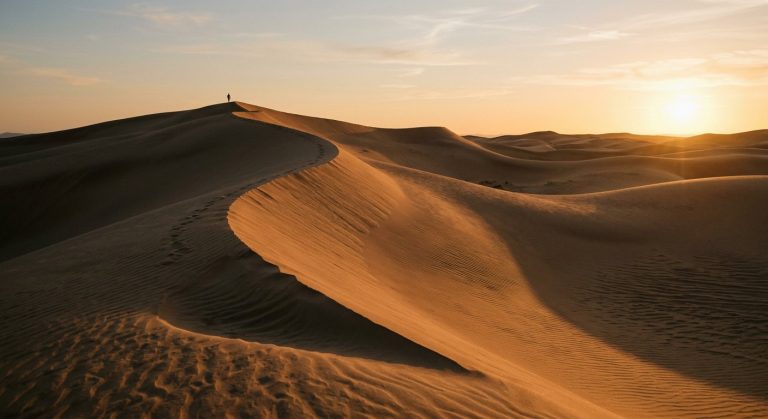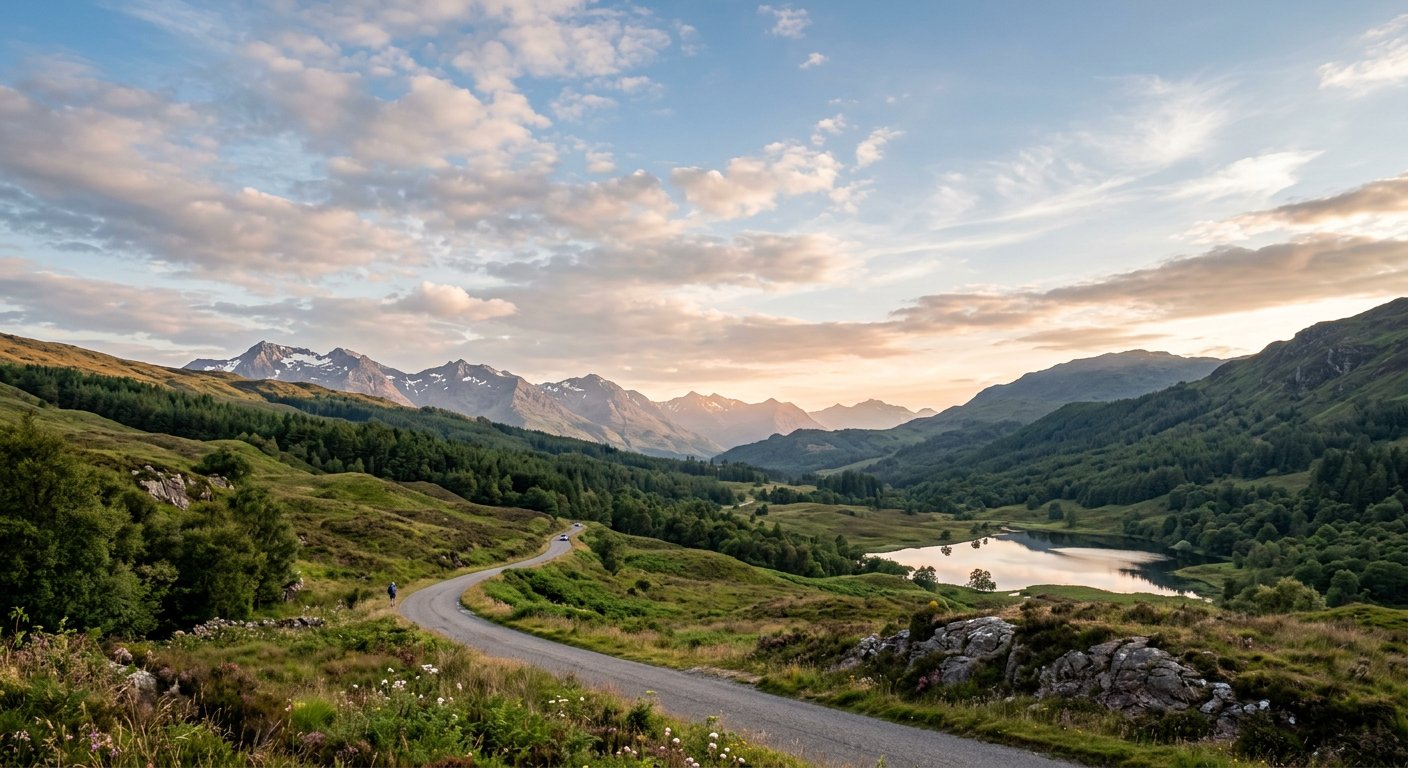
This remove power lines editing prompt erases overhead wires and poles from landscape photos, reconstructing the sky seamlessly while preserving everything else.
AI Photo Editing Prompt
PromptEdit the uploaded photograph by removing all power lines, utility wires and poles from the scene. Fill the areas where the wires were with a realistic, seamless continuation of the sky and background, matching the surrounding color, lighting and texture. Keep the landscape, subject, composition and all other details unchanged. Preserve natural photographic quality with no visible seams, smudges or artifacts. The final image should look like the location was photographed without any wires present, aspect ratio 16:9
Negative Prompt
Negative Promptvisible seams, smudges, blurry sky, changed landscape, watermark, artifacts, ghost lines
Prompt Details
| Prompt Type | Photo Editing |
|---|---|
| AI Tool | Gemini |
| Style | Photorealistic |
| Category | Photo Editing |
| Use Case | Social Media |
| Tags | cleanup, landscape, photo editing, remove power lines, wire removal |
| Aspect Ratio | 16:9 |
| Lighting | Matched |
| Camera | — |
| Lens | — |
| Mood | Clean |
| Difficulty | Beginner |
How to Use This Prompt
- Copy the prompt using the button above.
- Open your preferred AI image-generation or editing tool.
- Upload the photo you want to edit.
- Paste the prompt into the text field.
- Adjust parameters (aspect ratio, quality, steps) if necessary.
- Generate or edit the image, then refine until you like the result.