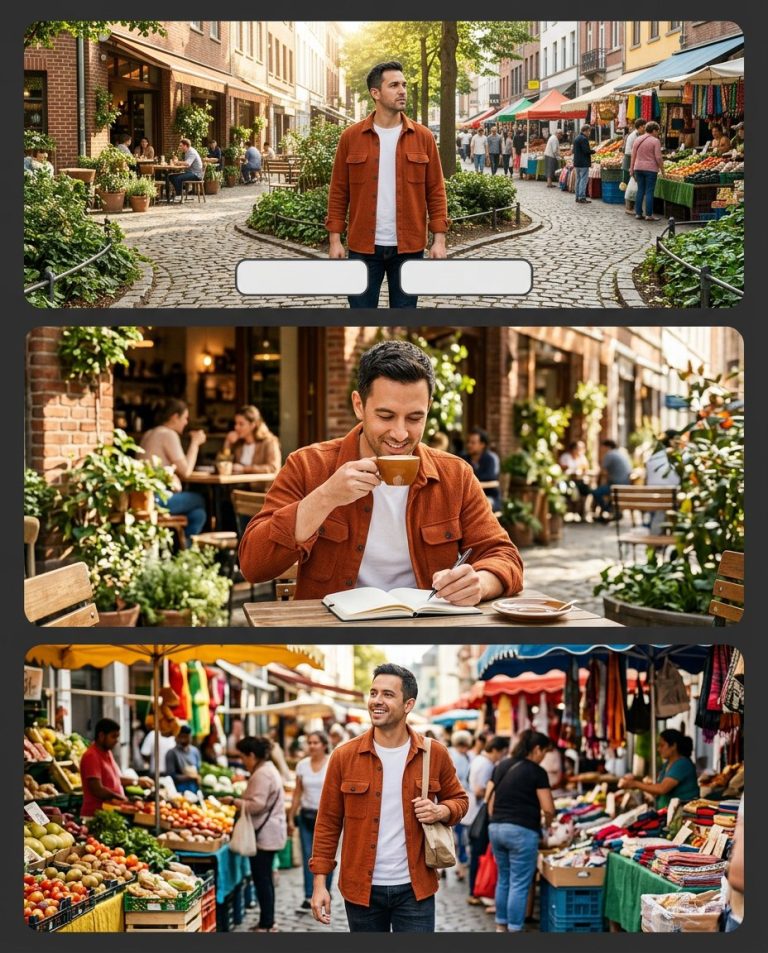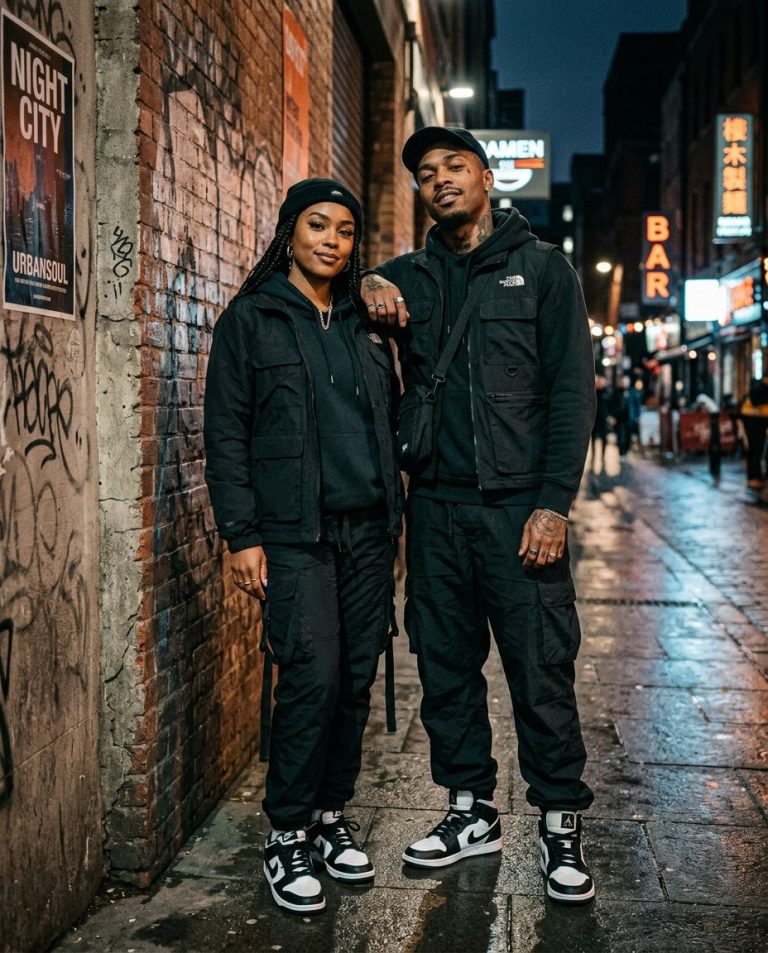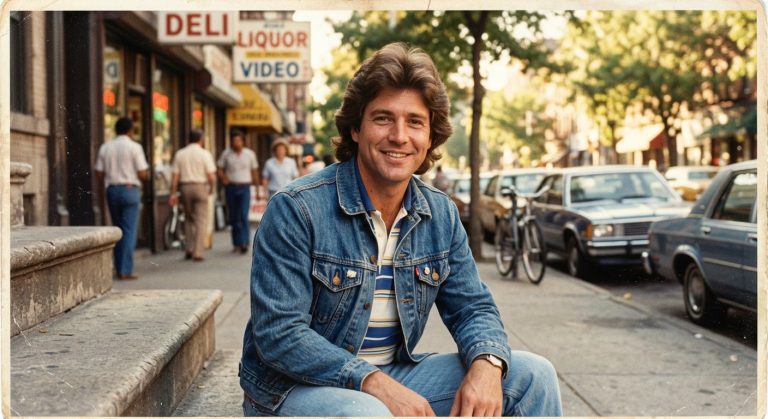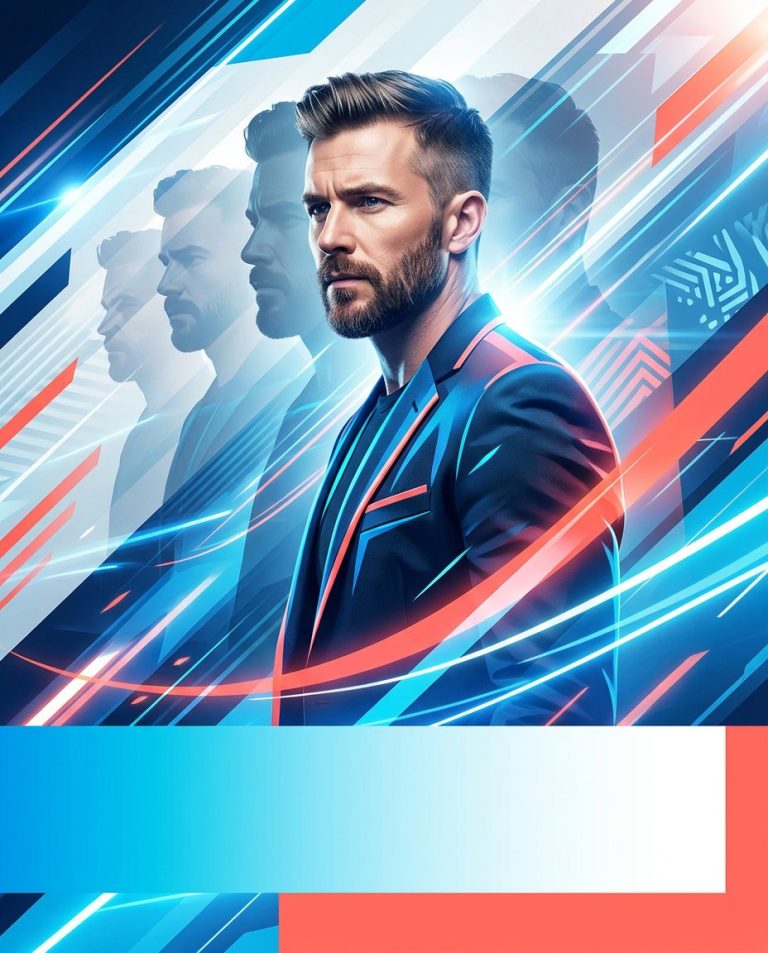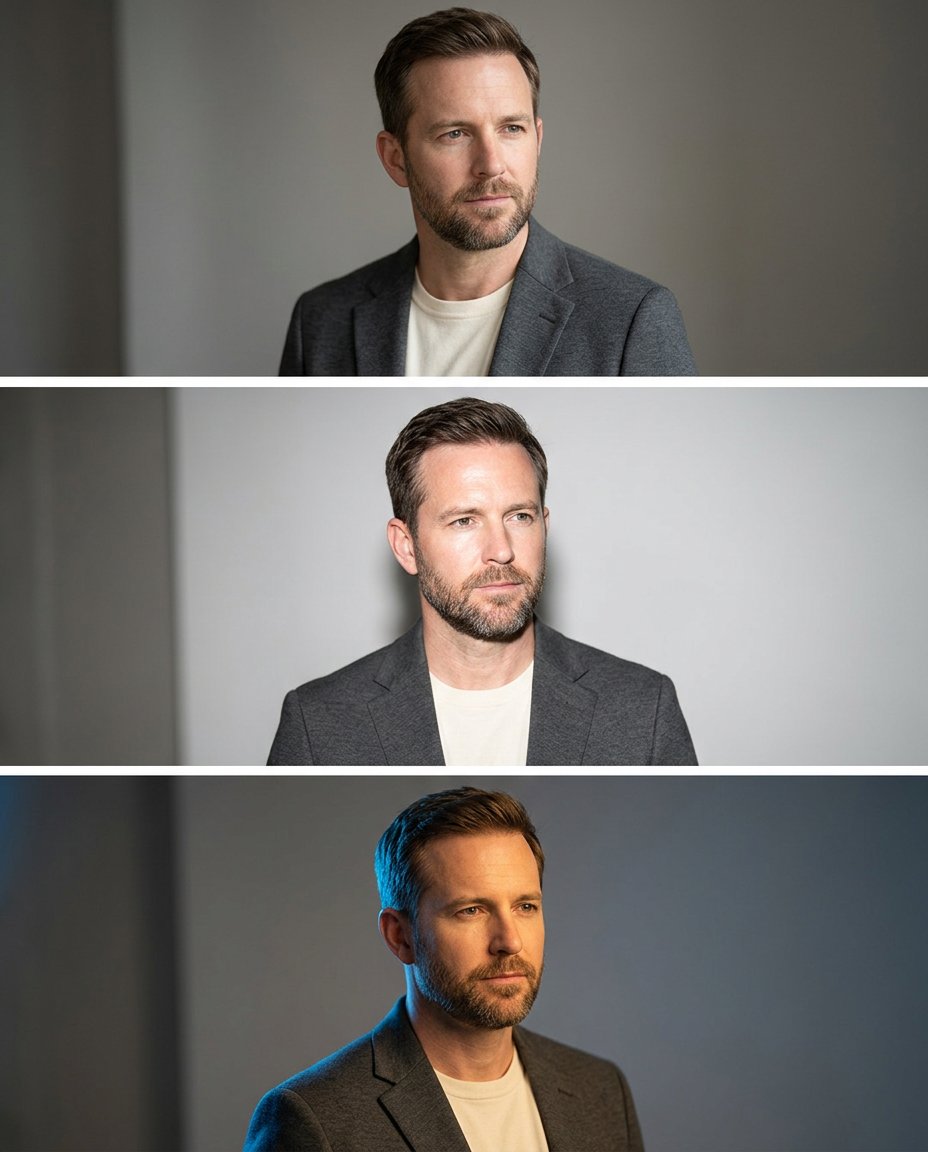
A publicity portrait becomes more useful when you can compare the lighting before choosing a final direction. This prompt turns one photo into a three-look studio lighting board: soft window light, crisp direct flash and a subtle colored rim. It is useful for a creator, performer, spokesperson or any recognizable public figure without changing the person or inventing a new event.
Rights and accuracy note: Use a rights-cleared, licensed, public-domain or user-owned source photo. A recognizable public-figure photo may be used as an optional example for engagement, including a rights-cleared photo of PM Narendra Modi, Rahul Gandhi or another popular public figure, but do not imply endorsement, sponsorship, a new event or a statement that the person never made. Add real names and copy outside the image, and label a materially AI-edited result. The featured sample is an original fictional public-figure example.
What This Prompt Changes
- Creates three controlled lighting treatments from the same source portrait
- Preserves the same face, hair, outfit, pose, camera angle and background structure
- Makes the differences easy to compare in one clean vertical board
- Keeps labels, names, claims, logos and endorsements out of the generated image
How to Use It
Upload one authorized portrait and decide which lighting direction best fits the final publicity or editorial use. A recognizable public-figure photo can be used as the source only when you have permission or a suitable license. Add any real name, role or campaign copy later; the image model should create lighting, not a new event or endorsement.
Customize the Result
- Compare soft window light, direct flash, warm sunset, cool blue rim or high-key white studio light
- Use a 3-panel vertical board, equal square panels or one large image with two detail insets
- Keep the background neutral for publicity or add a simple abstract color wall without logos
AI Photo Editing Prompt
Negative Prompt
Prompt Details
| Prompt Type | Photo Editing |
|---|---|
| AI Tool | ChatGPT |
| Style | Photorealistic |
| Category | Photo Editing |
| Use Case | Instagram, Marketing, Social Media |
| Tags | lighting comparison, portrait direction, portrait lighting, publicity portrait, studio lighting board, three light portrait |
| Aspect Ratio | 4:5 |
| Lighting | Three controlled studio lighting treatments |
| Camera | Studio portrait camera |
| Lens | 50mm portrait lens |
| Mood | Polished, comparative |
| Difficulty | Beginner |
How to Use This Prompt
- Copy the prompt using the button above.
- Open your preferred AI image-generation or editing tool.
- Upload the photo you want to edit.
- Paste the prompt into the text field.
- Adjust parameters (aspect ratio, quality, steps) if necessary.
- Generate or edit the image, then refine until you like the result.