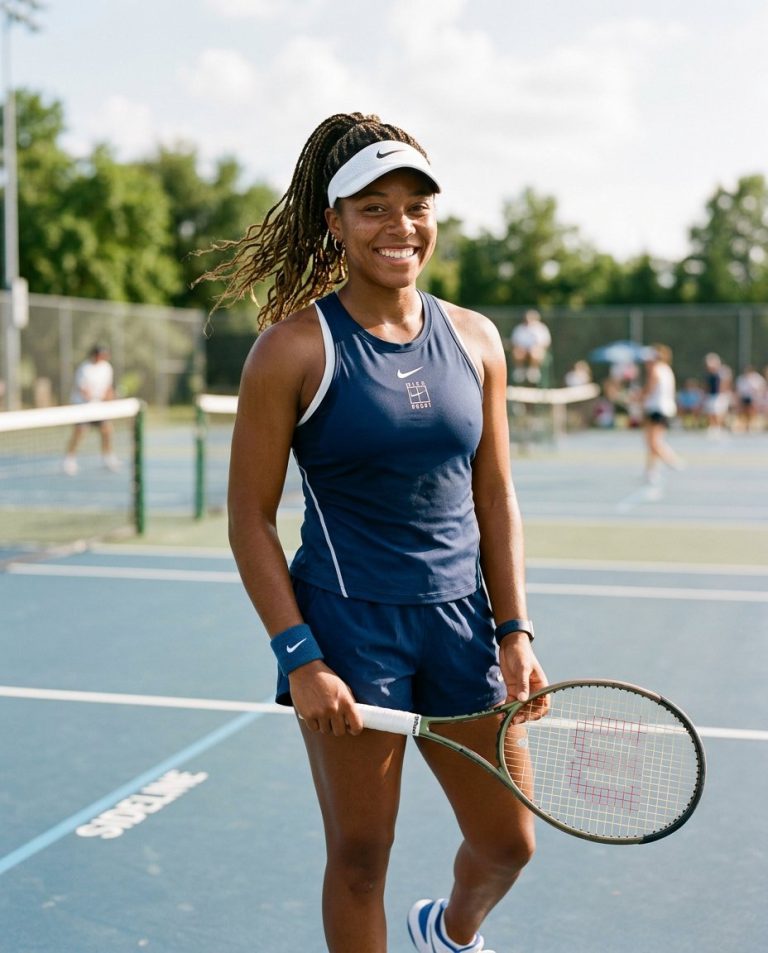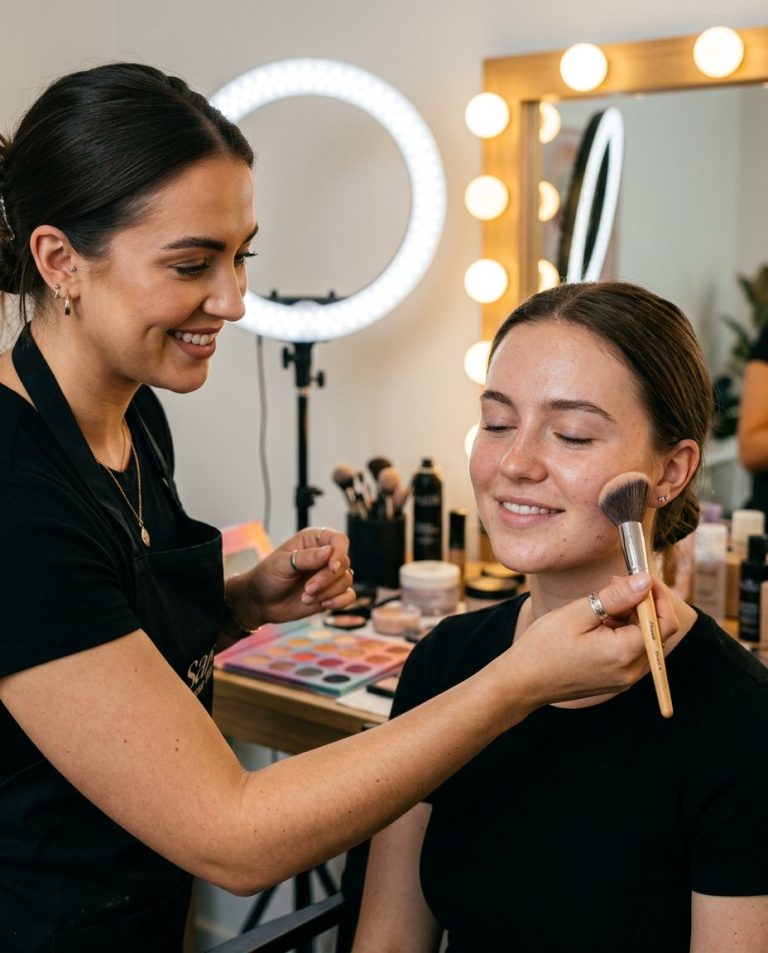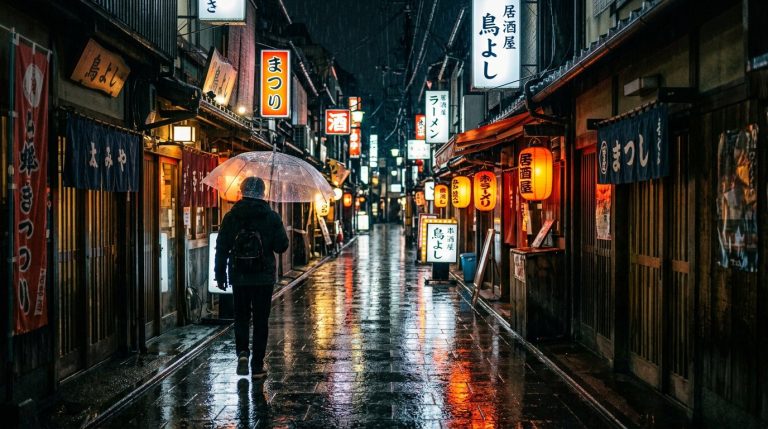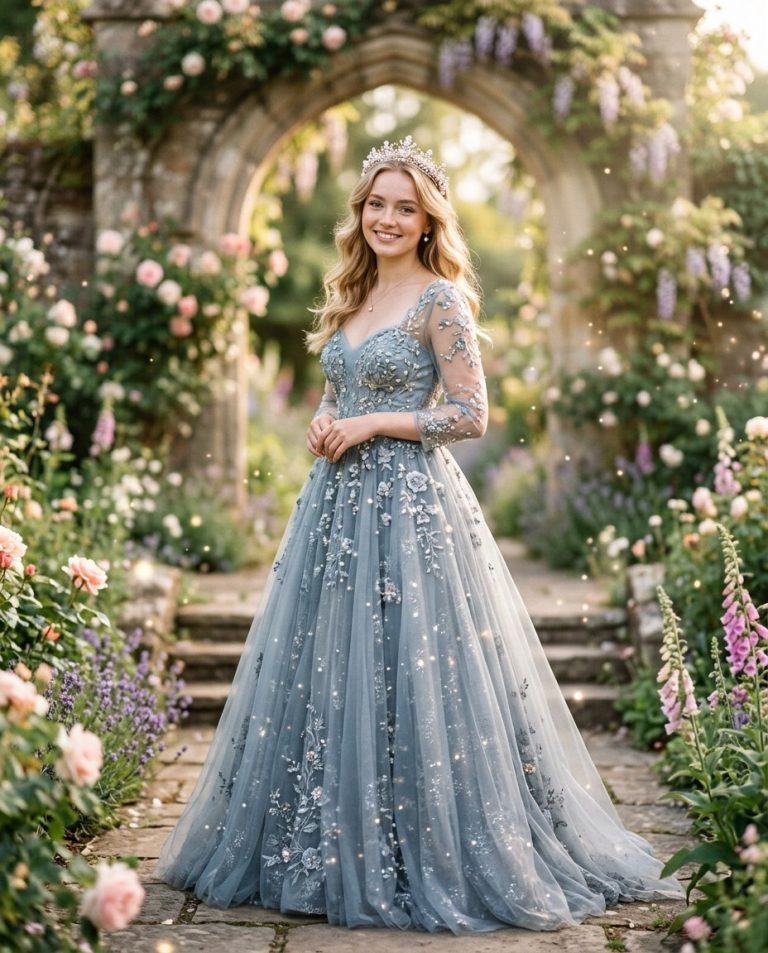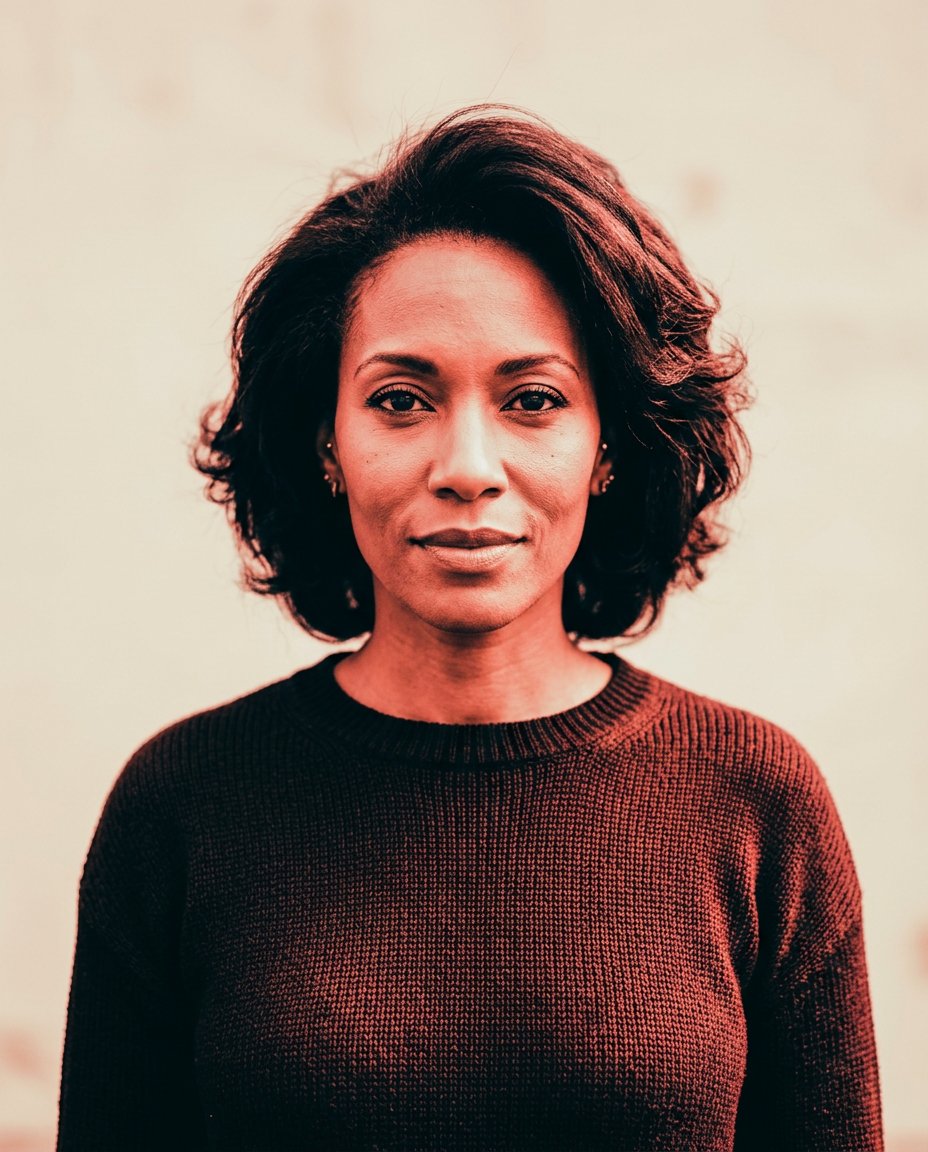
A strong color grade can make a feed portrait distinctive without changing the person or adding a fake scene. This prompt converts one adult woman selfie into an infrared-inspired duotone portrait with coral highlights, near-black shadows and a clean side margin for copy.
Rights and accuracy note: Use a rights-cleared, licensed, public-domain or user-owned source photo. The featured sample is an original fictional portrait example and does not depict a real public figure or documentary event. Add real names and copy outside the generated image, and label a materially AI-edited result when appropriate.
What This Prompt Changes
- Preserves the woman’s face, hair, expression and natural anatomy
- Applies a controlled coral-red and near-black duotone grade
- Keeps facial structure readable rather than creating a thermal-camera screen
- Uses a muted cream background and restrained editorial contrast
- Leaves a side margin for manually added Instagram copy
How to Use It
Upload an authorized adult woman selfie or portrait. Use the prompt as a color-grade edit rather than a literal thermal-camera interface. Add any real caption or profile text manually after generation.
Customize the Result
- Use coral and near-black, cobalt and cream or violet and charcoal
- Keep the effect subtle for a realistic portrait or stronger for a graphic feed cover
- Place the copy-safe margin on the left or right
- Use 4:5 for Instagram feed or 9:16 for a Reel crop
AI Photo Editing Prompt
Negative Prompt
Prompt Details
| Prompt Type | Photo Editing |
|---|---|
| AI Tool | ChatGPT |
| Style | Cinematic |
| Category | Photo Editing |
| Use Case | Girls, Instagram, Social Media |
| Tags | duotone color grade, editorial instagram photo, Female Selfie Edit, infrared portrait edit, instagram portrait edit, Social Media Portrait |
| Aspect Ratio | 4:5 |
| Lighting | Neutral studio light shaped by a coral-and-black grade |
| Camera | Centered editorial portrait camera |
| Lens | 50mm |
| Mood | Graphic and modern |
| Difficulty | Intermediate |
How to Use This Prompt
- Copy the prompt using the button above.
- Open your preferred AI image-generation or editing tool.
- Upload the photo you want to edit.
- Paste the prompt into the text field.
- Adjust parameters (aspect ratio, quality, steps) if necessary.
- Generate or edit the image, then refine until you like the result.