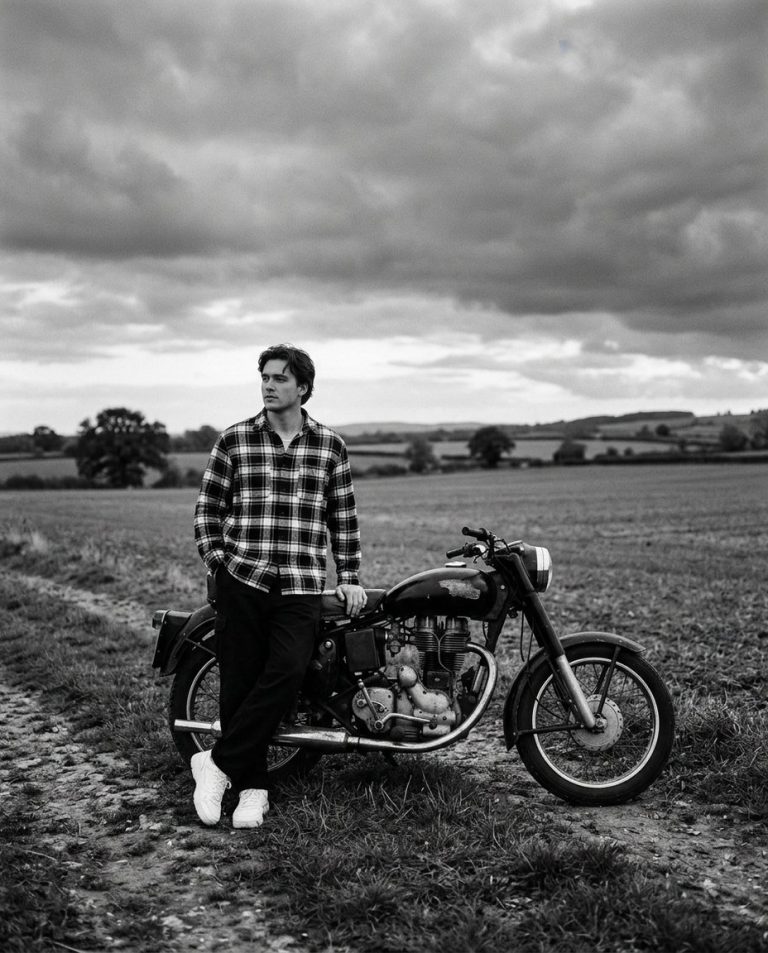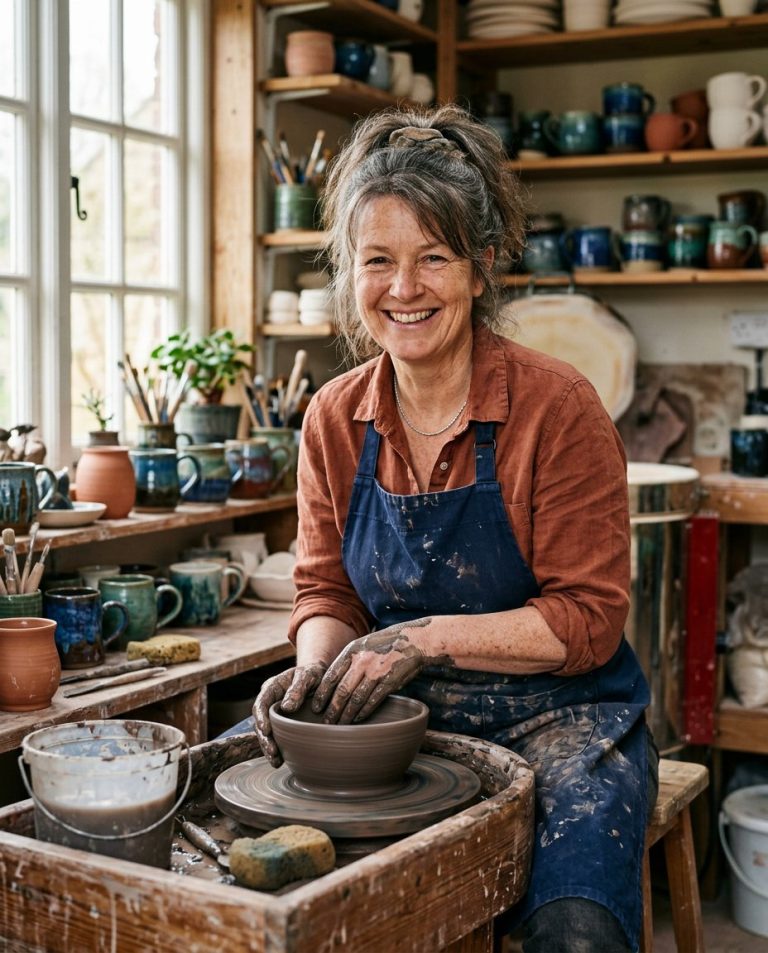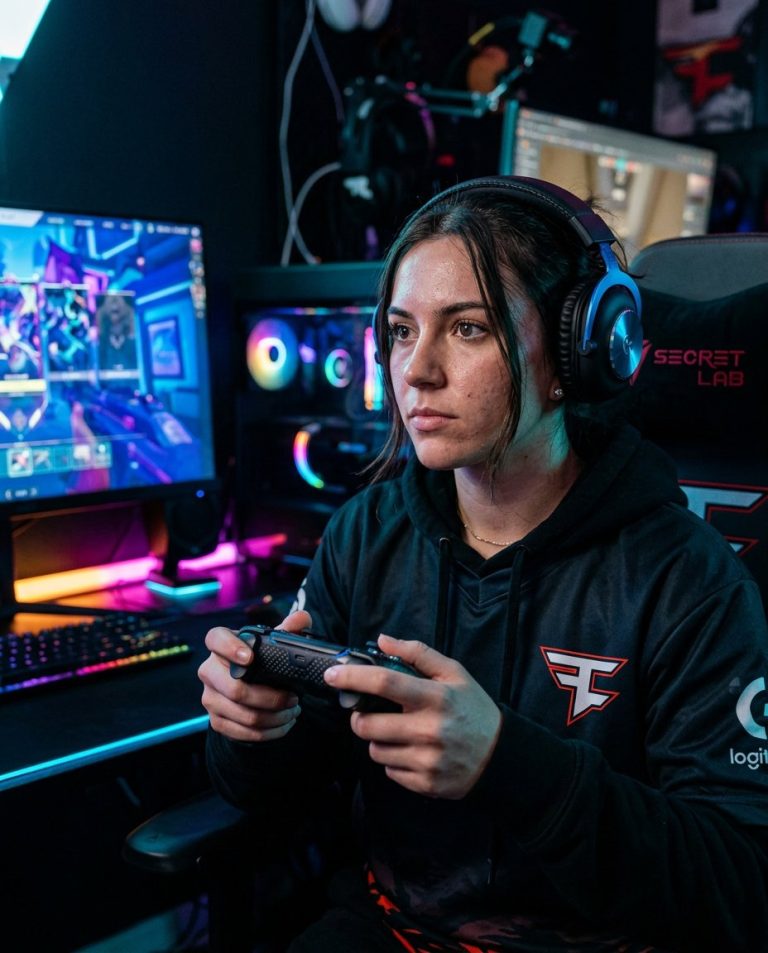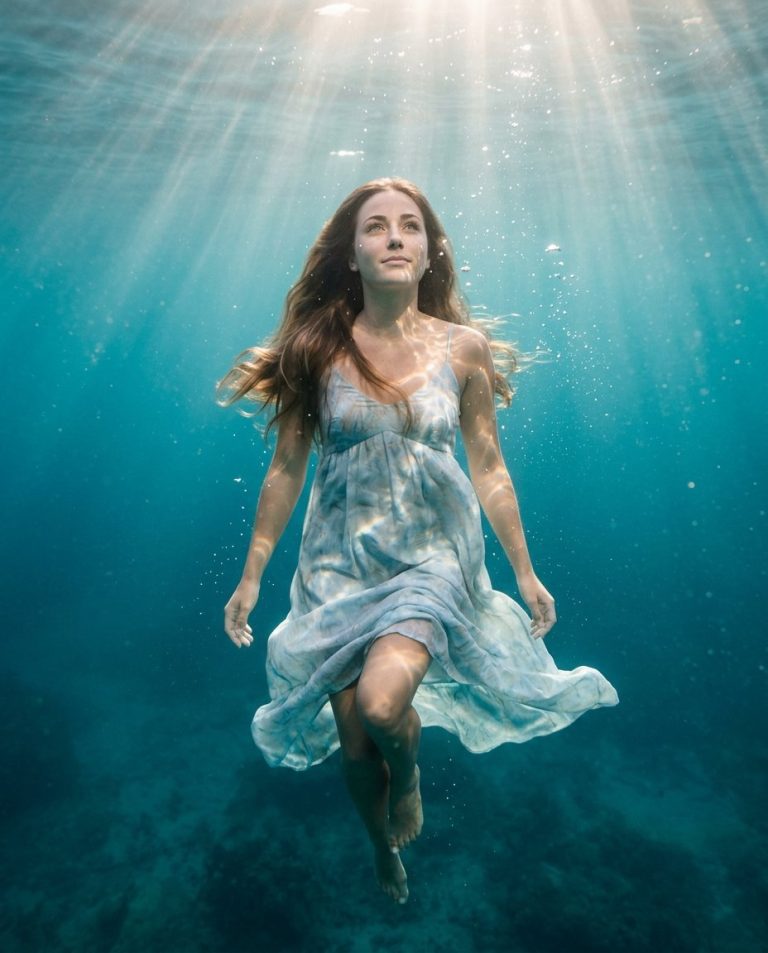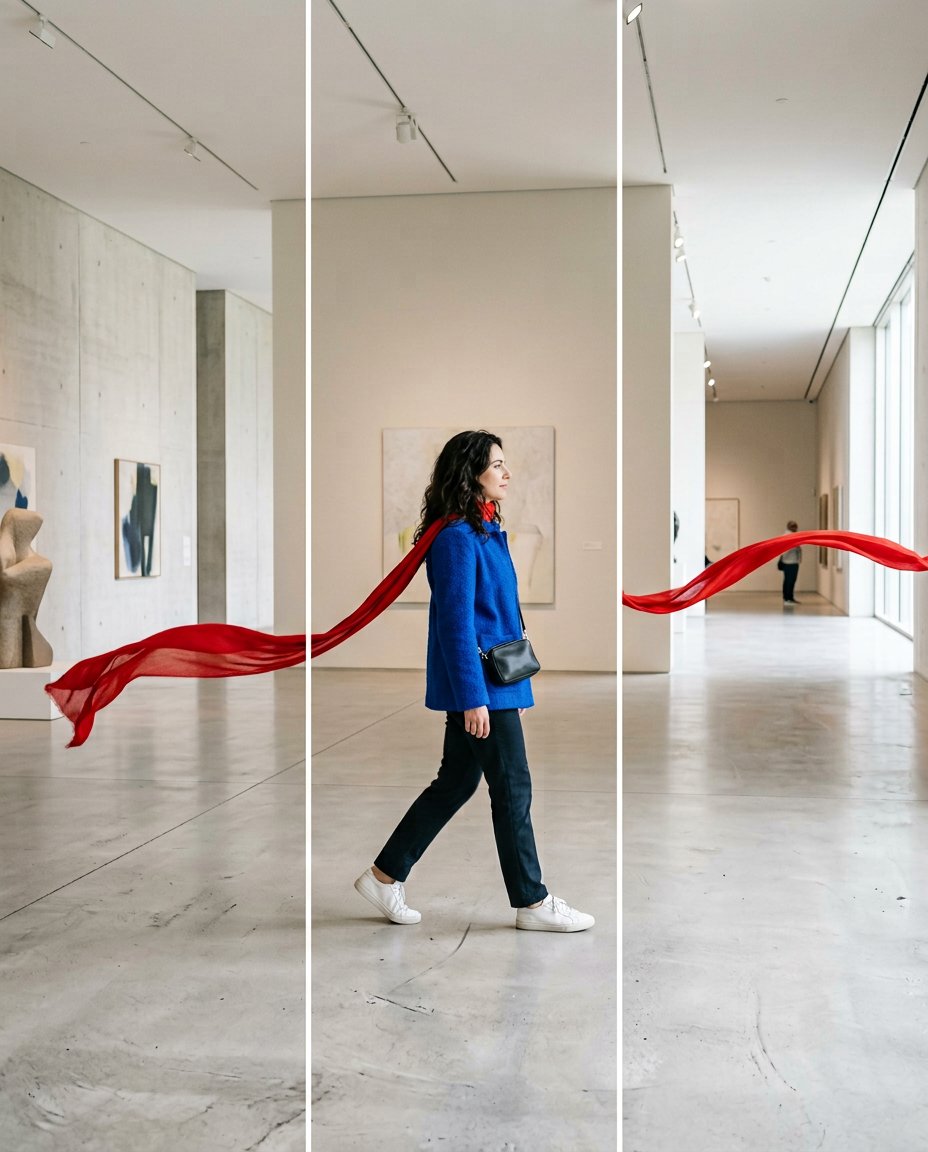
This prompt creates the continuous swipe-through effect used in designed social carousels. It expands a source image into three or four portrait panels and makes one visual element cross each boundary, so the next slide feels like a direct continuation rather than a collection of unrelated images.
What This Prompt Changes
- Extends one scene into three or four aligned portrait carousel panels
- Carries a subject, ribbon, road, shadow, architecture or color line across slide boundaries
- Keeps horizon lines, scale, lighting and perspective consistent from panel to panel
- Avoids captions, labels and interface elements so the design can be finished in the social app
How to Use It
Upload a source photo or describe the scene you want to extend. Specify the number of panels and the single element that must cross the boundaries. Export the resulting contact sheet as separate equal-width slides, checking that no important face or object is cut awkwardly at an edge.
Customize the Result
- Use a scarf, road, train, staircase, table edge, shadow, wave or architectural line as the connecting element
- Choose three panels for a quick reveal or four panels for a slower visual journey
- Set the look to bright editorial, moody cinematic, minimal studio, travel or product-focused
AI Photo Editing Prompt
PromptUse the uploaded source image or scene as the visual reference and expand it into three equal portrait 4:5 carousel panels shown together in one contact sheet. Build one uninterrupted composition across all panels: the gallery architecture, floor perspective, daylight and color grade must align exactly at every boundary. Make one strong visual element continue from left to right across the swipes, such as a long red ribbon, a road, a shadow or a flowing garment. Keep the main subject's scale, face, hands and clothing coherent, and never mirror, duplicate or randomly replace the subject between panels. Use very thin clean gutters only to show where the slides will be divided. Make the image satisfying to swipe, with a clear visual continuation in every panel. Render no words, letters, labels, numbers, app interface, logo or watermark. Photorealistic editorial social design, vertical 4:5 per panel. Midjourney / Flux.1 alternative: [SOURCE_IMAGE] three-panel continuous swipe Instagram carousel, one uninterrupted gallery scene, red ribbon crossing every panel boundary, aligned perspective and daylight, coherent subject, no text --ar 4:5 --style raw --iw 1.8
Negative Prompt
Negative Promptbroken panorama, misaligned edges, duplicated subject, mirrored person, random scene change, inconsistent horizon, warped hands, text, fake letters, app UI, logo, watermark, collage of unrelated photos
Prompt Details
| Prompt Type | Photo Editing |
|---|---|
| AI Tool | ChatGPT |
| Style | Minimalist |
| Category | Photo Editing |
| Use Case | Instagram, Social Media |
| Tags | continuous swipe, panorama carousel, seamless carousel, social carousel, swipe design, visual transition |
| Aspect Ratio | 4:5 |
| Lighting | Bright gallery daylight |
| Camera | Editorial social camera |
| Lens | 35mm wide lens |
| Mood | Satisfying, kinetic |
| Difficulty | Intermediate |
How to Use This Prompt
- Copy the prompt using the button above.
- Open your preferred AI image-generation or editing tool.
- Upload the photo you want to edit.
- Paste the prompt into the text field.
- Adjust parameters (aspect ratio, quality, steps) if necessary.
- Generate or edit the image, then refine until you like the result.