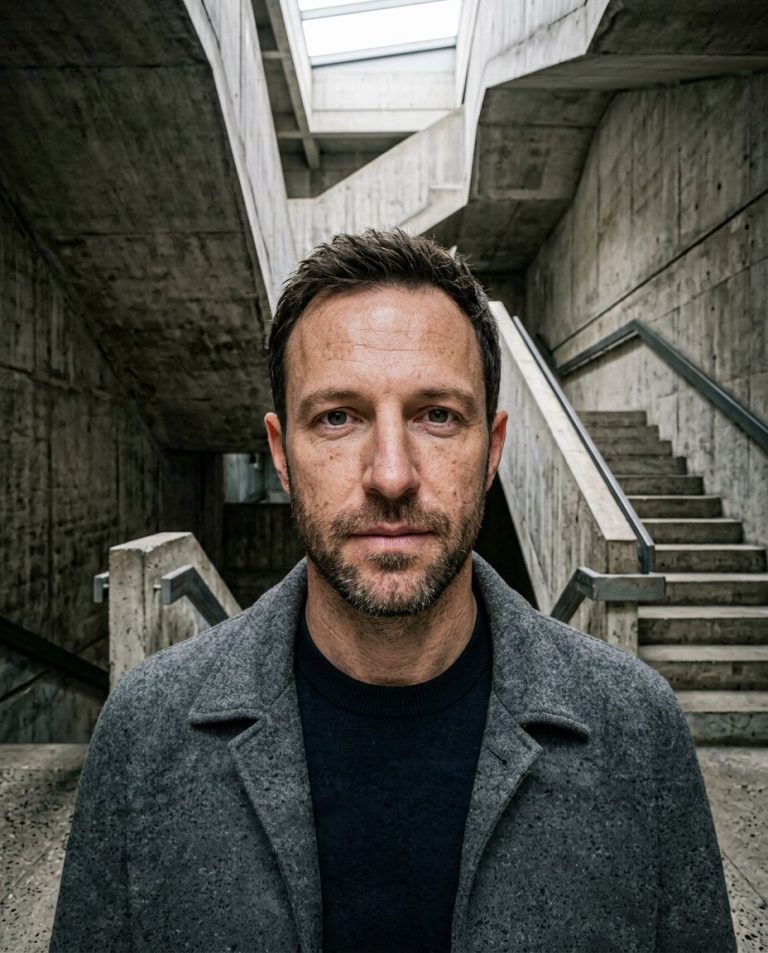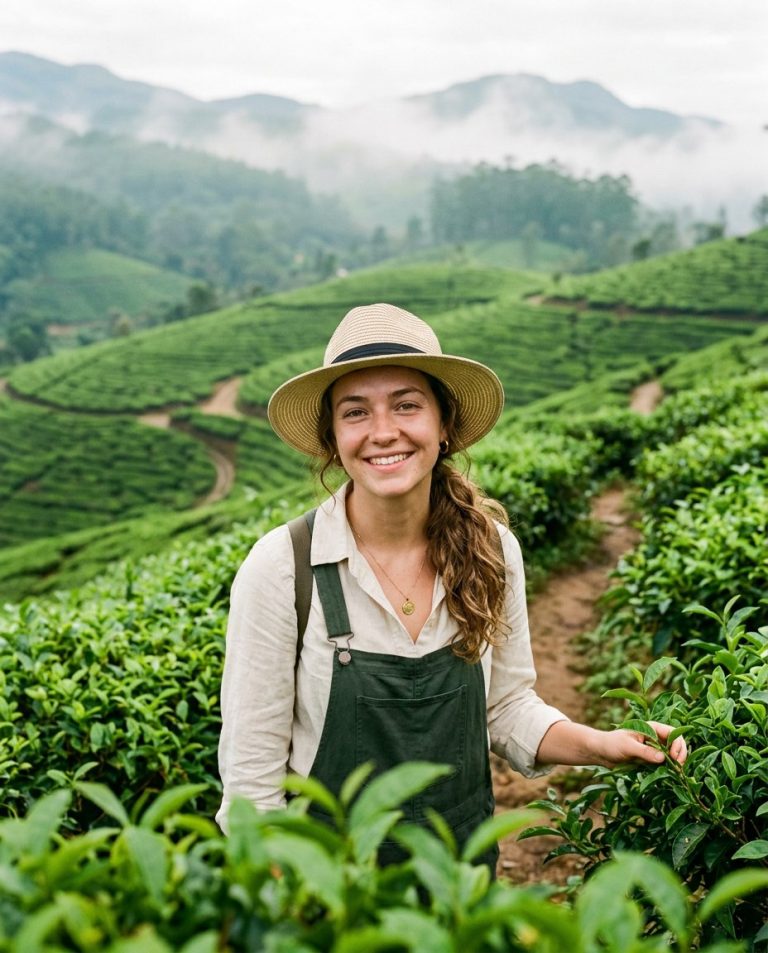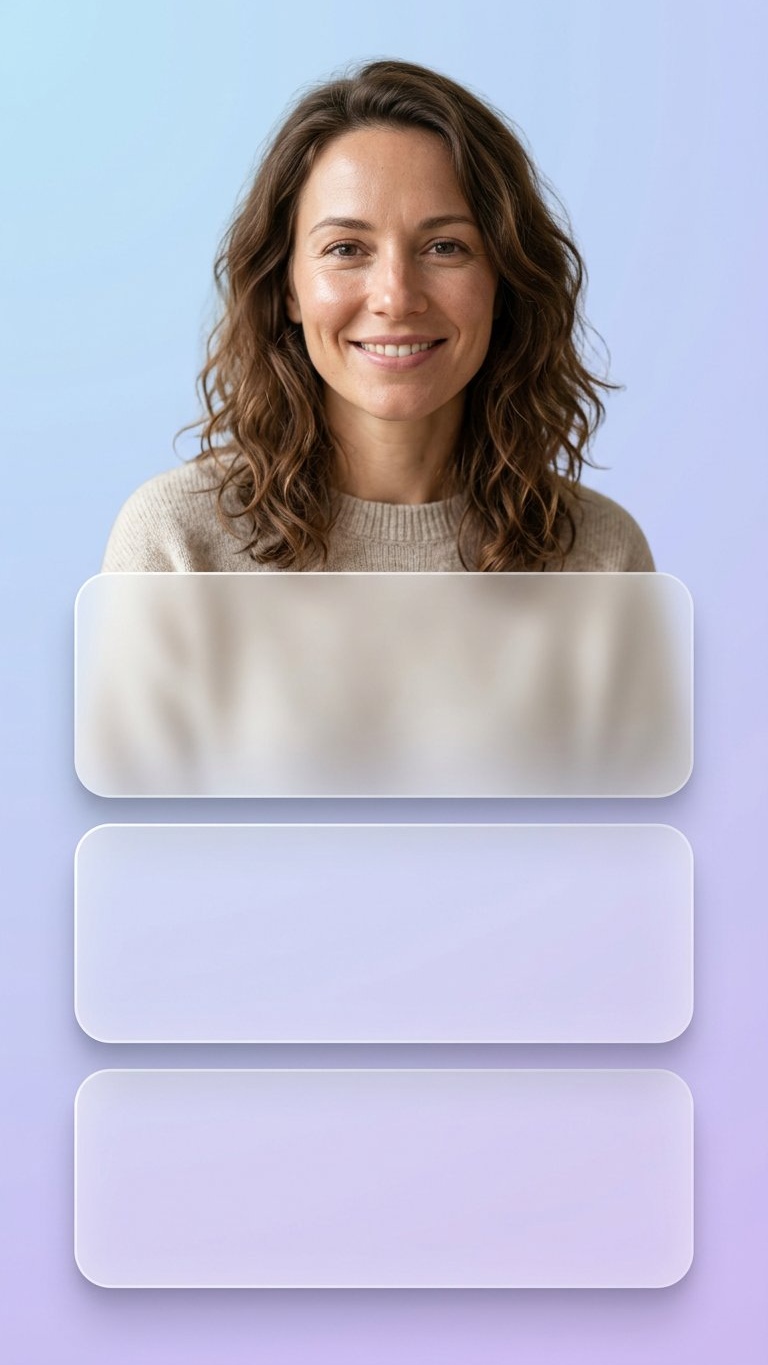
Story creators often need a portrait with clean space for captions, links or manually added calls to action. This prompt places one adult person in the upper third and creates three blank frosted-glass panels below without generating fake interface text or platform branding.
Rights and accuracy note: Use a rights-cleared, licensed, public-domain or user-owned source photo. The featured sample is an original fictional portrait example and does not depict a real public figure or documentary event. Add real names and copy outside the generated image, and label a materially AI-edited result when appropriate.
What This Prompt Changes
- Preserves the portrait identity, clothing and natural anatomy
- Places the person clearly in the upper third of a 9:16 frame
- Adds exactly three blank rounded frosted-glass panels below
- Uses a soft blue-to-violet gradient and realistic glass shadows
- Leaves every panel blank for manually added Story copy
How to Use It
Upload an authorized portrait and use the prompt for an Instagram Story, Snapchat Story or vertical social layout. Add the real caption, link instruction or call to action manually after generation. The panels are design surfaces, not a fake app interface.
Customize the Result
- Use blue-violet, peach-lilac, mint or neutral glass colors
- Make the panels taller for longer copy or shorter for a compact Story
- Move the person slightly left or right while keeping the face in the safe area
- Use soft frosted acrylic, translucent glass or matte blur
AI Photo Editing Prompt
Negative Prompt
Prompt Details
| Prompt Type | Photo Editing |
|---|---|
| AI Tool | ChatGPT |
| Style | Photorealistic |
| Category | Photo Editing |
| Use Case | Instagram, Social Media |
| Tags | blank panel background, frosted glass story, frosted panel design, instagram story portrait, story photo edit, Vertical Social Portrait |
| Aspect Ratio | 9:16 |
| Lighting | Soft studio portrait light with pastel ambient fill |
| Camera | Vertical social portrait |
| Lens | 50mm |
| Mood | Clean and modern |
| Difficulty | Intermediate |
How to Use This Prompt
- Copy the prompt using the button above.
- Open your preferred AI image-generation or editing tool.
- Upload the photo you want to edit.
- Paste the prompt into the text field.
- Adjust parameters (aspect ratio, quality, steps) if necessary.
- Generate or edit the image, then refine until you like the result.