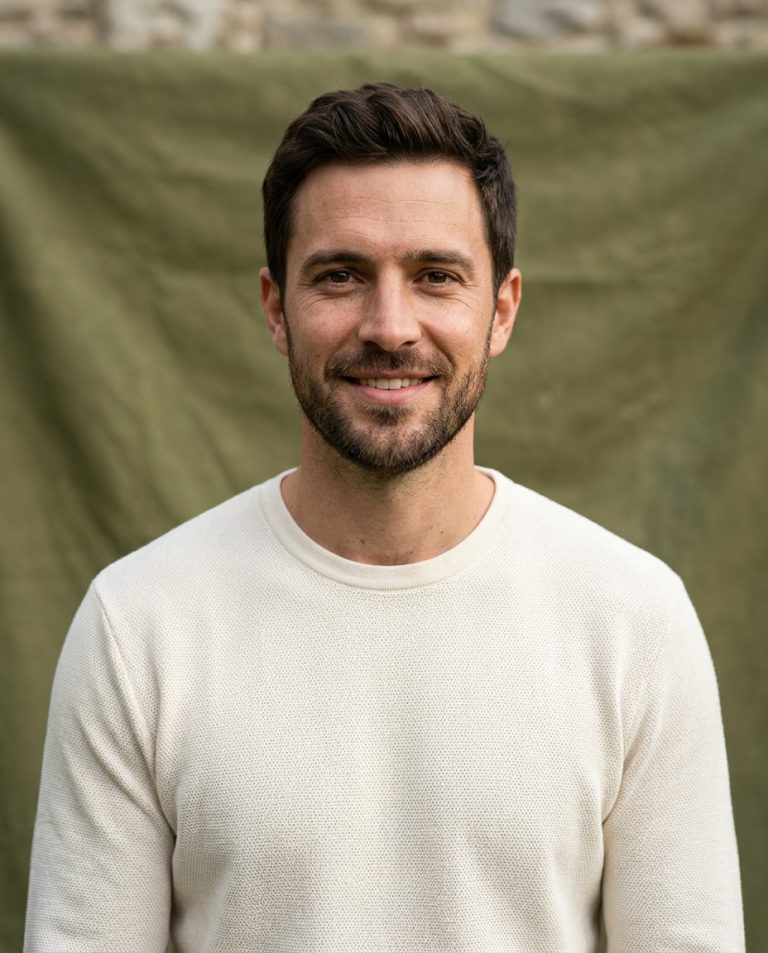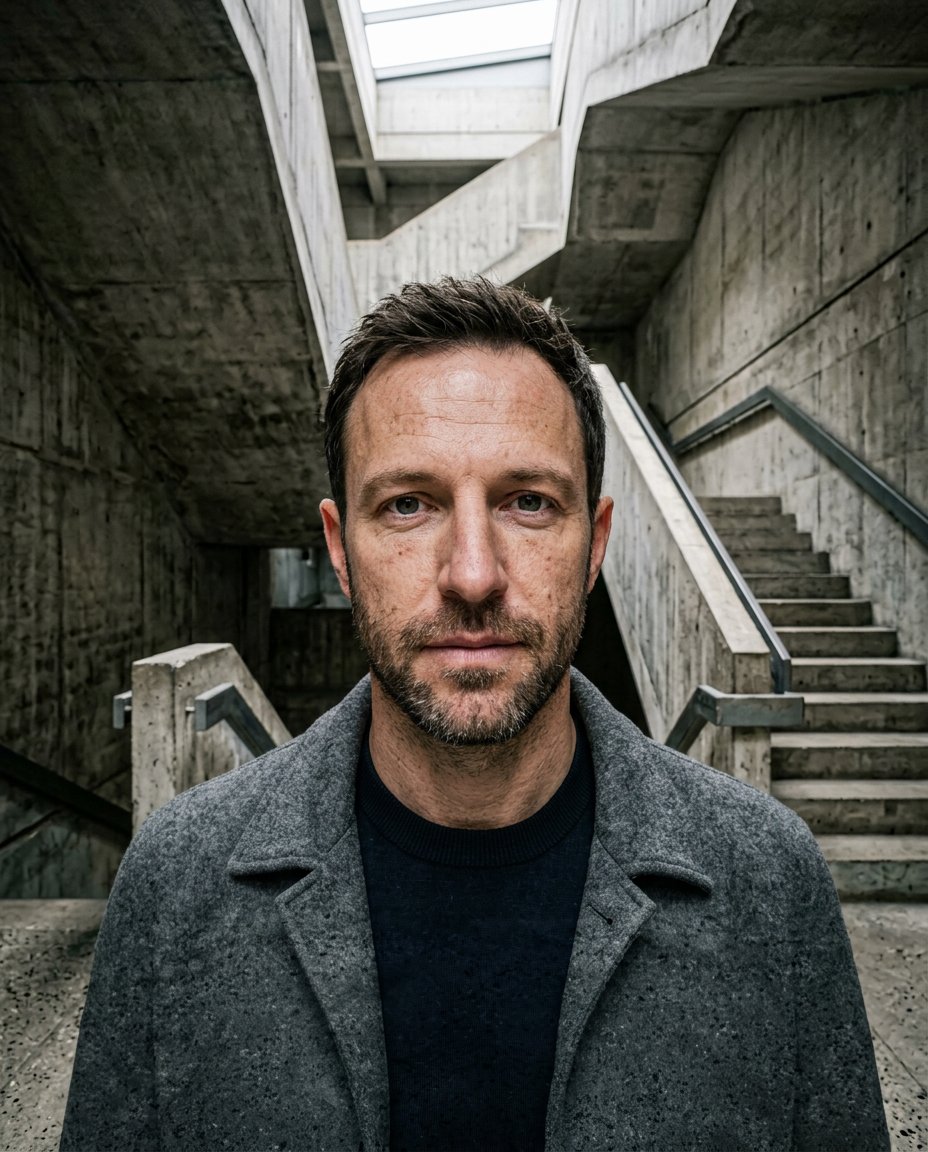
A strong architectural setting can make a simple portrait feel cinematic while keeping the person recognizable. This prompt replaces the original setting with a geometric brutalist concrete stairwell, balances the hard surfaces with a skylight and keeps a quiet area for Instagram copy.
Rights and accuracy note: Use a rights-cleared, licensed, public-domain or user-owned source photo. Each featured sample is an original fictional portrait example and does not depict a real public figure or documentary event. Add real names and copy outside the generated image, and label a materially AI-edited result when appropriate.
What This Prompt Changes
- Preserves the man’s identity, face, hair, expression, clothing and anatomy
- Places him inside a geometric raw-concrete stairwell
- Adds receding steps, handrails and a controlled overhead skylight
- Keeps the architecture dramatic without obscuring the face
- Leaves the lower composition uncluttered for a manually added caption
How to Use It
Upload an authorized adult man selfie or portrait with the face and upper body visible. Use the prompt to place him in the stairwell while matching the light and preserving identity. Add any real location, caption or handle manually outside the generated image.
Customize the Result
- Use pale concrete, charcoal concrete or warm unfinished cement
- Place the subject at the landing, beneath the skylight or beside a stair flight
- Use hard geometric shadows or softer diffused skylight
- Crop 4:5 for Instagram feed or 9:16 for a Story variation
AI Photo Editing Prompt
Negative Prompt
Prompt Details
| Prompt Type | Photo Editing |
|---|---|
| AI Tool | ChatGPT |
| Style | Cinematic |
| Category | Photo Editing |
| Use Case | Boys, Instagram, Social Media |
| Tags | architectural portrait, boys instagram photo, boys selfie edit, brutalist portrait, concrete stairwell portrait, Social Media Portrait |
| Aspect Ratio | 4:5 |
| Lighting | Controlled overhead skylight with soft concrete shadows |
| Camera | Centered architectural portrait camera |
| Lens | 35mm |
| Mood | Brutalist and cinematic |
| Difficulty | Intermediate |
How to Use This Prompt
- Copy the prompt using the button above.
- Open your preferred AI image-generation or editing tool.
- Upload the photo you want to edit.
- Paste the prompt into the text field.
- Adjust parameters (aspect ratio, quality, steps) if necessary.
- Generate or edit the image, then refine until you like the result.