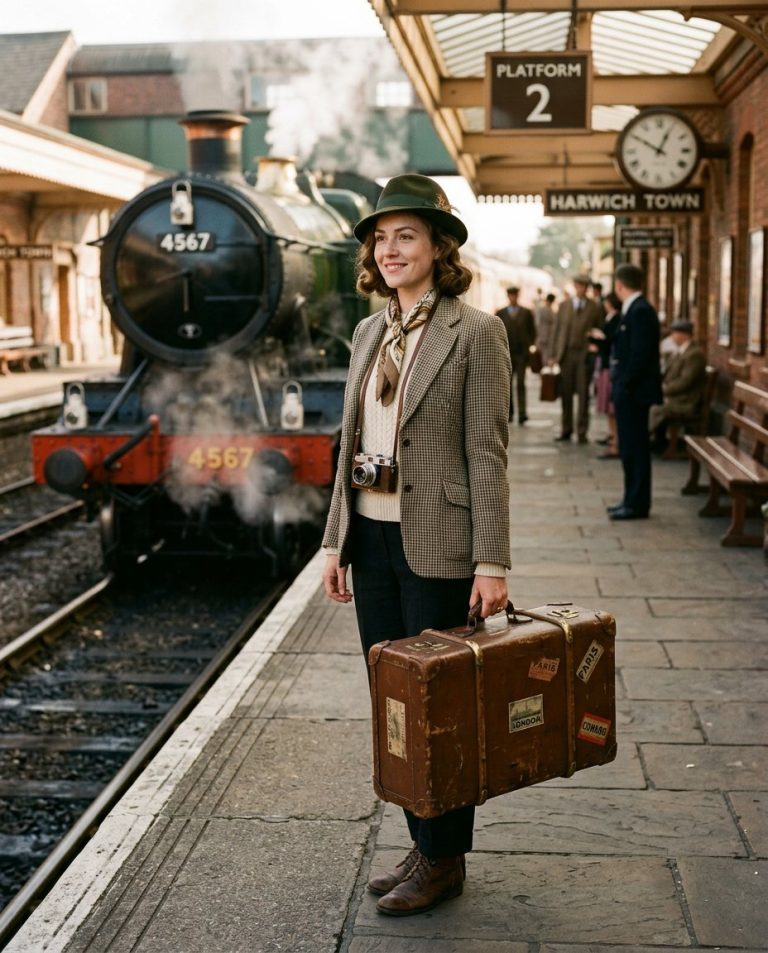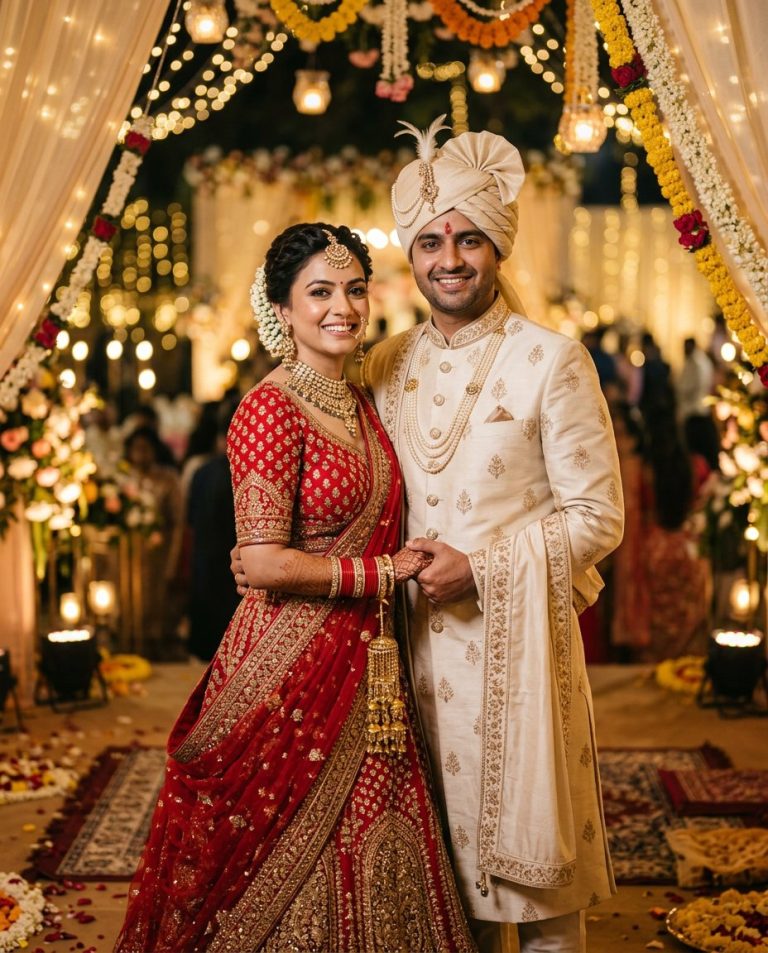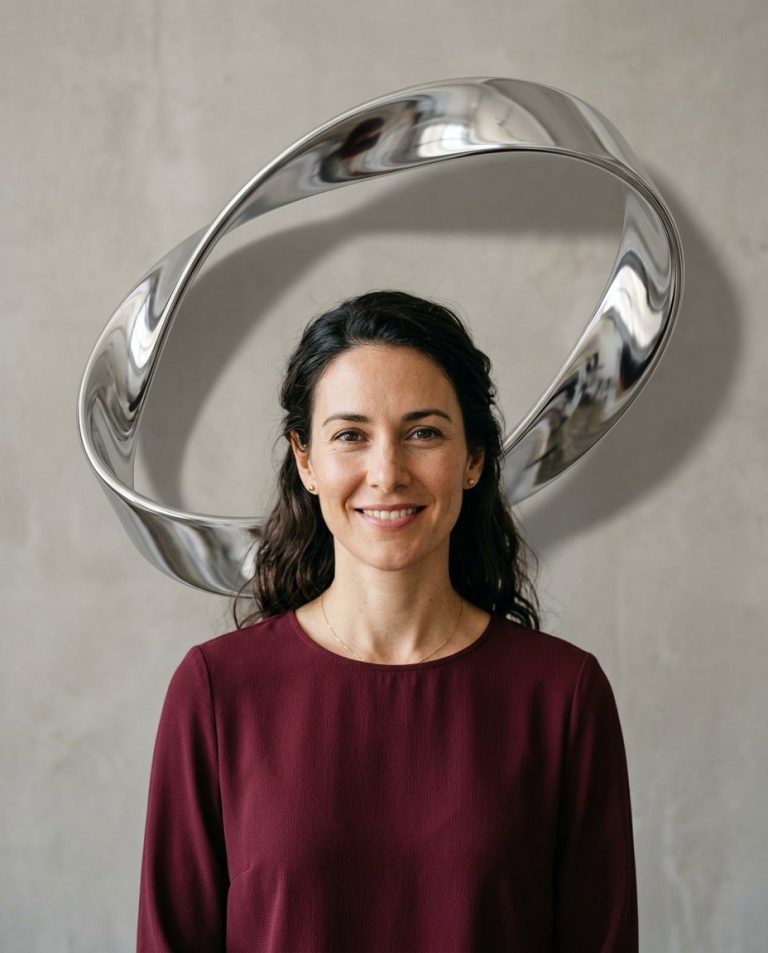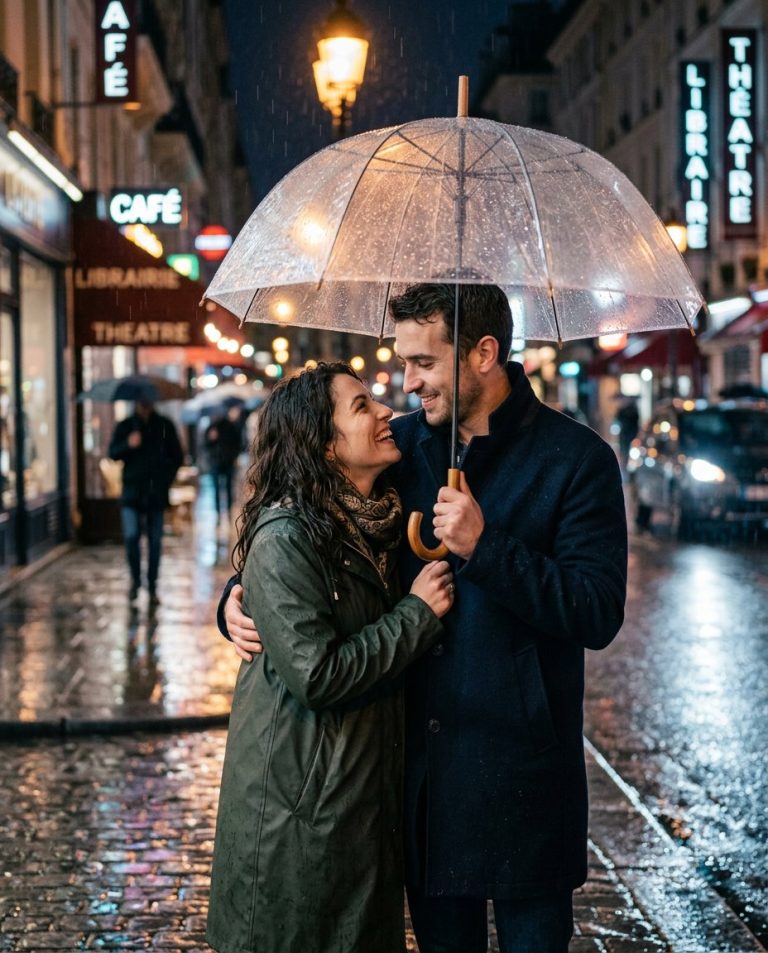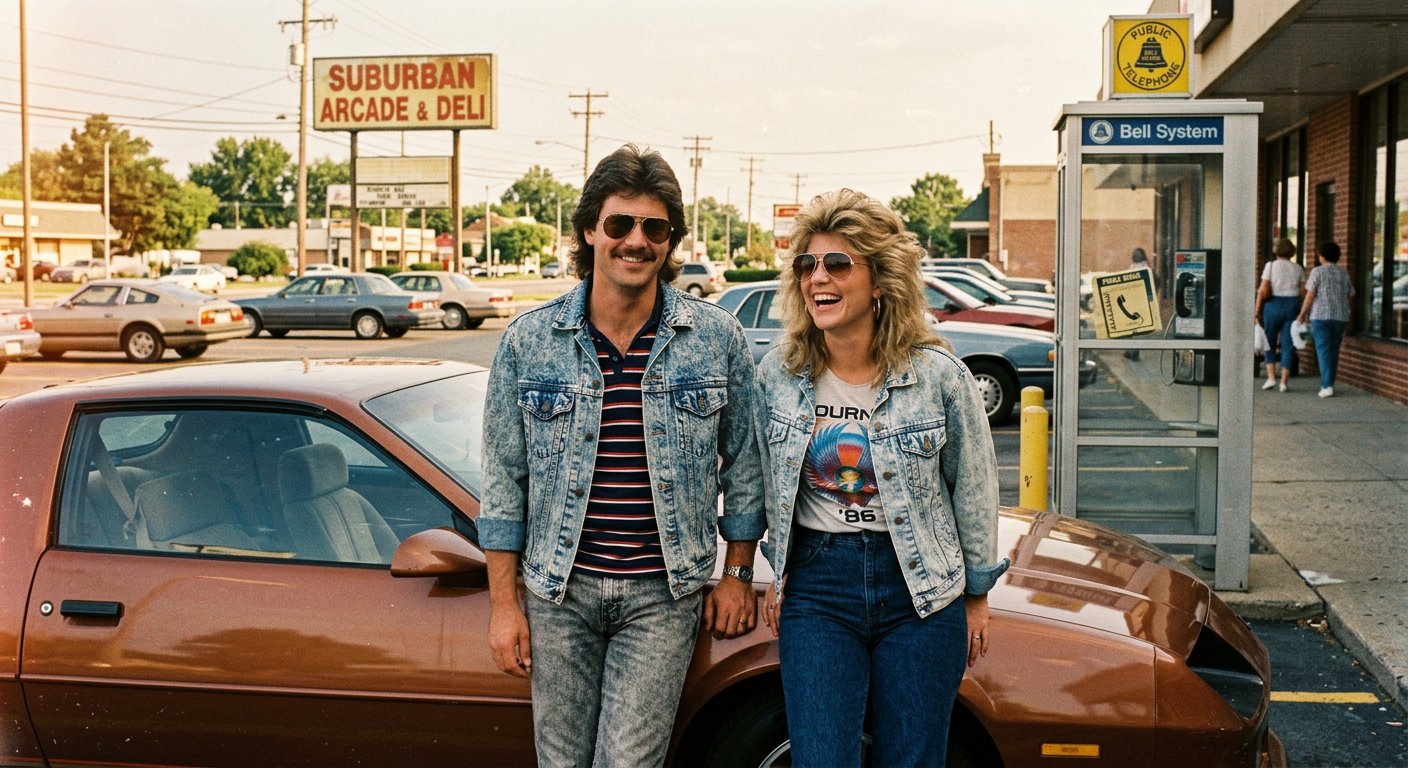
This 1980s photo prompt for ChatGPT builds a believable retro portrait with period-accurate styling, analog camera character and nostalgic color. It is ideal for recreating the look of a real photograph taken on film in the mid-1980s.
AI Image Prompt
PromptCreate a highly detailed 1980s-inspired portrait photograph of an adult man and woman standing beside a vintage car in a sunlit suburban parking lot. Dress them in period-appropriate clothing: a high-waisted acid-wash denim jacket, a tucked-in graphic t-shirt, aviator sunglasses and a striped polo shirt. Style the hair with a soft feathered cut and light volume typical of the decade. Pose them leaning casually against the car with relaxed, natural expressions and a slight candid smile. In the background include a faded storefront sign, a public payphone booth and warm afternoon sunlight. Shoot from a slight three-quarter angle at eye level using a 50mm lens with a wide aperture for soft background blur. Use direct afternoon sunlight with natural lens flare and long soft shadows. Render the image with the characteristics of 1980s analog film photography: visible but subtle film grain, slightly faded warm color tones, gentle highlight roll-off and a soft, imperfect exposure. The final result should look like a genuine mid-1980s family photograph, natural and unretouched, aspect ratio 4:5
Negative Prompt
Negative Promptmodern smartphones, modern cars, modern clothing, LED lights, digital sharpness, plastic skin, oversaturated colors, CGI look, watermark, text artifacts, extra fingers, distorted faces
Prompt Details
| Prompt Type | Image Generation |
|---|---|
| AI Tool | ChatGPT |
| Style | Photorealistic, Vintage |
| Category | People, Portrait |
| Use Case | Instagram, Social Media |
| Tags | 1980s, 80s, chatgpt, film photography, nostalgia, retro, retro portrait, vintage |
| Aspect Ratio | 4:5 |
| Lighting | Direct afternoon sunlight |
| Camera | 35mm film camera |
| Lens | 50mm f/1.8 |
| Mood | Nostalgic |
| Difficulty | Intermediate |
How to Use This Prompt
- Copy the prompt using the button above.
- Open your preferred AI image-generation or editing tool.
- Paste the prompt into the text field.
- Adjust parameters (aspect ratio, quality, steps) if necessary.
- Generate or edit the image, then refine until you like the result.