Want a festive portrait that feels like a cinematic Navratri night instead of an ordinary selfie? This Gemini AI photo editing prompt gives your photo a rich Garba-night atmosphere with mirror-work details, glowing lights and editorial color grading—while keeping your real face recognizable.
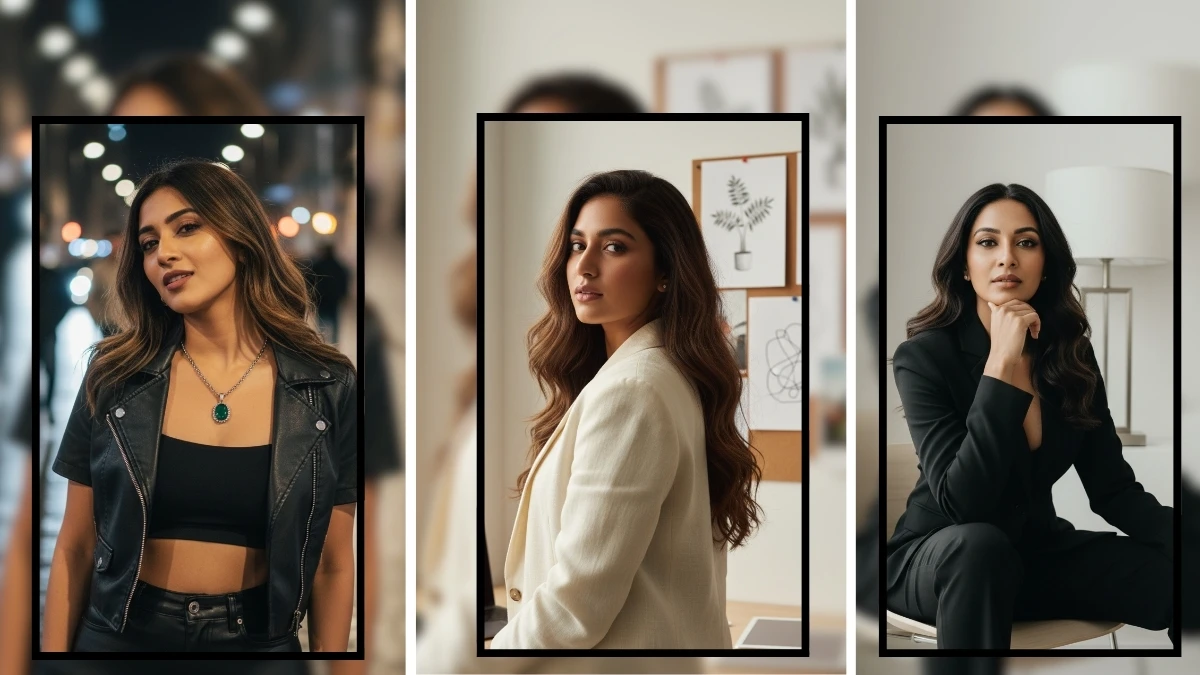
Copy This Gemini AI Photo Editing Prompt
Prompt:
Edit the uploaded photo into a premium cinematic Navratri Garba-night portrait. Preserve the person’s exact facial identity, natural skin texture, age, facial proportions and expression. Style the subject in an elegant Gujarati-inspired festive outfit with intricate mirror-work embroidery, tasteful traditional jewelry and naturally arranged hair. Place them at a beautifully lit Garba venue after sunset, with warm amber fairy lights, softly blurred dancers in the background, subtle bokeh, and a hint of movement in the scene. Use flattering golden key light, realistic shadows, rich jewel tones, crisp fabric details and professional portrait-lens depth of field. Keep the result photorealistic, refined and suitable for an Instagram portrait. Do not change the person’s identity, do not add extra fingers or limbs, avoid plastic skin, exaggerated makeup, text, logos, watermarks or over-saturated colors. Frame vertically in a 4:5 composition, with the face sharply focused and the background softly cinematic.
How to Use It
- Open Gemini or another image editor that supports photo uploads.
- Upload a clear photo with your face visible.
- Copy the prompt above and submit it with your image.
- If the face changes too much, try again with: “Prioritize exact identity preservation; change only styling, lighting and background.”
- Save the result and crop it for Instagram or WhatsApp.
Tips for a More Realistic Result
- Use a sharp, well-lit original photo; extreme filters can reduce likeness.
- Ask for subtle makeup and realistic fabric texture rather than “perfect” skin.
- For a more personal result, specify your preferred outfit color, such as emerald green, royal blue, magenta or classic red.
- Use only photos you have permission to edit and share.
Why Try This Style Today?
Festive, personalized AI portraits are a timely seasonal idea during Navratri. This prompt focuses on a specific visual mood—Garba lights, mirror-work and cinematic portrait lighting—rather than a generic AI makeover. Results depend on the image tool and the photo you upload.
Try it, personalize the outfit colors, and share your finished look. Explore more photo-editing ideas in PromptTai Image’s Photo Editing section.