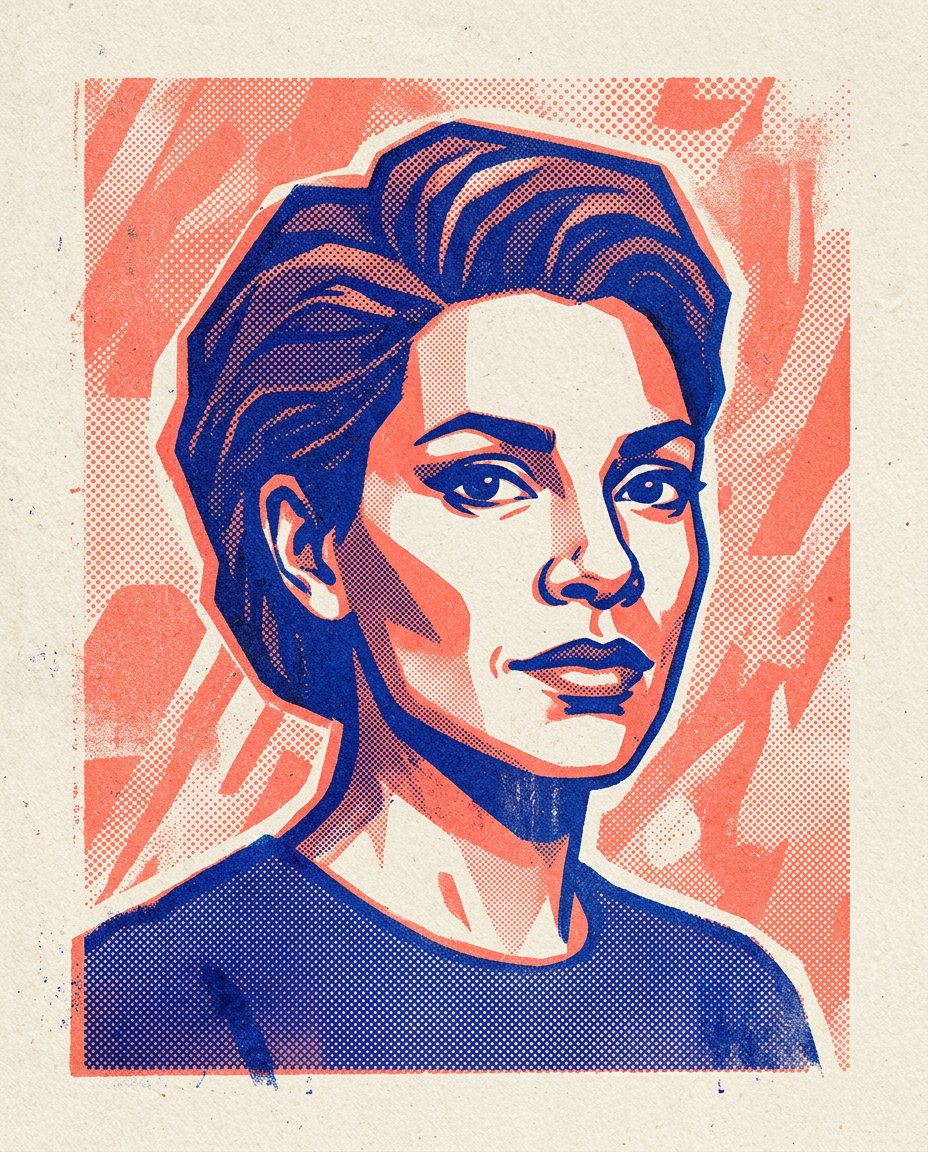
This prompt creates a convincing two-color risograph poster from a photo without asking an image model to render unreliable poster text. It reduces the portrait into graphic ink shapes, uses halftone dots and slight color misregistration, and leaves a clean area where a designer can add a title afterward.
What This Prompt Changes
- Reduces the source portrait to two intentional ink colors plus paper
- Converts tonal detail into visible halftone dots and graphic shadow shapes
- Adds restrained risograph misregistration, paper grain and ink texture
- Keeps the face recognizable and leaves a usable blank margin for later typography
How to Use It
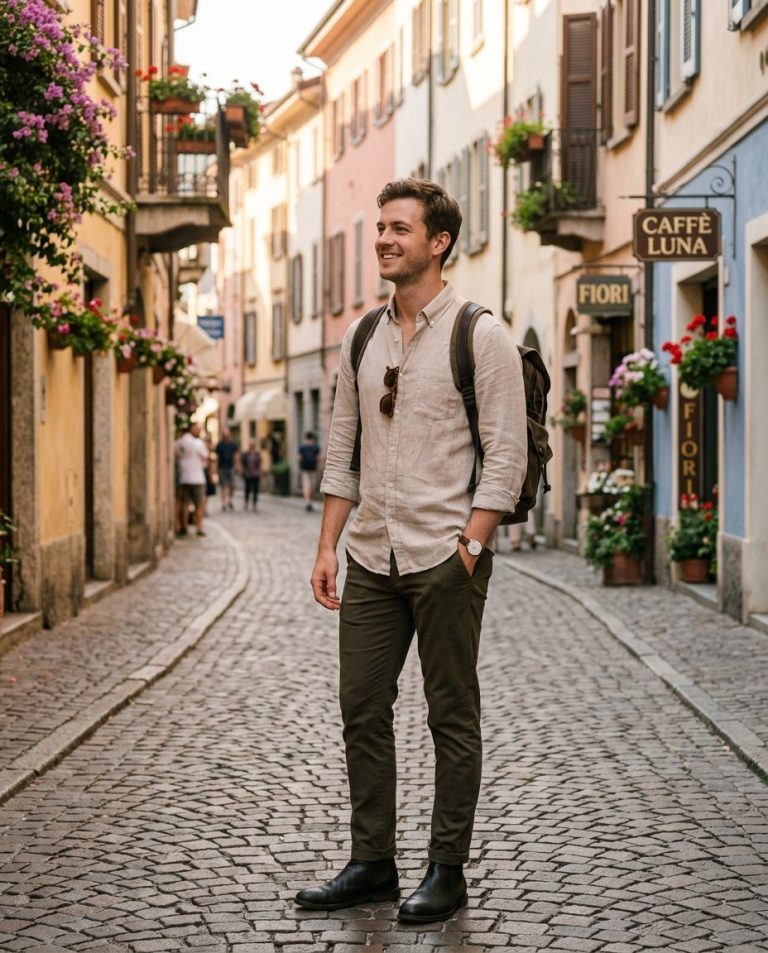
Upload a well-lit portrait to ChatGPT or Gemini. Pick two contrasting ink colors and tell the model where to leave negative space. Add titles or event information afterward in a design tool rather than asking the image model to spell it.
Customize the Result
- Swap the palette for cobalt and coral, black and fluorescent orange, or forest green and pink
- Choose a tight headshot, half-body portrait or three-quarter editorial crop
- Ask for heavy halftone texture, clean modern registration or visibly handmade ink drift
AI Photo Editing Prompt
PromptUse the uploaded portrait as the exact identity and composition reference for the same adult. Convert it into a bold two-color risograph poster printed on warm off-white paper. Use only deep cobalt blue ink and warm fluorescent coral ink, with the paper showing as the third value. Preserve the person's recognizable facial structure, hairstyle, expression, shoulders and clothing silhouette, but simplify them into confident graphic planes and contour shapes suitable for screen-based printmaking. Build shadows from halftone dot patterns, cross-shaped texture and controlled ink density; do not use smooth digital gradients. Add slight authentic risograph ink misregistration at selected edges, tiny paper fibers, uneven coverage and a tactile matte print surface. Keep a clean blank margin around the portrait for a designer to add type later, but render absolutely no letters, words, numbers, logo or fake typography. Use a strong editorial crop, balanced negative space and a limited graphic composition. No extra people, watermark or glossy 3D effect. Vertical 4:5 poster. Midjourney / Flux.1 alternative: [IMAGE_URL] two-color risograph portrait poster of the same person, cobalt blue and fluorescent coral ink on warm off-white paper, bold graphic facial planes, halftone dots, slight ink misregistration, tactile paper grain, clean blank margin, no text --ar 4:5 --style raw --iw 2.0
Negative Prompt
Negative Promptfull-color photo, smooth gradient, random colors, unreadable words, fake letters, logo, watermark, excessive noise, blurry face, changed identity, extra person, glossy digital poster, neon 3D render
Prompt Details
| Prompt Type | Photo Editing |
|---|---|
| AI Tool | ChatGPT |
| Style | Illustration |
| Category | Photo Editing |
| Use Case | Marketing, Poster |
| Tags | graphic portrait, halftone portrait, ink misregistration, print texture, risograph, two-color poster |
| Aspect Ratio | 4:5 |
| Lighting | Even paper light |
| Camera | Print-design flat lay camera |
| Lens | 50mm |
| Mood | Bold, graphic |
| Difficulty | Beginner |
How to Use This Prompt
- Copy the prompt using the button above.
- Open your preferred AI image-generation or editing tool.
- Upload the photo you want to edit.
- Paste the prompt into the text field.
- Adjust parameters (aspect ratio, quality, steps) if necessary.
- Generate or edit the image, then refine until you like the result.