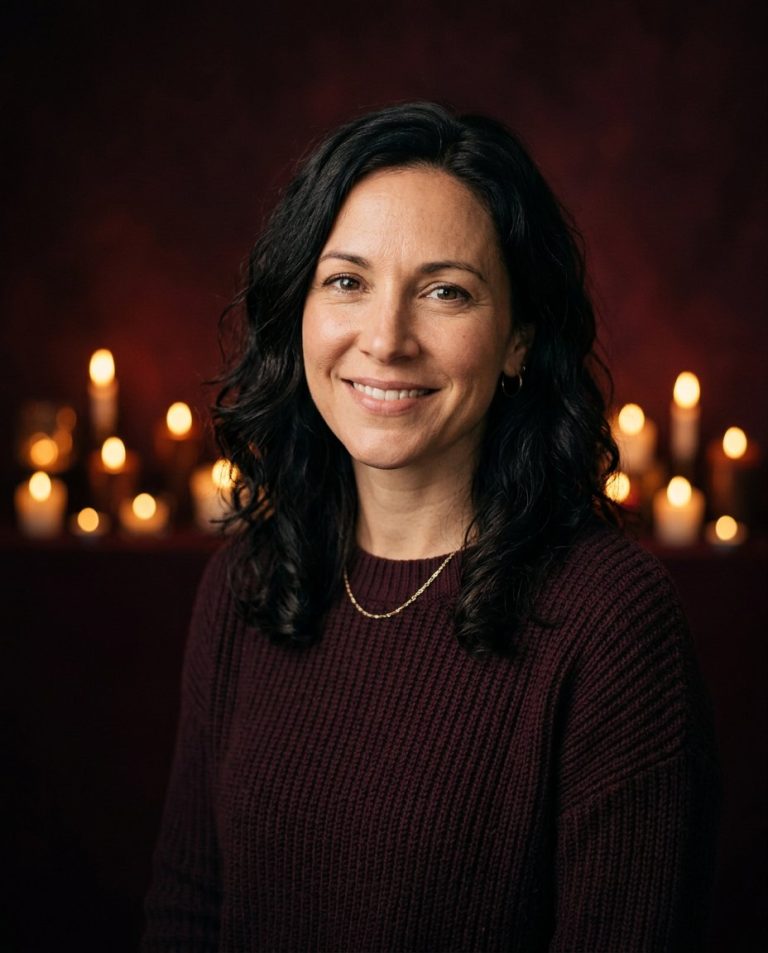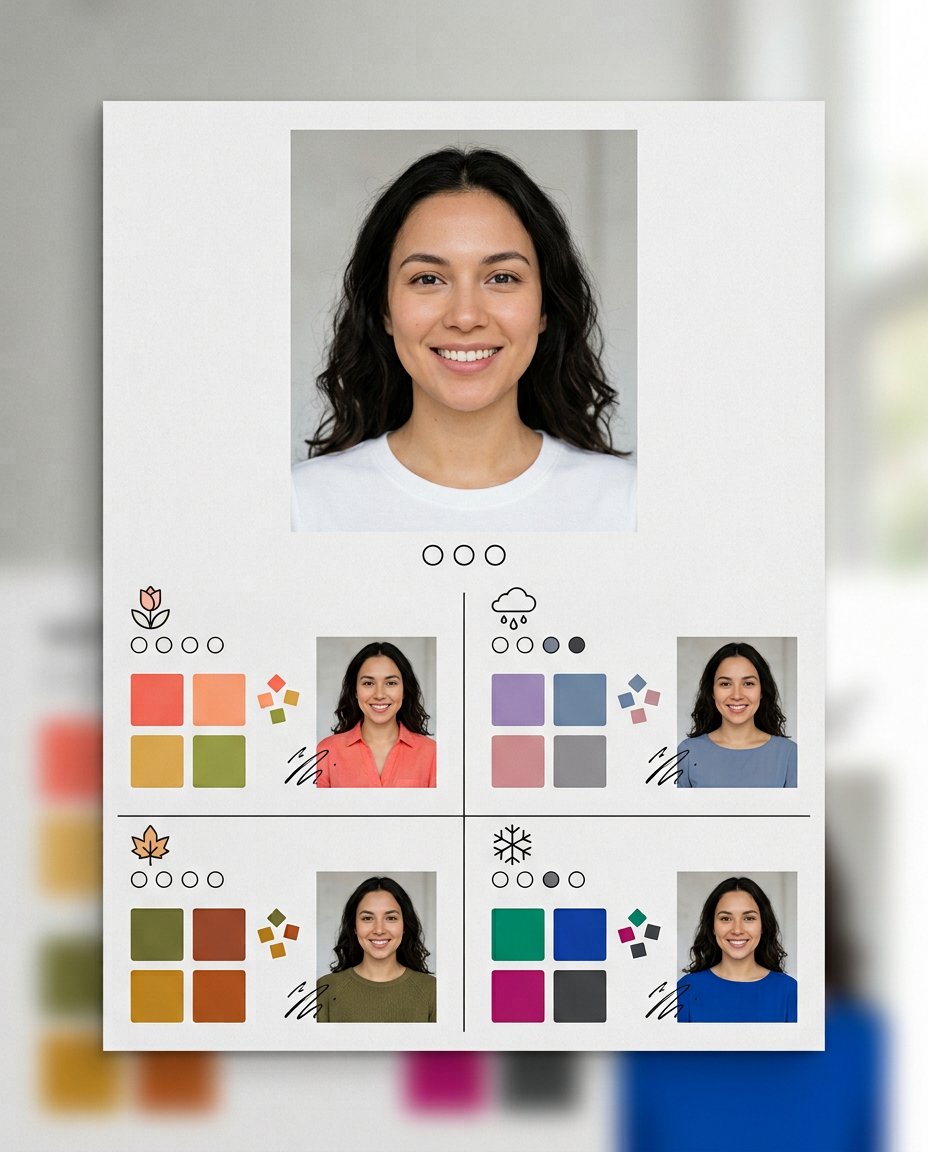
This visual color-analysis prompt helps solve a practical styling problem: seeing how different clothing palettes affect your portrait before buying or styling an outfit. It creates a clean four-season comparison with swatches and consistent clothing try-ons, so the result is more useful than a single unexplained season label. Treat the AI result as a visual starting point, because lighting and camera color can change an undertone reading.
What This Prompt Changes
- Estimates undertone, contrast level and the most harmonious seasonal family
- Builds Spring, Summer, Autumn and Winter swatch sections around the portrait
- Shows consistent mini try-ons so outfit colors can be compared directly
- Highlights the likely best palette with a restrained visual marker
How to Use It
Upload a front-facing portrait taken in neutral daylight without a beauty filter to ChatGPT or Gemini, then paste the prompt. For a more dependable comparison, repeat it with two or three different daylight photos and look for the season that stays consistent. Use the result as styling guidance, not a professional color diagnosis.
Customize the Result
- Use a 12-season system: True Spring, Soft Summer, Deep Autumn and similar sub-seasons
- Add warm-versus-cool clothing comparisons or a small best-versus-avoid palette
- Extend the board with metal, hair-color or makeup swatches while keeping the face unchanged
AI Photo Editing Prompt
Negative Prompt
Prompt Details
| Prompt Type | Photo Editing |
|---|---|
| AI Tool | ChatGPT |
| Style | Illustration |
| Category | Photo Editing |
| Use Case | Instagram, Social Media |
| Tags | color analysis, color matching, outfit colors, seasonal palette, styling, undertone |
| Aspect Ratio | 4:5 |
| Lighting | Neutral daylight |
| Camera | Color-consultation portrait |
| Lens | 85mm |
| Mood | Clear, practical |
| Difficulty | Intermediate |
How to Use This Prompt
- Copy the prompt using the button above.
- Open your preferred AI image-generation or editing tool.
- Upload the photo you want to edit.
- Paste the prompt into the text field.
- Adjust parameters (aspect ratio, quality, steps) if necessary.
- Generate or edit the image, then refine until you like the result.