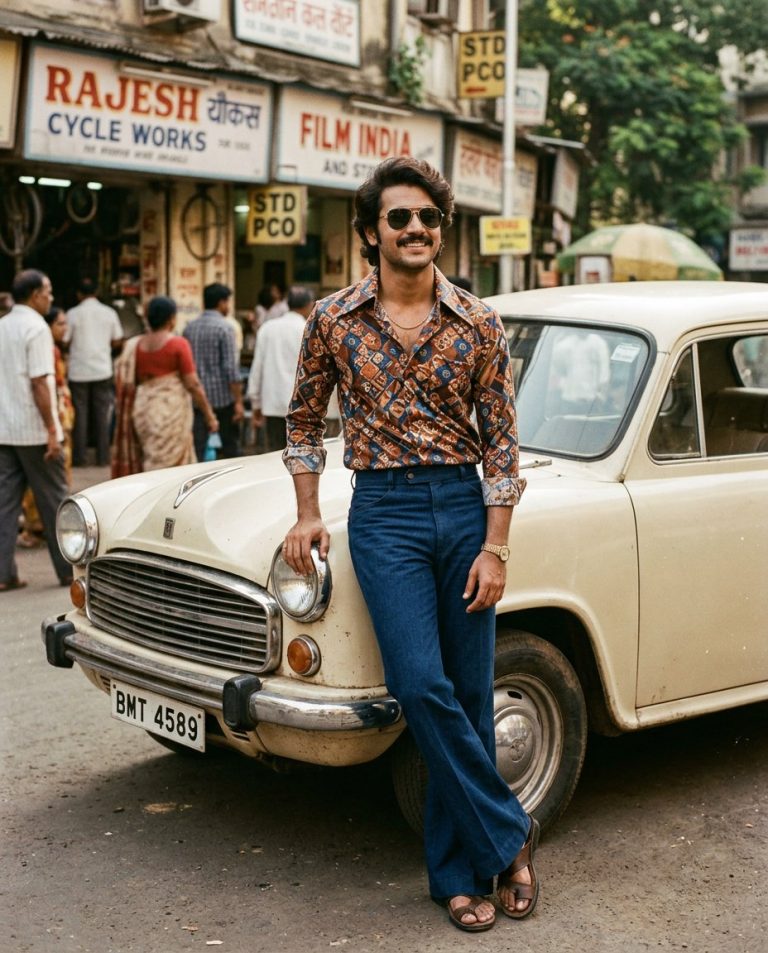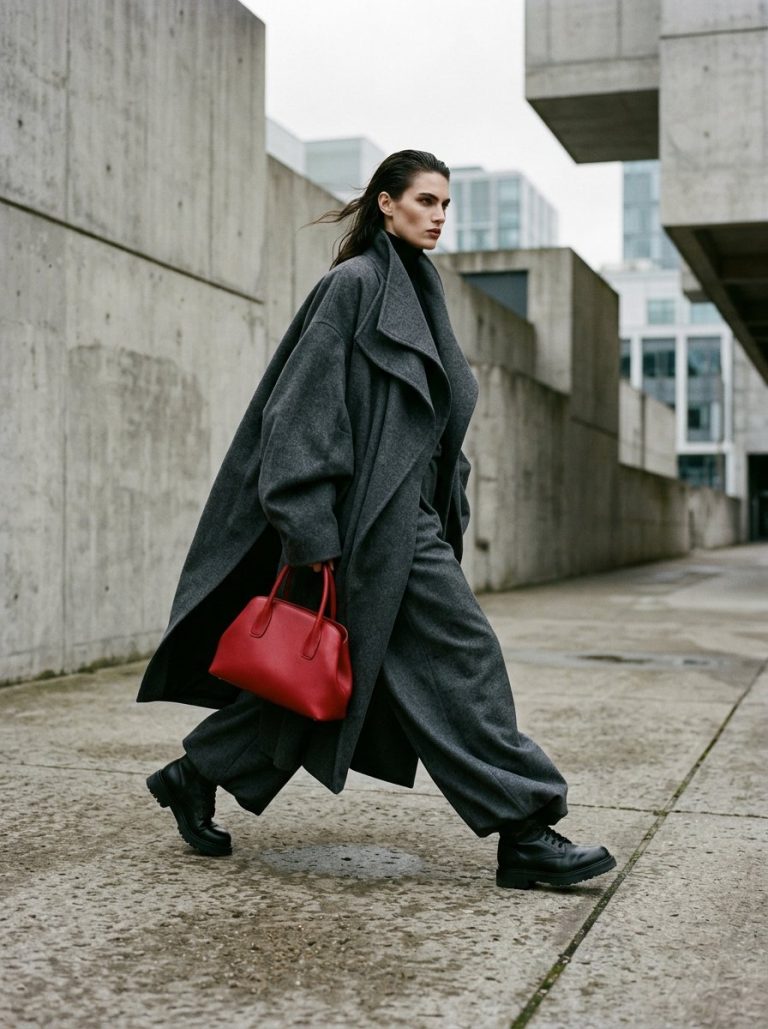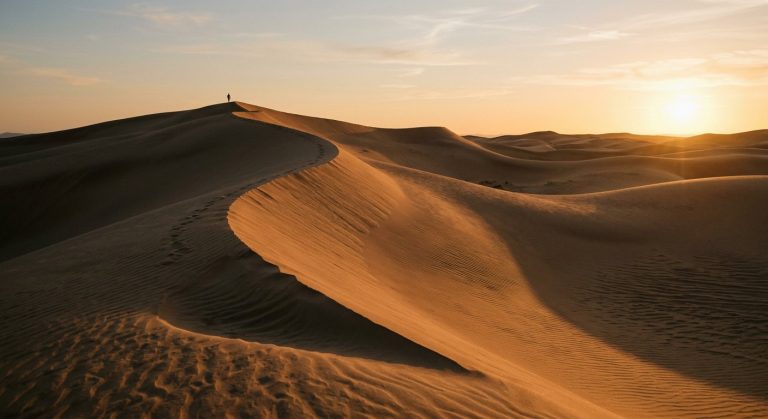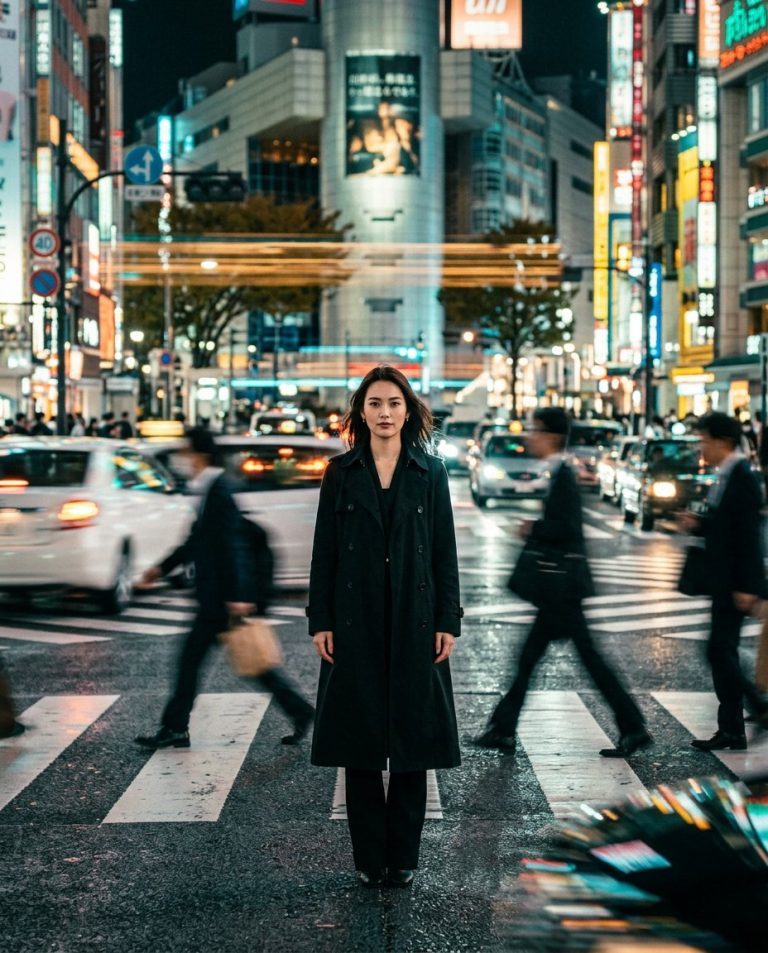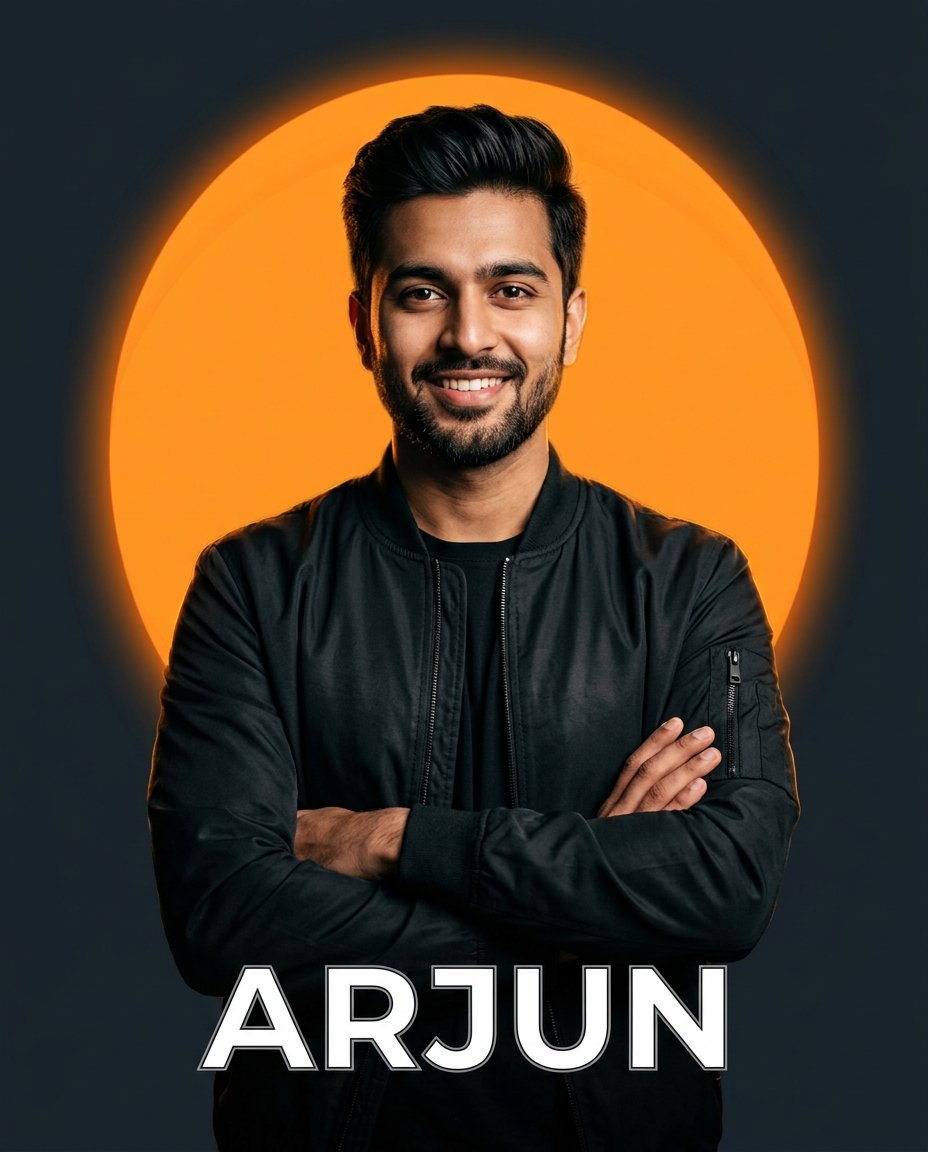
This photo-editing prompt creates the popular name-DP look: your portrait kept sharp and premium over a clean vibrant circular background with a soft glow, and your name set at the bottom in bold modern white-and-black typography, a ready-to-use profile picture with high contrast and a professional graphic finish.
What This Prompt Creates
- Keeps your portrait sharp with soft rim light and premium contrast
- Places a clean vibrant circular background with a soft glow behind you
- Sets your name at the bottom in bold modern white-and-black typography
- Delivers a high-contrast, ready-to-post profile picture finish
How to Use It
Upload a waist-up photo with a simple background to ChatGPT (GPT-4o image) and paste the prompt with your own name in place of YOUR NAME. One short name in caps gives the cleanest typography.
Customize the Result
- Change the circle color: orange, teal, crimson or royal blue
- Change the typography: bold sans, brush script or retro serif
- Add a small tagline: your profession, city or handle
AI Photo Editing Prompt
PromptUse the uploaded portrait as the exact subject reference and keep the person unchanged. Edit the portrait into a stylish social-media profile picture. Add a clean vibrant orange circular background with a soft glow behind the subject on a dark neutral backdrop, and add the text YOUR NAME in modern white and black typography at the bottom. Use a premium, sharp social DP style with soft glow and high contrast, crisp edges and a professional graphic-design finish. No brand logos or platform watermarks. Vertical 4:5 aspect ratio. Midjourney / Flux.1 alternative: [IMAGE_URL] stylish name DP of [SUBJECT], vibrant orange circular background with glow, bold modern name typography at bottom, premium profile picture --ar 4:5 --cref [IMAGE_URL] --cw 20
Negative Prompt
Negative Promptplatform logos, watermark, misspelled name, cluttered background, deformed face, low contrast, blurry edges
Prompt Details
| Prompt Type | Photo Editing |
|---|---|
| AI Tool | ChatGPT |
| Style | Illustration |
| Category | Portrait |
| Use Case | Instagram, Social Media |
| Tags | instagram, name dp, profile picture, typography |
| Aspect Ratio | 4:5 |
| Lighting | Soft rim + glow |
| Camera | Studio portrait |
| Lens | 50mm |
| Mood | Bold, premium |
| Difficulty | Beginner |
How to Use This Prompt
- Copy the prompt using the button above.
- Open your preferred AI image-generation or editing tool.
- Upload the photo you want to edit.
- Paste the prompt into the text field.
- Adjust parameters (aspect ratio, quality, steps) if necessary.
- Generate or edit the image, then refine until you like the result.