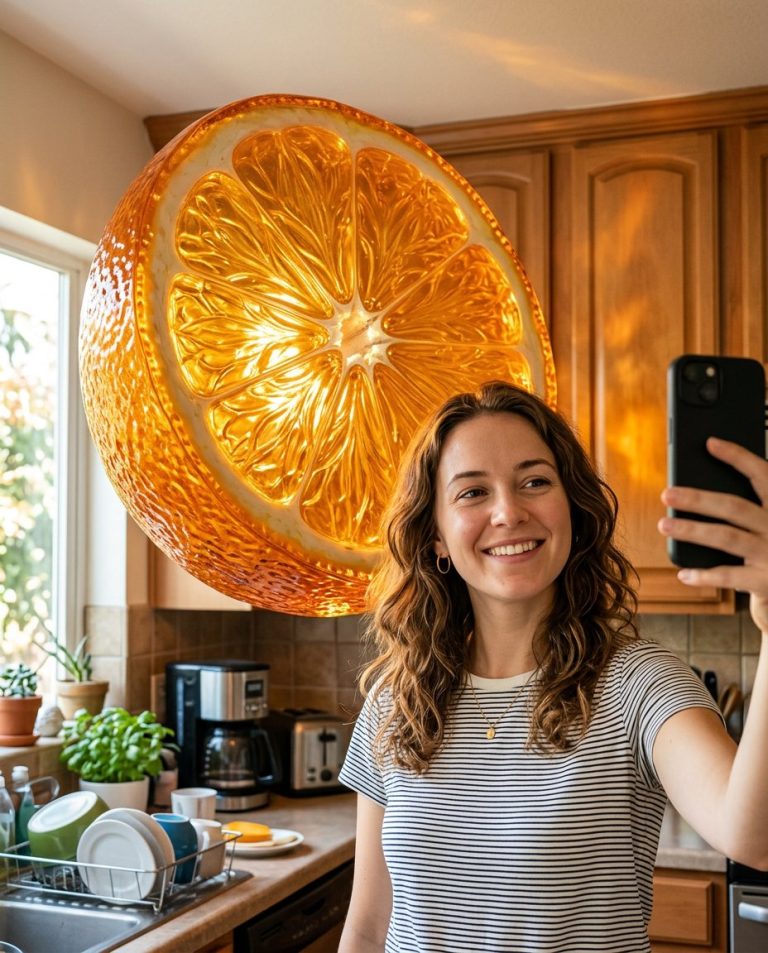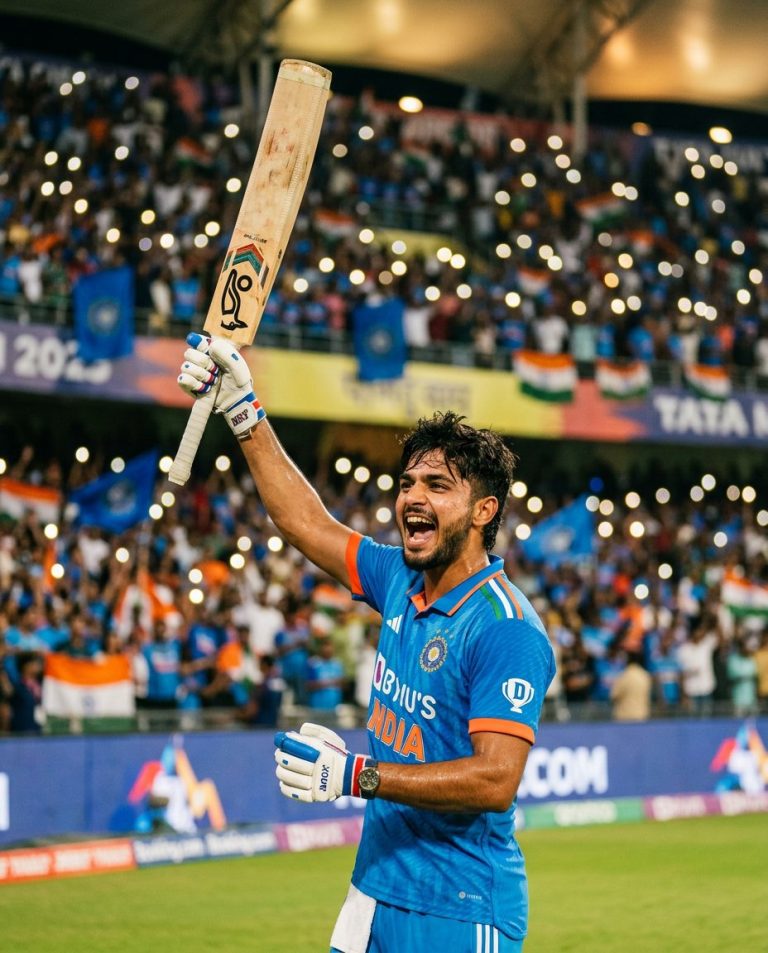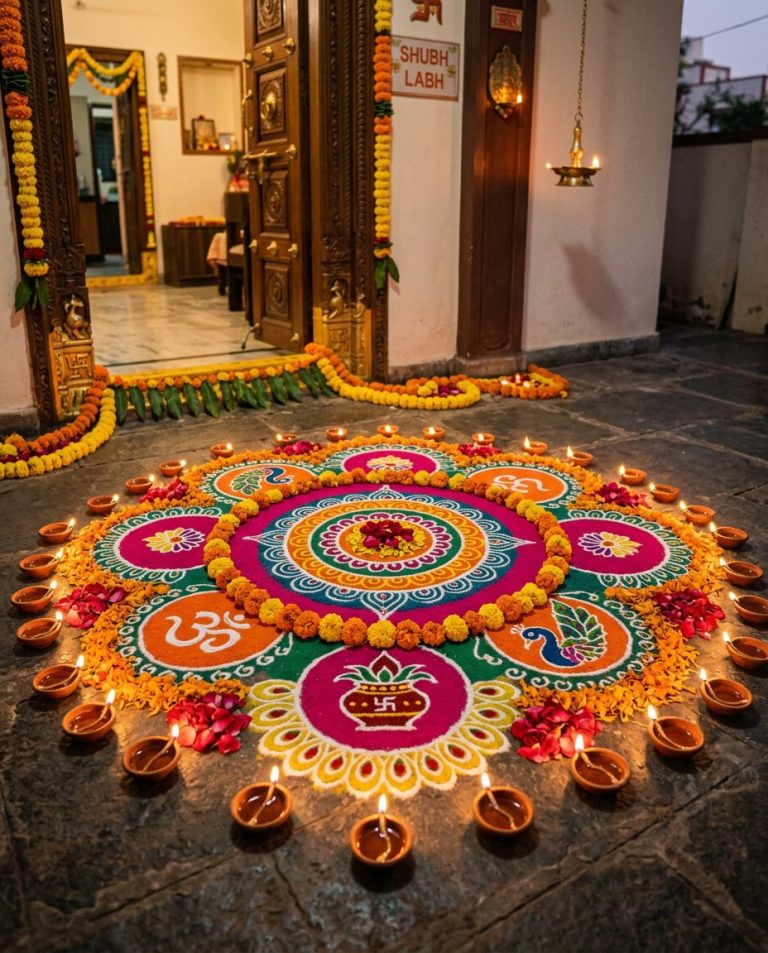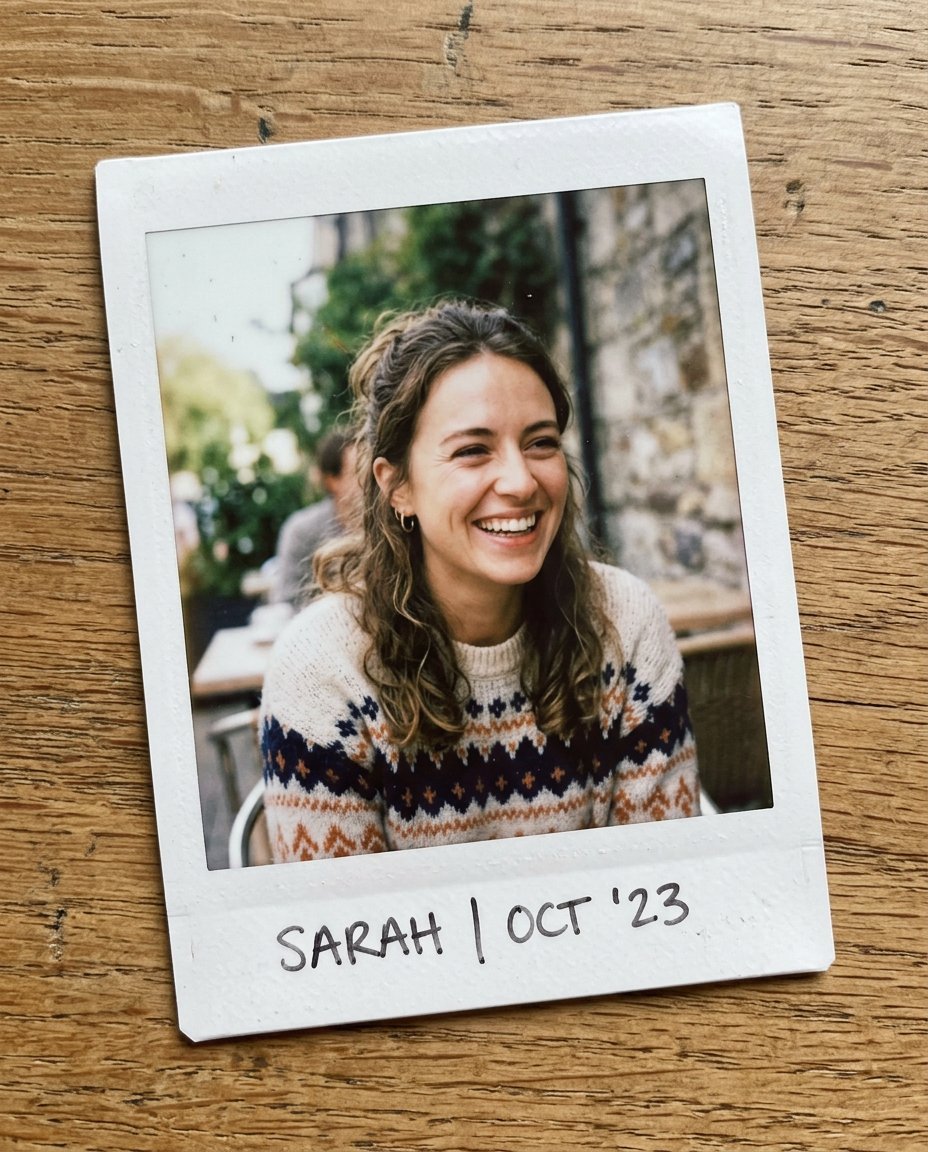
This photo editing prompt turns a photo into a nostalgic polaroid instant photo. It adds the classic white frame, washed-out colors and soft grain while keeping the person’s face and identity exactly the same. A charming, vintage feel for memories and creative posts.
What This Prompt Changes
- Adds a classic white polaroid frame
- Applies soft, washed-out instant-film colors
- Adds gentle grain and slightly imperfect exposure
- Keeps the face, identity, pose and composition exactly the same
Best Photo for This Prompt
Use a clear photo with the face visible and natural lighting. Candid or relaxed moments suit the polaroid feel best. Avoid heavily edited or oversaturated photos.
Customize the Result
- Change the frame style: classic white or colorful
- Add handwritten caption space
- Change the film tone: warm, faded or vintage
- Change the format to suit the final use
AI Photo Editing Prompt
PromptUse the uploaded photo as the exact face and identity reference. Keep the person's facial identity, skin tone, facial proportions, hairstyle, pose and composition completely unchanged. Transform the photo into a nostalgic polaroid instant photograph. Add a classic white polaroid frame around the image and apply soft, slightly washed-out colors, gentle film grain, slightly imperfect exposure and a warm nostalgic feel. Keep the scene, lighting and mood of the original photo. The result should look like a genuine instant-film photograph of the same person, printed and slightly aged, not a digital edit.
Negative Prompt
Negative Promptchanged face, different person, oversaturated colors, heavy grain, cartoonish, watermark, text, distorted frame
Prompt Details
| Prompt Type | Photo Editing |
|---|---|
| AI Tool | Ideogram |
| Style | Vintage |
| Category | Photo Editing |
| Use Case | Instagram, Social Media |
| Tags | identity preservation, instagram, nostalgia, photo editing, polaroid, portrait, retro, vintage |
| Aspect Ratio | 4:5 |
| Lighting | Original |
| Camera | Instant camera |
| Lens | — |
| Mood | Nostalgic |
| Difficulty | Beginner |
How to Use This Prompt
- Copy the prompt using the button above.
- Open your preferred AI image-generation or editing tool.
- Upload the photo you want to edit.
- Paste the prompt into the text field.
- Adjust parameters (aspect ratio, quality, steps) if necessary.
- Generate or edit the image, then refine until you like the result.