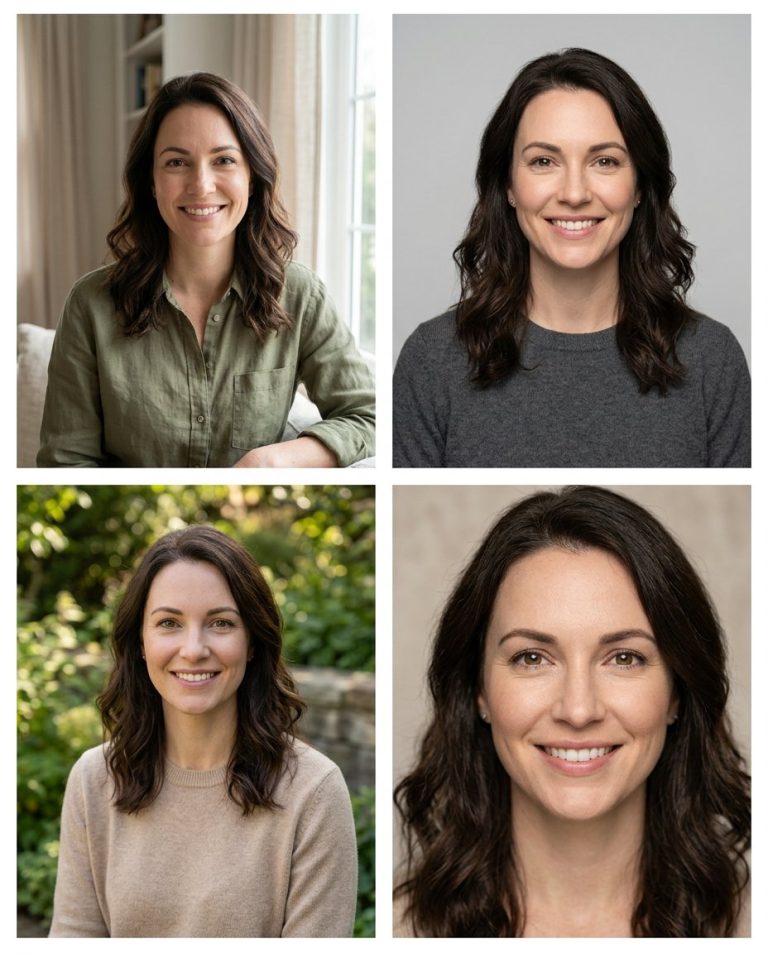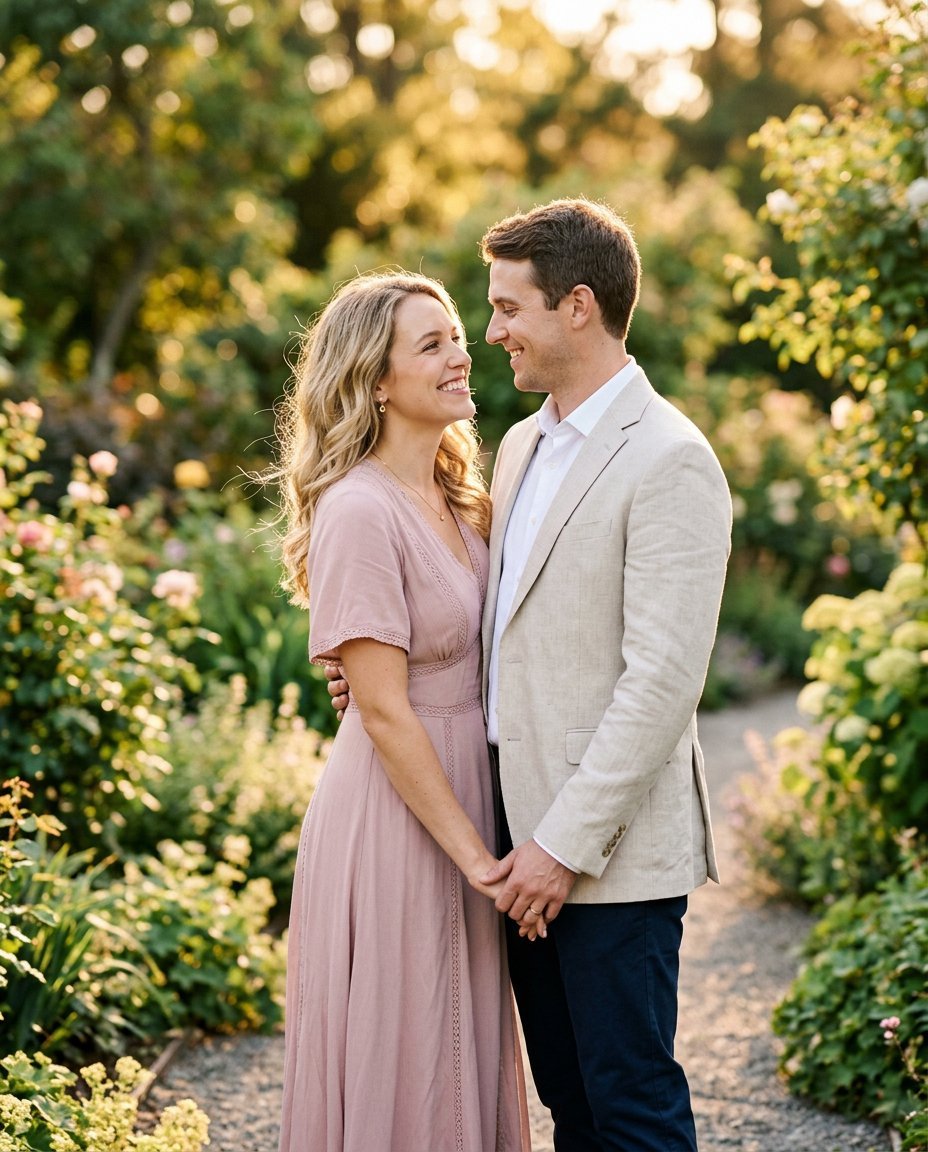
This photo editing prompt turns two separate photos into an engagement-style couple portrait. It places both people in an elegant garden setting with coordinated outfits while keeping both faces fully recognizable. Perfect for engagement announcements, pre-wedding content and romantic posts.
What This Prompt Changes
- Places two people from different photos into one elegant garden scene
- Adds coordinated semi-formal outfits
- Matches lighting, scale and shadows between both subjects
- Keeps both faces, body proportions and identities exactly the same
Best Photo for This Prompt
Use two clear photos with similar lighting direction (both in daylight). Front-facing or three-quarter portraits with visible faces produce the most natural result. Avoid photos with very different lighting or heavy filters.
Customize the Result
- Change the scene: palace garden, beach or studio
- Change the outfits: full formal or smart casual
- Add a ring or bouquet detail
- Change the format: 9:16 for Stories or 1:1 for the grid
AI Photo Editing Prompt
PromptUse the two uploaded photos as the exact identity references for both people. Preserve each person's facial identity, skin tone, facial proportions, body proportions and distinctive features — do not blend, swap or distort either face. Combine them into an engagement-style couple portrait: the couple standing close together in a soft outdoor garden at golden hour, holding hands with warm genuine smiles and gentle eye contact. Dress the man in a light blazer and the woman in a soft pastel dress. Match the lighting direction, shadow softness, skin tones, color temperature, perspective and scale of both subjects to the shared environment so they look photographed together. Lighting: warm golden-hour backlight with soft fill on both faces and a gentle rim light. Camera: vertical 4:5 Instagram framing, 85mm lens look, shallow depth of field with a softly blurred garden background and sharp focus on both faces. Keep realistic skin texture, anatomically correct hands and a photorealistic finish.
Negative Prompt
Negative Promptblended faces, face swap, mismatched scale, distorted hands, extra fingers, blurry faces, watermark, different identities
Prompt Details
| Prompt Type | Photo Editing |
|---|---|
| AI Tool | ChatGPT |
| Style | Photorealistic |
| Category | Photo Editing, Photography, Portrait |
| Use Case | Couples, Instagram, Social Media |
| Tags | couple, engagement, golden hour, identity preservation, instagram, photo editing, portrait, romantic |
| Aspect Ratio | 4:5 |
| Lighting | Golden hour |
| Camera | DSLR |
| Lens | 85mm |
| Mood | Romantic |
| Difficulty | Intermediate |
How to Use This Prompt
- Copy the prompt using the button above.
- Open your preferred AI image-generation or editing tool.
- Upload the photo you want to edit.
- Paste the prompt into the text field.
- Adjust parameters (aspect ratio, quality, steps) if necessary.
- Generate or edit the image, then refine until you like the result.