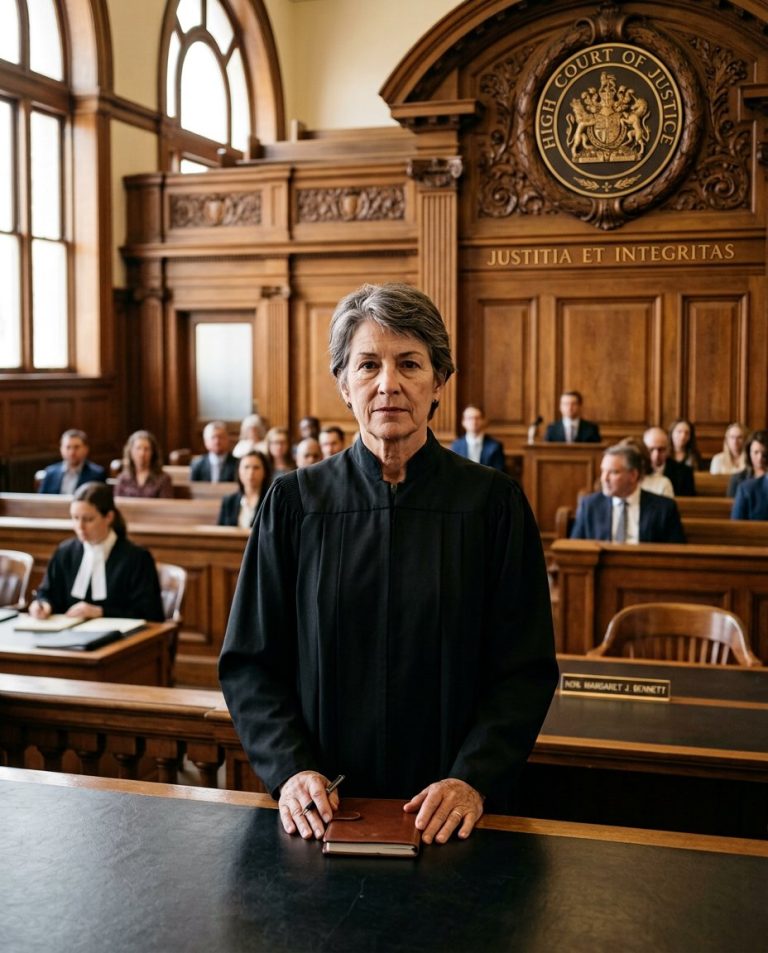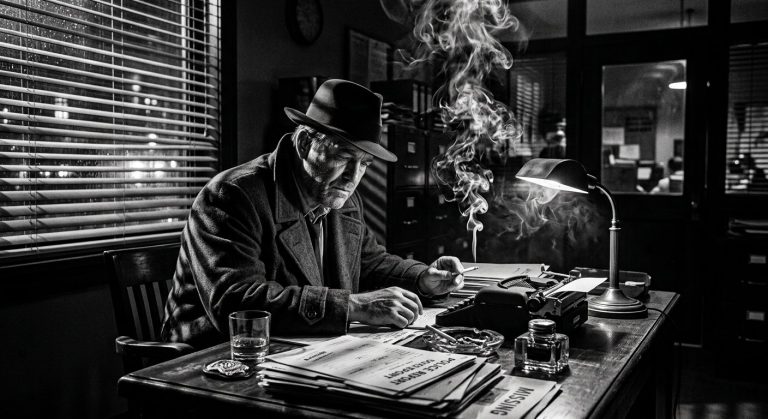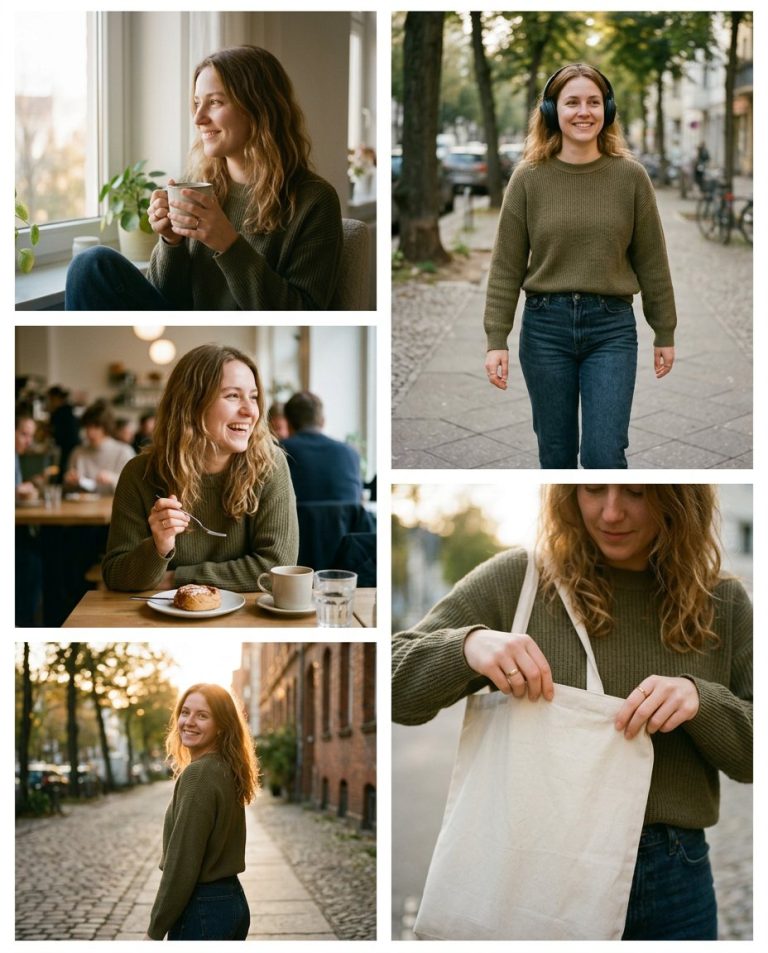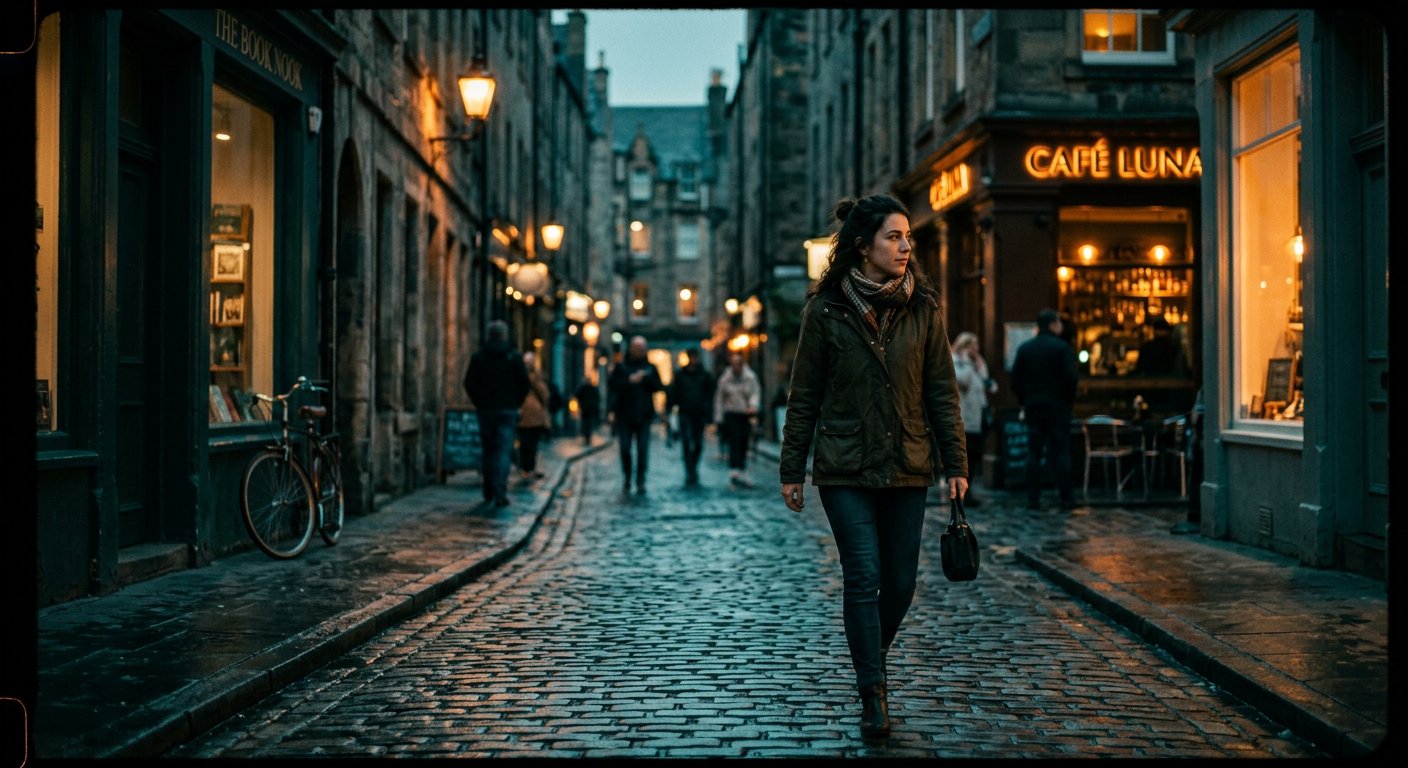
This cinematic color grading prompt gives photos a film-still look with teal shadows, amber highlights and gentle grain.
AI Photo Editing Prompt
PromptApply a cinematic teal-and-orange color grade to this photograph. Enhance contrast and depth, cool the shadows toward teal and warm the highlights toward amber, add subtle film grain and a gentle vignette, and recover detail in the midtones. Preserve the original subject, composition, skin tones and sharpness. The final image should look like a professionally graded film still.
Prompt Details
| Prompt Type | Photo Editing |
|---|---|
| AI Tool | ChatGPT |
| Style | Cinematic |
| Category | Photo Editing |
| Use Case | Instagram, Social Media |
| Tags | cinematic, color grading, film look, photo editing, teal and orange |
| Aspect Ratio | Original photo |
| Lighting | Cinematic grade |
| Camera | — |
| Lens | — |
| Mood | Cinematic |
| Difficulty | Beginner |
How to Use This Prompt
- Copy the prompt using the button above.
- Open your preferred AI image-generation or editing tool.
- Upload the photo you want to edit.
- Paste the prompt into the text field.
- Adjust parameters (aspect ratio, quality, steps) if necessary.
- Generate or edit the image, then refine until you like the result.