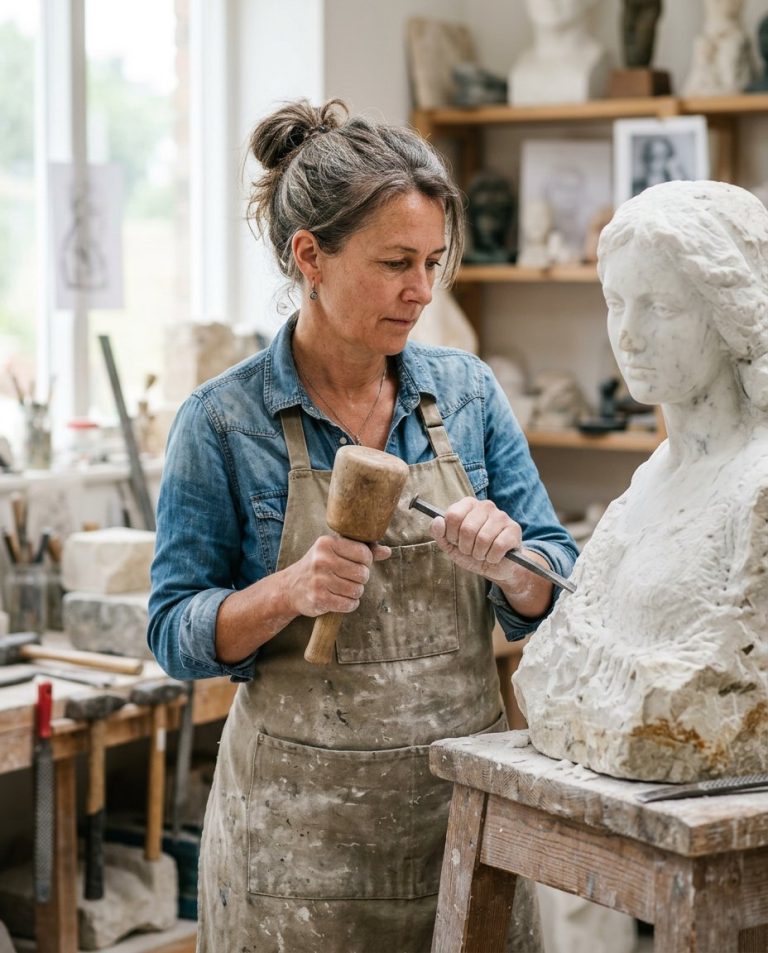
This prompt removes glare, reflections and bright spots from eyeglasses so the eyes show clearly again. Ideal for portraits, selfies, ID photos and group shots where lens reflections hide the eyes.
AI Photo Editing Prompt
PromptEdit the uploaded portrait by removing all glare, reflections and bright spots from the subject's eyeglasses so both eyes are clearly visible through the lenses. Keep the person's facial identity, features, skin tone, expression, glasses frame shape and background completely unchanged. Rebuild the eyes behind the lenses with realistic iris color, catchlights, eyelashes and natural skin around the eyes. Preserve the subtle transparency and thickness of the lenses without adding new reflections. The final image should look like the same person wearing clean, reflection-free glasses, realistic and natural, aspect ratio 3:4
Negative Prompt
Negative Promptreflections on lenses, glare, missing eyes, distorted eyes, changed face, changed glasses frame, smudged lenses, watermark
Prompt Details
| Prompt Type | Photo Editing |
|---|---|
| AI Tool | Gemini |
| Style | Photorealistic |
| Category | Photo Editing |
| Use Case | Instagram, Social Media |
| Tags | eyeglass glare, headshot, identity preservation, photo editing, portrait, retouch |
| Aspect Ratio | 3:4 |
| Lighting | Original |
| Camera | — |
| Lens | — |
| Mood | Natural |
| Difficulty | Beginner |
How to Use This Prompt
- Copy the prompt using the button above.
- Open your preferred AI image-generation or editing tool.
- Upload the photo you want to edit.
- Paste the prompt into the text field.
- Adjust parameters (aspect ratio, quality, steps) if necessary.
- Generate or edit the image, then refine until you like the result.