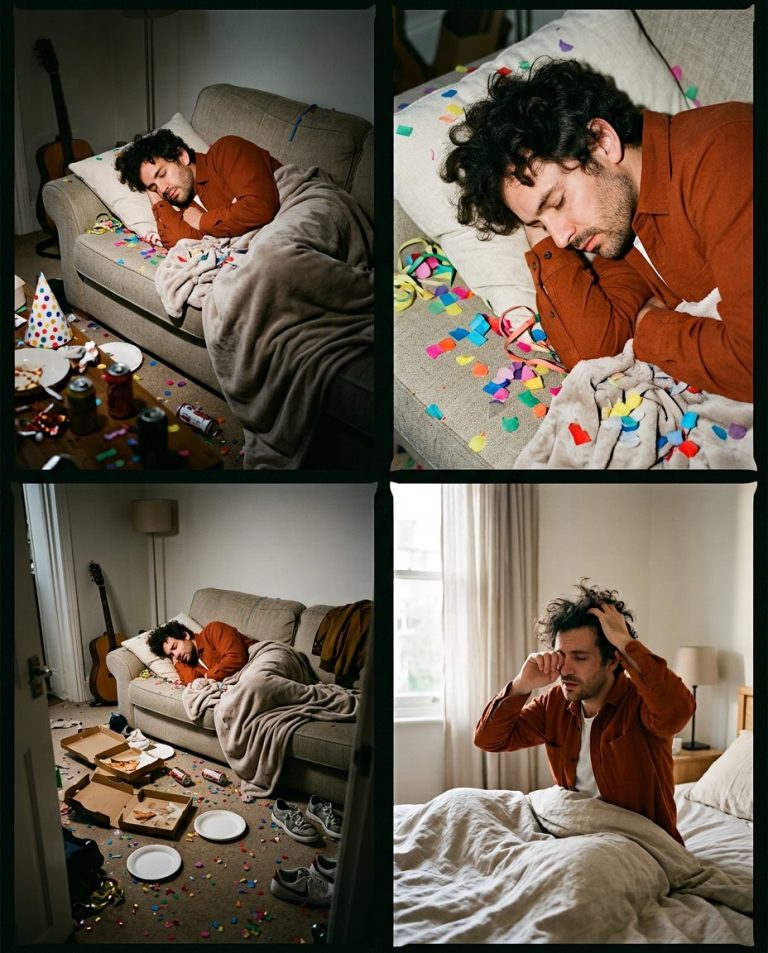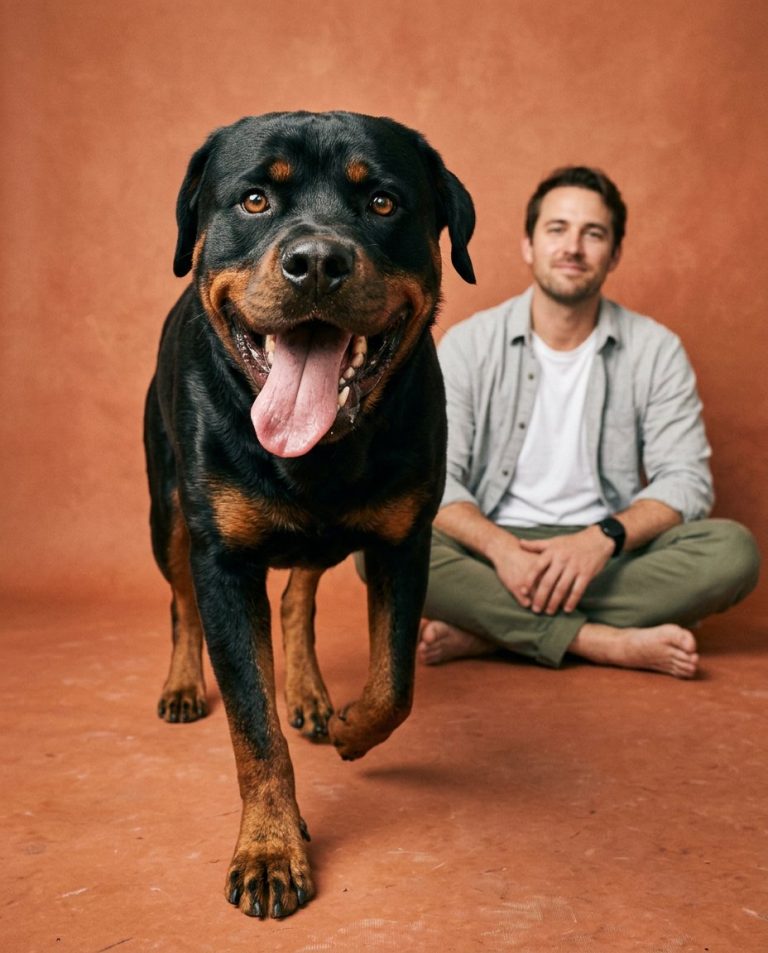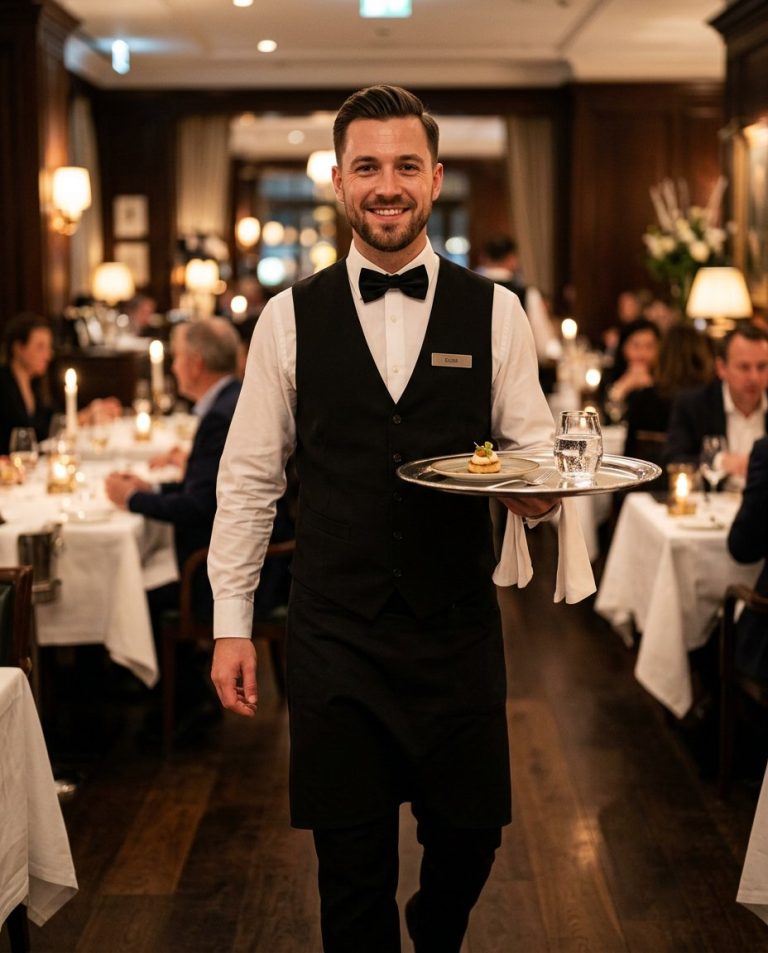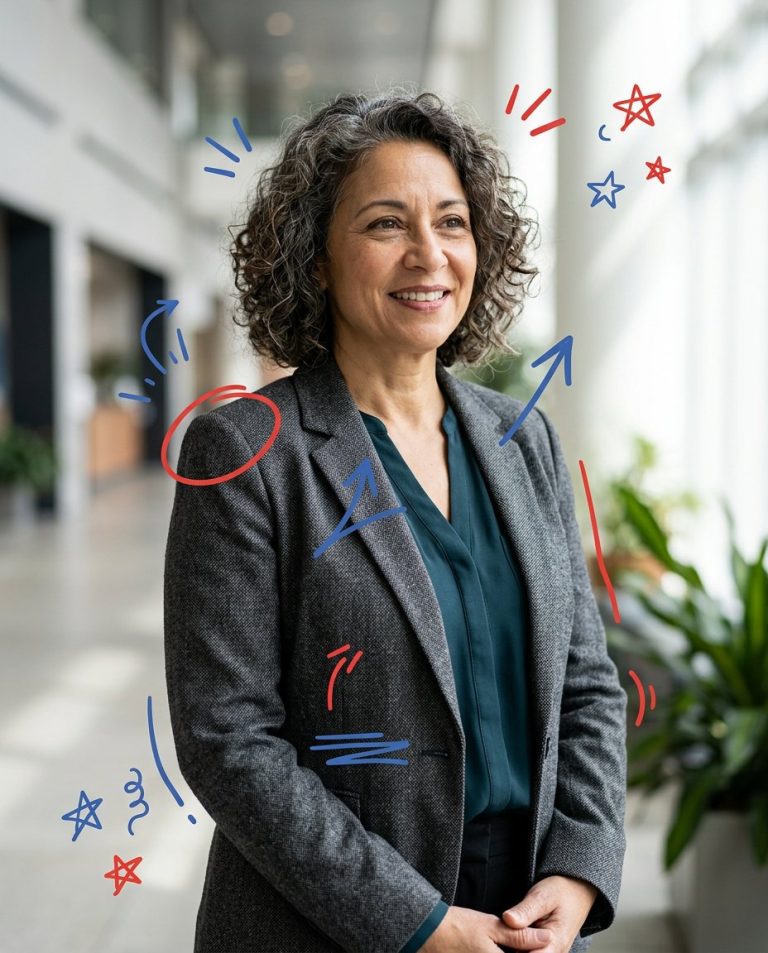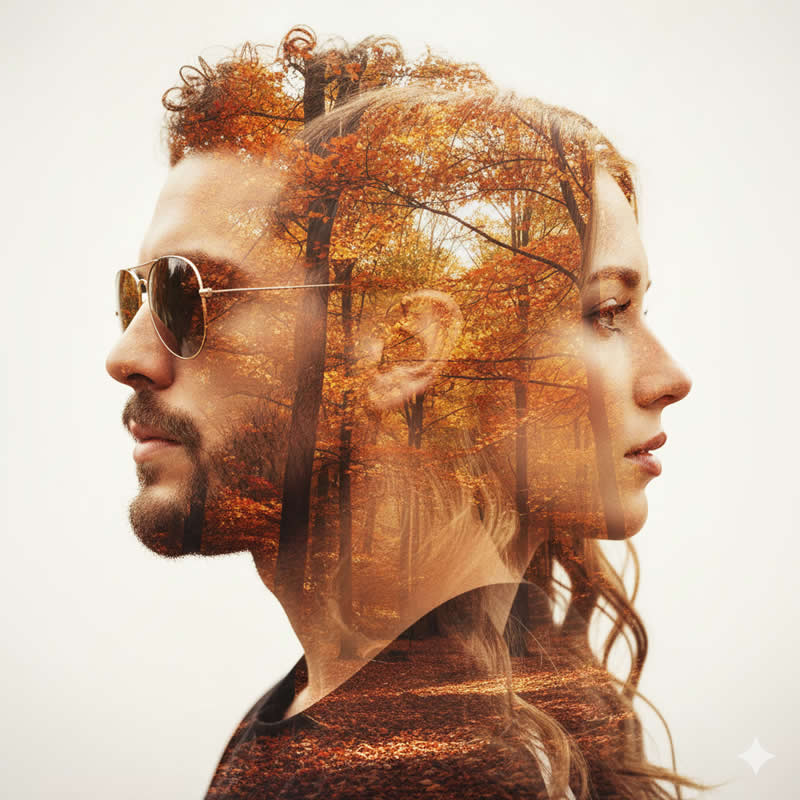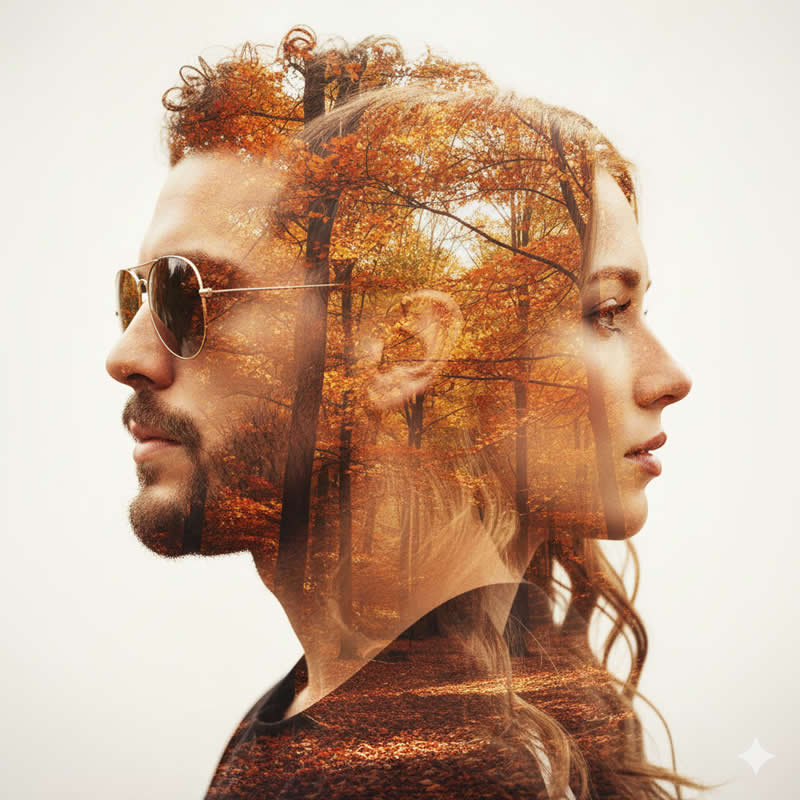
Give a single portrait the feeling of a photographer’s analogue contact sheet: several intentionally different crops from the same shoot, warm print tones and tactile film texture. The result is a designed visual story, not a collage of unrelated faces.
Sample image: Open a visual reference for cinematic portrait composition. This is an external illustration and is not a new PromptTai-generated sample.
Main AI Prompt
Use the uploaded portrait as the only identity reference for the adult subject. Preserve their recognisable face, skin tone, age, hairstyle and natural skin texture consistently in every frame. Create a tasteful analogue contact-sheet layout of four to six photographic frames from the same imagined portrait session: one tight close-up, one profile, one half-body pose, and a couple of candid in-between moments. Keep clothing and subject identity consistent across all frames. Arrange the frames in a neat editorial grid with thin off-white borders, subtle paper texture, restrained 35mm film grain and muted colors such as warm cream, faded olive, deep brown and soft black. Lighting should feel natural and consistent, with slight exposure variation between frames but no extreme effects. Leave generous margins and avoid readable labels or fake camera-interface text. Premium independent photography-zine design, tactile print feel, coherent layout, high detail, vertical 4:5 canvas.
Negative Prompt
different people, inconsistent identity, changed clothing between frames without reason, duplicate eyes, distorted faces, overdone grain, torn chaotic borders, unreadable text, fake camera UI, logos, watermark, plastic skin, low resolution.
How to Use
- Upload one clear portrait.
- Paste the prompt into an image editor supporting photo references.
- Ask for fewer frames if the faces lose consistency.
Rights and Accuracy
Use an image you own or have permission to edit. This creative concept is not a guarantee of social engagement; the linked visual is an external style reference.
AI Photo Editing Prompt
Prompt Details
| Prompt Type | Photo Editing |
|---|---|
| AI Tool | ChatGPT, Gemini |
| Style | Editorial, Photorealistic |
| Category | Photo Editing |
| Use Case | Instagram, Social Media |
How to Use This Prompt
- Copy the prompt using the button above.
- Open your preferred AI image-generation or editing tool.
- Upload the photo you want to edit.
- Paste the prompt into the text field.
- Adjust parameters (aspect ratio, quality, steps) if necessary.
- Generate or edit the image, then refine until you like the result.