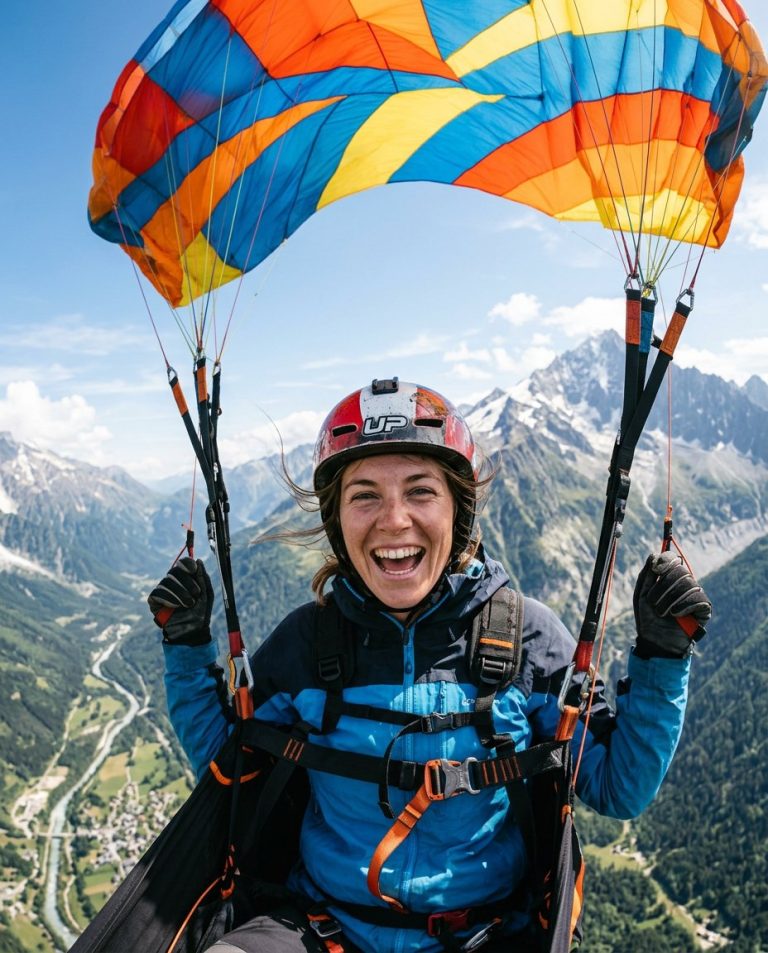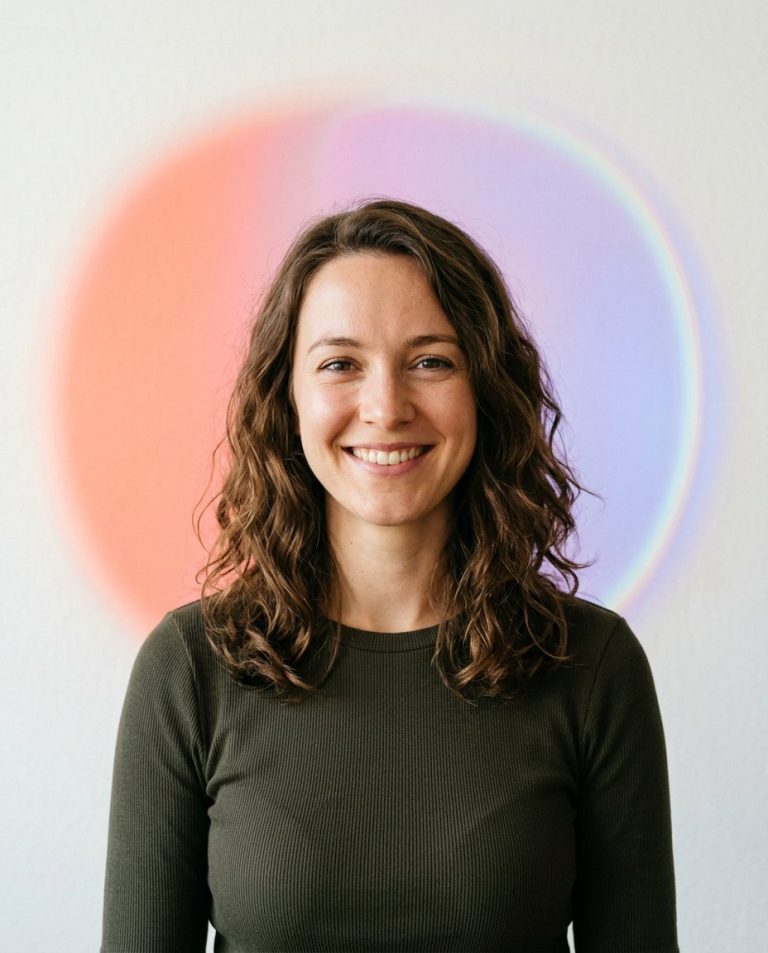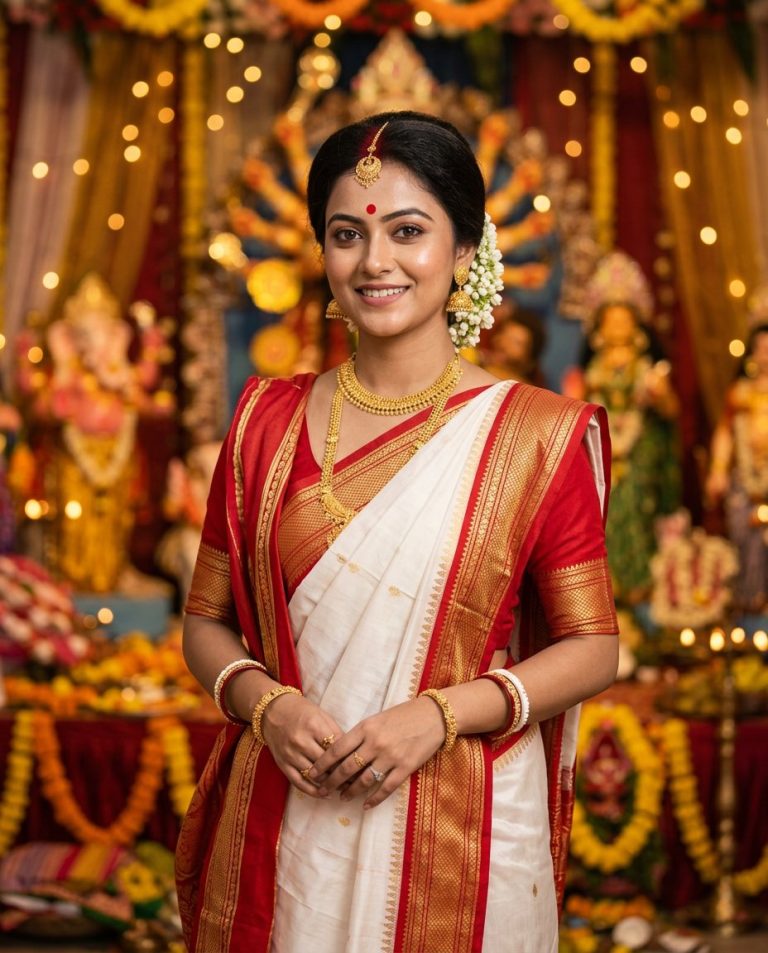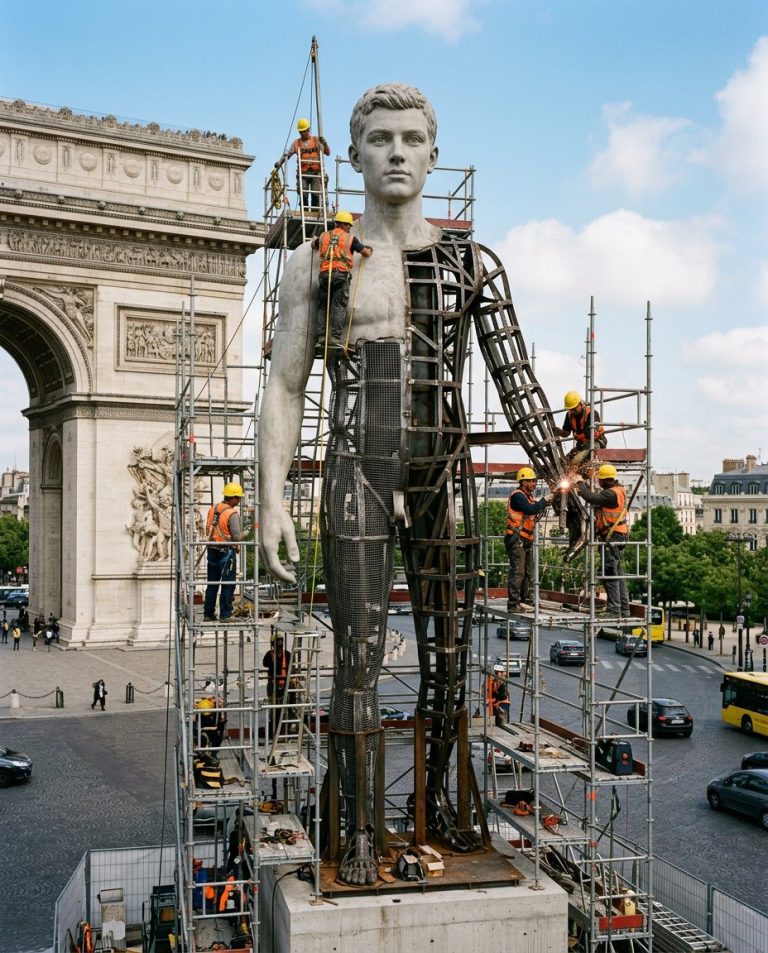
A festival-ready portrait can feel celebratory without turning into a scenery-only image or a fabricated event. This prompt keeps one adult person in sharp focus and adds a shallow-depth marigold frame, warm bokeh and clear lower space for a real caption.
Rights and accuracy note: Use a rights-cleared, licensed, public-domain or user-owned source photo. The featured sample is an original fictional portrait example and does not depict a real public figure or documentary event. Add real names and copy outside the generated image, and label a materially AI-edited result when appropriate.
What This Prompt Changes
- Preserves the adult subject’s face, hair, clothing and expression
- Adds out-of-focus golden marigold garlands only at the foreground edges
- Creates warm circular bokeh against a deep magenta background
- Keeps the person as the visual focus
- Leaves the lower third mostly clear for manually added copy
How to Use It
Upload an authorized portrait of the adult subject. Use the prompt for a generic festive or celebration post; add the actual festival name, date or greeting manually after generation. Do not imply a real event or generate unreliable regional-language text inside the image.
Customize the Result
- Use marigold, jasmine or mixed warm floral garlands
- Change the background to magenta, deep green, navy or warm cream
- Use a 4:5 feed crop or a 9:16 Story crop
- Keep flowers at the edges or soften them into foreground bokeh
AI Photo Editing Prompt
Negative Prompt
Prompt Details
| Prompt Type | Photo Editing |
|---|---|
| AI Tool | ChatGPT |
| Style | Photorealistic |
| Category | Photo Editing |
| Use Case | Instagram, Social Media |
| Tags | Celebration Portrait, Festive Portrait Edit, floral depth portrait, marigold portrait frame, portrait foreground flowers, Social Festival Photo |
| Aspect Ratio | 4:5 |
| Lighting | Warm diffuse portrait light with soft bokeh |
| Camera | Festive chest-up portrait |
| Lens | 85mm |
| Mood | Festive and welcoming |
| Difficulty | Beginner |
How to Use This Prompt
- Copy the prompt using the button above.
- Open your preferred AI image-generation or editing tool.
- Upload the photo you want to edit.
- Paste the prompt into the text field.
- Adjust parameters (aspect ratio, quality, steps) if necessary.
- Generate or edit the image, then refine until you like the result.