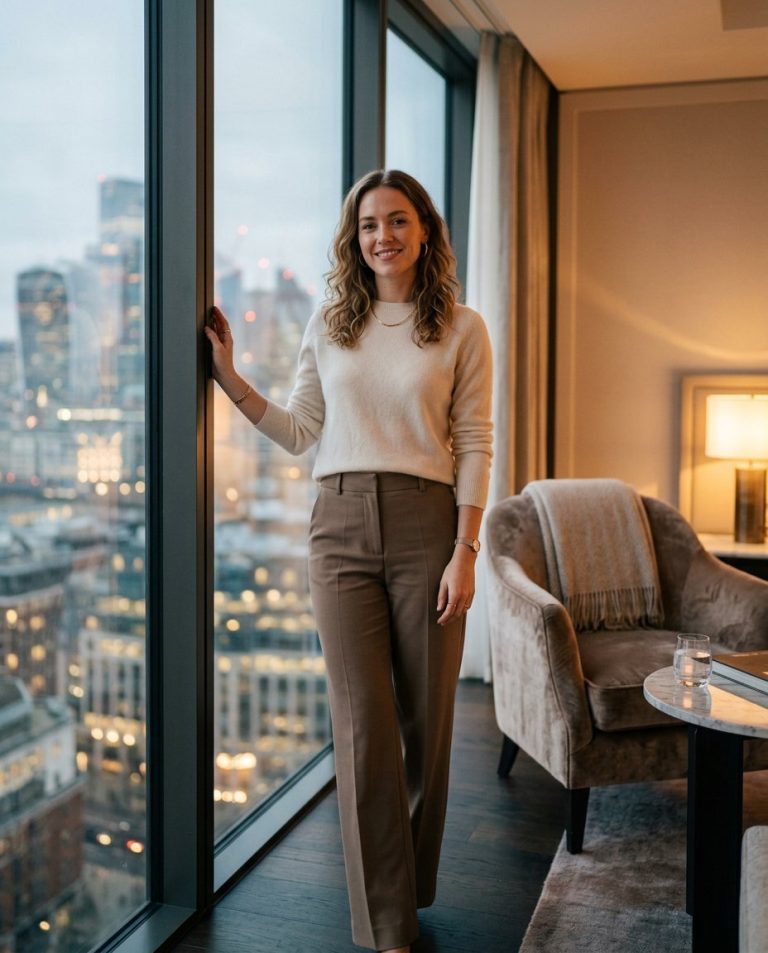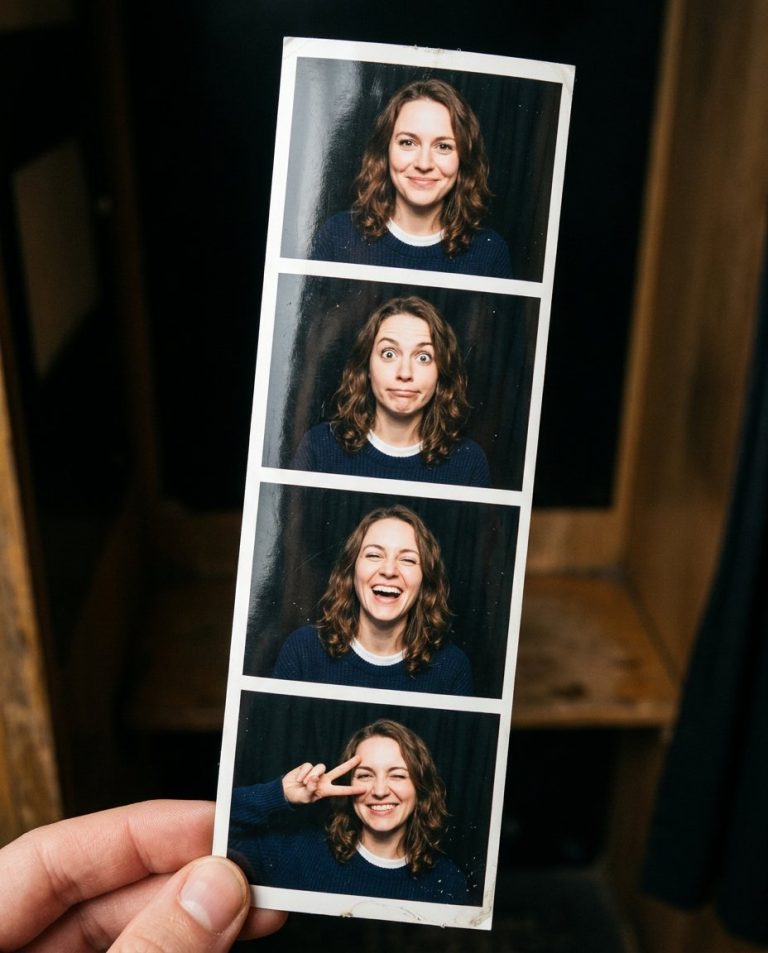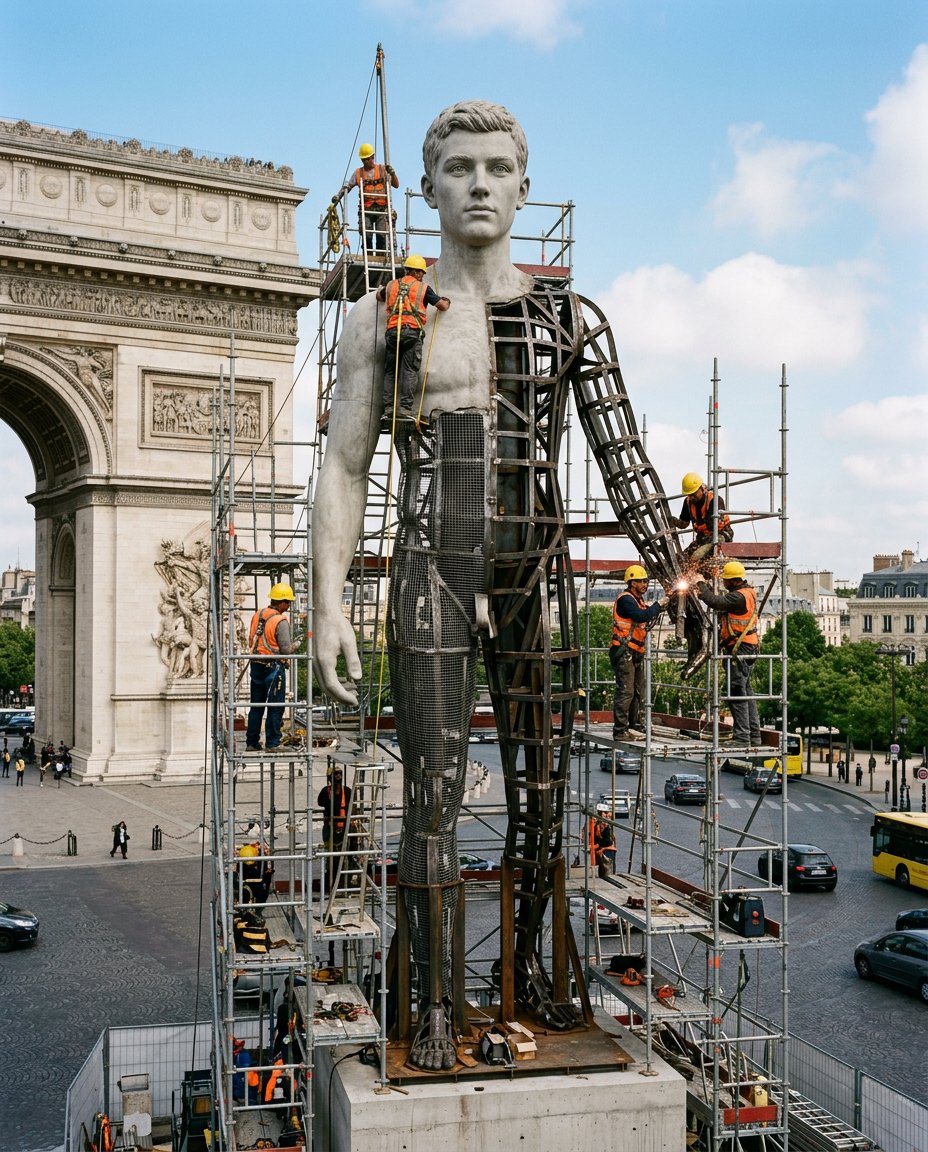
This photo-editing prompt recreates the viral Nano Banana statue trend: a giant hyper-realistic statue of you stands tall in a city roundabout near a historic landmark, still under construction, surrounded by scaffolding with workers in yellow helmets and orange vests climbing and welding, parts of the body still exposed metal framework while the face is already perfectly finished.
What This Prompt Creates
- Scales you into a giant lifelike statue towering over a city roundabout
- Keeps the statue’s face exactly yours while the body is mid-construction
- Adds scaffolding, welders in yellow helmets and orange vests, sparks and cranes
- Shows exposed metal framework on unfinished sections for authentic scale
How to Use It
Upload a clear front-facing photo to Gemini (Nano Banana) and paste the prompt, naming your city and a nearby landmark for extra realism. A neutral confident expression reads best at monumental scale.
Customize the Result
- Change the landmark: historic arch, clock tower or stadium
- Change the finish: stone, bronze or polished steel
- Change the stage: framework-heavy, half-finished or unveiling day
AI Photo Editing Prompt
PromptMaintain the exact facial structure, bone features, skin tone, hair texture, and identity of the person in the uploaded reference photo without alteration. Vertical 4:5 aspect ratio. Quality: ultra-photorealistic, premium editorial finish, hyper-detailed natural textures, cinematic depth, masterpiece quality. Create a giant hyper-realistic statue based on the uploaded photo, keeping the original face exactly the same without changes. The statue stands tall in the middle of a roundabout in the subject's city, near a famous historical landmark. The statue is still under construction, surrounded by scaffolding, with many construction workers in yellow helmets and orange vests climbing, welding and working on it. Parts of the statue's body are still exposed metal framework, while other sections are already detailed and finished. Clear daylight, realistic shadows and reflections, true monumental scale, photorealistic, high detail. Midjourney / Flux.1 alternative: [IMAGE_URL] giant statue of [SUBJECT] under construction in a city roundabout, scaffolding, welders, exposed metal framework, daylight --ar 4:5 --style raw --cref [IMAGE_URL] --cw 20 --iw 2.0
Negative Prompt
Negative Promptchanged face, cartoon scale, toy look, watermark, low detail, warped scaffolding, extra limbs
Prompt Details
| Prompt Type | Photo Editing |
|---|---|
| AI Tool | Gemini |
| Style | Photorealistic |
| Category | Portrait |
| Use Case | Instagram, Social Media |
| Tags | giant statue, landmark, roundabout, scaffolding, under construction |
| Aspect Ratio | 4:5 |
| Lighting | Clear daylight |
| Camera | Street DSLR |
| Lens | 24mm |
| Mood | Monumental, playful |
| Difficulty | Beginner |
How to Use This Prompt
- Copy the prompt using the button above.
- Open your preferred AI image-generation or editing tool.
- Upload the photo you want to edit.
- Paste the prompt into the text field.
- Adjust parameters (aspect ratio, quality, steps) if necessary.
- Generate or edit the image, then refine until you like the result.