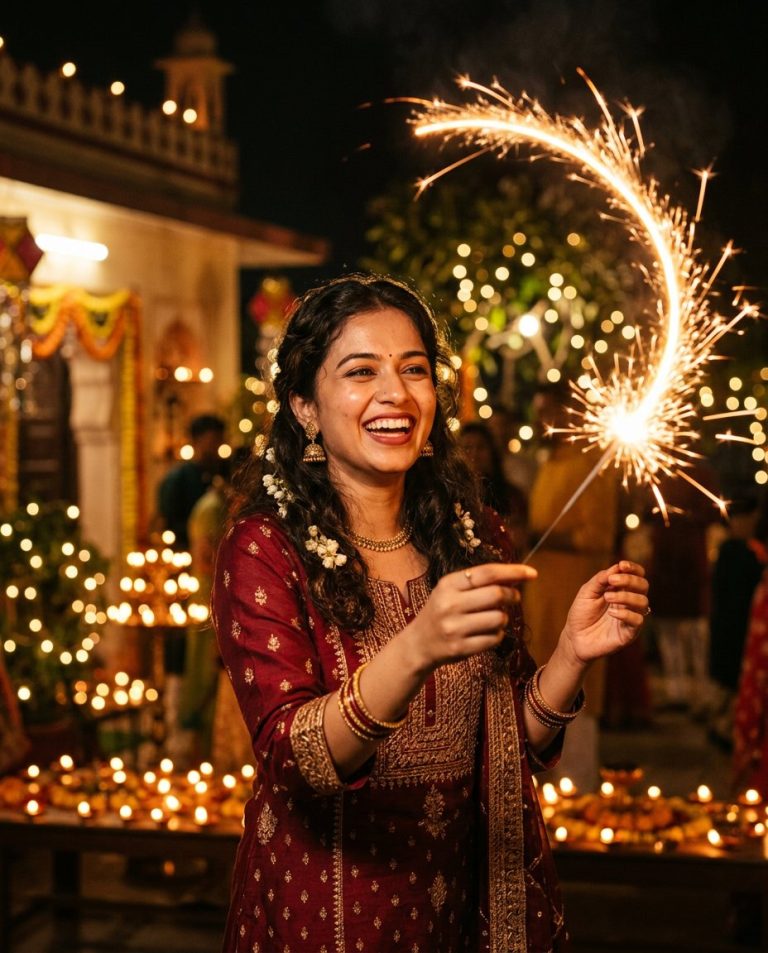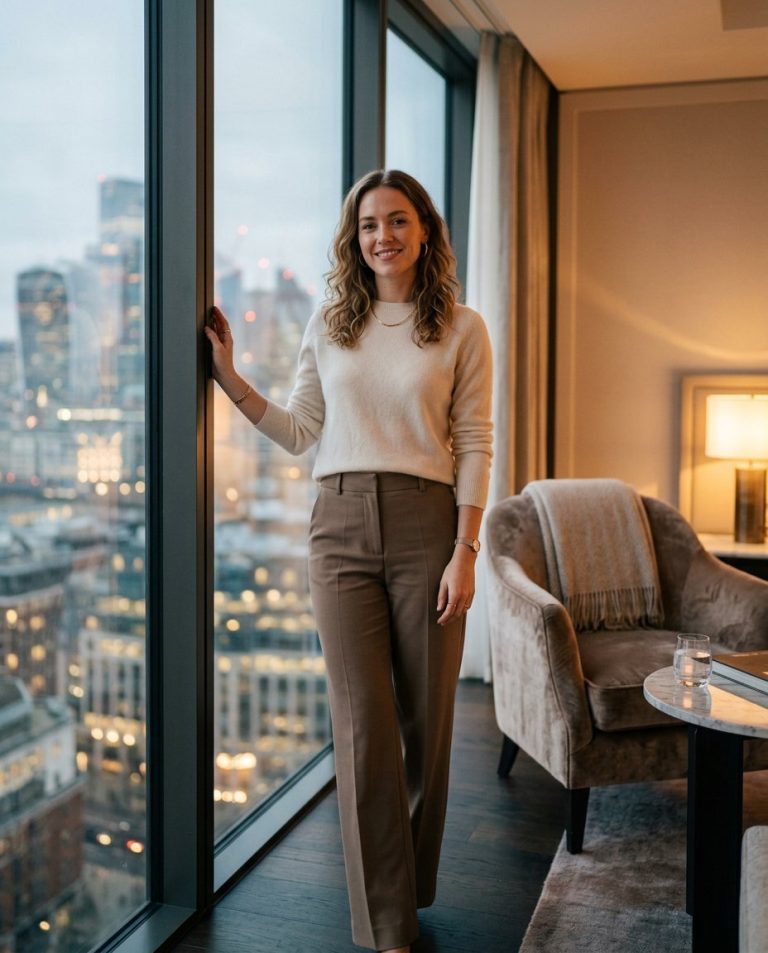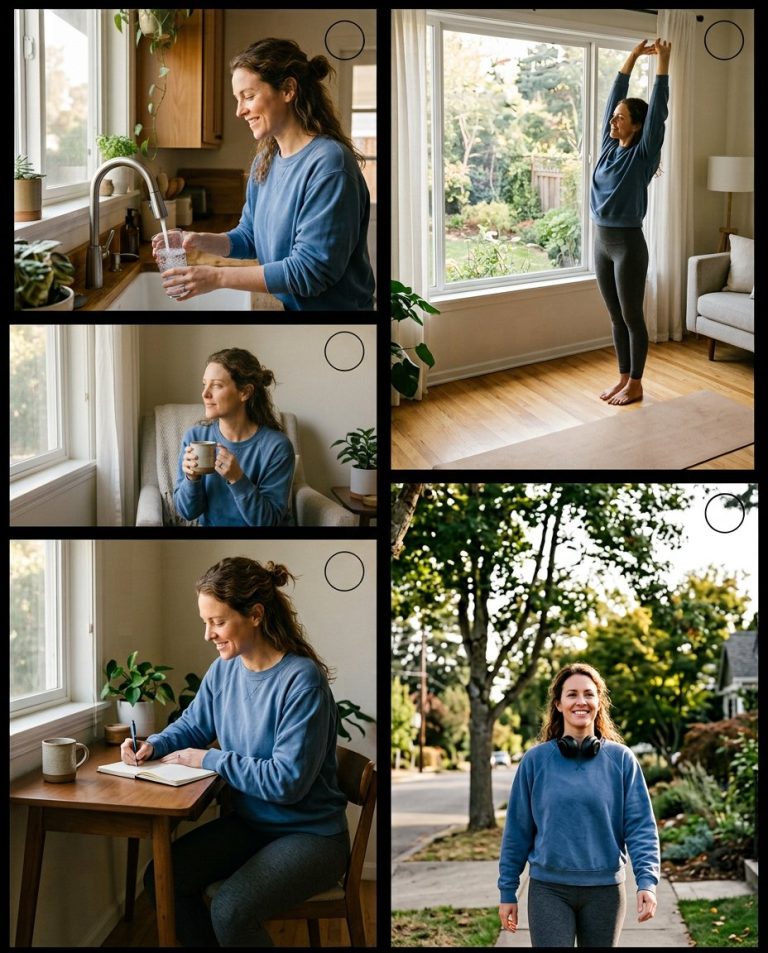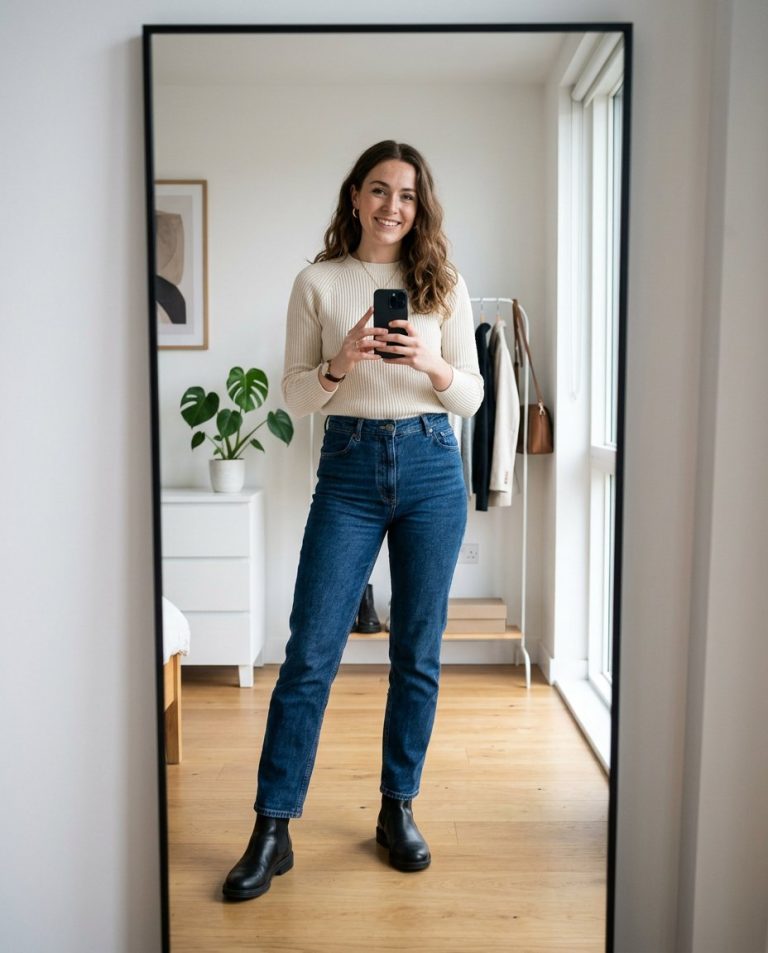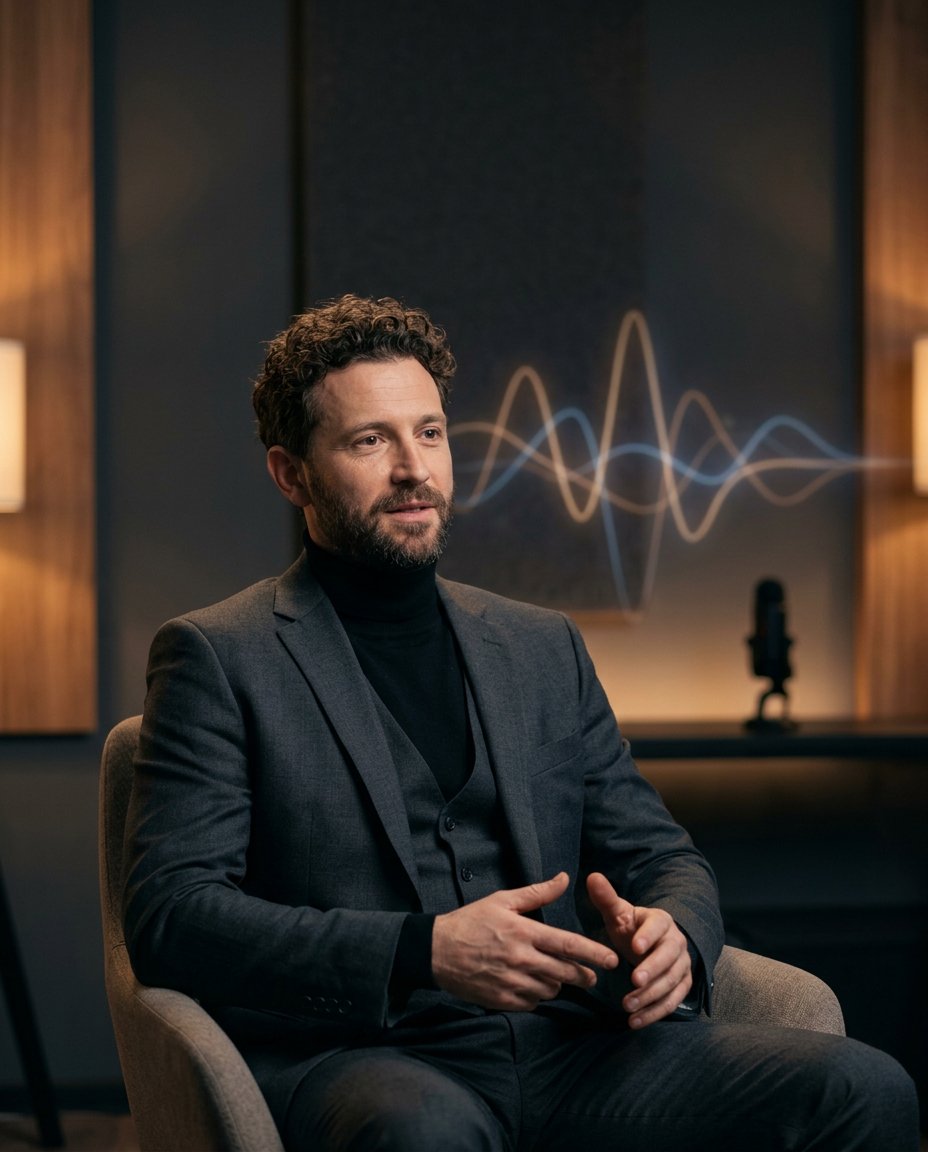
Original-audio Reels and interview-led creator content need a visual cover that feels connected to sound without inventing a real show. This prompt adds an abstract waveform behind one portrait and leaves the actual title, guest name and episode details for manual editing. It is useful for podcasts, interviews, music-adjacent creator posts and publicity covers.
Rights and accuracy note: Use a rights-cleared, licensed, public-domain or user-owned source photo. A recognizable public-figure photo may be used only as an optional visual example, including a licensed photo of PM Narendra Modi or Rahul Gandhi; do not imply endorsement, sponsorship, a new event or a statement that the person never made. Add real names and copy outside the image, and label a materially AI-edited result. The featured sample is an original fictional portrait example and does not depict PM Narendra Modi or Rahul Gandhi.
What This Prompt Changes
- Adds an abstract amber-and-blue waveform behind the portrait
- Preserves face, identity, expression, clothing and studio realism
- Creates clean visual space for a verified title or hook to be added later
- Prevents fake show names, quotes, sponsorships, logos and appearance claims
How to Use It
Upload an authorized portrait and choose whether the waveform should feel like a podcast, interview, spoken-word or original-audio cover. A licensed photo of PM Narendra Modi or Rahul Gandhi may be used only as a source-photo example; do not imply either person appeared on a show or made a statement. Add the real copy manually.
Customize the Result
- Use thin waveform lines, stacked amplitude bars, circular sound rings or a subtle oscilloscope trace
- Choose amber-blue, neon violet, monochrome white or warm analog colors
- Leave the top, side or lower third blank for Hindi, English or bilingual copy
AI Photo Editing Prompt
Negative Prompt
Prompt Details
| Prompt Type | Photo Editing |
|---|---|
| AI Tool | ChatGPT |
| Style | Photorealistic |
| Category | Photo Editing |
| Use Case | Instagram, Marketing, Social Media |
| Tags | audio wave portrait, copy safe design, creator cover art, interview cover art, original audio visual, waveform cover |
| Aspect Ratio | 4:5 |
| Lighting | Warm key with cool ambient fill |
| Camera | Interview portrait camera |
| Lens | 50mm studio lens |
| Mood | Modern, conversational |
| Difficulty | Beginner |
How to Use This Prompt
- Copy the prompt using the button above.
- Open your preferred AI image-generation or editing tool.
- Upload the photo you want to edit.
- Paste the prompt into the text field.
- Adjust parameters (aspect ratio, quality, steps) if necessary.
- Generate or edit the image, then refine until you like the result.