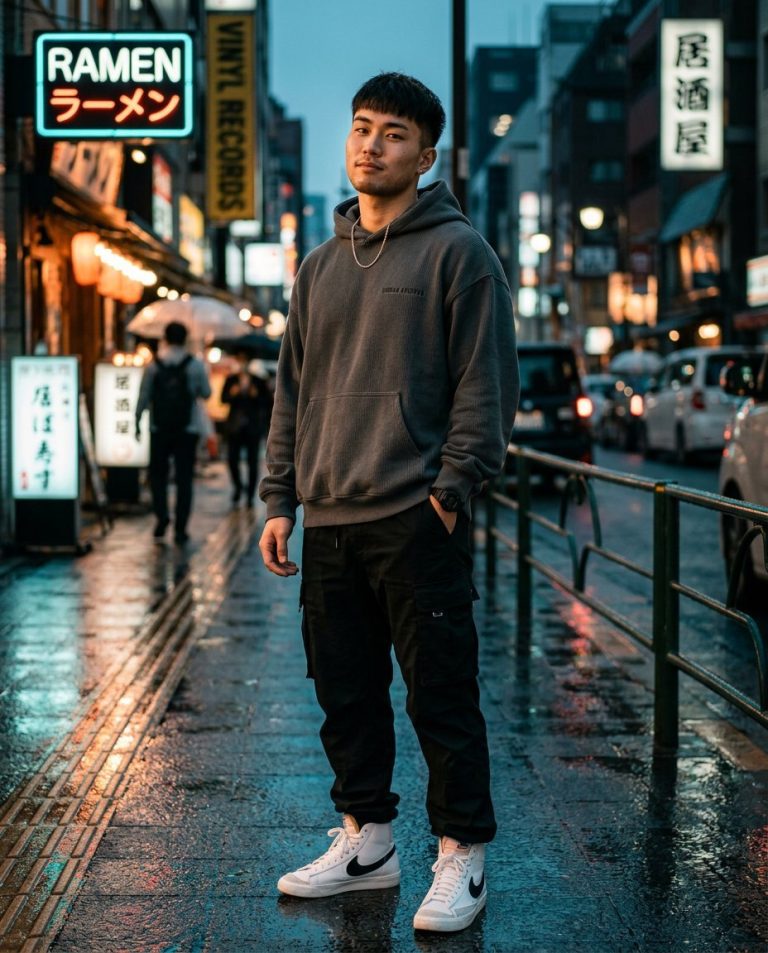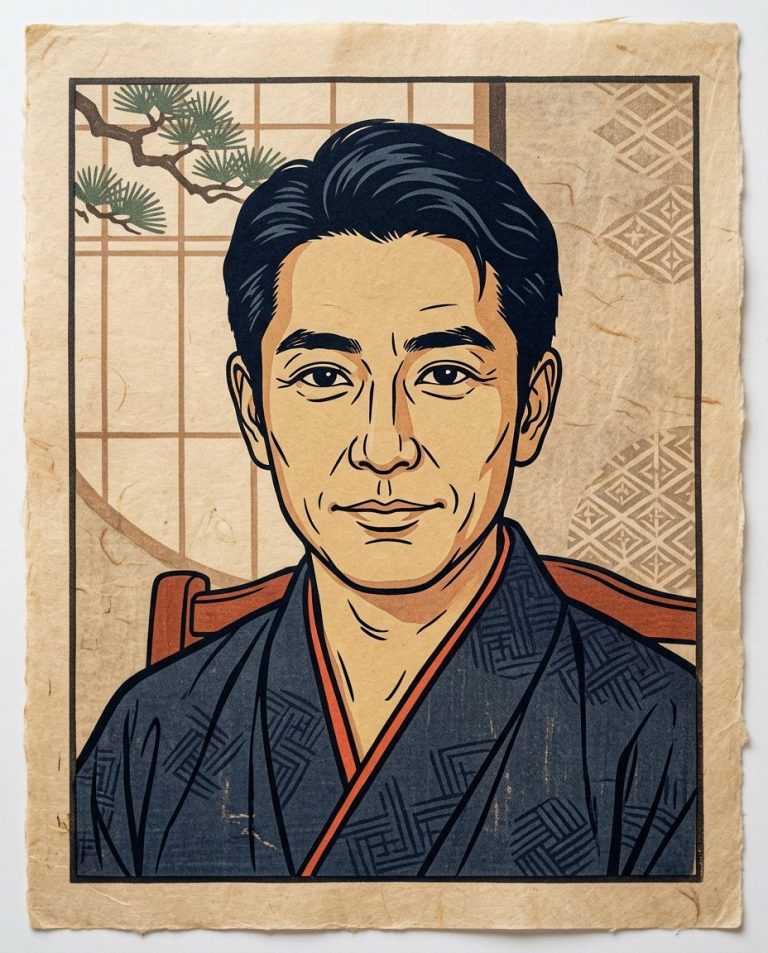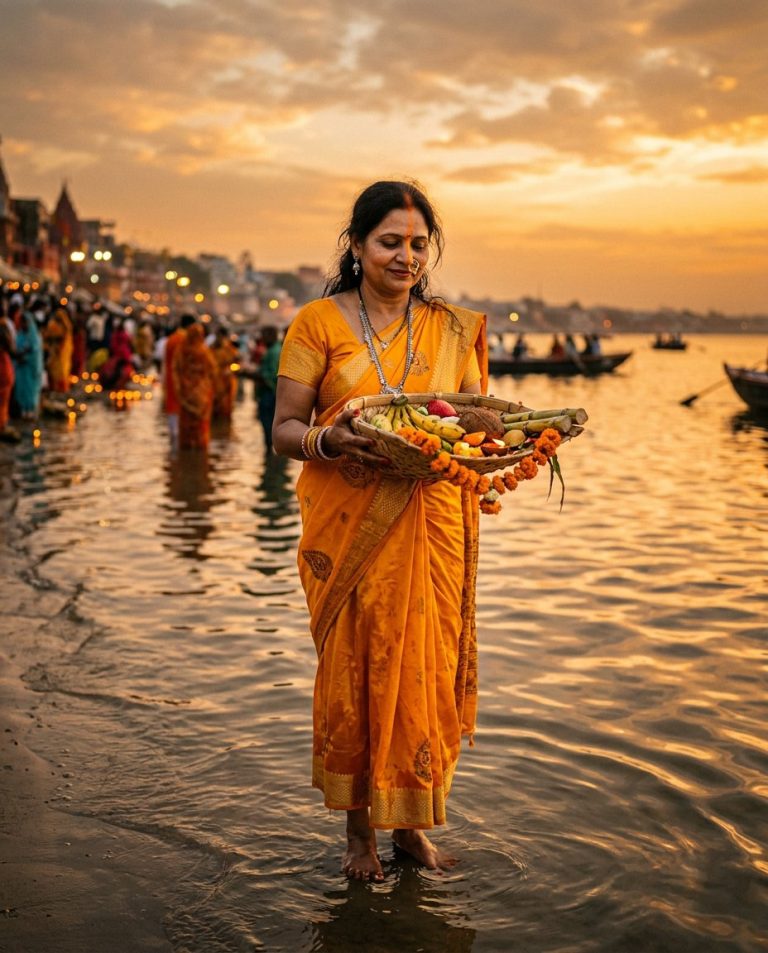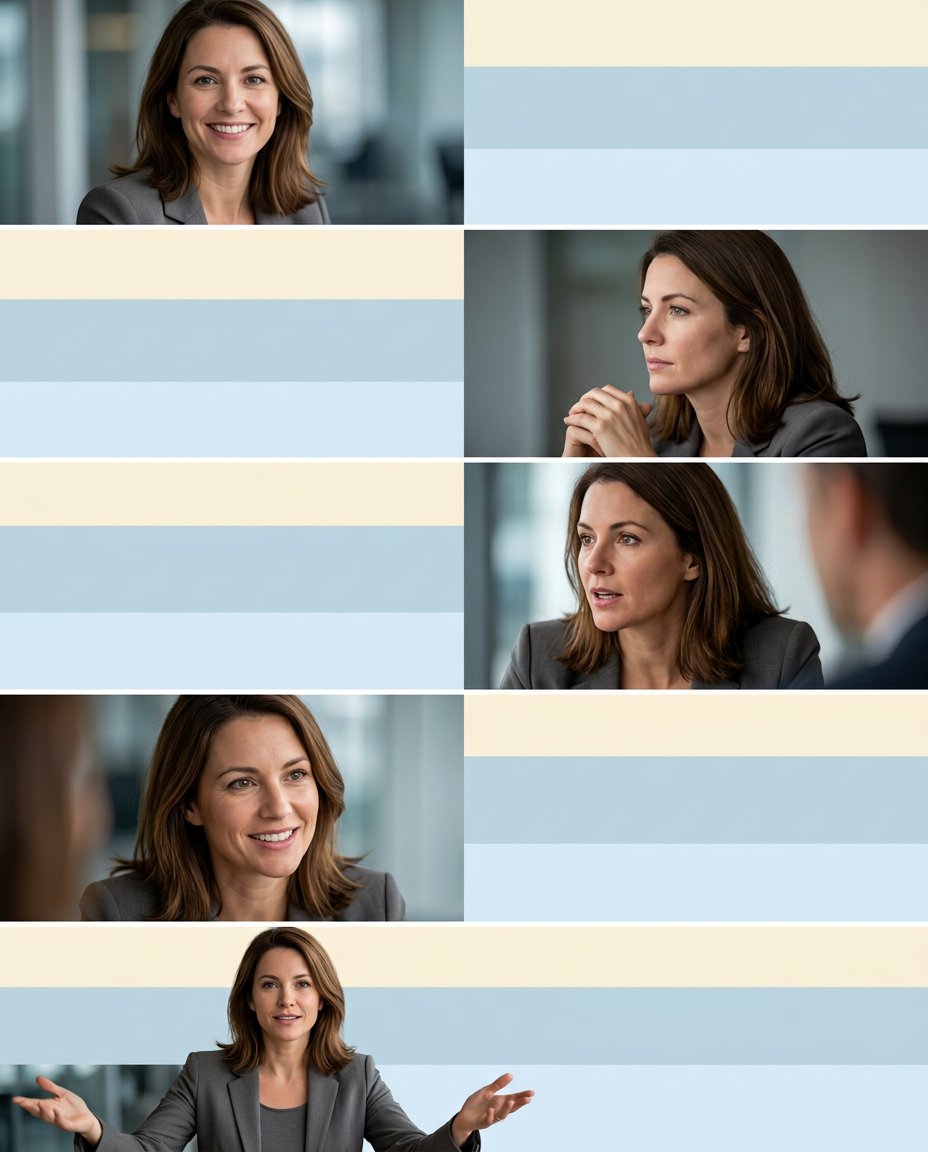
Regional-language hooks and saveable carousels are especially useful for Indian Instagram audiences. This prompt creates a five-frame photo carousel with two genuinely blank text bands on every frame: one for Hindi or another Indian-language hook and one for an English translation or context line. The visual stays useful for any niche and does not generate political claims, quotes or endorsements.
Rights and accuracy note: Use a rights-cleared, licensed, public-domain or user-owned source photo. A recognizable public-figure photo may be used as an optional example for engagement, including a rights-cleared photo of PM Narendra Modi, Rahul Gandhi or another popular public figure, but do not imply endorsement, sponsorship, a new event or a statement that the person never made. Add real names and copy outside the image, and label a materially AI-edited result. The featured sample is an original fictional public-figure example.
What This Prompt Changes
- Creates exactly five consistent frames from one authorized portrait
- Reserves a separate upper hook band and lower translation band on every frame
- Preserves the same identity, clothing palette and visual rhythm across the swipe
- Keeps all Hindi, English, regional-language and brand copy blank for accurate manual editing
How to Use It
Upload one rights-cleared portrait and decide whether each frame will carry a hook, observation, tip, question or short story beat. Add the Hindi, Hinglish, English or other regional-language wording yourself after checking spelling and meaning. A recognizable photo of PM Narendra Modi or Rahul Gandhi may be used only as a licensed/public-domain source example; do not add a political message or imply an endorsement.
Customize the Result
- Use Hindi-English, Hinglish-English, Tamil-English, Telugu-English, Marathi-English or another verified language pair
- Put the hook at the top and translation/context at the bottom, or reverse the order
- Use a five-frame reaction, style, story, quote-safe or publicity sequence with no generated words
AI Photo Editing Prompt
Negative Prompt
Prompt Details
| Prompt Type | Photo Editing |
|---|---|
| AI Tool | ChatGPT |
| Style | Photorealistic |
| Category | Photo Editing |
| Use Case | Instagram, Marketing, Social Media |
| Tags | bilingual carousel, caption safe bands, five frame carousel, Hindi English captions, India Instagram, regional language hook |
| Aspect Ratio | 4:5 |
| Lighting | Consistent soft natural light |
| Camera | Mobile editorial portrait camera |
| Lens | Mixed phone portrait crops |
| Mood | Clear, inclusive, shareable |
| Difficulty | Intermediate |
How to Use This Prompt
- Copy the prompt using the button above.
- Open your preferred AI image-generation or editing tool.
- Upload the photo you want to edit.
- Paste the prompt into the text field.
- Adjust parameters (aspect ratio, quality, steps) if necessary.
- Generate or edit the image, then refine until you like the result.