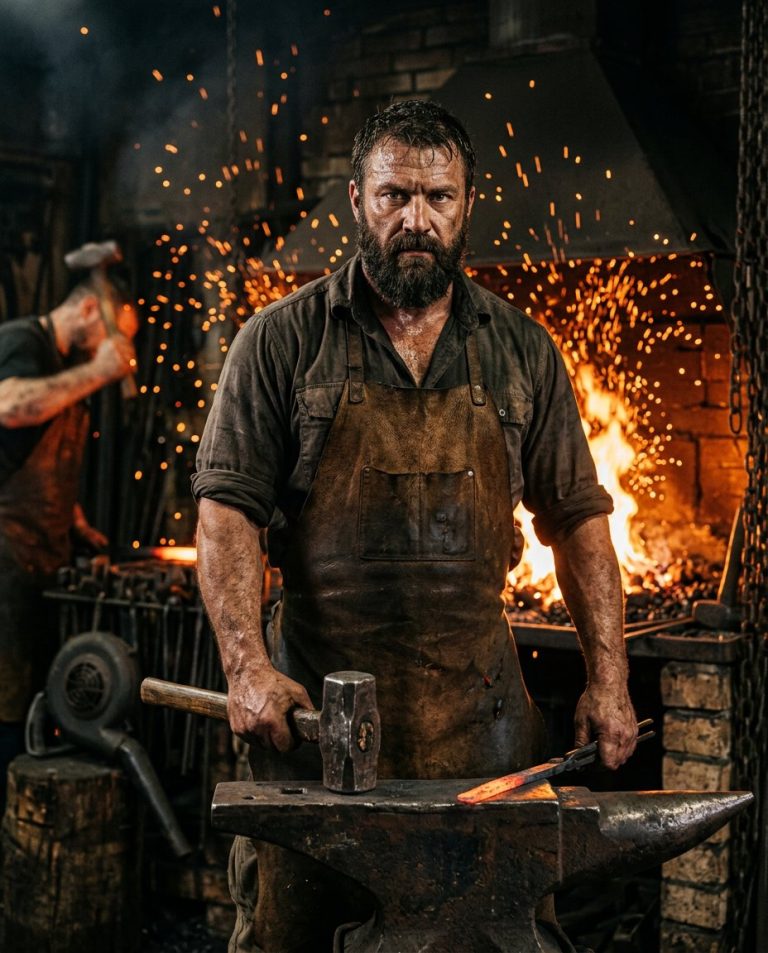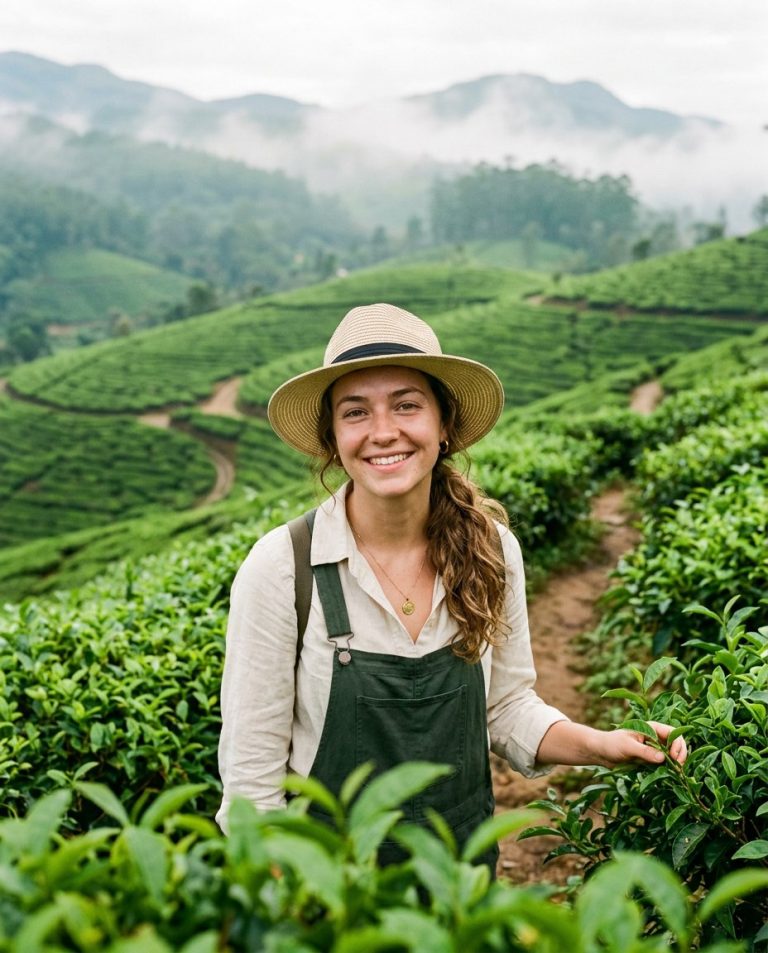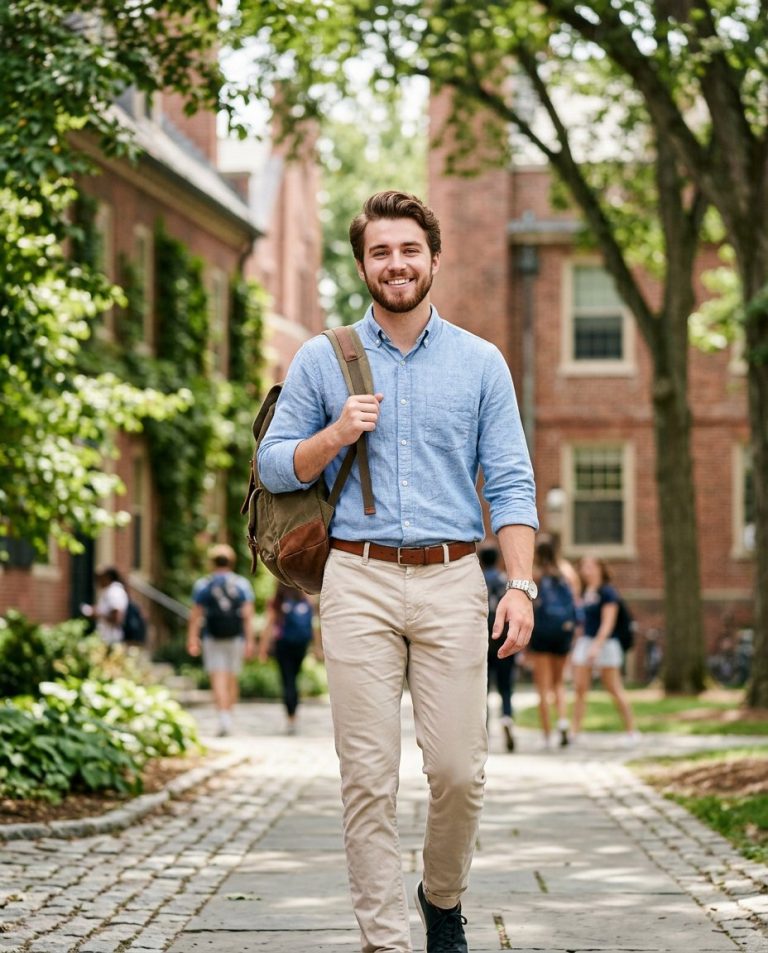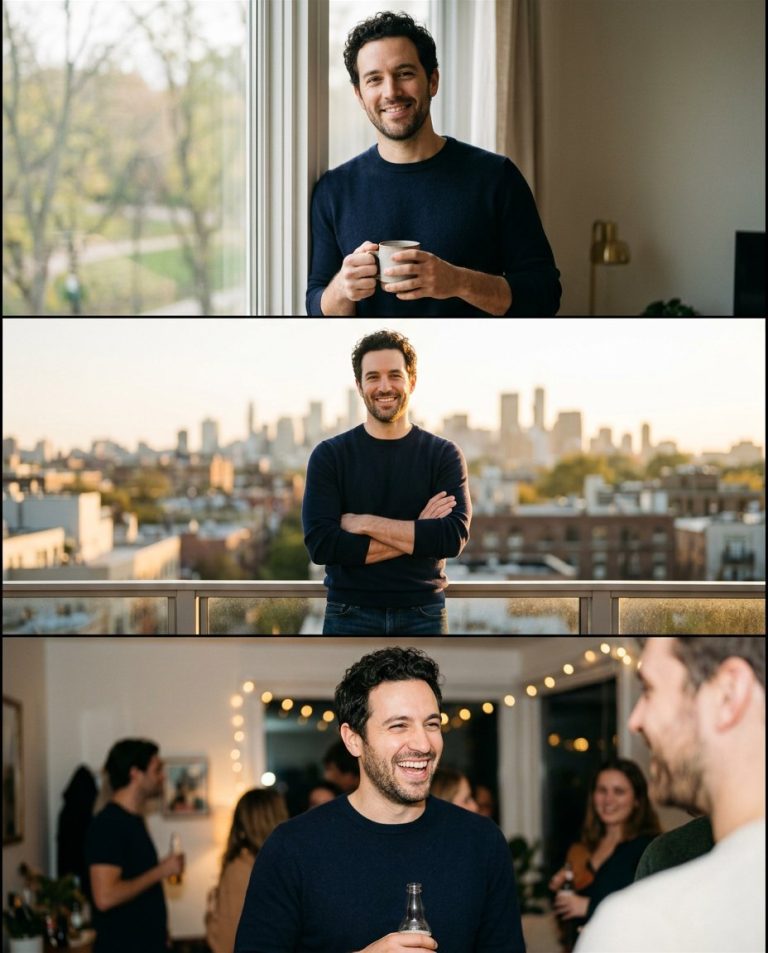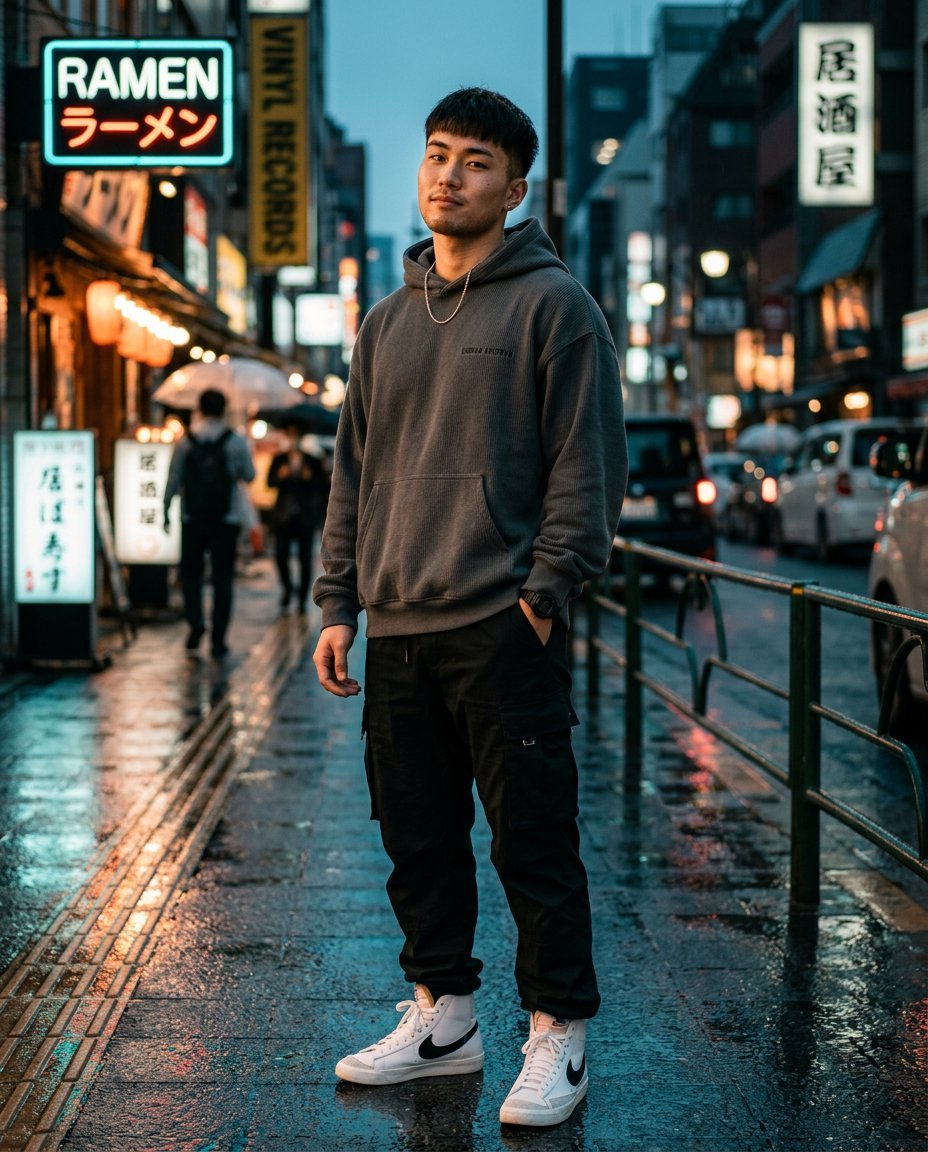
This photo editing prompt turns an ordinary boy photo into a premium streetwear Instagram portrait. It swaps the outfit, background and lighting for a cinematic street look while keeping the person’s face, hairstyle and identity exactly the same. Perfect for profile pictures, Instagram posts and a quick style upgrade.
What This Prompt Changes
- Replaces the background with a moody neon city street
- Swaps the outfit for premium streetwear while keeping the person’s body shape
- Adds cinematic teal-and-orange color grading and studio-quality lighting
- Keeps the face, hairstyle, skin tone and identity exactly the same
Best Photo for This Prompt
Use a sharp, well-lit photo where the face is clearly visible and the person is roughly centered with a little space around them. Front-facing or slightly angled selfies work best. Avoid heavy filters, low-light blur and extreme close-ups.
Customize the Result
- Change the outfit: swap the hoodie and cargo pants for a denim jacket, bomber jacket or formal overcoat
- Change the scene: rooftop, neon alley, skate park or vintage storefront
- Change the mood: daylight street style, rainy night, or black-and-white editorial
- Change the format: 9:16 for Stories or Reels, 1:1 for the profile grid
AI Photo Editing Prompt
PromptUse the uploaded photo as the exact face and identity reference. Keep the person's facial structure, skin tone, hairstyle, facial features, body proportions and natural characteristics 100 percent unchanged — do not beautify, reshape, smooth or alter the face. Transform everything else into a premium streetwear Instagram portrait. Dress him in a charcoal-grey oversized designer hoodie with subtle ribbed texture, relaxed black cargo pants with natural folds, clean white high-top sneakers, a thin silver chain and a minimal black wristwatch. Place him on a quiet city street at dusk with warm neon storefronts glowing softly in the bokeh background and wet pavement reflecting the colored lights. Pose: confident and relaxed, one hand in a pocket, chin slightly raised, looking straight into the camera. Lighting: cinematic teal-and-orange color grade, soft key light on the face and a gentle rim light separating him from the background. Camera: vertical 4:5 Instagram framing, 85mm lens look, shallow depth of field with sharp focus on the face. Keep realistic skin texture, natural shadows, believable fabric detail and a photorealistic finish. The result should look like a high-end streetwear editorial of the same person.
Negative Prompt
Negative Promptchanged face, different person, distorted body, extra fingers, bad anatomy, blurry face, cartoonish, anime, illustration, oversmoothed skin, watermark, text, logo, unrealistic lighting
Prompt Details
| Prompt Type | Photo Editing |
|---|---|
| AI Tool | Gemini |
| Style | Photorealistic |
| Category | Photo Editing, Photography |
| Use Case | Boys, Instagram, Social Media |
| Tags | boy portrait, cinematic, fashion, identity preservation, instagram, photo editing, portrait, streetwear |
| Aspect Ratio | 4:5 |
| Lighting | Cinematic dusk |
| Camera | DSLR |
| Lens | 85mm |
| Mood | Confident |
| Difficulty | Beginner |
How to Use This Prompt
- Copy the prompt using the button above.
- Open your preferred AI image-generation or editing tool.
- Upload the photo you want to edit.
- Paste the prompt into the text field.
- Adjust parameters (aspect ratio, quality, steps) if necessary.
- Generate or edit the image, then refine until you like the result.