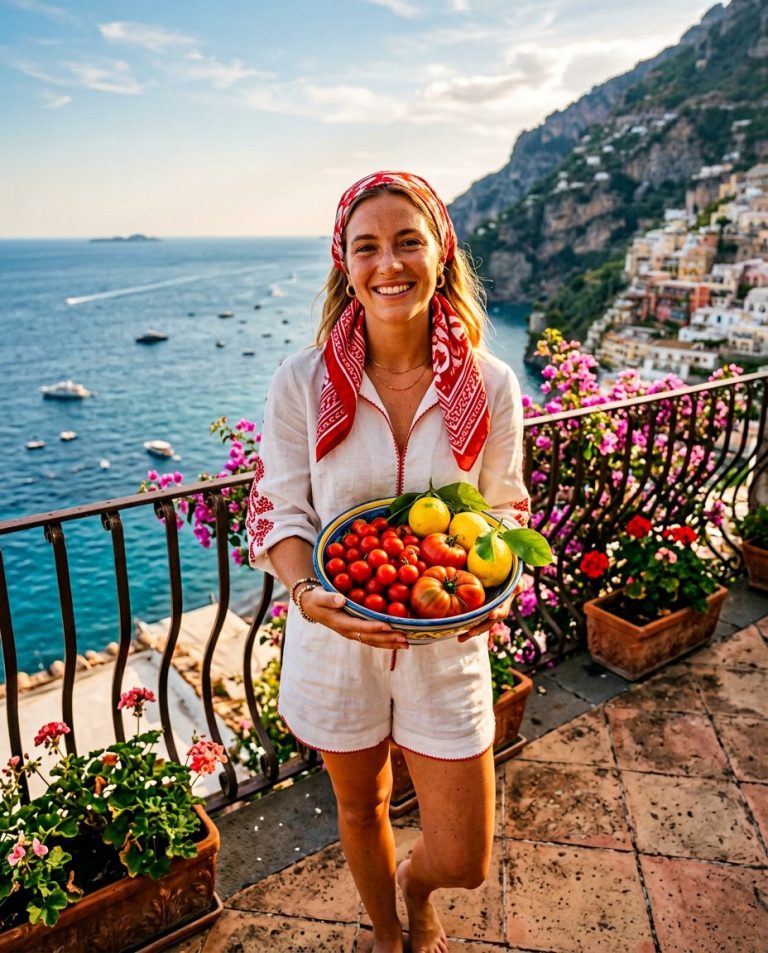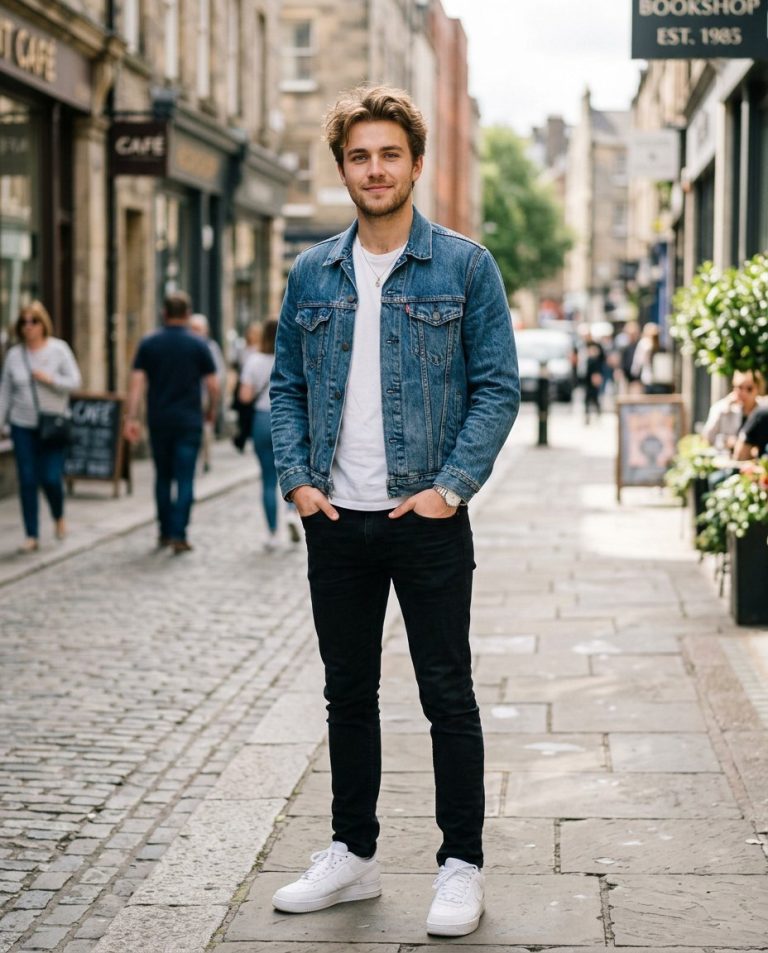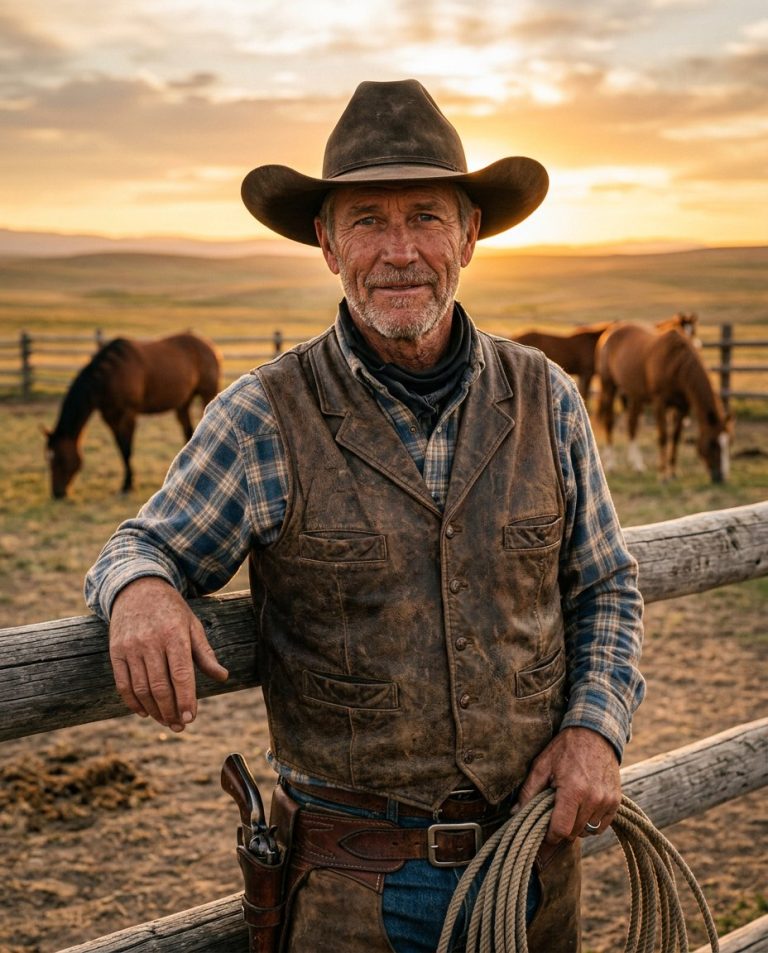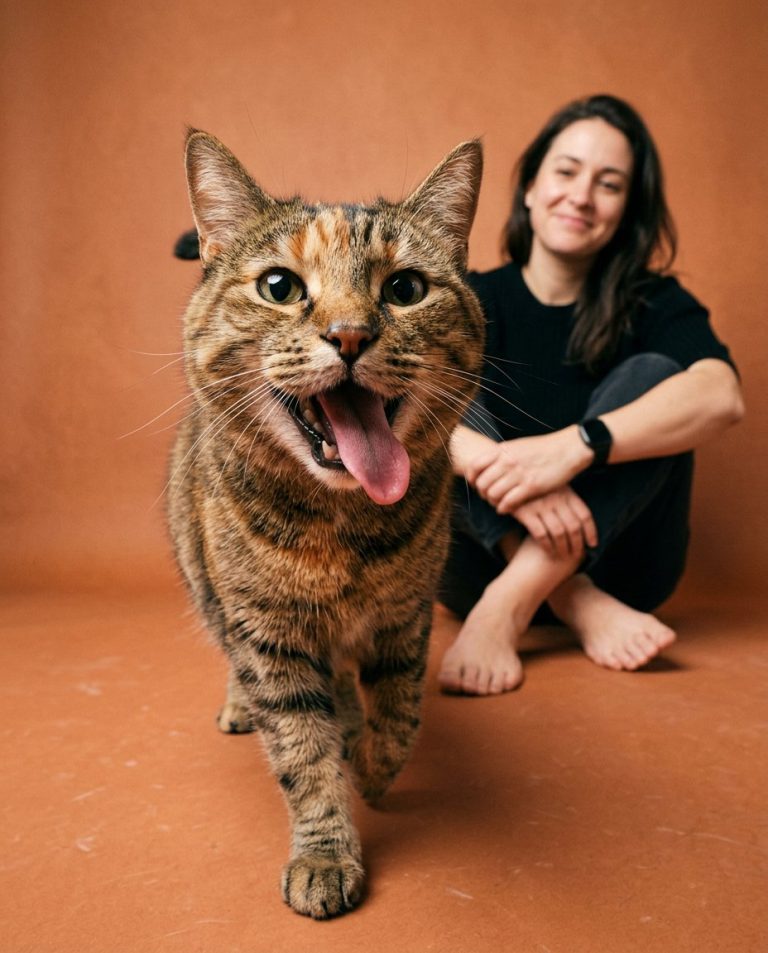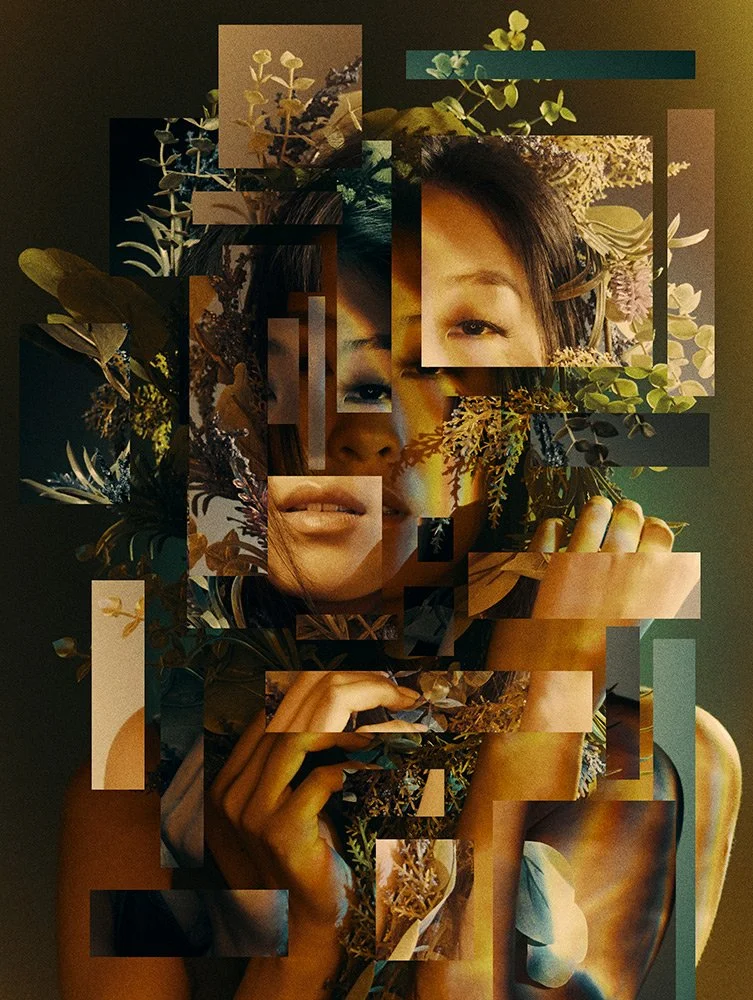
Want something beyond another filter or vintage edit? This botanical lightollage concept treats your portrait like a contemporary art editorial: your real face remains recognizable while carefully arranged image fragments, leaf shadows, and layered translucent panels create a striking visual story.
Sample image: The featured image is an illustrative visual reference for layered botanical collage styling. It is credited to its original portfolio source and is not represented as a newly generated PromptTai image.
What This Prompt Changes
- Builds a layered editorial composition from a single portrait.
- Introduces botanical silhouettes, leaf shadows, translucent image panels and subtle light leaks.
- Uses a restrained palette of warm amber, muted olive, cream and deep forest green.
- Keeps the subject’s facial identity, natural skin texture and proportions consistent.
- Creates a vertical composition suitable for an Instagram post, profile visual or creative portfolio.
How to Use It
- Choose a clear portrait with the face visible and preferably even lighting.
- Upload the photo to ChatGPT, Gemini or another image editor that accepts image references.
- Copy the Main AI Prompt below and run it once.
- If the effect looks too busy, ask the editor to reduce the collage fragments and leave more negative space.
Main AI Prompt
Use the uploaded portrait as the exact identity reference for the same adult woman. Preserve her recognizable facial identity, facial structure, skin tone, natural skin texture, age, hairline, hairstyle and body proportions. Create a contemporary botanical lightollage fashion editorial: keep the central face photorealistic and crisp, then layer a small number of translucent rectangular image fragments around the edges of the face and shoulders. Blend elegant leaf silhouettes, pressed botanical textures, delicate shadows from foliage and soft projected sunlight through the collage, as if a fine-art photographer combined multiple exposures by hand. Use a sophisticated palette of muted olive, warm amber, moss green, ivory and deep brown, with directional studio light, subtle paper texture and careful art direction. Keep the eyes and main facial features unobstructed; place fragments intentionally rather than randomly. Premium magazine-art direction, tactile layered surfaces, realistic light and shadow, visually coherent composition, refined and modern, high detail, 4:5 vertical crop. This is a fictional creative artwork, not a claim that the original photo was taken in this setting.
Negative Prompt
different person, changed identity, altered facial structure, face swap, exaggerated beauty filter, plastic skin, blurred eyes, obscured face, extra facial features, duplicate head, distorted hands, random messy collage, too many panels, unreadable text, letters, logos, watermark, fake social media interface, oversaturated colors, harsh cutout edges, low resolution, compression artifacts.
Customize the Result
- Soft and feminine: add cream, pale sage, delicate pressed flowers and diffused window light.
- High-fashion: use deep forest green, sharper shadows and fewer, larger fragments.
- Dreamlike: add translucent petals and faint prismatic light while keeping the face realistic.
- Minimal: use one or two panels only and leave generous negative space.
Rights and Accuracy Note
Use a photo you own or have permission to edit. This prompt describes a creative visual treatment; it does not guarantee a viral result. The featured visual is an externally sourced style reference, credited as such, rather than a generated before-and-after example.
AI Photo Editing Prompt
Negative Prompt
Prompt Details
| Prompt Type | Photo Editing |
|---|---|
| AI Tool | ChatGPT, Gemini |
| Style | Editorial, Photorealistic |
| Category | Photo Editing |
| Use Case | Instagram, Social Media |
| Aspect Ratio | 4:5 |
| Lighting | Directional soft light with botanical shadows |
| Camera | Portrait editorial |
| Lens | 85mm portrait look |
| Mood | Artistic, botanical, editorial, dreamy |
| Difficulty | Easy |
How to Use This Prompt
- Copy the prompt using the button above.
- Open your preferred AI image-generation or editing tool.
- Upload the photo you want to edit.
- Paste the prompt into the text field.
- Adjust parameters (aspect ratio, quality, steps) if necessary.
- Generate or edit the image, then refine until you like the result.