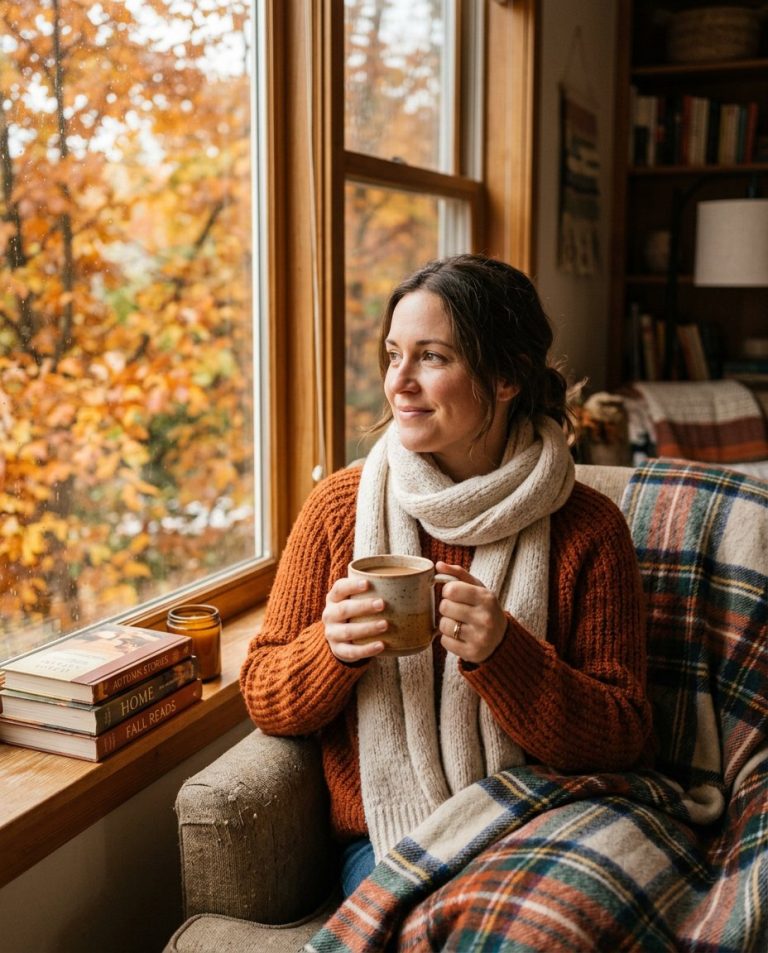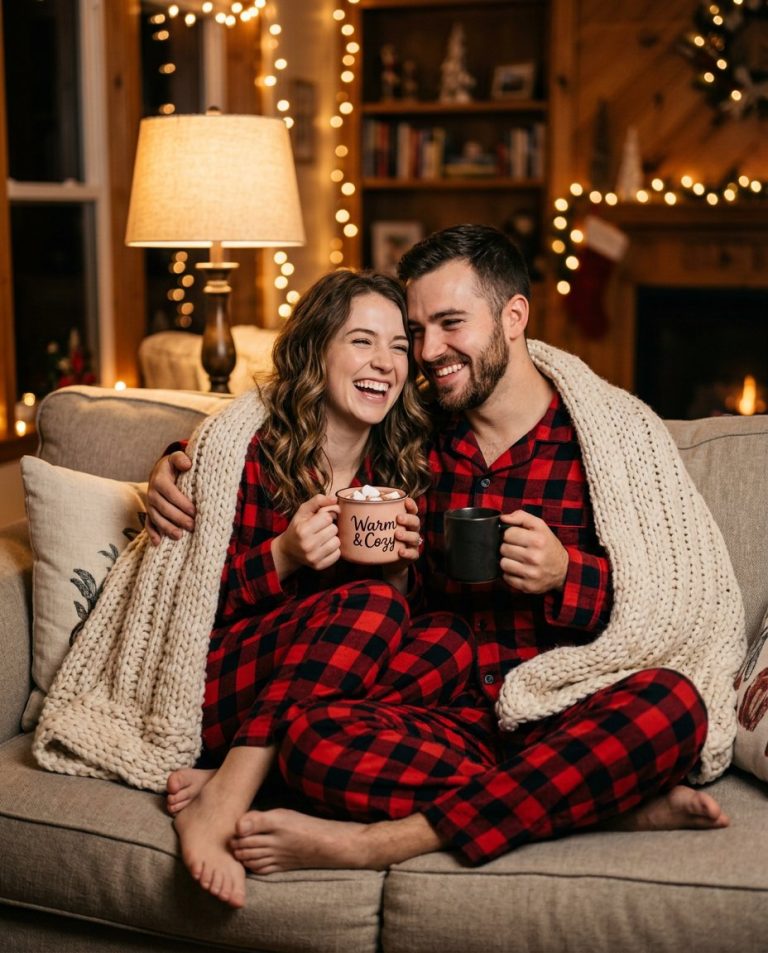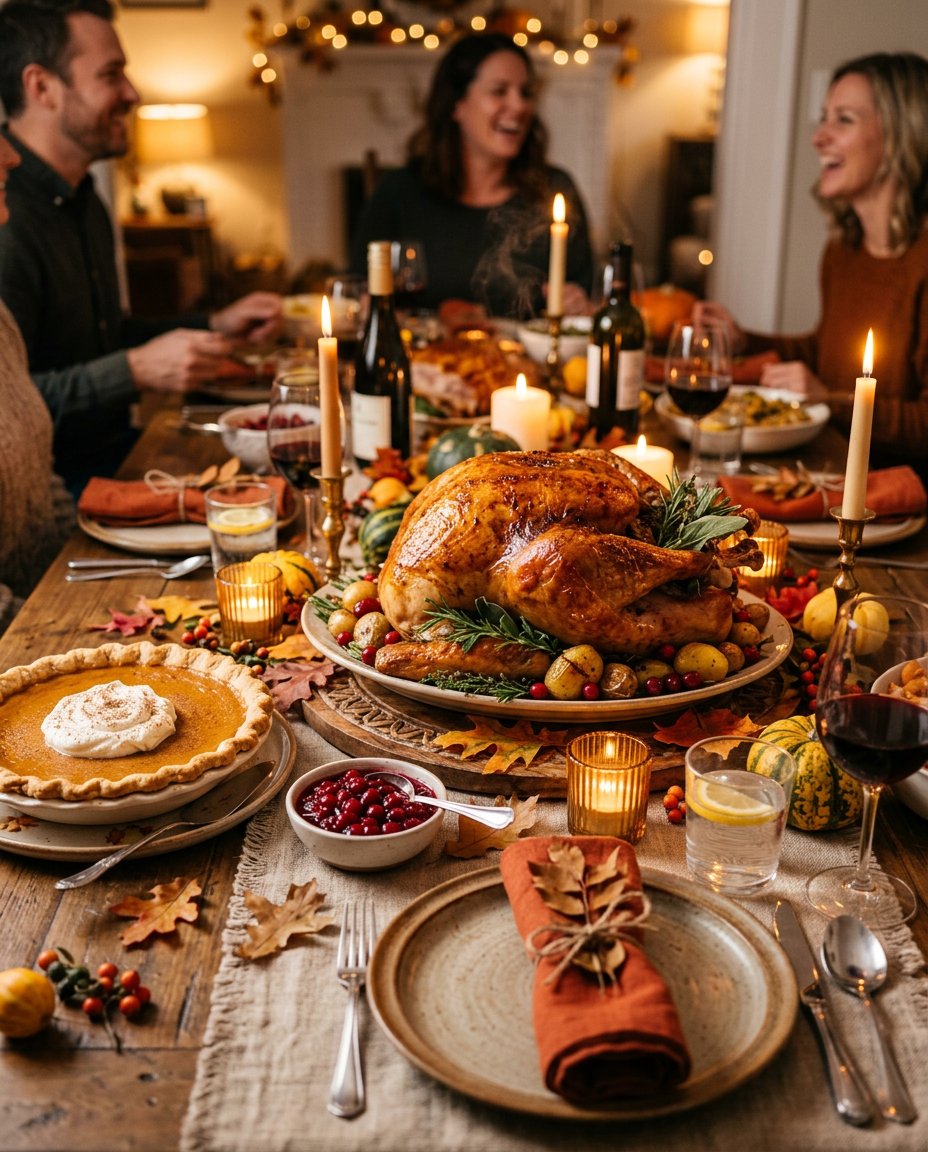
This photo editing prompt turns a photo into a Thanksgiving dinner table scene. It adds a roasted turkey, pumpkin pie and candlelight with autumn decor. Perfect for Thanksgiving posts, holiday feeds and festive table content.
What This Prompt Changes
- Adds a roasted golden turkey centerpiece
- Adds pumpkin pie, cranberry sauce and candles
- Adds autumn leaves and warm candlelight
- Keeps the main elements from your photo recognizable
Best Photo for This Prompt
Use a clear photo of your table or dining space in even light. A tidy table works best. Avoid very dark photos and heavy filters.
Customize the Result
- Change the dishes: turkey, ham or roast
- Change the decor: candles, leaves or pumpkins
- Change the setting: dining room, kitchen or rustic table
- Change the format: 9:16 for Stories or 1:1 for the grid
AI Photo Editing Prompt
PromptTransform the uploaded photo into a Thanksgiving dinner table scene. Create a beautifully set table with a roasted golden turkey as the centerpiece, surrounded by pumpkin pie, cranberry sauce, lit candles and autumn leaves. Keep the main elements from the photo recognizable. Lighting: warm cozy candlelight with a festive color grade and gentle shadows. Camera: vertical 4:5 Instagram framing, 50mm lens look, sharp focus with high detail on the food and decor. The result should look like a professionally photographed Thanksgiving dinner table.
Negative Prompt
Negative Promptpeople, distorted food, cartoonish, watermark, text, oversaturated, dark shadows
Prompt Details
| Prompt Type | Photo Editing |
|---|---|
| AI Tool | ChatGPT |
| Style | Photorealistic |
| Category | Photo Editing |
| Use Case | Instagram, Social Media |
| Tags | dinner table, festive, home decor, instagram, photo editing, thanksgiving, turkey |
| Aspect Ratio | 4:5 |
| Lighting | Candlelight |
| Camera | DSLR |
| Lens | 50mm |
| Mood | Warm |
| Difficulty | Beginner |
How to Use This Prompt
- Copy the prompt using the button above.
- Open your preferred AI image-generation or editing tool.
- Upload the photo you want to edit.
- Paste the prompt into the text field.
- Adjust parameters (aspect ratio, quality, steps) if necessary.
- Generate or edit the image, then refine until you like the result.