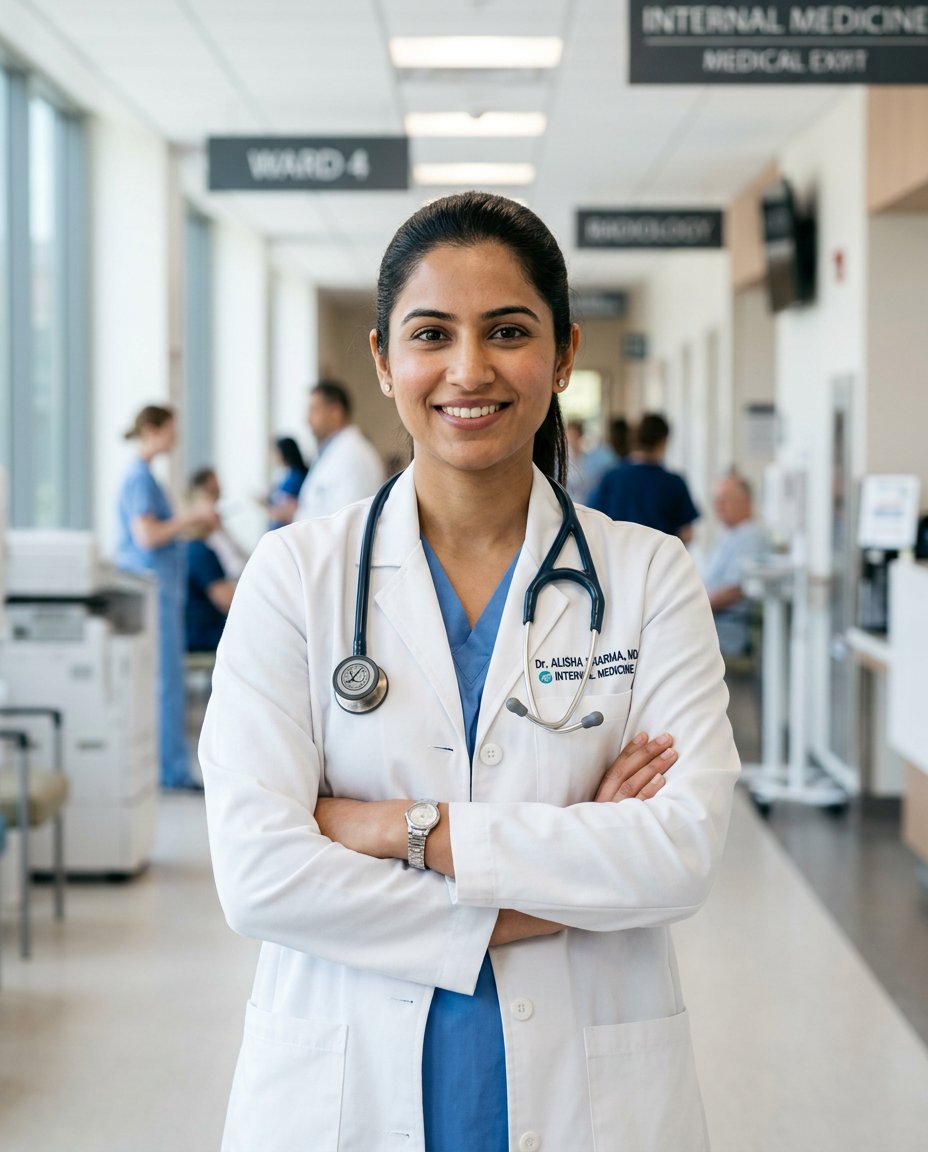
This photo editing prompt turns a photo into a confident doctor white coat professional portrait. It adds a crisp white coat, a stethoscope and a modern clinic background while keeping the person’s face and identity exactly the same. Perfect for medical professionals, students and professional profiles.
What This Prompt Changes
- Replaces the outfit with a crisp white doctor coat
- Adds a stethoscope and a modern clinic background
- Applies bright clinical lighting and a clean color grade
- Keeps the face, body proportions and identity exactly the same
Best Photo for This Prompt
Use a clear, front-facing photo with the face and upper body visible in even light. A confident, warm smile suits the professional mood. Avoid busy backgrounds and heavy shadows.
Customize the Result
- Change the setting: clinic, hospital corridor or office
- Change the outfit: white coat, scrubs or formal wear
- Add a clipboard, ID badge or stethoscope
- Change the format: 9:16 for Stories or 1:1 for the grid
AI Photo Editing Prompt
Negative Prompt
Prompt Details
| Prompt Type | Photo Editing |
|---|---|
| AI Tool | Flux |
| Style | Photorealistic |
| Category | Photo Editing |
| Use Case | Instagram, Social Media |
| Tags | doctor, identity preservation, instagram, medical, photo editing, portrait, professional, white coat |
| Aspect Ratio | 4:5 |
| Lighting | Bright clinical |
| Camera | DSLR |
| Lens | 85mm |
| Mood | Professional |
| Difficulty | Beginner |
How to Use This Prompt
- Copy the prompt using the button above.
- Open your preferred AI image-generation or editing tool.
- Upload the photo you want to edit.
- Paste the prompt into the text field.
- Adjust parameters (aspect ratio, quality, steps) if necessary.
- Generate or edit the image, then refine until you like the result.
Related Prompts
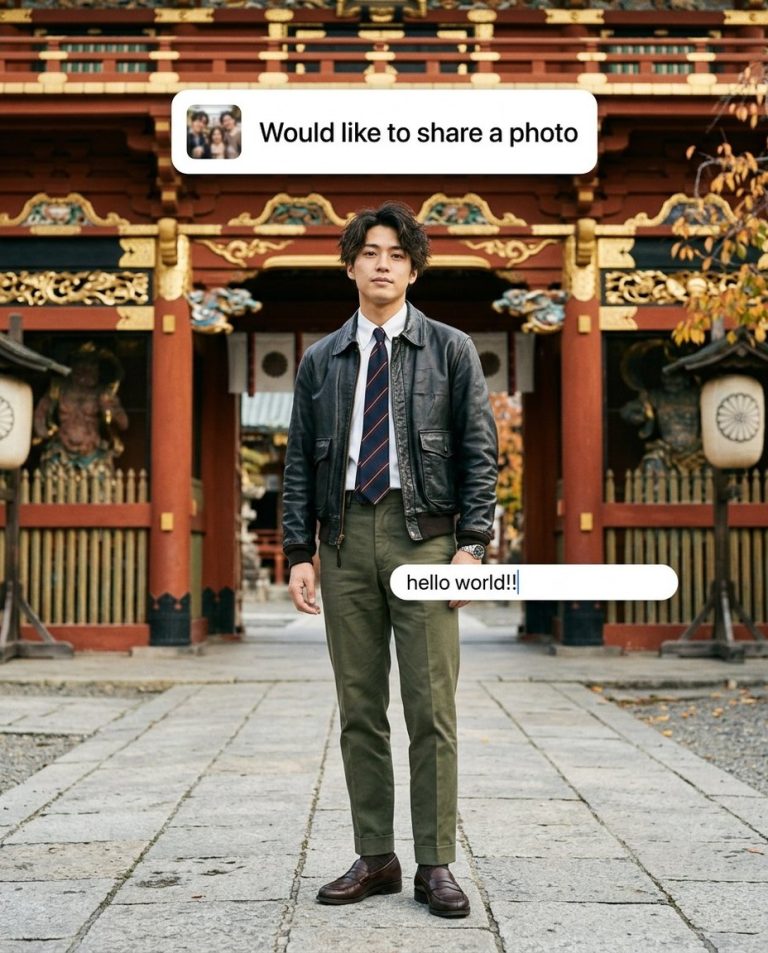
Turn Your Photo Into a Temple Gate Streetwear Portrait with Photo-Share Banner AI Prompt
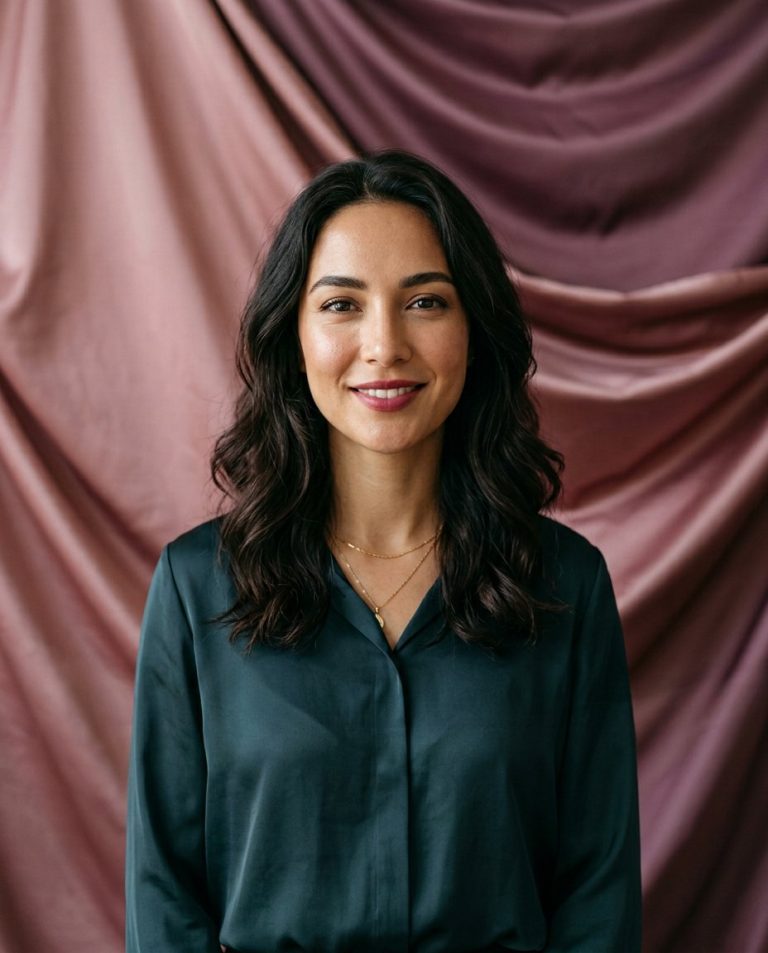
Turn a Girl’s Selfie Into a Soft Satin-Backdrop Instagram Portrait With Blank Copy Space AI Prompt
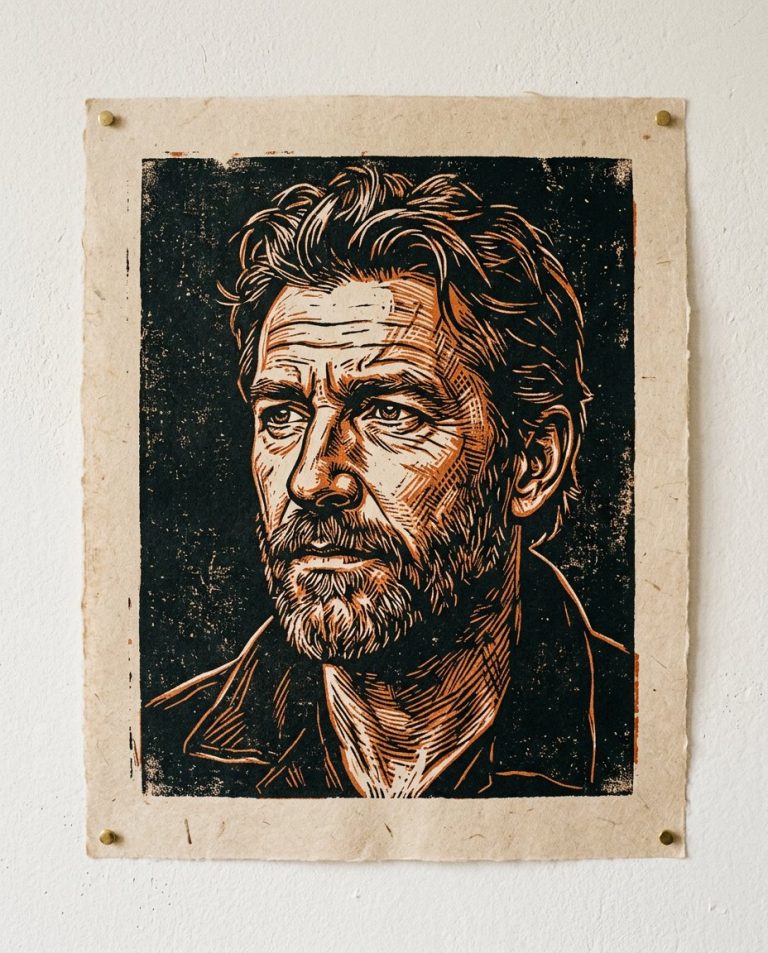
Turn Your Photo Into a Hand-Cut Linocut Portrait AI Prompt
Create a Photo-to-Video Keyframe Storyboard From One Portrait AI Prompt