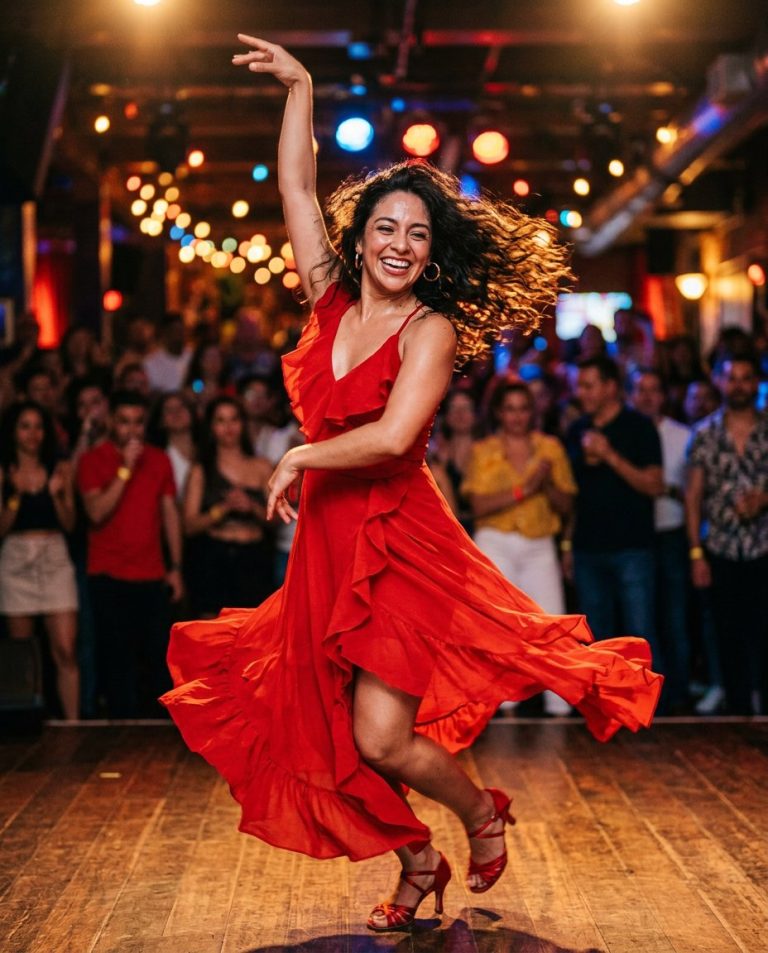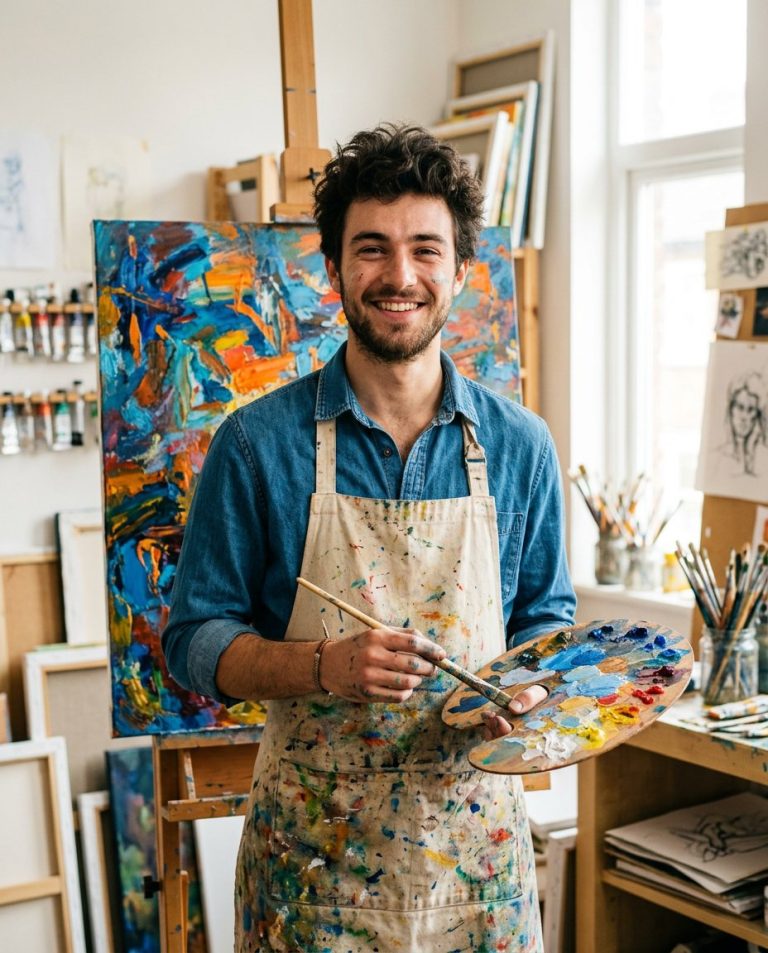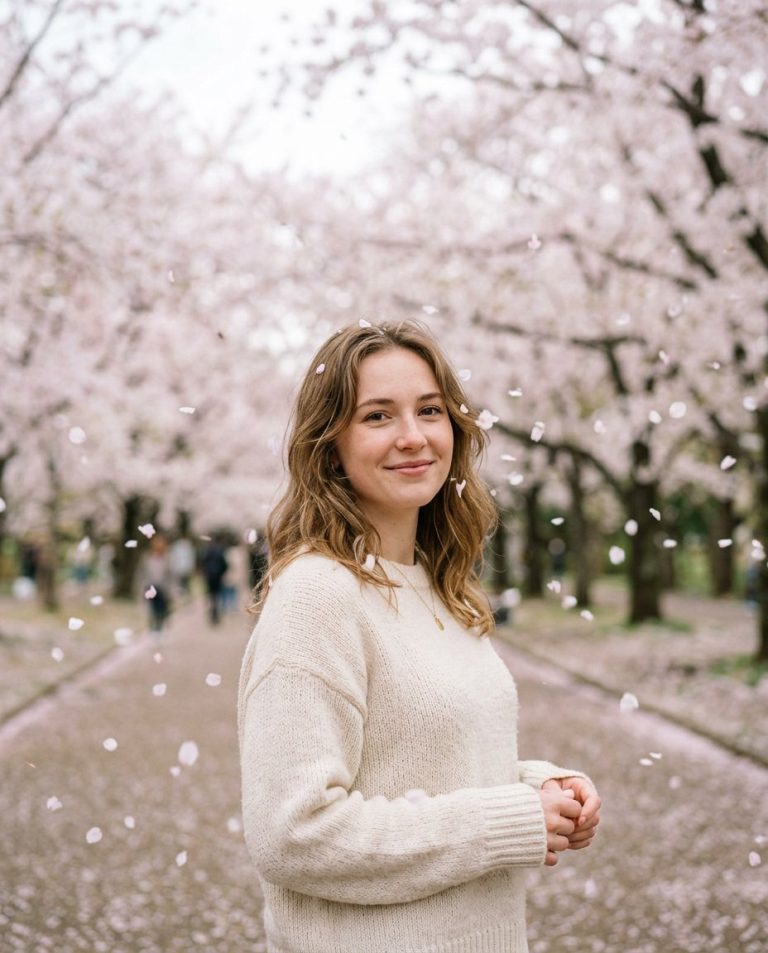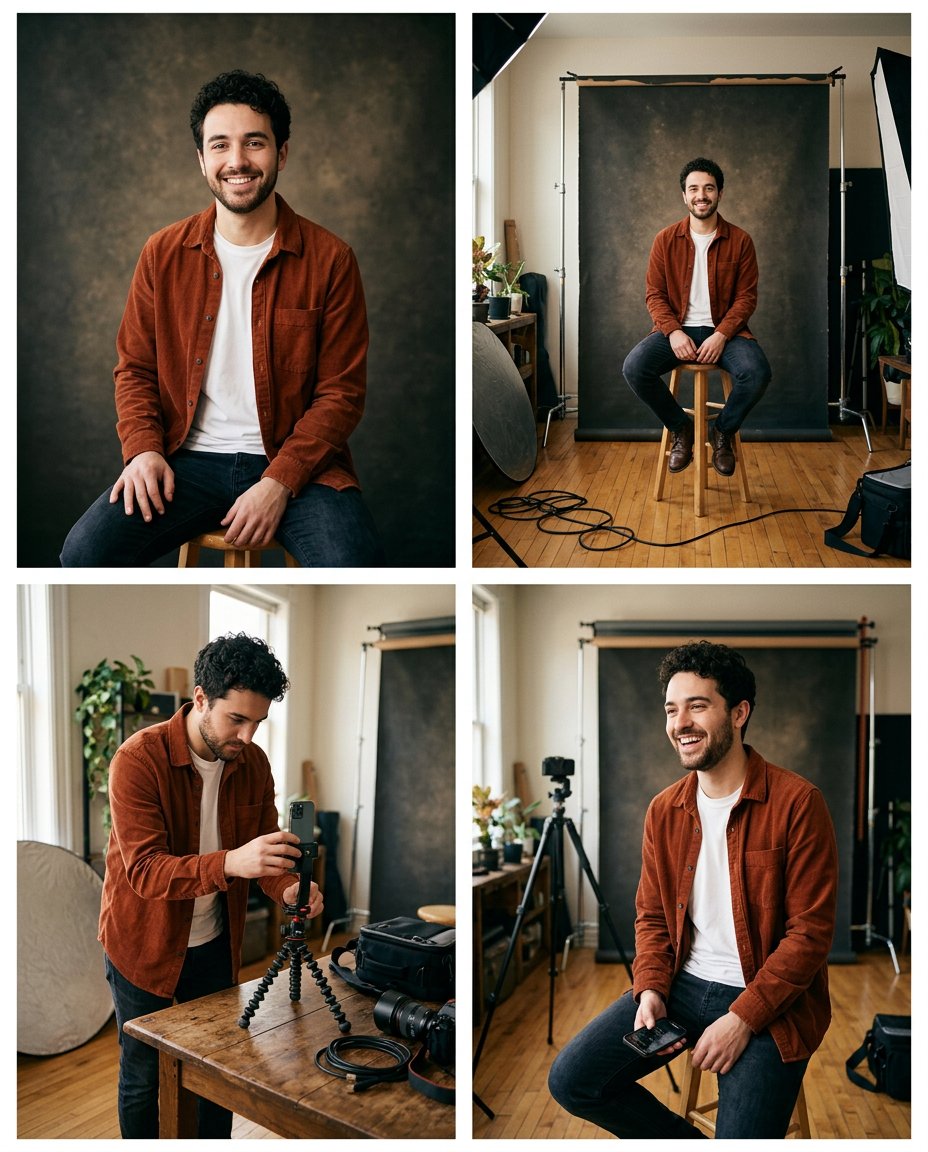
This prompt turns a finished portrait into a useful behind-the-scenes carousel. Instead of inventing a different story, it widens the frame to show the backdrop, phone or tripod, reflector and candid reset moment that could have produced the final image. The result gives a polished post a more transparent creator-process layer.
What This Prompt Changes
- Builds a four-frame reveal from finished portrait to wider shooting setup
- Keeps the same face, outfit, hair, set colors and lighting logic in every frame
- Shows practical creator details such as a paper backdrop, tripod, reflector and phone
- Uses candid phone-photo framing without fake captions, brand marks or staged production clutter
How to Use It
Upload a finished portrait where the subject, outfit and backdrop are clear. Ask for a four-frame contact-sheet sample, then crop or recreate each frame as a separate carousel slide. Add your own process notes, gear names and captions in the social app after generation.
Customize the Result
- Swap the portrait setting for a bedroom, kitchen, outdoor wall, desk, makeup station or product corner
- Show a phone tripod, ring light, reflector, mirror, tape marks or a friend taking the photo
- Choose a clean studio reveal, low-budget home setup or candid creator-workspace mood
AI Photo Editing Prompt
PromptUse the uploaded finished portrait as the exact reference for the same adult's identity, face, hairstyle, outfit, color palette and backdrop style. Create a coherent four-frame behind-the-scenes carousel contact sheet in a vertical 4:5 layout. Frame one is the finished close portrait. Frame two pulls back to show the person seated on a simple stool in front of the paper backdrop. Frame three shows the same person adjusting a phone on a small tripod, with a reflector and a few believable cables visible. Frame four is a candid reset moment between shots with the same outfit, hair and studio light. Keep the identity, clothing, backdrop colors and direction of light consistent across all four frames. Show an ordinary creator setup, not a luxury commercial production. Use clean gutters and realistic phone photography. Render no words, labels, gear-brand logos, fake interface or watermark; leave captions for the creator to add later. Photorealistic behind-the-scenes social carousel, vertical 4:5. Midjourney / Flux.1 alternative: [PORTRAIT_IMAGE] four-frame behind-the-scenes creator carousel, finished portrait, wider paper-backdrop setup, phone tripod and reflector, candid reset, same exact person and rust overshirt in every frame, natural home studio, no text --ar 4:5 --style raw --iw 2.0
Negative Prompt
Negative Promptdifferent person between frames, changed outfit, inconsistent backdrop, luxury film set, brand logos, readable text, fake camera interface, distorted hands, extra people, watermark, plastic skin
Prompt Details
| Prompt Type | Photo Editing |
|---|---|
| AI Tool | Gemini |
| Style | Photorealistic |
| Category | Photo Editing |
| Use Case | Instagram, Social Media |
| Tags | behind the scenes, BTS carousel, content creation, creator setup, making of, social carousel |
| Aspect Ratio | 4:5 |
| Lighting | Natural studio window light |
| Camera | Creator phone and mirrorless mix |
| Lens | Mixed 35mm and phone lenses |
| Mood | Honest, curious |
| Difficulty | Intermediate |
How to Use This Prompt
- Copy the prompt using the button above.
- Open your preferred AI image-generation or editing tool.
- Upload the photo you want to edit.
- Paste the prompt into the text field.
- Adjust parameters (aspect ratio, quality, steps) if necessary.
- Generate or edit the image, then refine until you like the result.