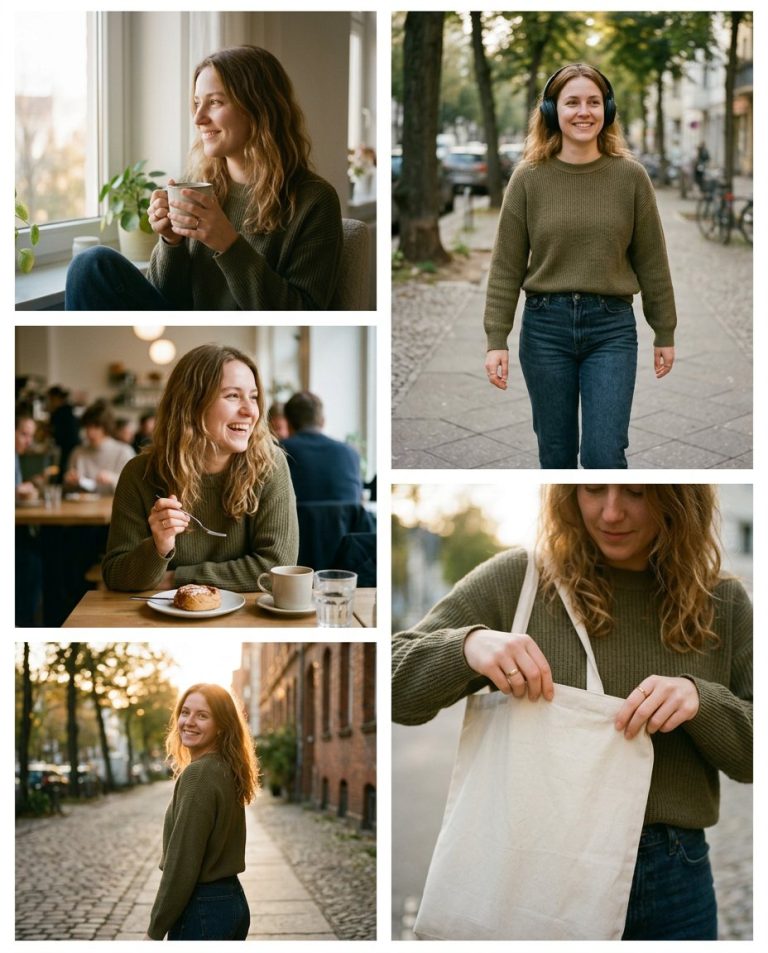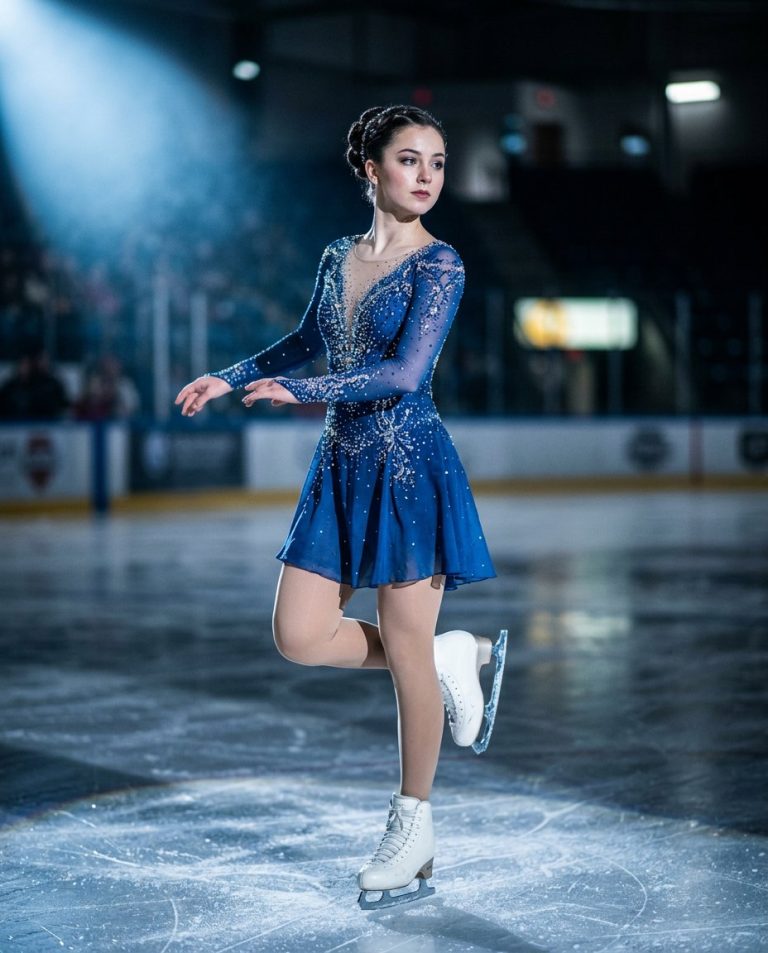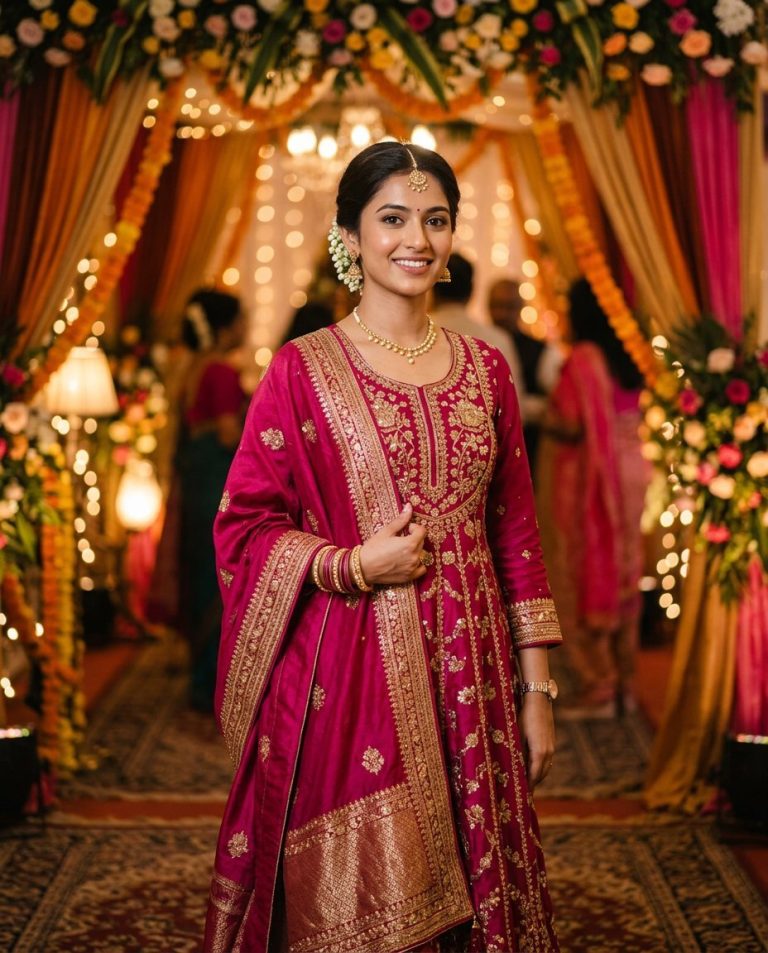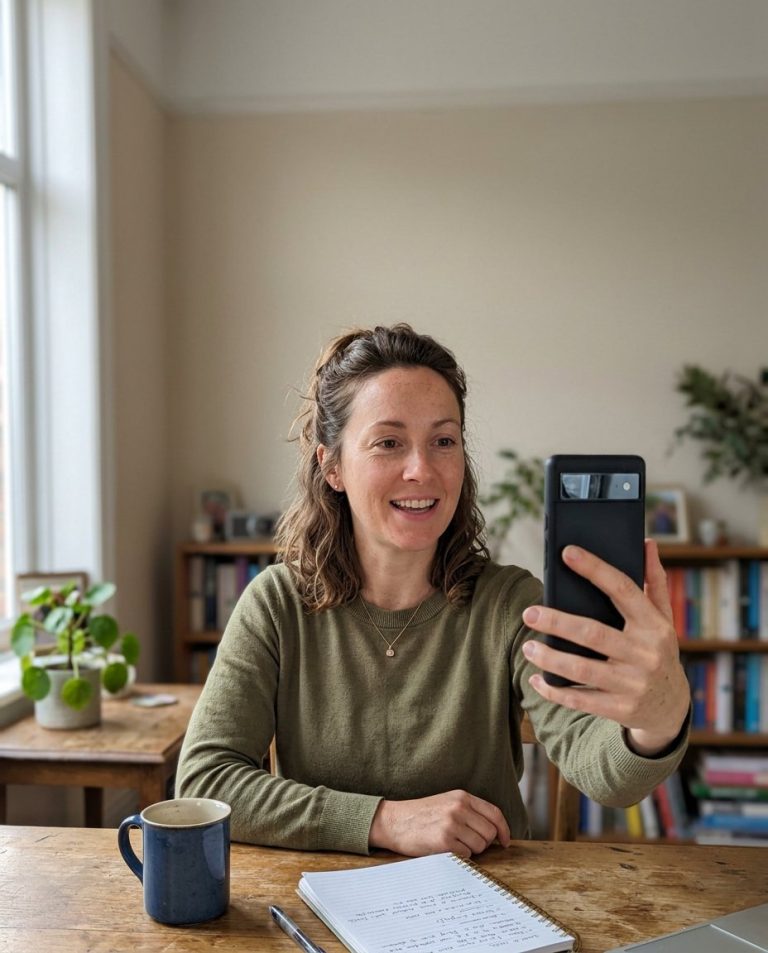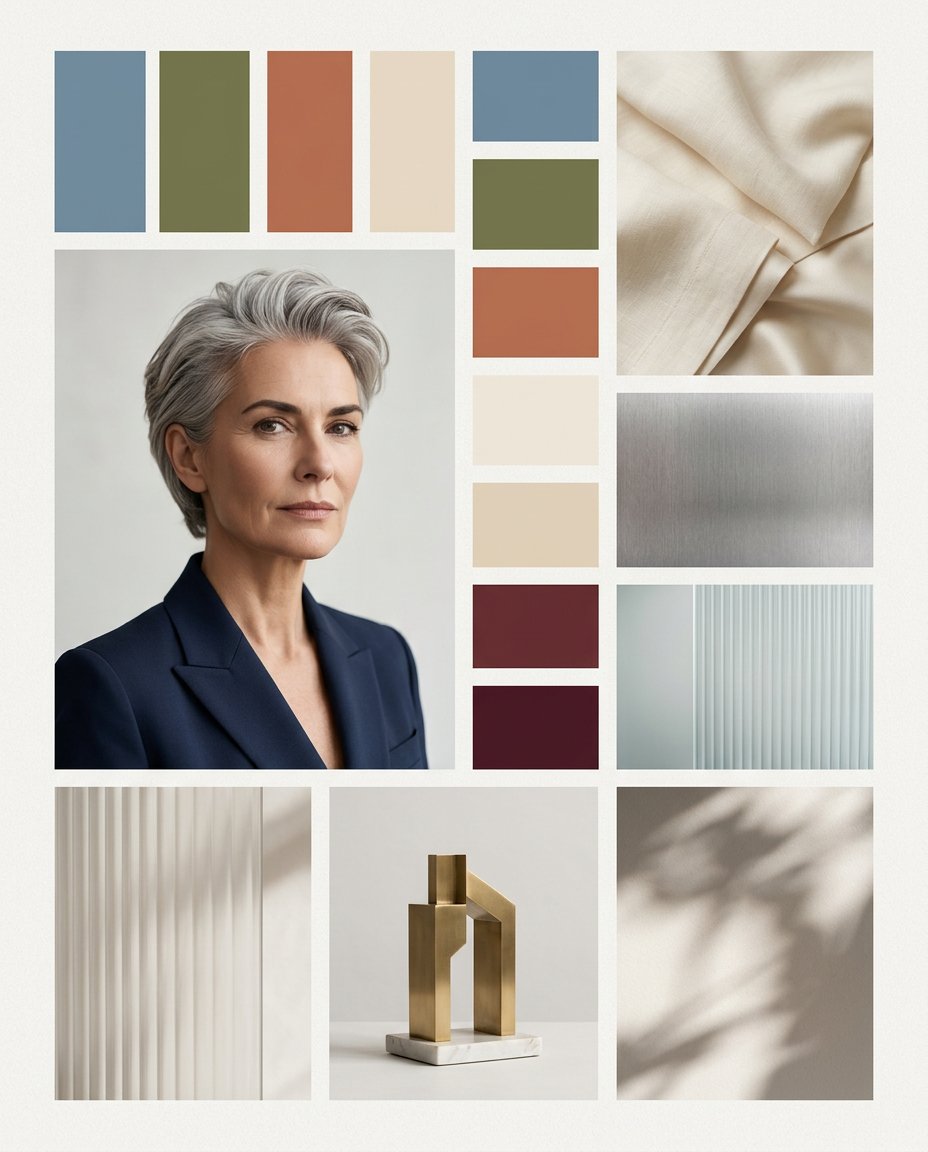
A strong publicity image needs a visual system around it. This prompt turns one portrait into a premium editorial moodboard with a coordinated palette, materials, textures, geometric props and light references. It helps creators, fashion teams and media publishers plan a look without asking the model to invent a logo, slogan, publication or endorsement.
Rights and accuracy note: Use a rights-cleared, licensed, public-domain or user-owned source photo. A recognizable public-figure photo may be used as an optional example for engagement, including a rights-cleared photo of PM Narendra Modi, Rahul Gandhi or another popular public figure, but do not imply endorsement, sponsorship, a new event or a statement that the person never made. Add real names and copy outside the image, and label a materially AI-edited result. The featured sample is an original fictional public-figure example.
What This Prompt Changes
- Places the portrait inside a deliberate palette-and-material visual direction board
- Adds coordinated color swatches, fabric, metal, glass, shadow and prop references
- Keeps the subject recognizable while making the surrounding design feel premium
- Leaves every label and brand element blank for accurate copy to be added later
How to Use It
Upload an authorized portrait and choose a mood such as quiet luxury, modern civic, warm documentary, clean beauty or high-contrast nightlife. If you use a well-known public figure photo for attention, make sure it is licensed and do not make the moodboard look like a real sponsorship. Add palette names, credits and any publication copy in your design tool.
Customize the Result
- Use muted blue and cream, black and chrome, terracotta and olive or a custom palette
- Add linen, brushed metal, glass, paper, stone, wood, botanical shadows or abstract geometry
- Choose a magazine direction, fashion launch, podcast identity, profile page or publicity kit
AI Photo Editing Prompt
Negative Prompt
Prompt Details
| Prompt Type | Photo Editing |
|---|---|
| AI Tool | ChatGPT |
| Style | Photorealistic |
| Category | Photo Editing |
| Use Case | Instagram, Poster, Social Media |
| Tags | color swatches, editorial moodboard, moodboard design, photo reference board, texture references, visual direction |
| Aspect Ratio | 4:5 |
| Lighting | Soft directional studio light |
| Camera | Editorial portrait and still-life camera |
| Lens | Mixed 50mm and detail framing |
| Mood | Premium, intentional |
| Difficulty | Intermediate |
How to Use This Prompt
- Copy the prompt using the button above.
- Open your preferred AI image-generation or editing tool.
- Upload the photo you want to edit.
- Paste the prompt into the text field.
- Adjust parameters (aspect ratio, quality, steps) if necessary.
- Generate or edit the image, then refine until you like the result.