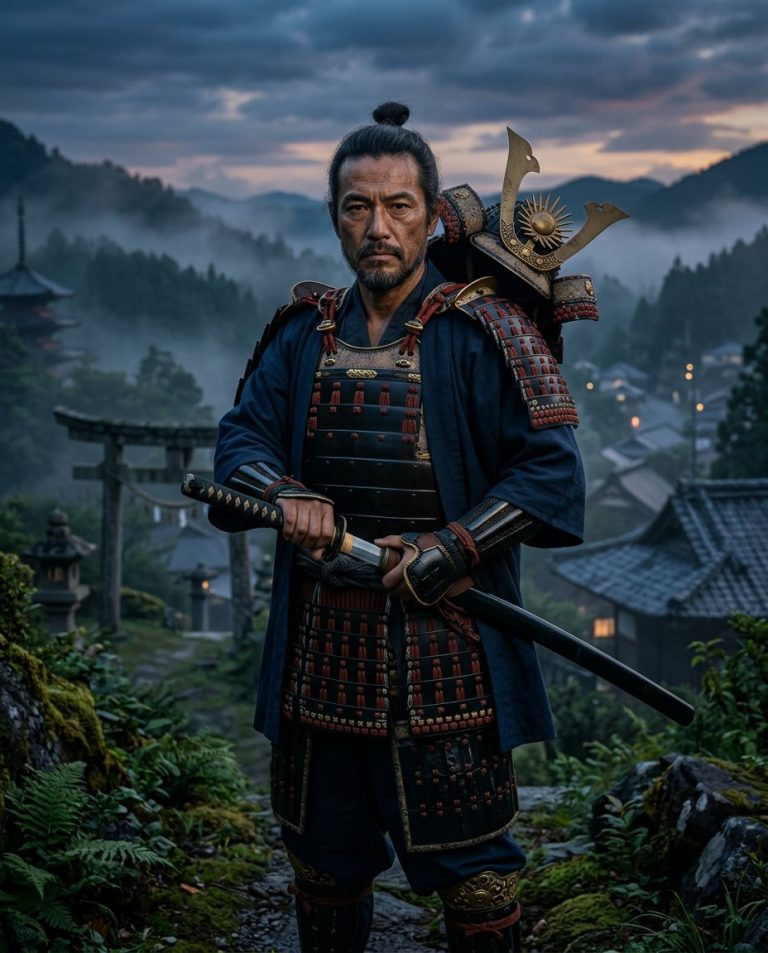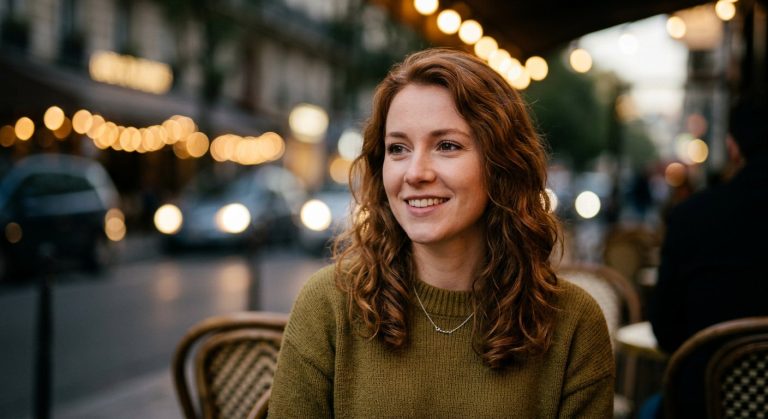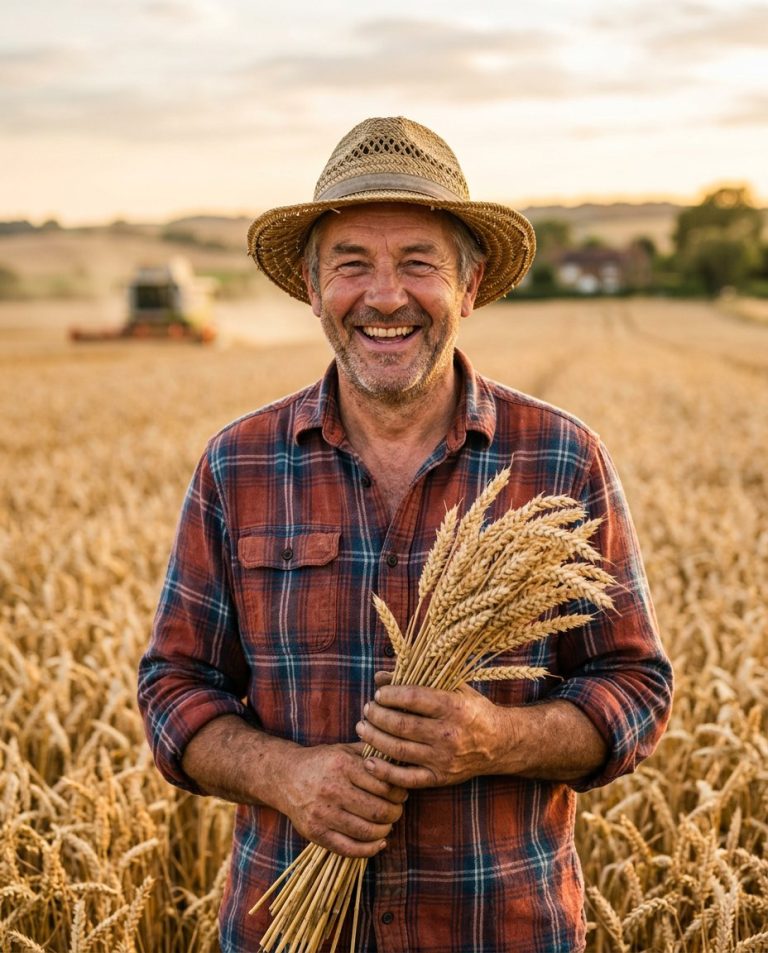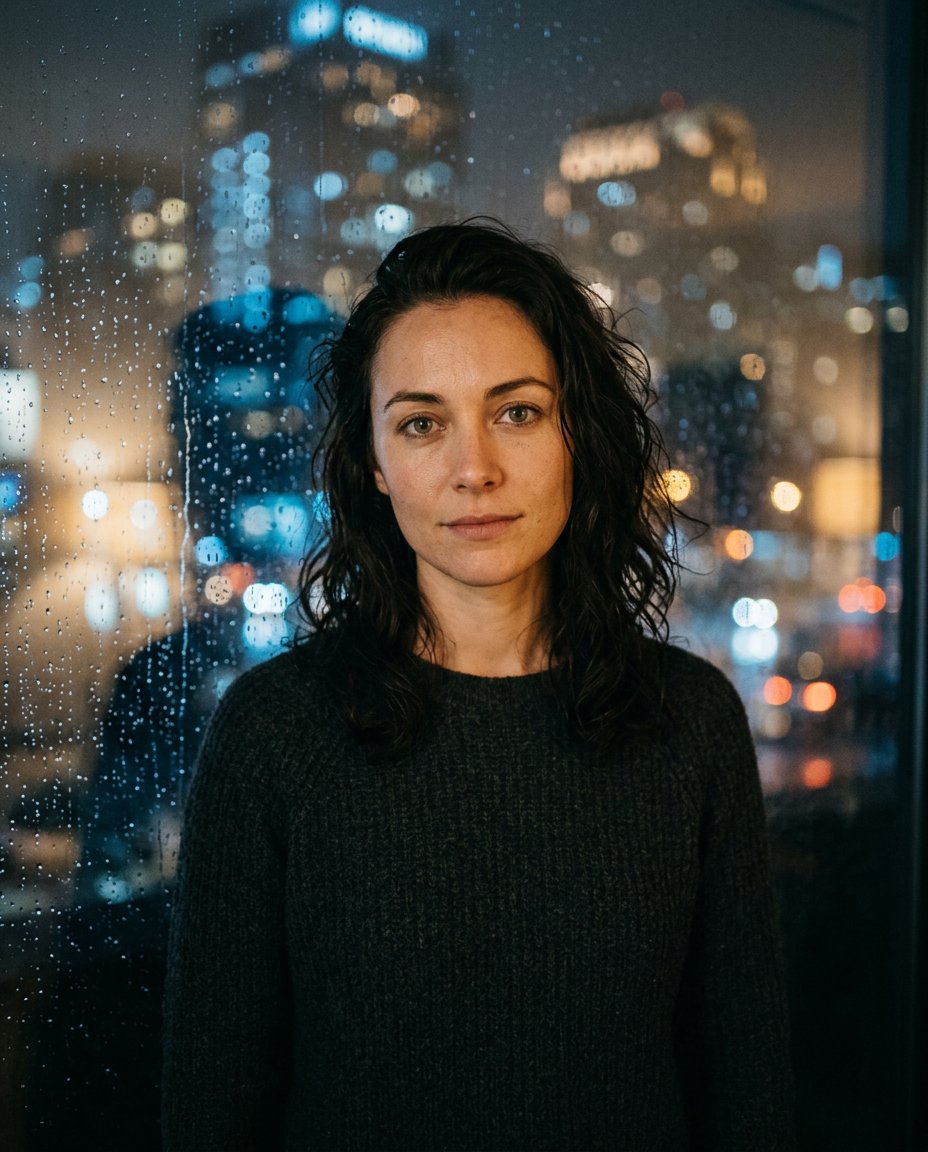
Rain on glass adds atmosphere while still leaving the subject recognizable. This prompt turns an adult woman selfie into an intimate night portrait with water droplets, softened city lights and a controlled reflection across the window rather than a new street scene.
Rights and accuracy note: Use a rights-cleared, licensed, public-domain or user-owned source photo. Each featured sample is an original fictional portrait example and does not depict a real public figure or documentary event. Add real names and copy outside the generated image, and label a materially AI-edited result when appropriate.
What This Prompt Changes
- Preserves the woman’s face, hair, expression, clothing and natural anatomy
- Adds realistic rain droplets on a window between the camera and subject
- Creates restrained blue-and-amber city bokeh in the distant background
- Keeps both eyes clear and the face readable through the glass
- Leaves a lower area that can carry manually added Instagram copy
How to Use It
Upload an authorized adult woman selfie or portrait. Use the prompt to build the window, droplets and night lighting while keeping the person’s identity intact. Add any real caption or location manually after generation; do not invent a named event or city.
Customize the Result
- Use cool blue and amber, violet and teal, or neutral rainy-gray lights
- Choose sparse fine droplets or larger sharply defined drops
- Use a 4:5 feed crop or a close 1:1 profile crop
- Keep the glass reflection subtle enough that the eyes remain unobstructed
AI Photo Editing Prompt
Negative Prompt
Prompt Details
| Prompt Type | Photo Editing |
|---|---|
| AI Tool | ChatGPT |
| Style | Cinematic |
| Category | Photo Editing |
| Use Case | Girls, Instagram, Social Media |
| Tags | cinematic portrait, city bokeh portrait, Female Selfie Edit, instagram portrait edit, rain window portrait, rainy night portrait |
| Aspect Ratio | 4:5 |
| Lighting | Soft cool night light with distant amber bokeh |
| Camera | Close cinematic portrait through glass |
| Lens | 85mm |
| Mood | Moody and intimate |
| Difficulty | Intermediate |
How to Use This Prompt
- Copy the prompt using the button above.
- Open your preferred AI image-generation or editing tool.
- Upload the photo you want to edit.
- Paste the prompt into the text field.
- Adjust parameters (aspect ratio, quality, steps) if necessary.
- Generate or edit the image, then refine until you like the result.