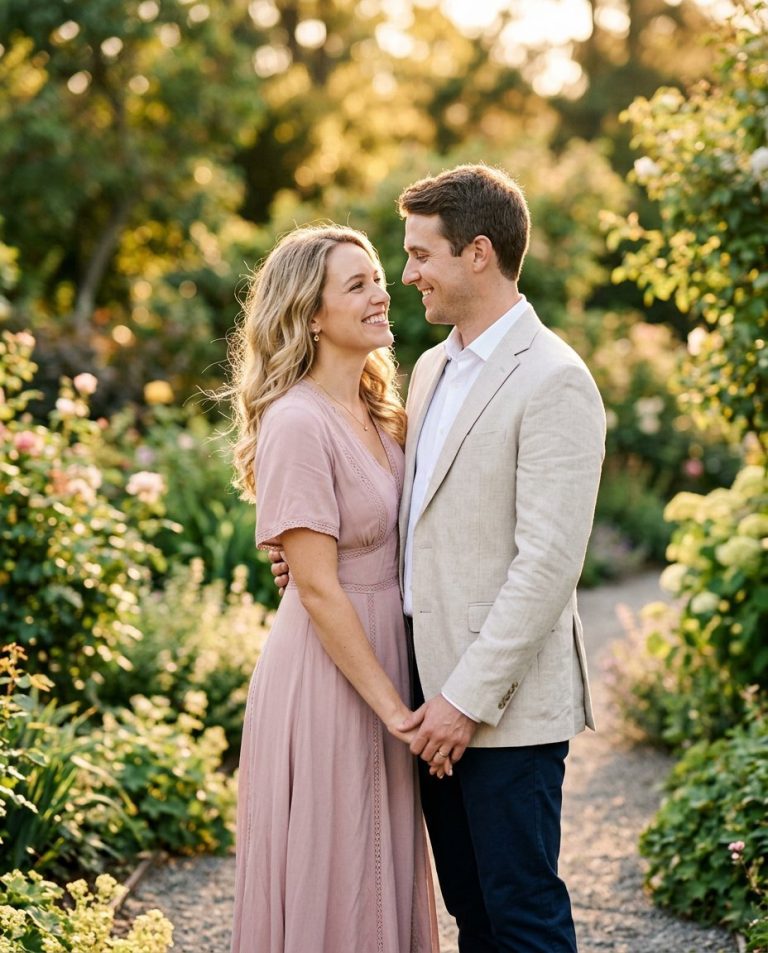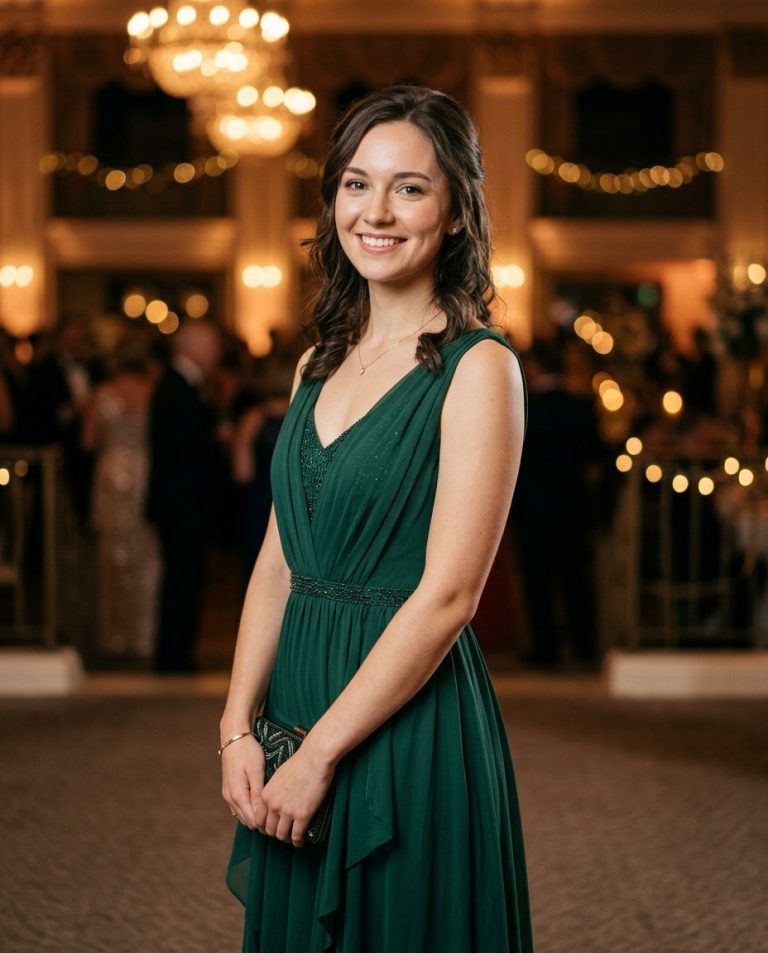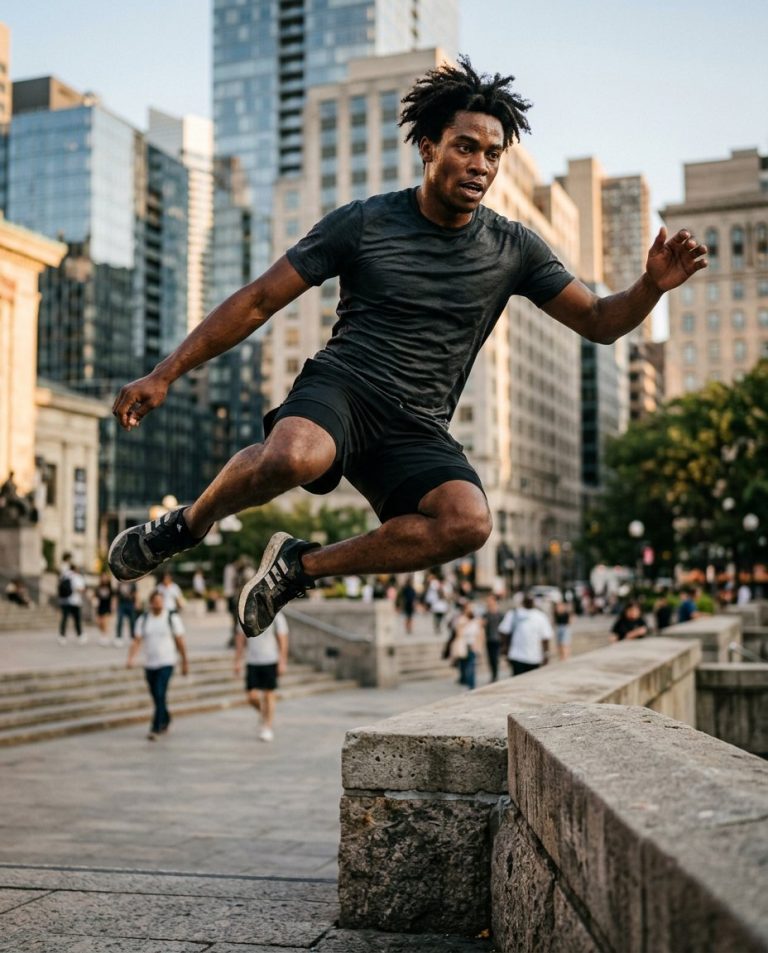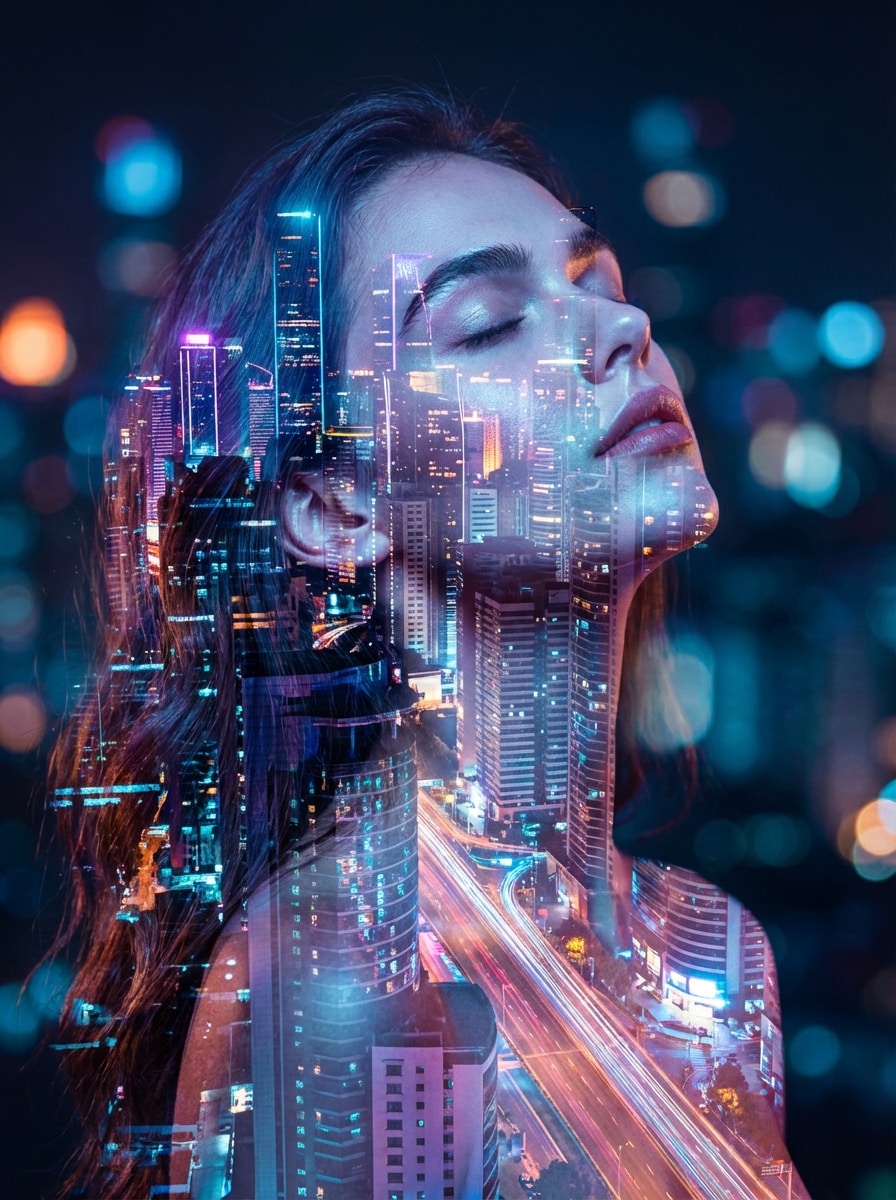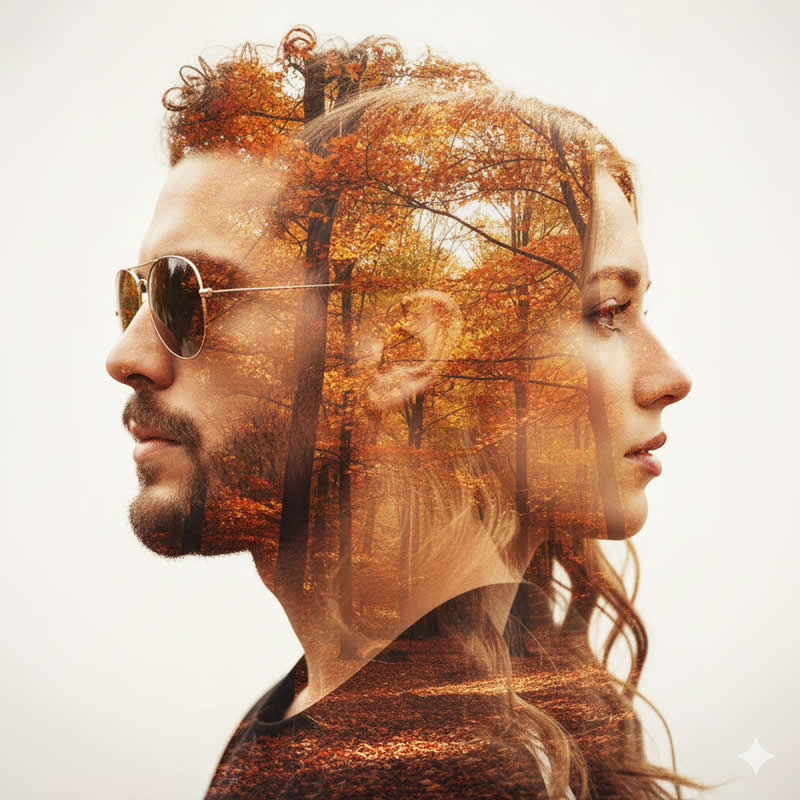
This concept turns an ordinary portrait into a graphic fashion-editorial image using architectural shadows, hard light and simple geometric shapes. The goal is a deliberate studio-art look, not a heavy beauty filter.
Sample image: Open a visual reference for art-directed portrait lighting and layered composition. This link is an external illustrative reference, not an original PromptTai-generated sample.
Main AI Prompt
Use the uploaded photo as the sole identity reference for the adult subject. Keep their recognisable facial identity, skin tone, face shape, age, hair and natural skin texture intact. Create a high-end studio fashion portrait with sculptural architectural shadows falling diagonally across a warm ivory wall and lightly across the shoulders, while leaving both eyes and the key facial features readable. Add one or two clean geometric light shapes, like sunlight passing through a modern window frame, with a deep charcoal outfit and a restrained palette of cream, stone, charcoal and muted bronze. Use crisp directional studio lighting, realistic shadow edges, natural pores, nuanced tonal detail and generous negative space. The result should feel like a premium independent fashion magazine cover photograph, minimalist, precise and photorealistic, vertical 4:5 crop. No text, logos, watermarks or extra people.
Negative Prompt
changed identity, altered facial structure, face swap, plastic skin, excessive retouching, distorted eyes, dark shadow covering the whole face, random shapes, messy background, extra limbs, text, logo, watermark, oversaturated colors, low detail, artifacts.
How to Use
- Choose a sharp portrait with visible facial features.
- Upload it to an image editor that accepts photo references.
- Paste the main prompt, then reduce shadow coverage if the face becomes too dark.
Rights and Accuracy
Only edit images you own or have permission to use. The linked sample is an external visual reference; the prompt describes a creative direction and does not guarantee social reach.
AI Photo Editing Prompt
Prompt Details
| Prompt Type | Photo Editing |
|---|---|
| AI Tool | ChatGPT, Gemini |
| Style | Editorial, Photorealistic |
| Category | Photo Editing |
| Use Case | Instagram, Social Media |
How to Use This Prompt
- Copy the prompt using the button above.
- Open your preferred AI image-generation or editing tool.
- Upload the photo you want to edit.
- Paste the prompt into the text field.
- Adjust parameters (aspect ratio, quality, steps) if necessary.
- Generate or edit the image, then refine until you like the result.