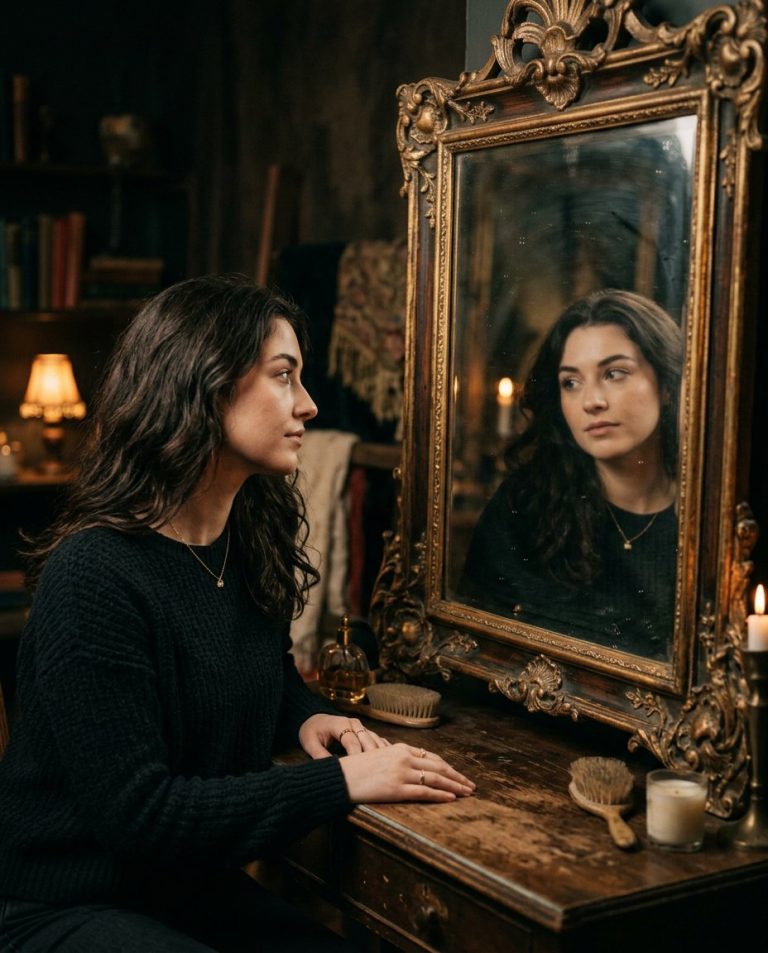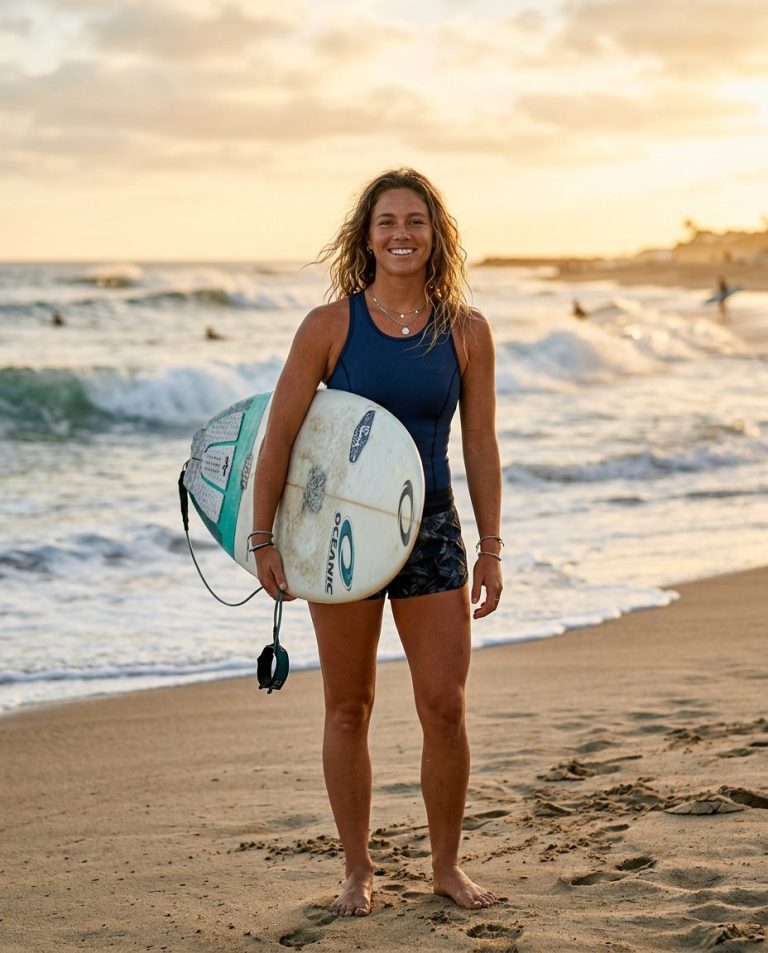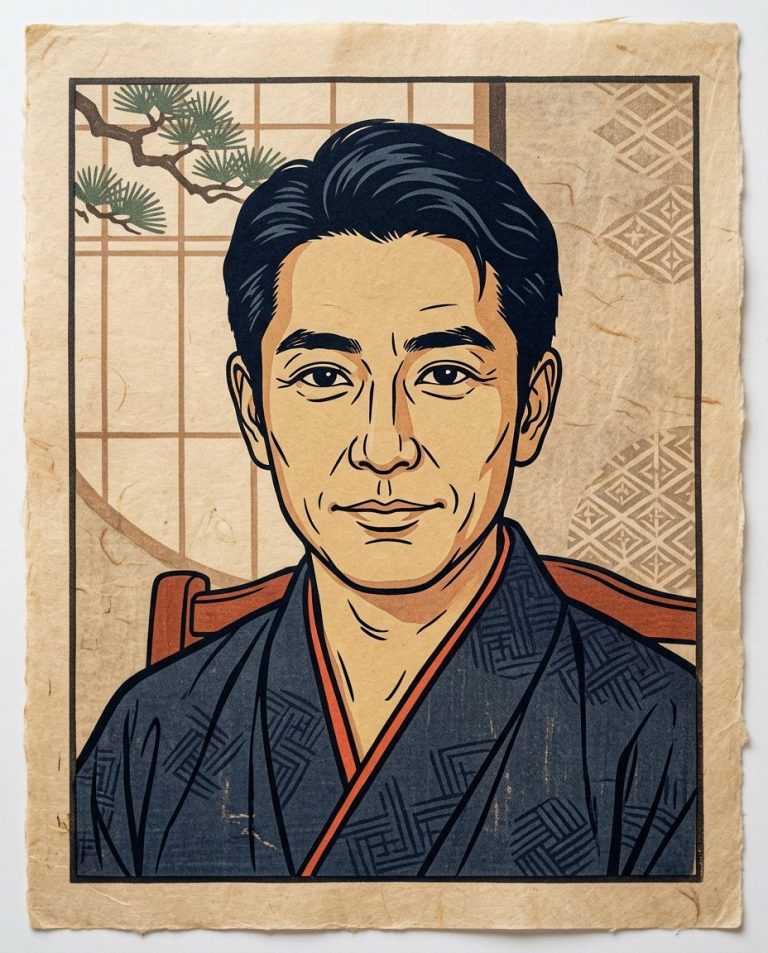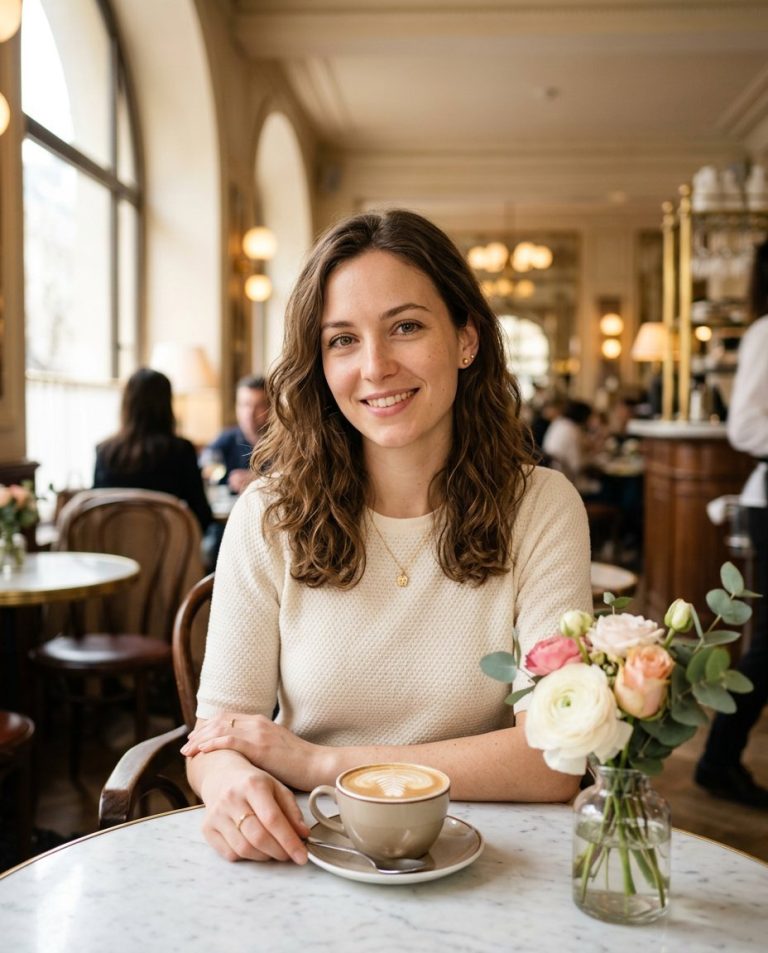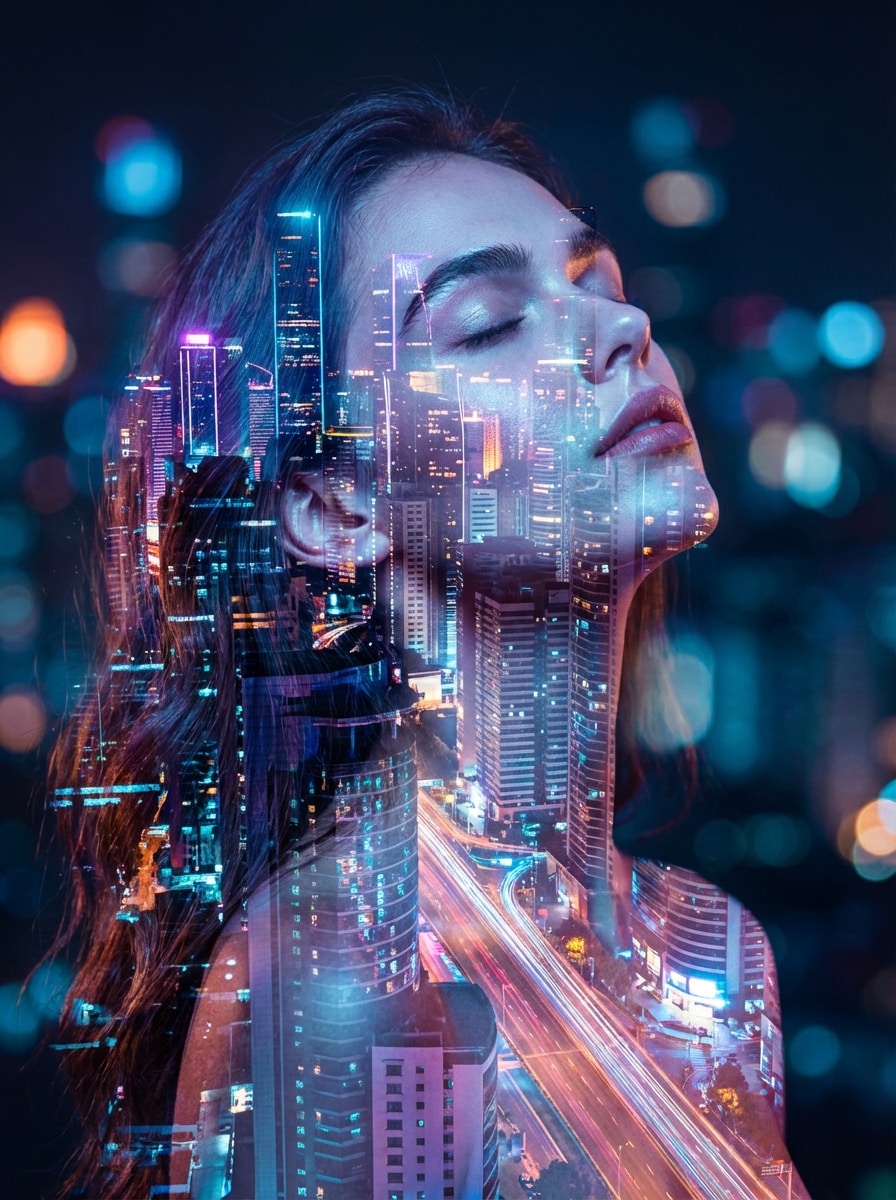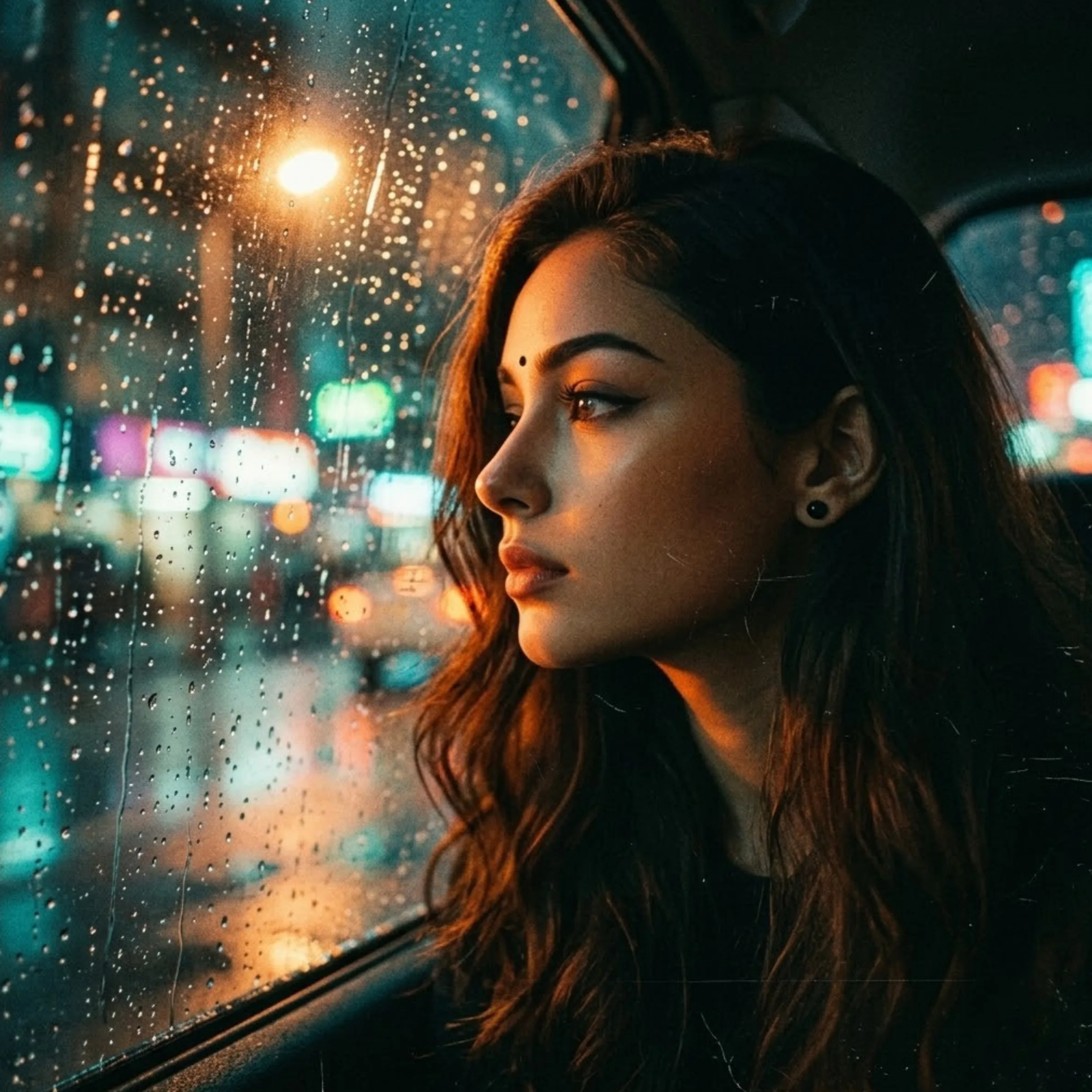
Create a moody, fashion-editorial portrait with the atmosphere of a rainy city seen through a window. The visual interest comes from real-looking glass droplets, layered reflections and carefully controlled focus—not a heavy filter.
Sample image: View this visual reference for portrait-and-city-light layering. It is an external style reference, not a generated PromptTai example.
Main AI Prompt
Use the uploaded image as the sole identity reference for the adult subject. Preserve recognisable facial features, face shape, skin tone, age, hair, and natural skin texture. Create a photorealistic editorial portrait as though the camera is focused on the subject standing just behind a rain-speckled window at night. Place a few crisp water droplets and subtle streaks on the glass in the extreme foreground, with delicate, physically plausible reflections of distant city lights. Keep the subject’s eyes and face clear and correctly proportioned; let the glass texture soften only the edges and background. Use muted charcoal, petrol blue and a small amount of warm tungsten bokeh, soft directional light on the face, realistic reflection intensity, shallow depth of field and restrained film grain. Premium fashion magazine photography, atmospheric but believable, clean visual hierarchy, 4:5 vertical crop. Do not add text, logos or extra people.
Negative Prompt
changed identity, face swap, distorted facial features, plastic skin, artificial beauty filter, too many water droplets over eyes, impossible reflections, duplicate face, extra people, oversaturated neon, fake text, logo, watermark, low resolution, artifacts.
How to Use
- Upload a well-lit selfie or portrait.
- Paste the main prompt into an image editor with image-reference support.
- Ask for fewer droplets if the face becomes obscured.
Rights and Accuracy
Use a photo you own or have permission to edit. The reference link is external and illustrative; this concept does not promise virality.
AI Photo Editing Prompt
Prompt Details
| Prompt Type | Photo Editing |
|---|---|
| AI Tool | ChatGPT, Gemini |
| Style | Editorial, Photorealistic |
| Category | Photo Editing |
| Use Case | Instagram, Social Media |
How to Use This Prompt
- Copy the prompt using the button above.
- Open your preferred AI image-generation or editing tool.
- Upload the photo you want to edit.
- Paste the prompt into the text field.
- Adjust parameters (aspect ratio, quality, steps) if necessary.
- Generate or edit the image, then refine until you like the result.