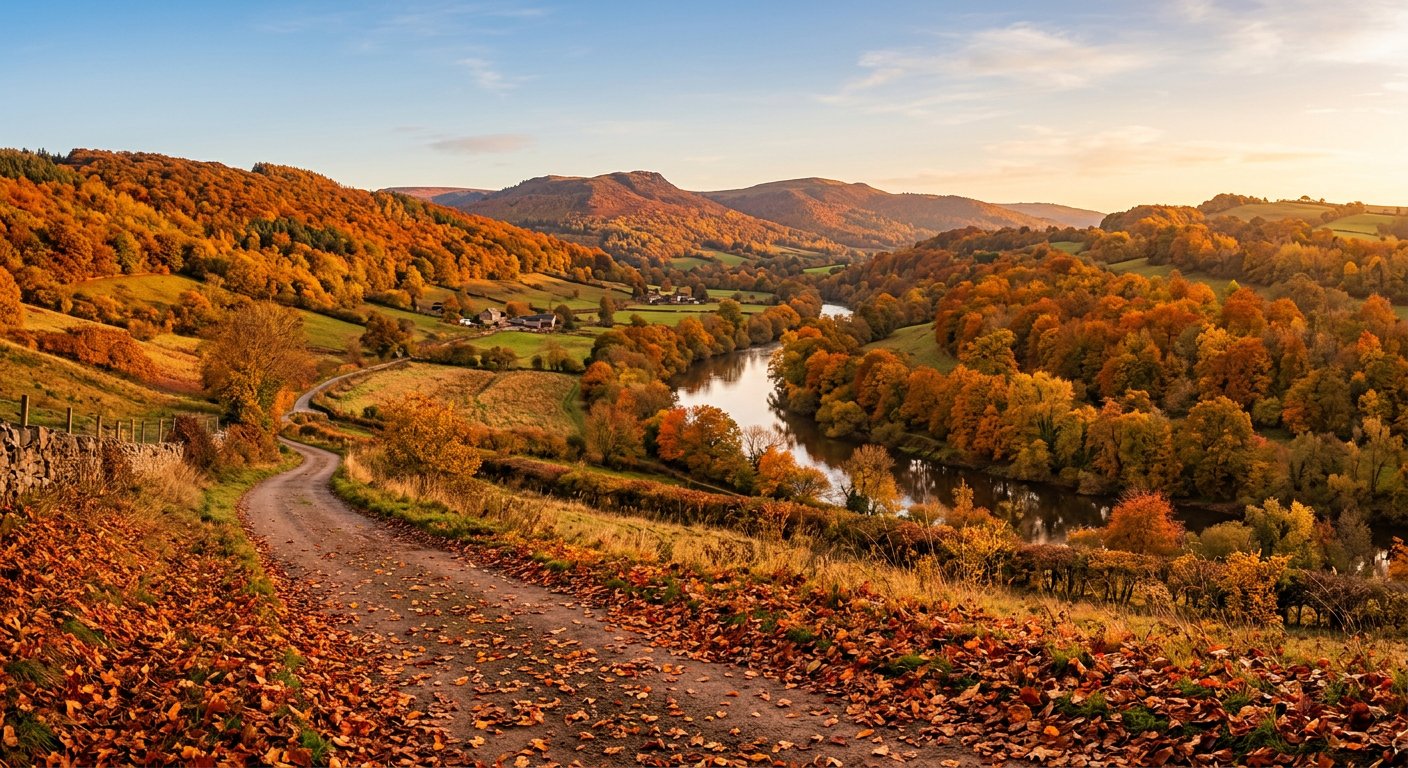
This season change editing prompt transforms a summer landscape into a warm autumn scene with golden foliage and cozy tones. Ideal for seasonal content.
AI Photo Editing Prompt
PromptEdit the uploaded photograph to change the season from summer to autumn. Transform the green foliage into warm autumn colors of amber, orange and deep red, add scattered fallen leaves on the ground, and warm the overall color grade to a golden autumn tone. Keep the composition, subject, structures and lighting direction unchanged, and match the shadows and reflections to the new seasonal colors. Preserve realistic detail and a natural, believable transition without oversaturation. The final image should look like the same location photographed in mid-autumn, aspect ratio 16:9
Negative Prompt
Negative Promptgreen leaves, summer sky, oversaturated, cartoonish, blurry, watermark, changed composition, unrealistic colors
Prompt Details
| Prompt Type | Photo Editing |
|---|---|
| AI Tool | Gemini |
| Style | Photorealistic |
| Category | Photo Editing |
| Use Case | Instagram, Social Media |
| Tags | autumn, fall foliage, landscape, photo editing, season change, warm |
| Aspect Ratio | 16:9 |
| Lighting | Warm autumn light |
| Camera | — |
| Lens | — |
| Mood | Warm |
| Difficulty | Beginner |
How to Use This Prompt
- Copy the prompt using the button above.
- Open your preferred AI image-generation or editing tool.
- Upload the photo you want to edit.
- Paste the prompt into the text field.
- Adjust parameters (aspect ratio, quality, steps) if necessary.
- Generate or edit the image, then refine until you like the result.