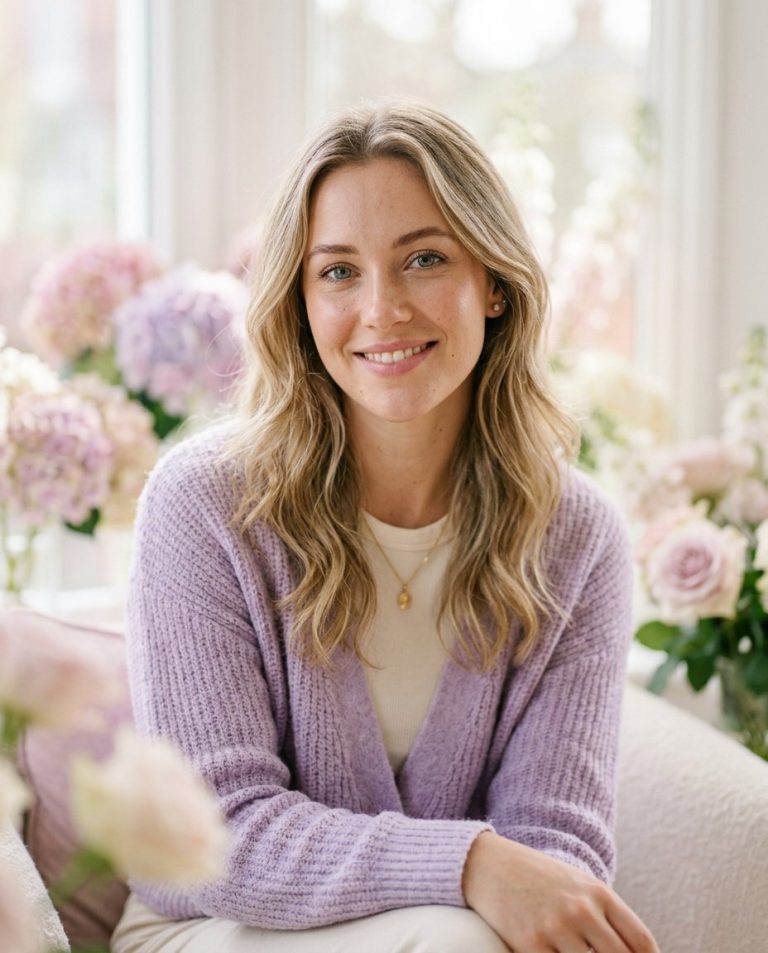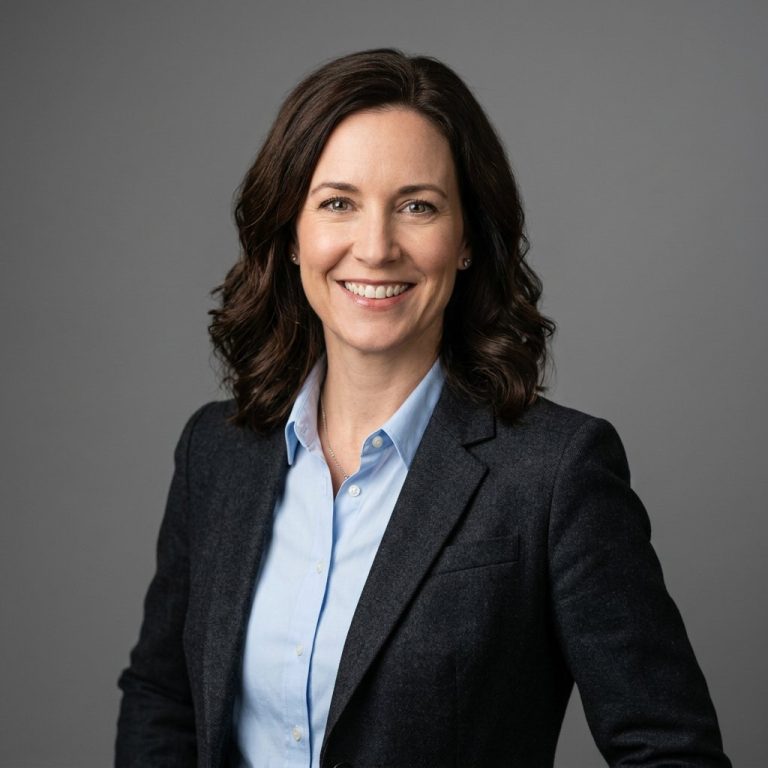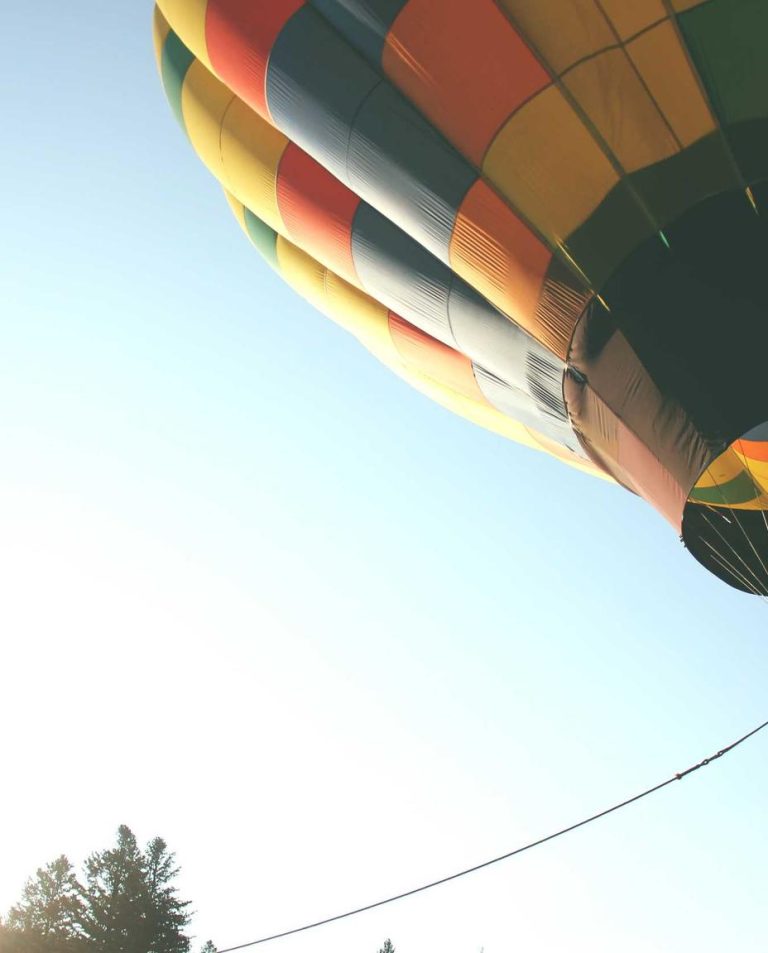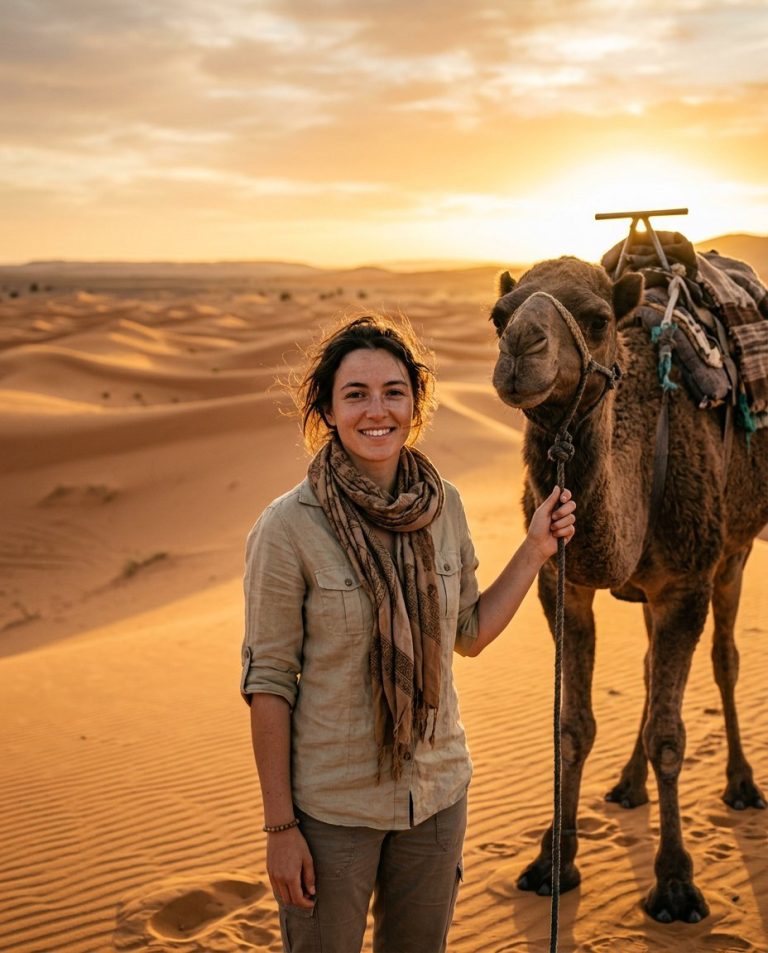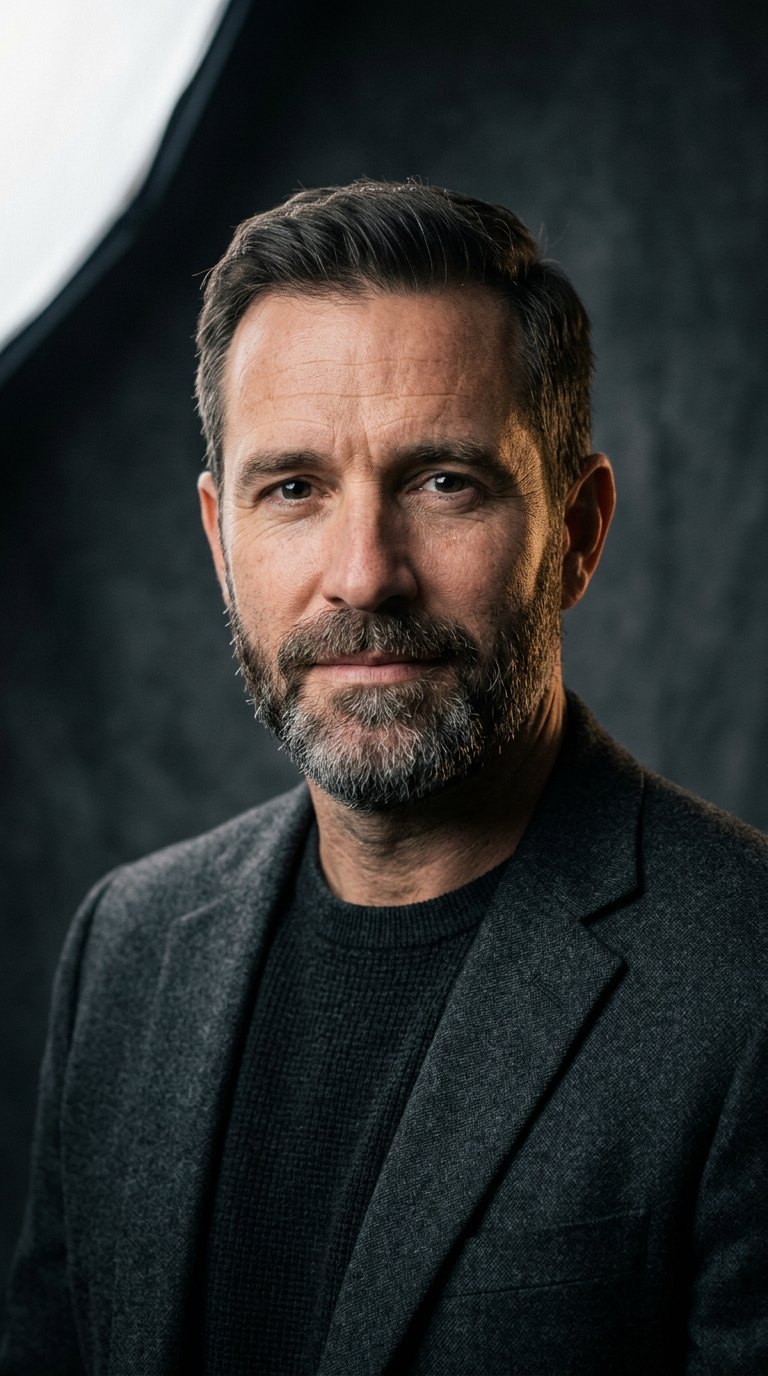
This prompt relights a flat or poorly lit portrait by adding professional studio lighting: a soft key light, gentle fill and controlled shadows, so the subject looks sculpted and dimensional. Useful for headshots, portraits and profile photos.
AI Photo Editing Prompt
PromptEdit the uploaded portrait by relighting it with professional studio lighting. Add a soft directional key light from the upper left that sculpts the face, a gentle fill light that lifts the shadows, and a subtle rim light that separates the subject from the background. Keep the person's facial identity, features, pose, clothing and background completely unchanged. Deepen the shadows naturally, keep realistic skin texture, and add soft catchlights in the eyes. The final image should look like the same person photographed in a professional studio, dramatic yet natural, aspect ratio 3:4
Negative Prompt
Negative Promptchanged face, unnatural skin, harsh shadows, overexposed highlights, cartoonish, altered background, watermark
Prompt Details
| Prompt Type | Photo Editing |
|---|---|
| AI Tool | Ideogram |
| Style | Photorealistic |
| Category | Photo Editing |
| Use Case | Instagram, Social Media |
| Tags | headshot, photo editing, photorealistic, portrait, studio, studio lighting, studio portrait |
| Aspect Ratio | 3:4 |
| Lighting | Studio |
| Camera | — |
| Lens | — |
| Mood | Dramatic |
| Difficulty | Beginner |
How to Use This Prompt
- Copy the prompt using the button above.
- Open your preferred AI image-generation or editing tool.
- Upload the photo you want to edit.
- Paste the prompt into the text field.
- Adjust parameters (aspect ratio, quality, steps) if necessary.
- Generate or edit the image, then refine until you like the result.